- Open Calculators from the Ask Sidebar
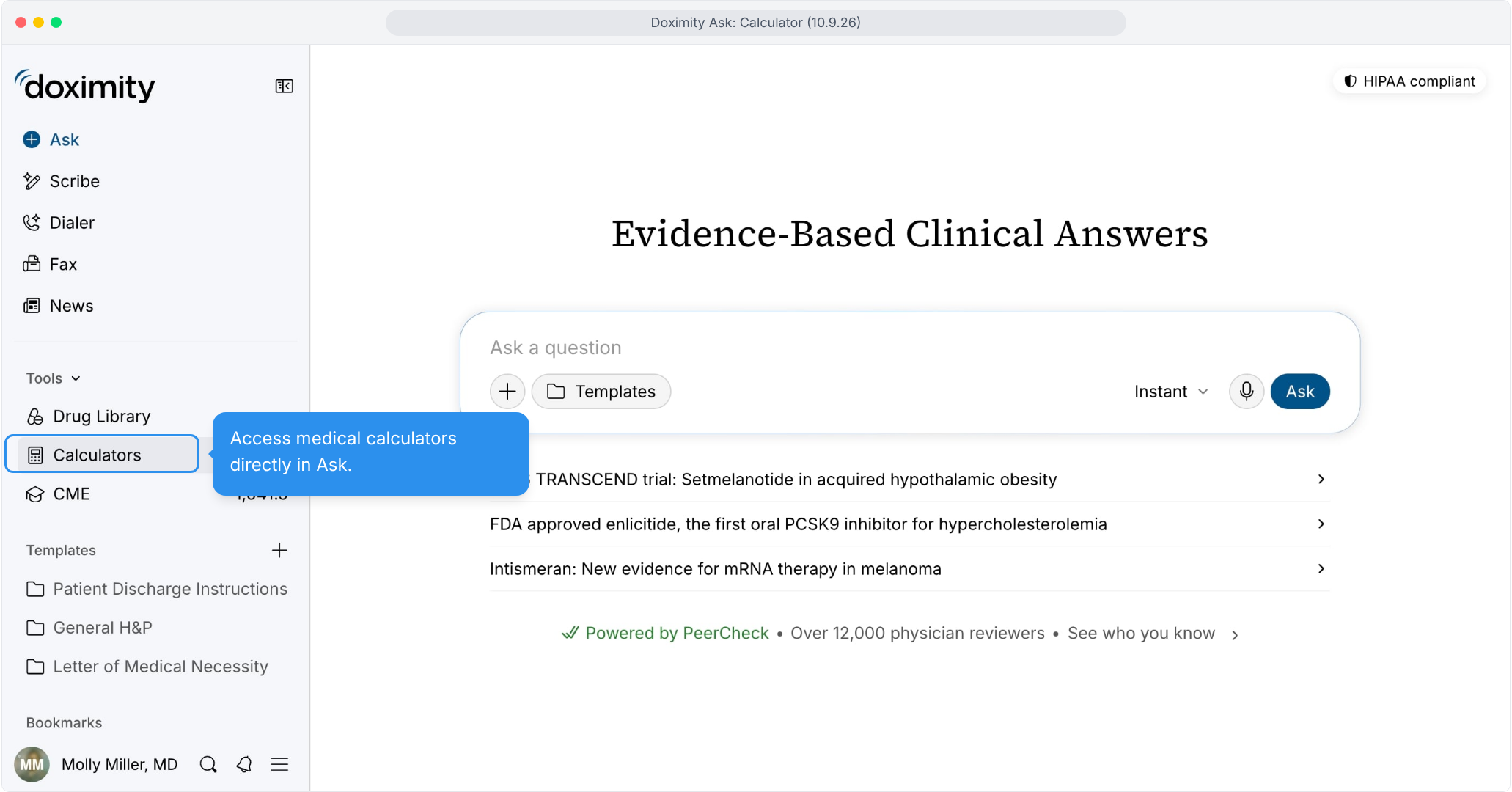
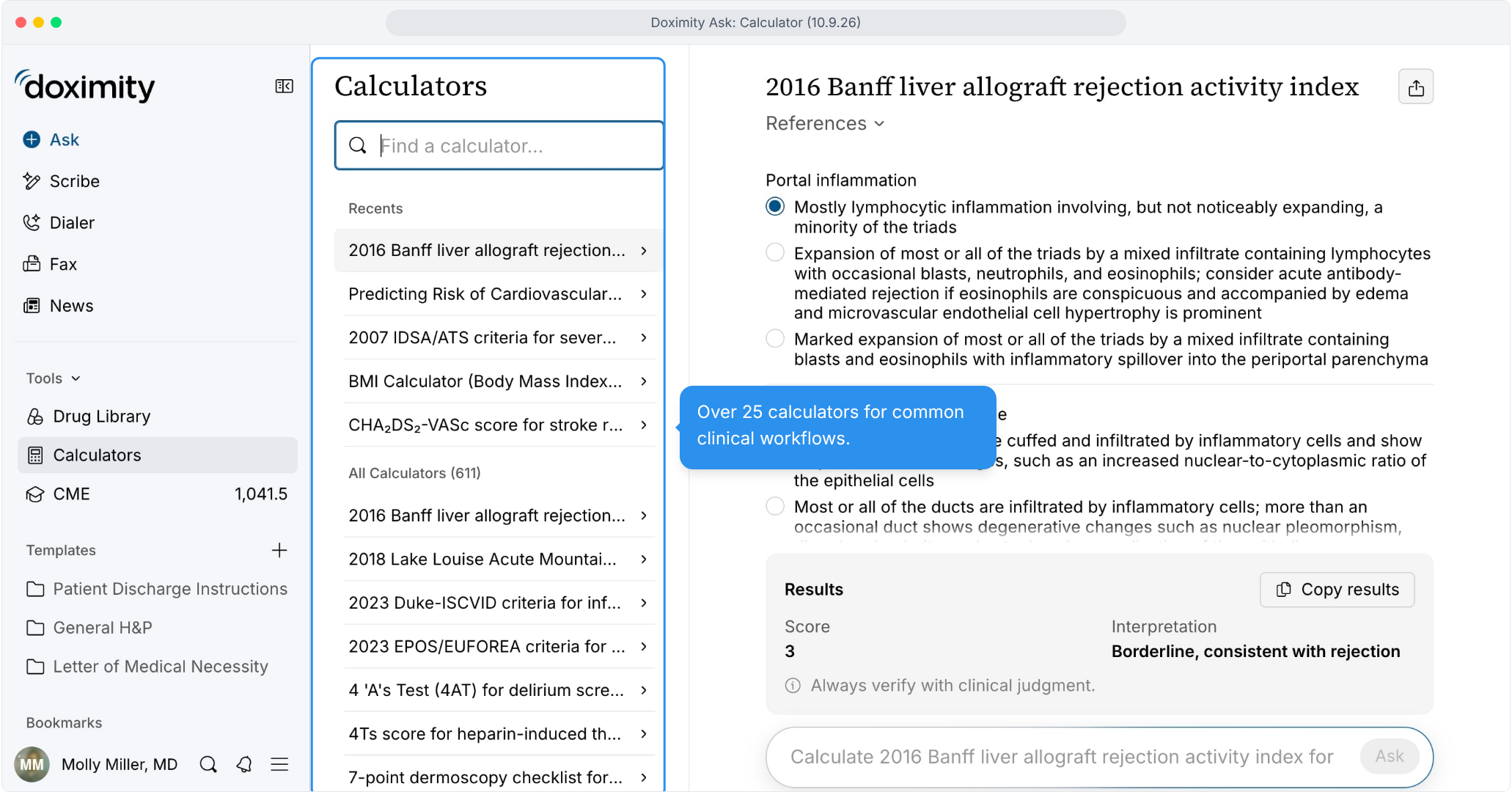
- Find a Calculator Fast
Type a name in the search box, or pick from Recents or the A-Z list.
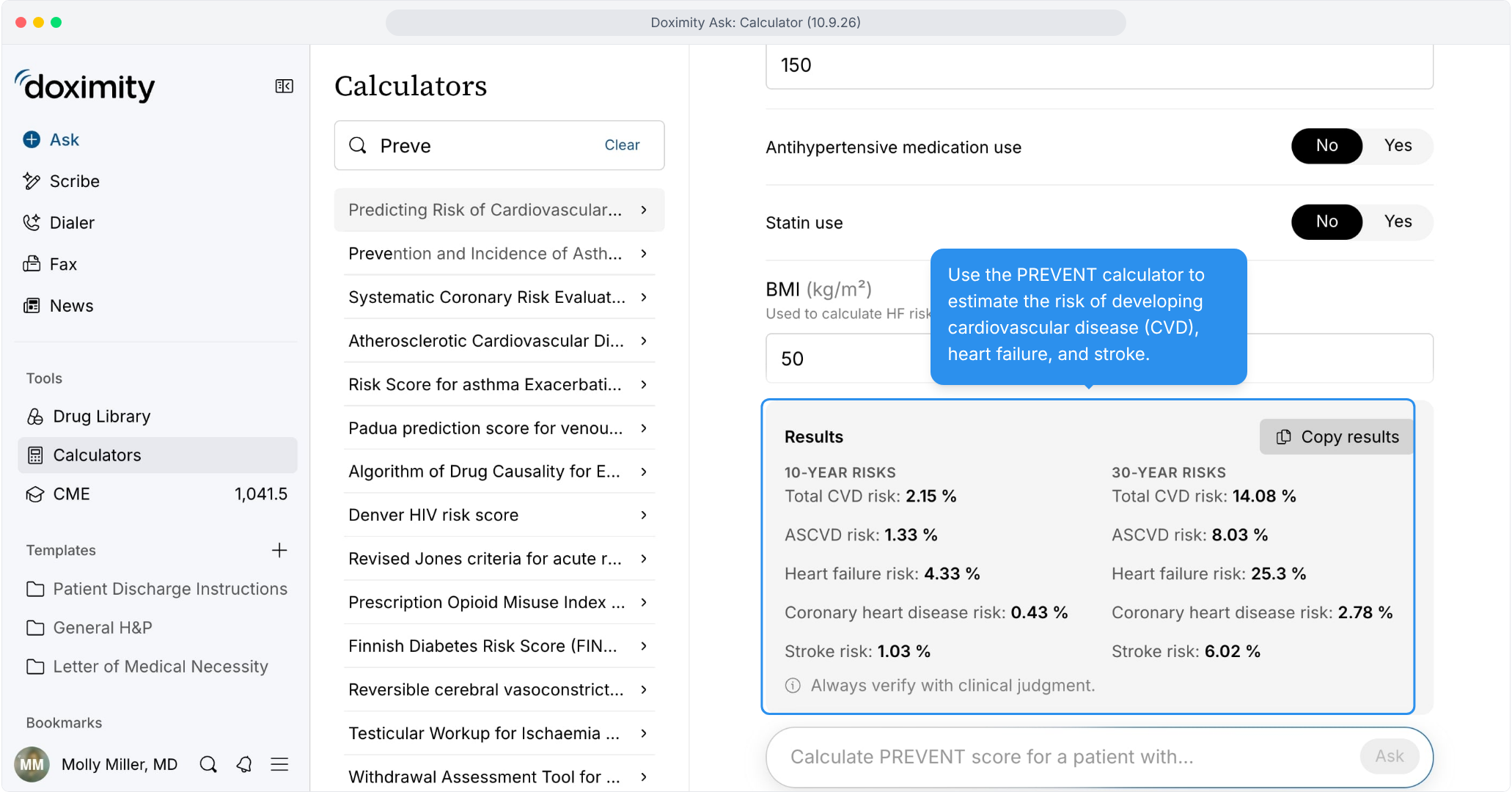
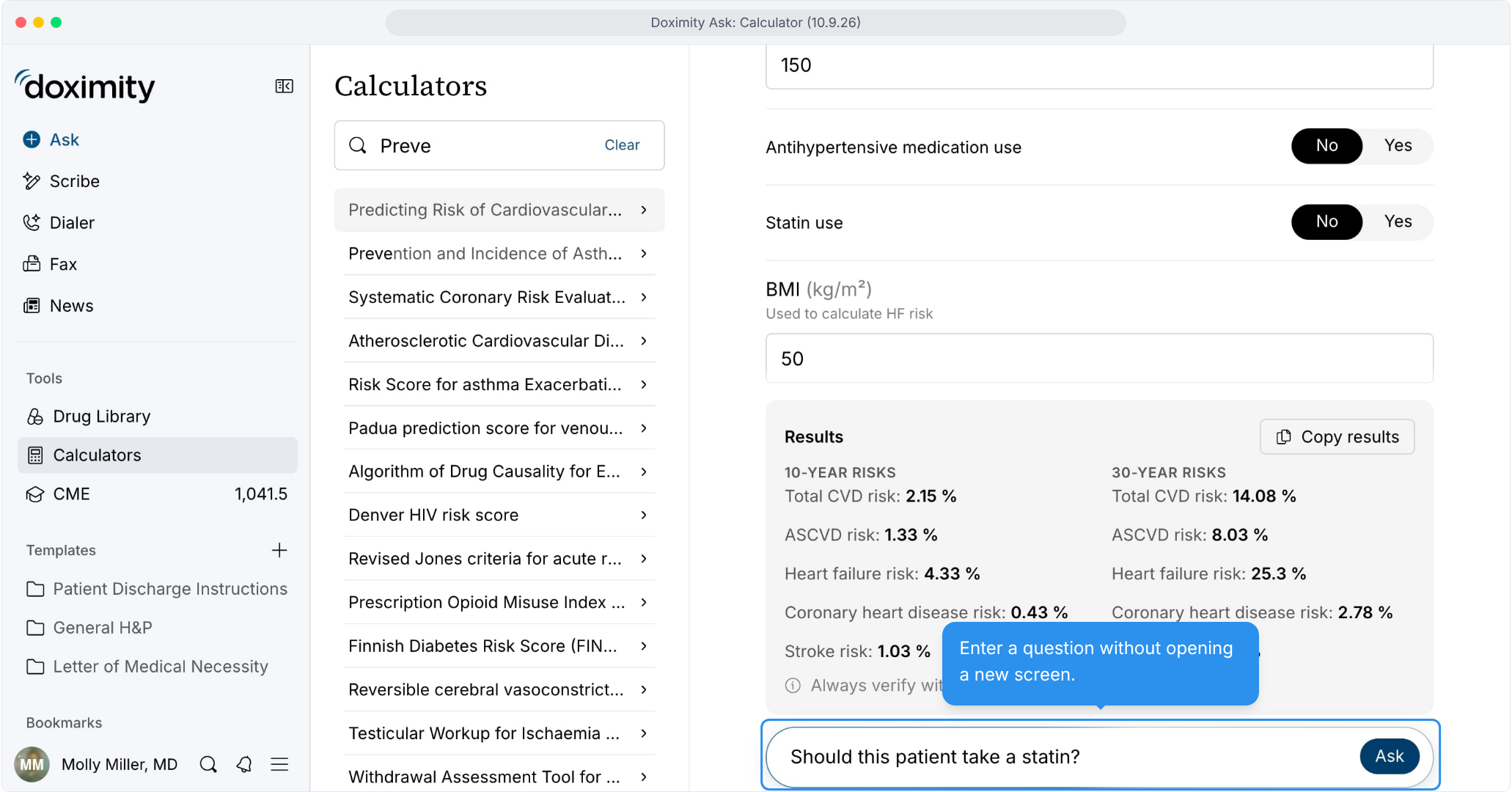
- Search and Enter Patient Values
Type a name like “Preve,” select PREVENT, and fill in the fields.
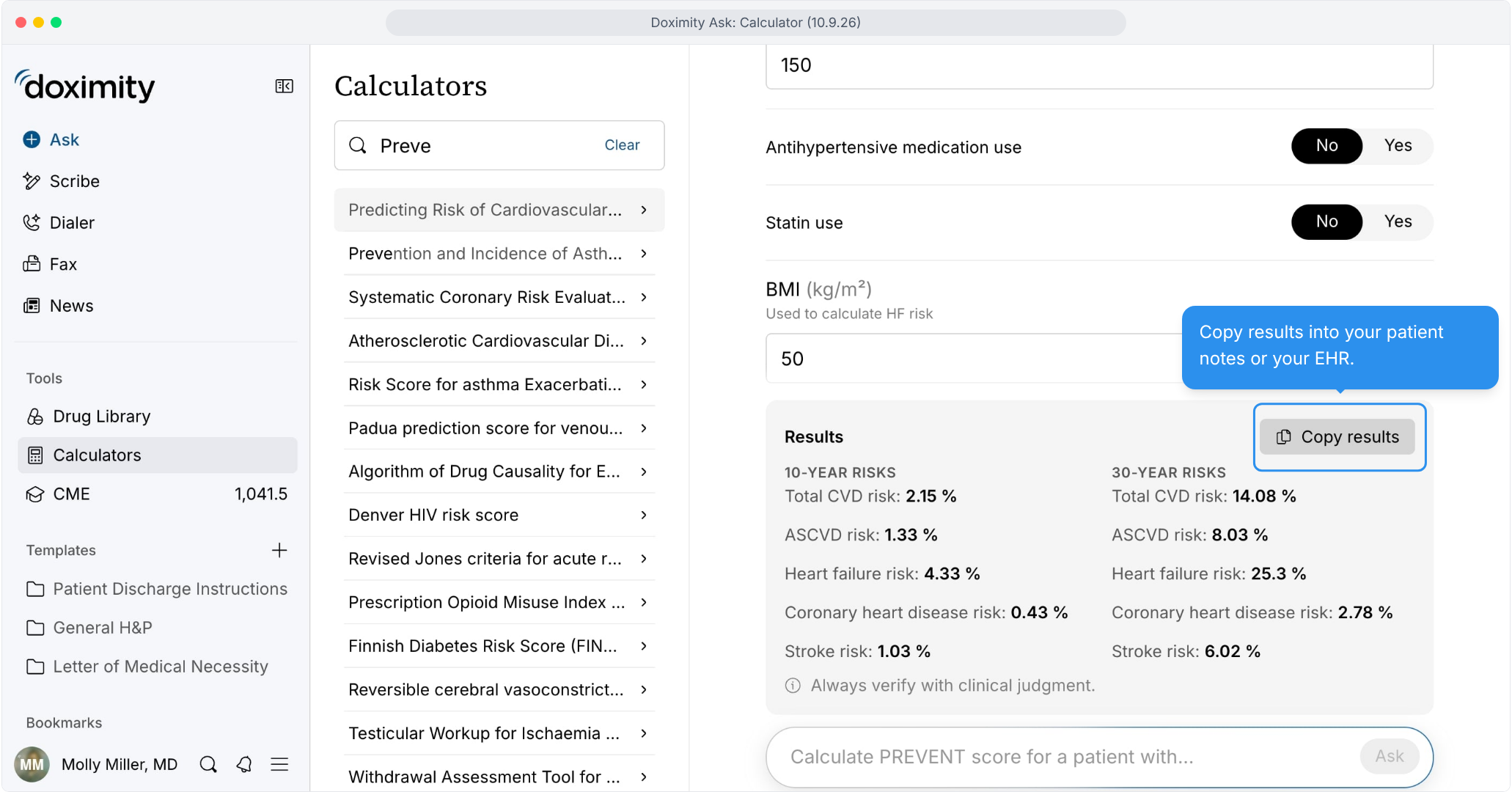
- Easy to Copy Results
Select Copy results to paste into your note or EHR.
- Follow Up Without Switching Screens
Type your question below the results- no new screen is needed.
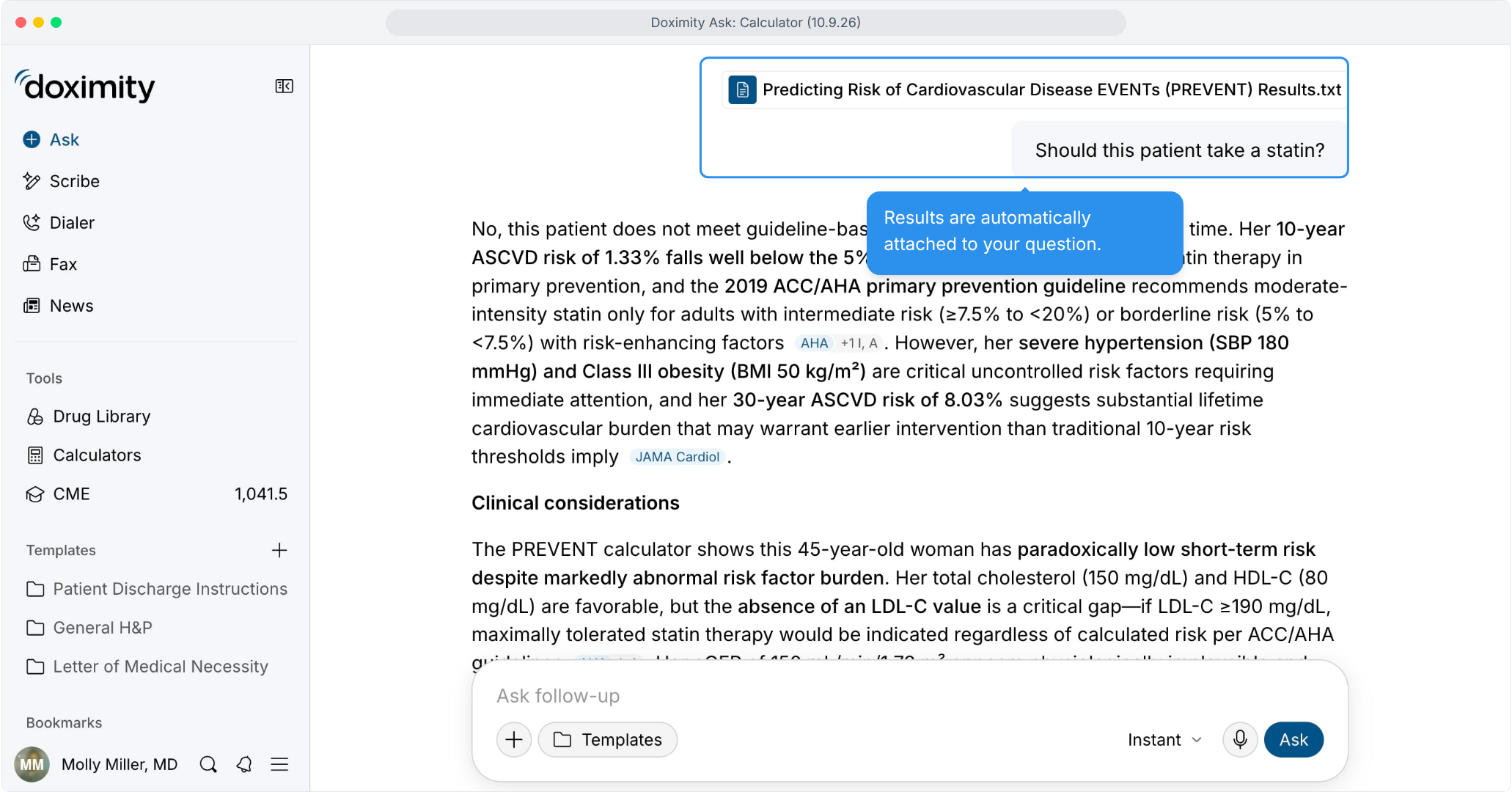
- Results Are Built Into Your Question
Your results are integrated automatically, no copying or retyping
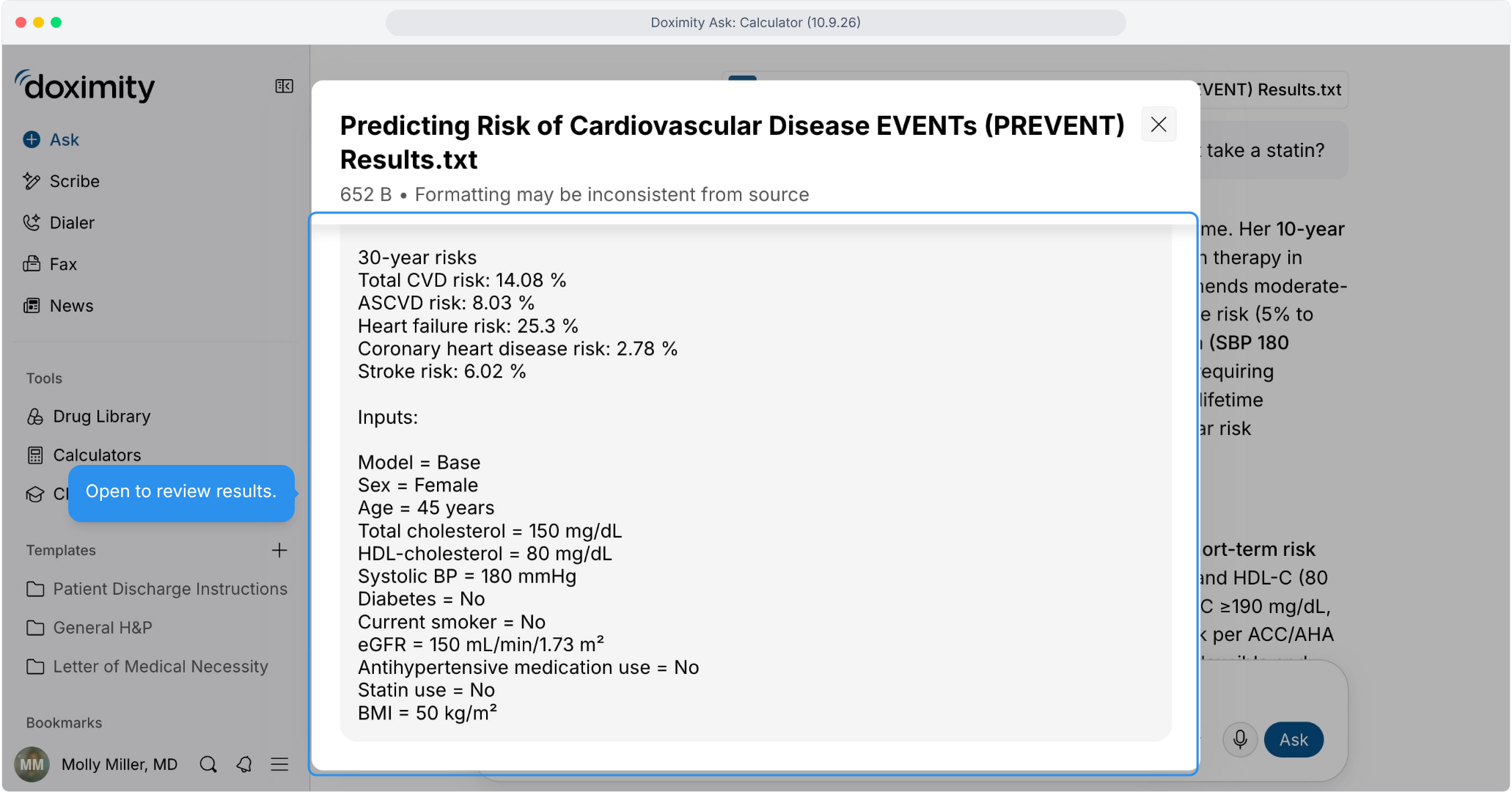
- See the Results Behind the Answer
Select the file to see exactly what Ask used to answer
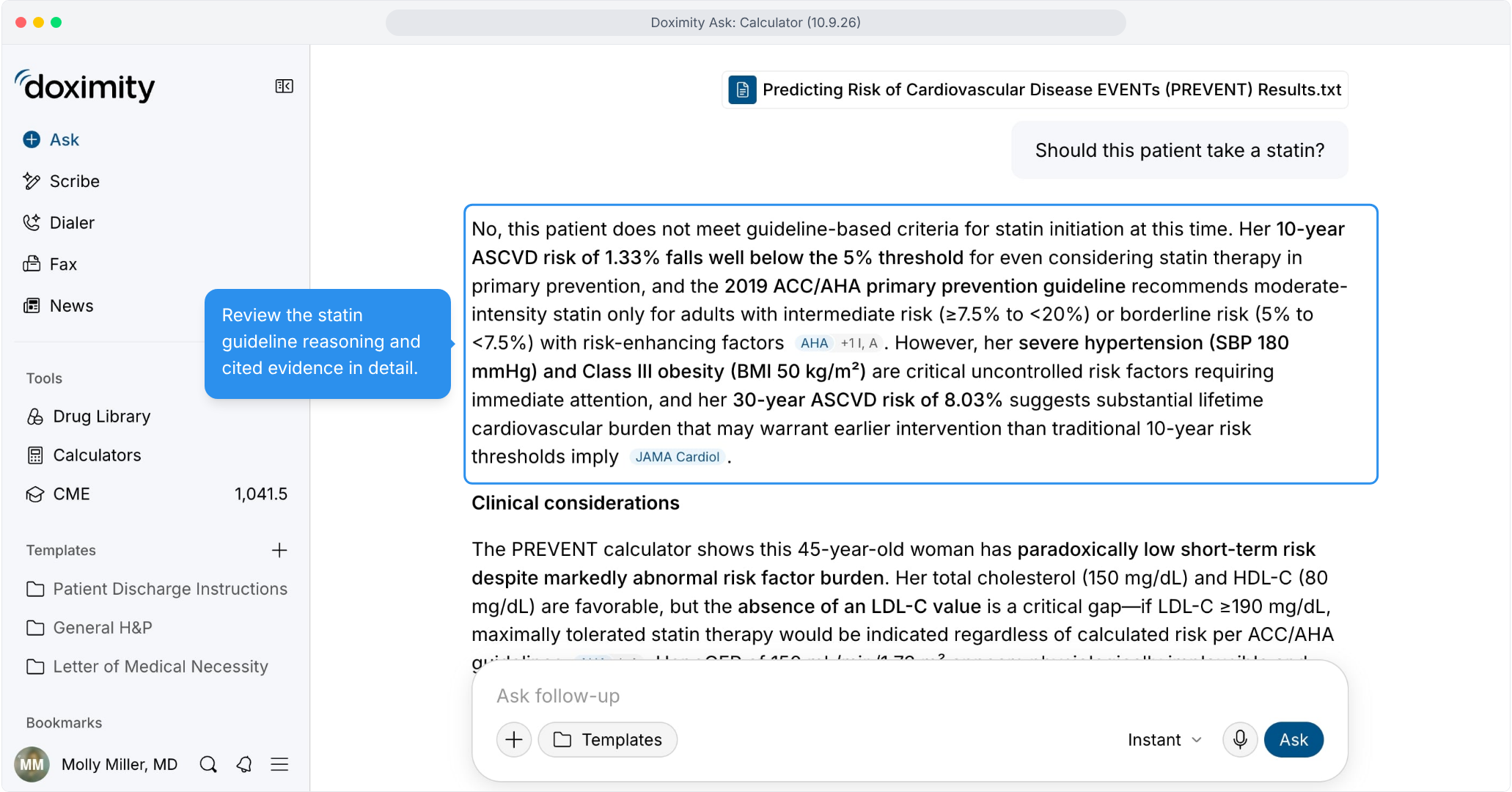
- Your Patient, Your Answer
Cited guidance applied to your patient’s results, not generic data.

Features
Clinical Calculators
Clinical calculators are built into Doximity Ask. Identify the appropriate score, enter relevant values, and view results alongside the clinical context and supporting evidence to guide patient care