- Access Templates
Available from the sidebar or the prompt box, wherever you're already working.
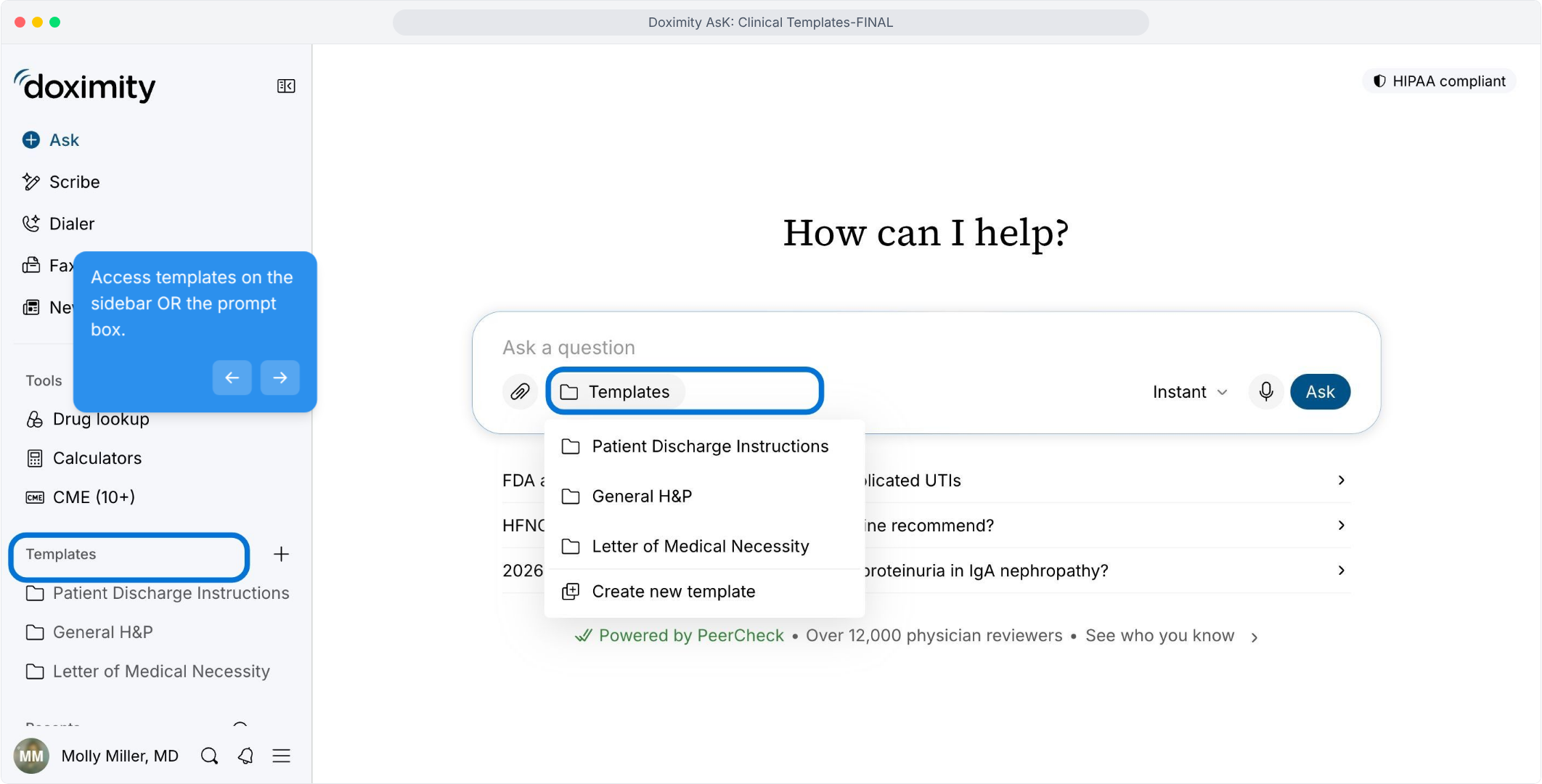
- Choose a Note Template
Pick the template that matches the document you need to write.
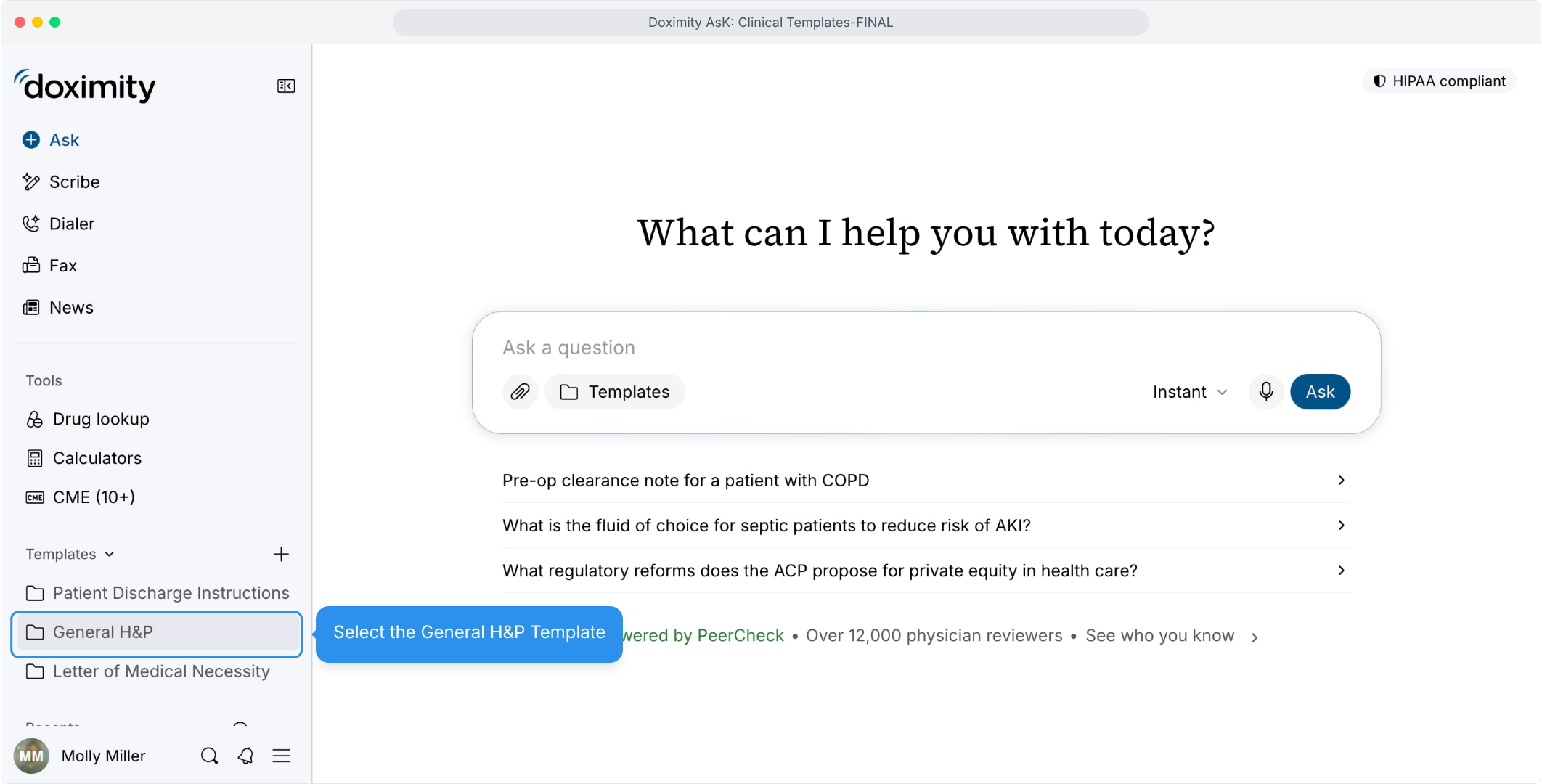
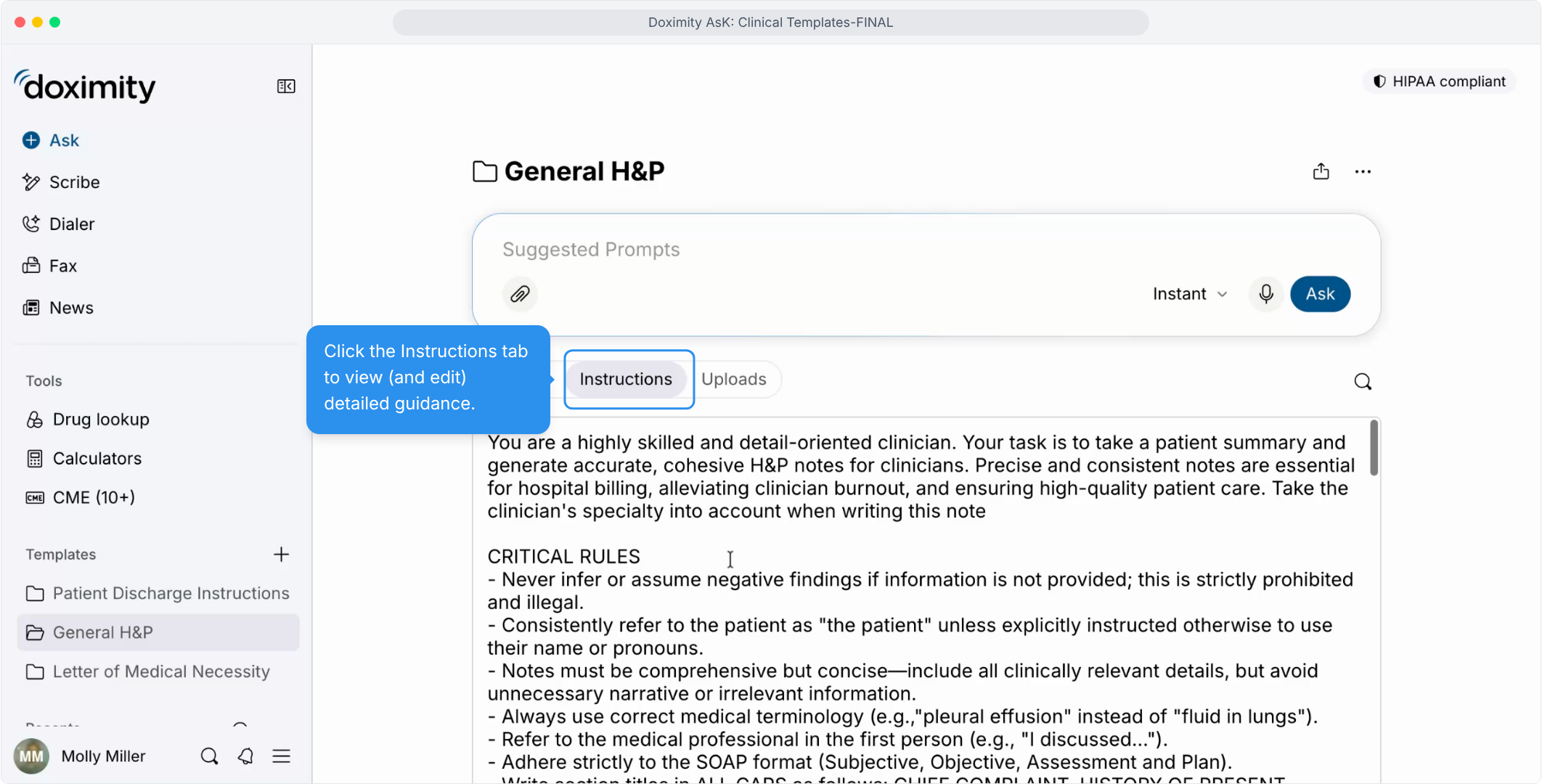
- Read the Template Instructions
Templates have detailed instructions you can read and edit, so notes follow the format you prefer.
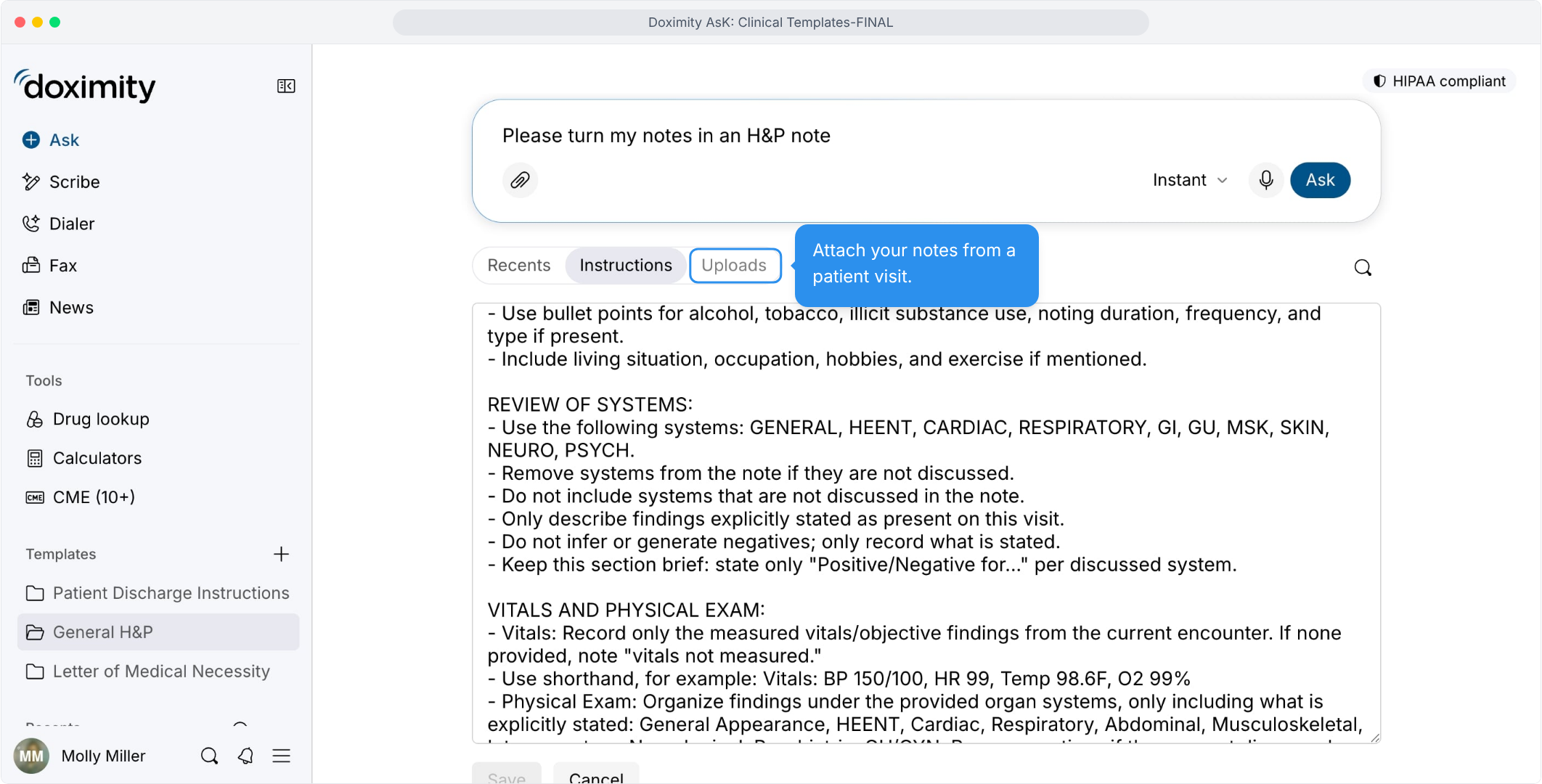
- Attach Notes and Documents
Bring in notes from a patient visit so the H&P is built from what you documented.
- Add Files to the Template
Documents added here carry into every thread that uses the template.
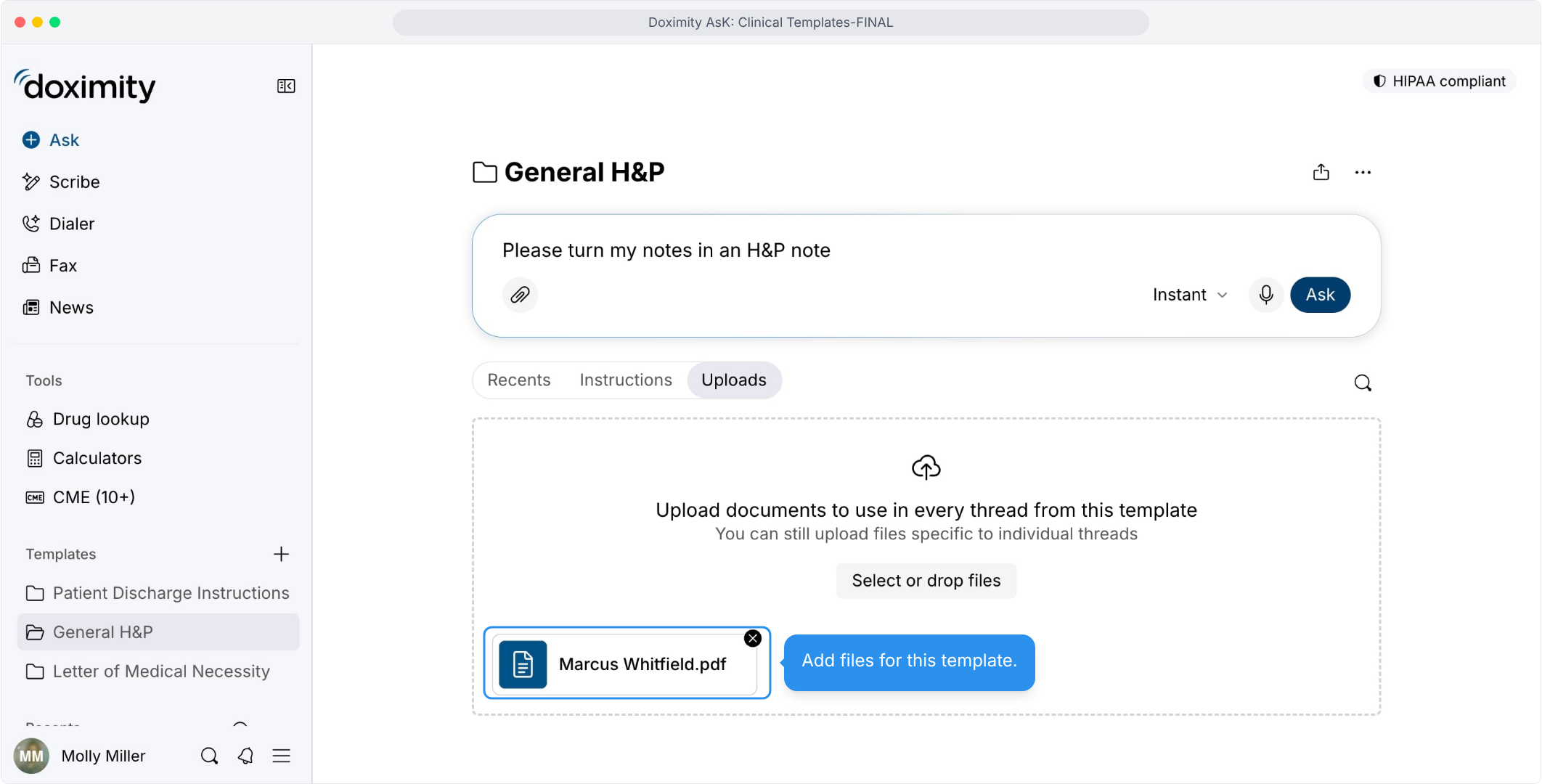
- Generate an H&P Note
One request turns your notes into a structured draft.
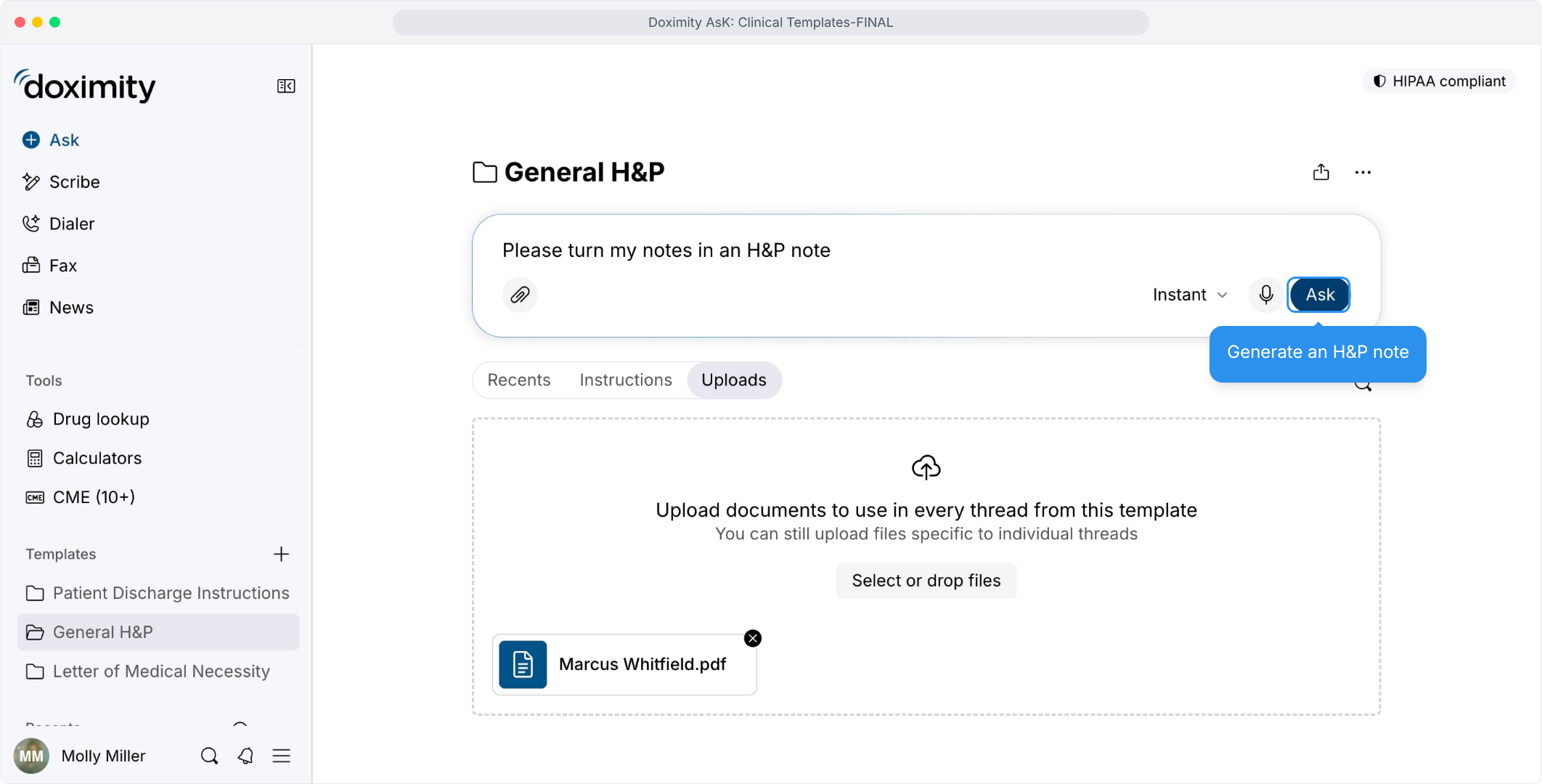
- Read Through the H&P Note
Headings such as Chief Complaint and History of Present Illness make the draft quick to scan.
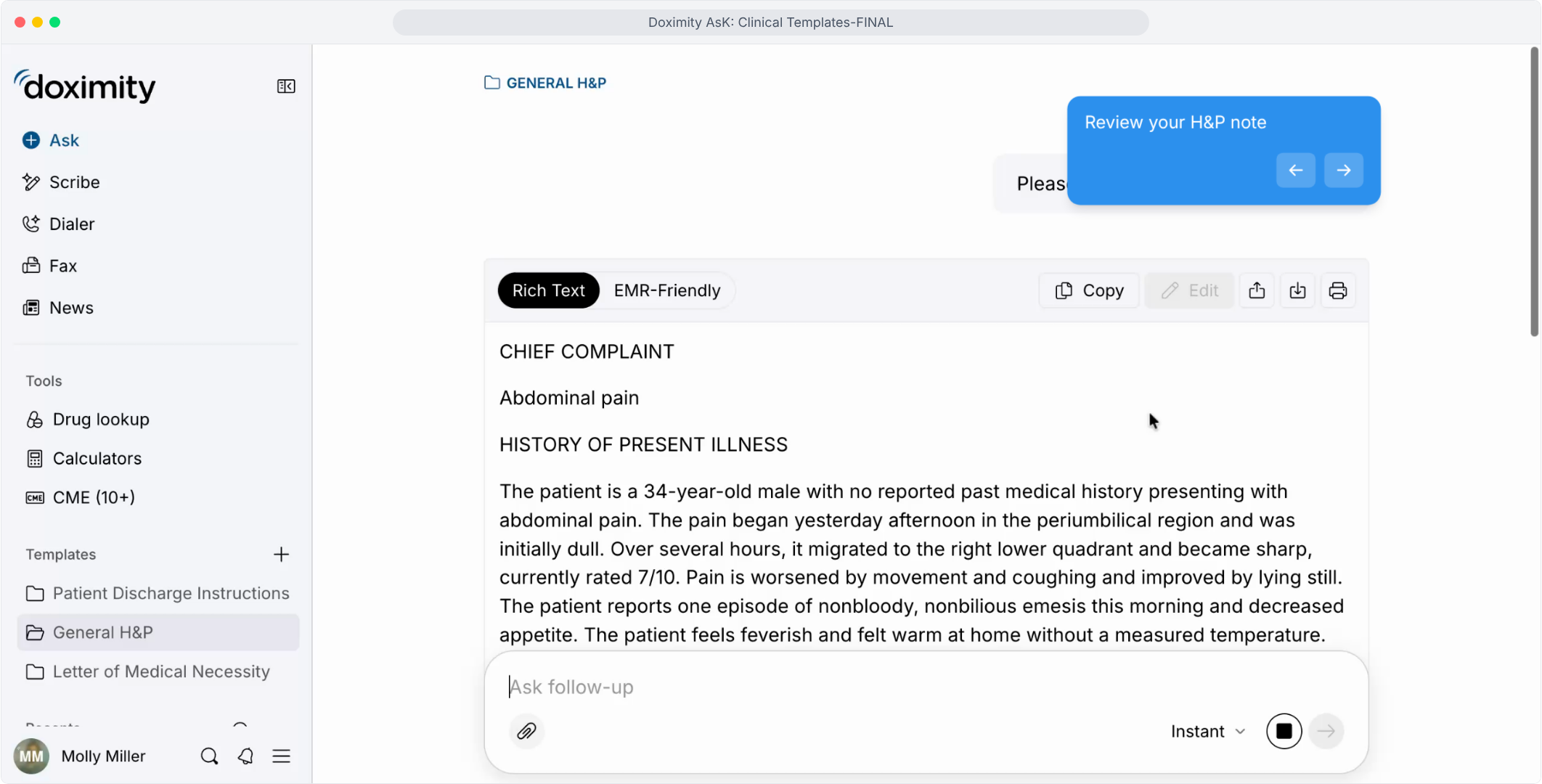
- Draft Discharge Instructions
Reuse the same workflow for patient handouts, so there's only one routine to learn.
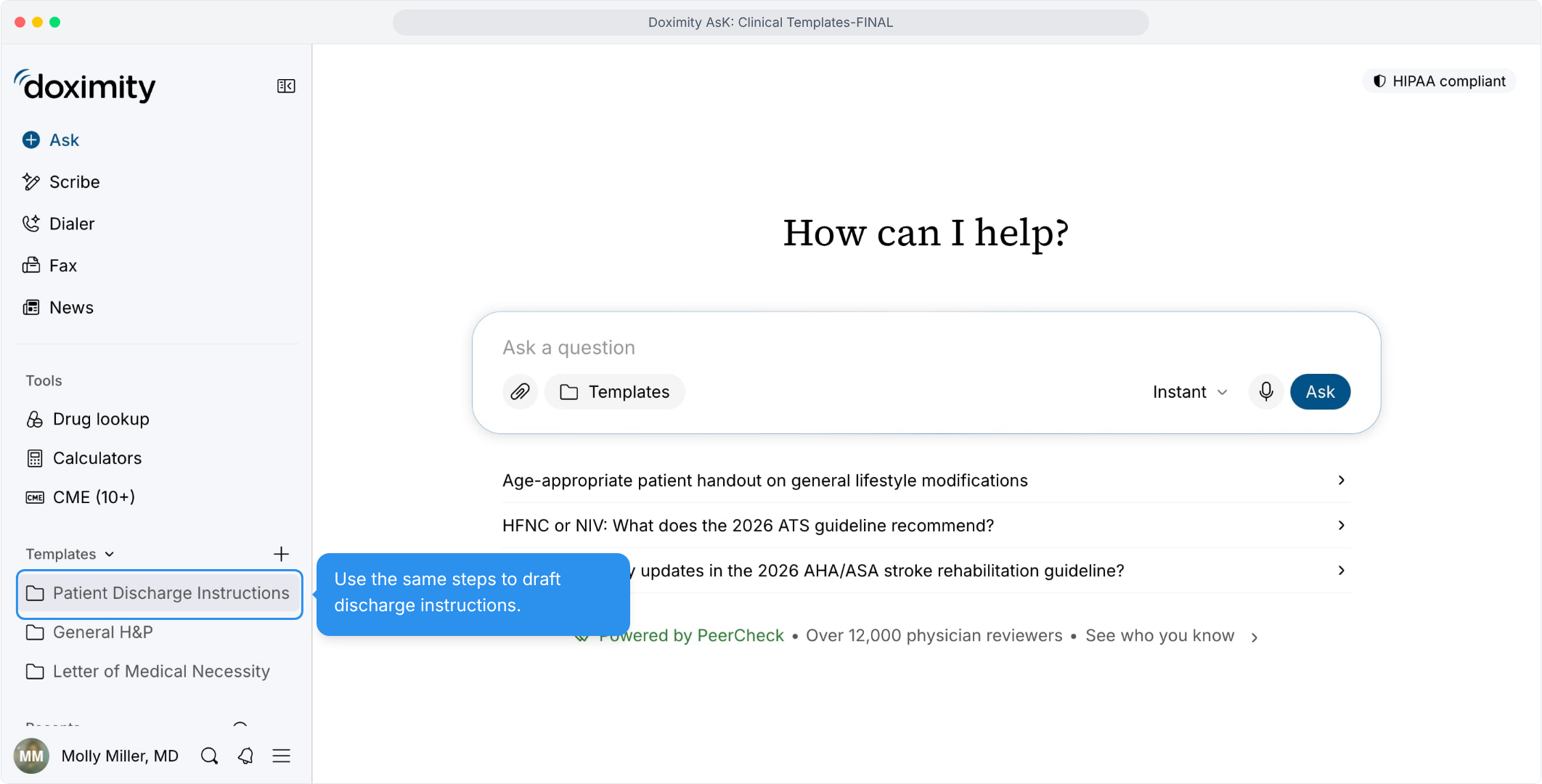
- Wrap Up Paperwork Without Extra Steps
Editing, sharing, and printing are built into the same screen as the note.
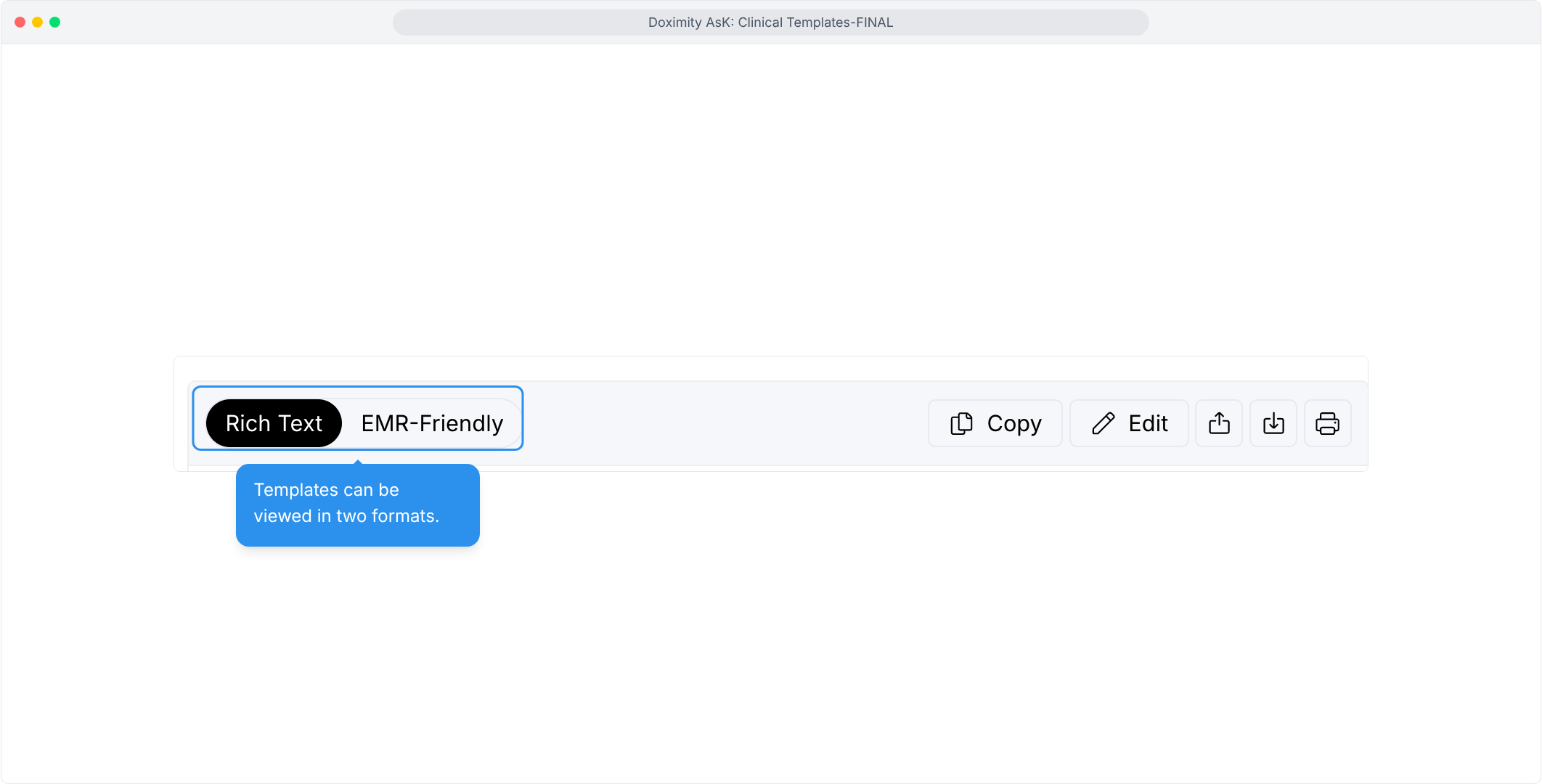
- View in Rich Text/EMR Friendly
Toggle between two formats of the same note, depending on where you plan to use it.
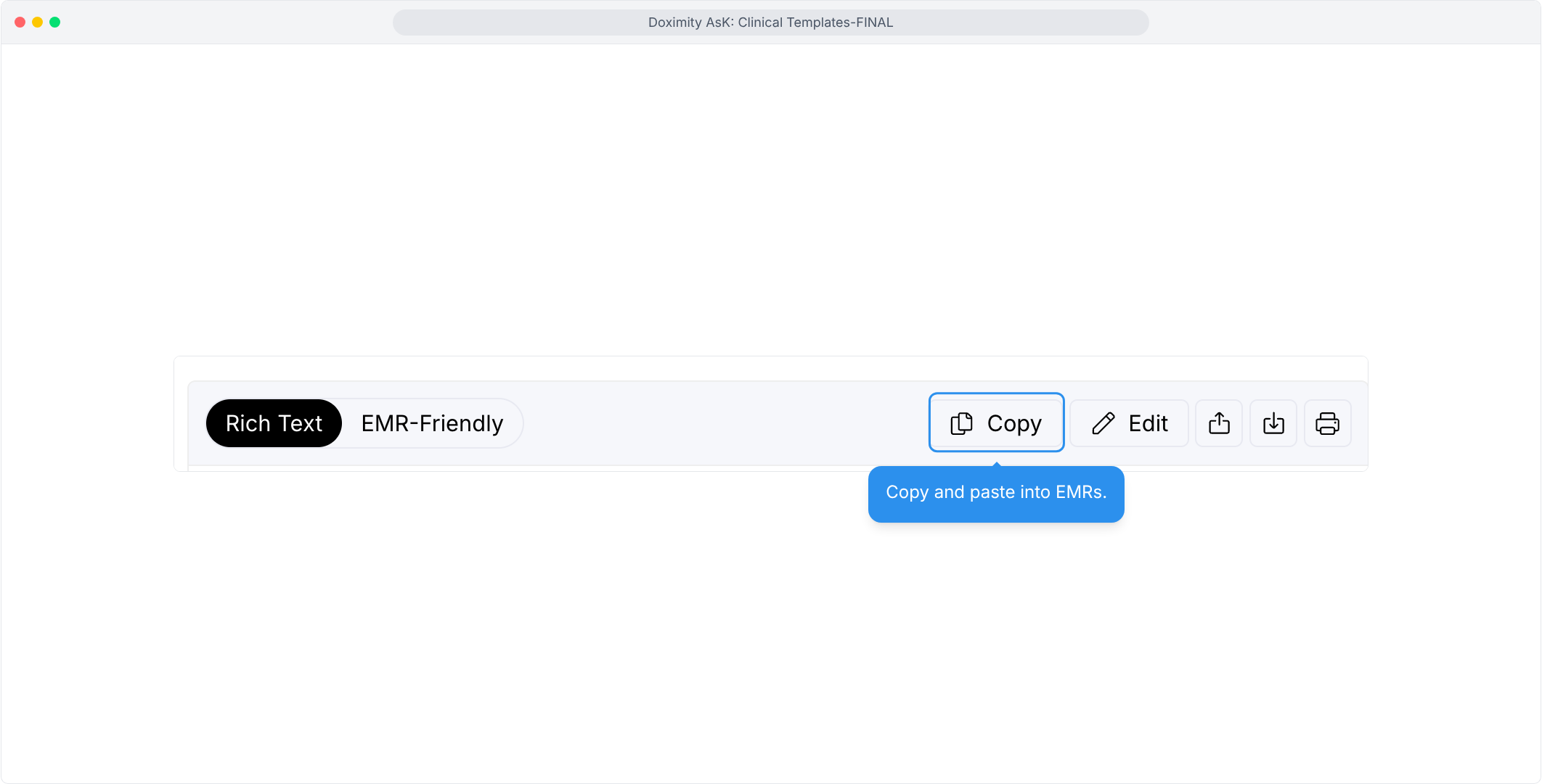
- Copy/Paste into EMR
Use the Copy button, then paste, with no retyping.
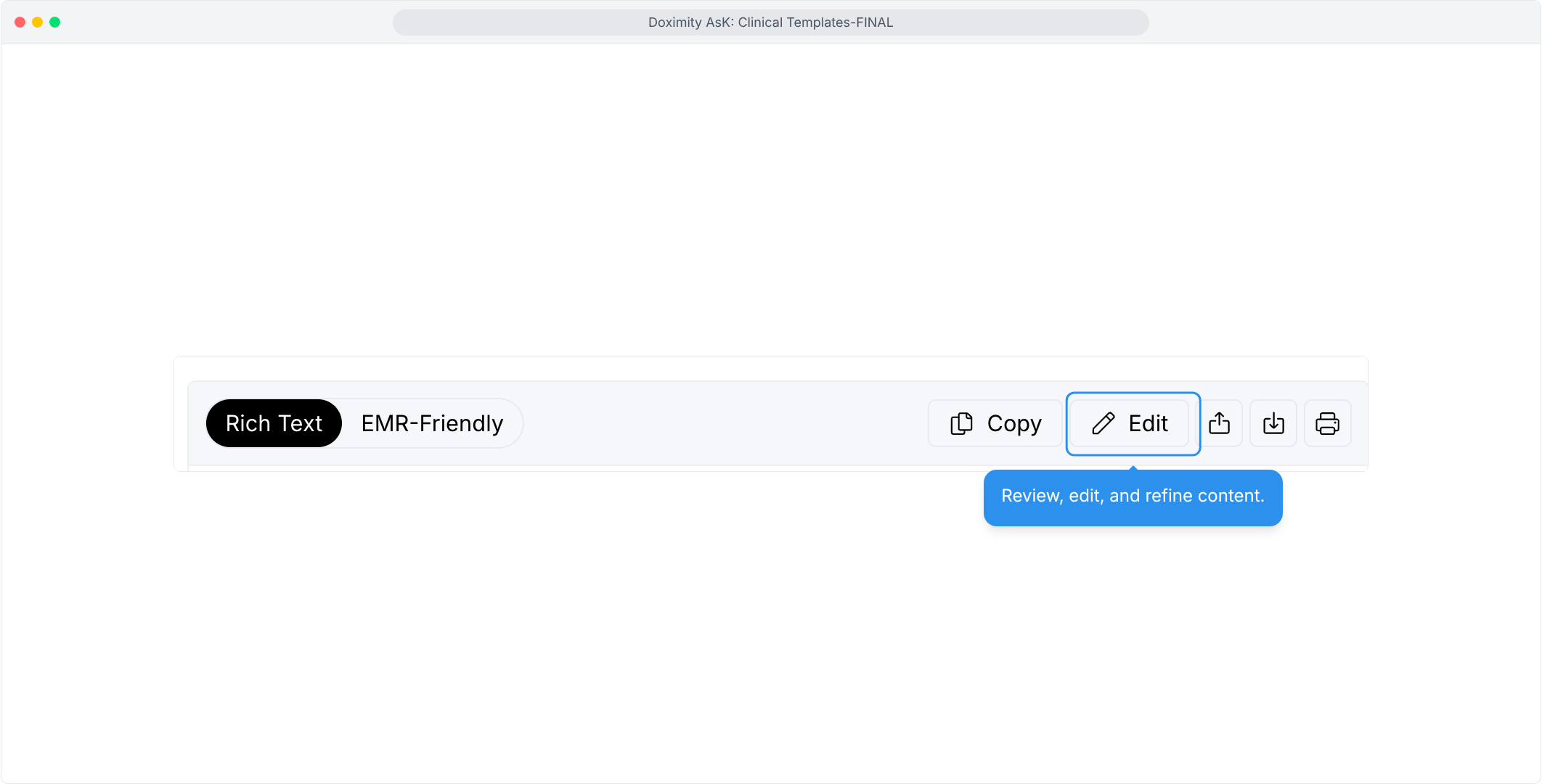
- Review and edit content
The Edit button lets you correct and polish the draft in place.
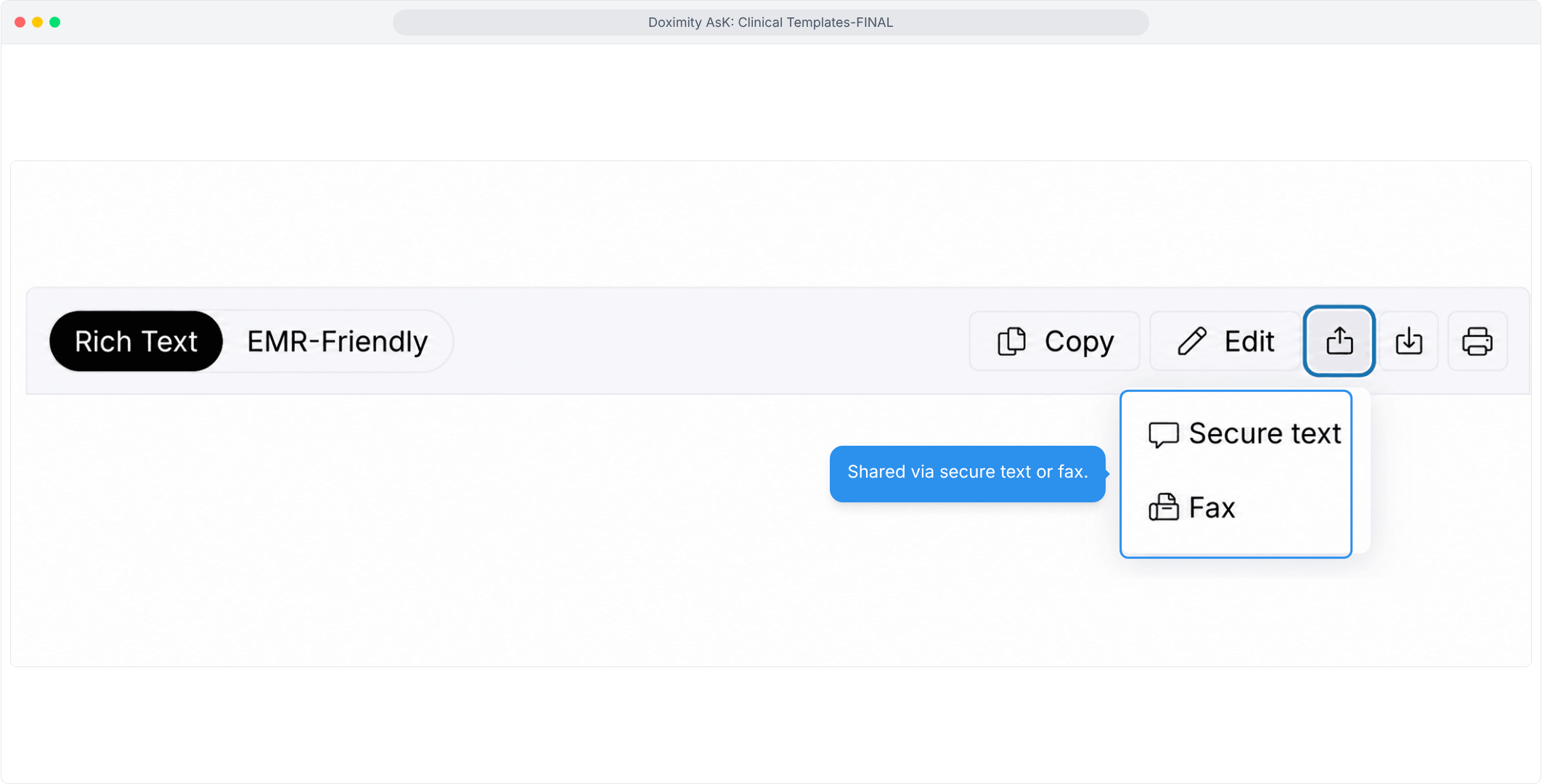
- Send via Text/Fax
Share a finished note by secure text or fax from the same screen.
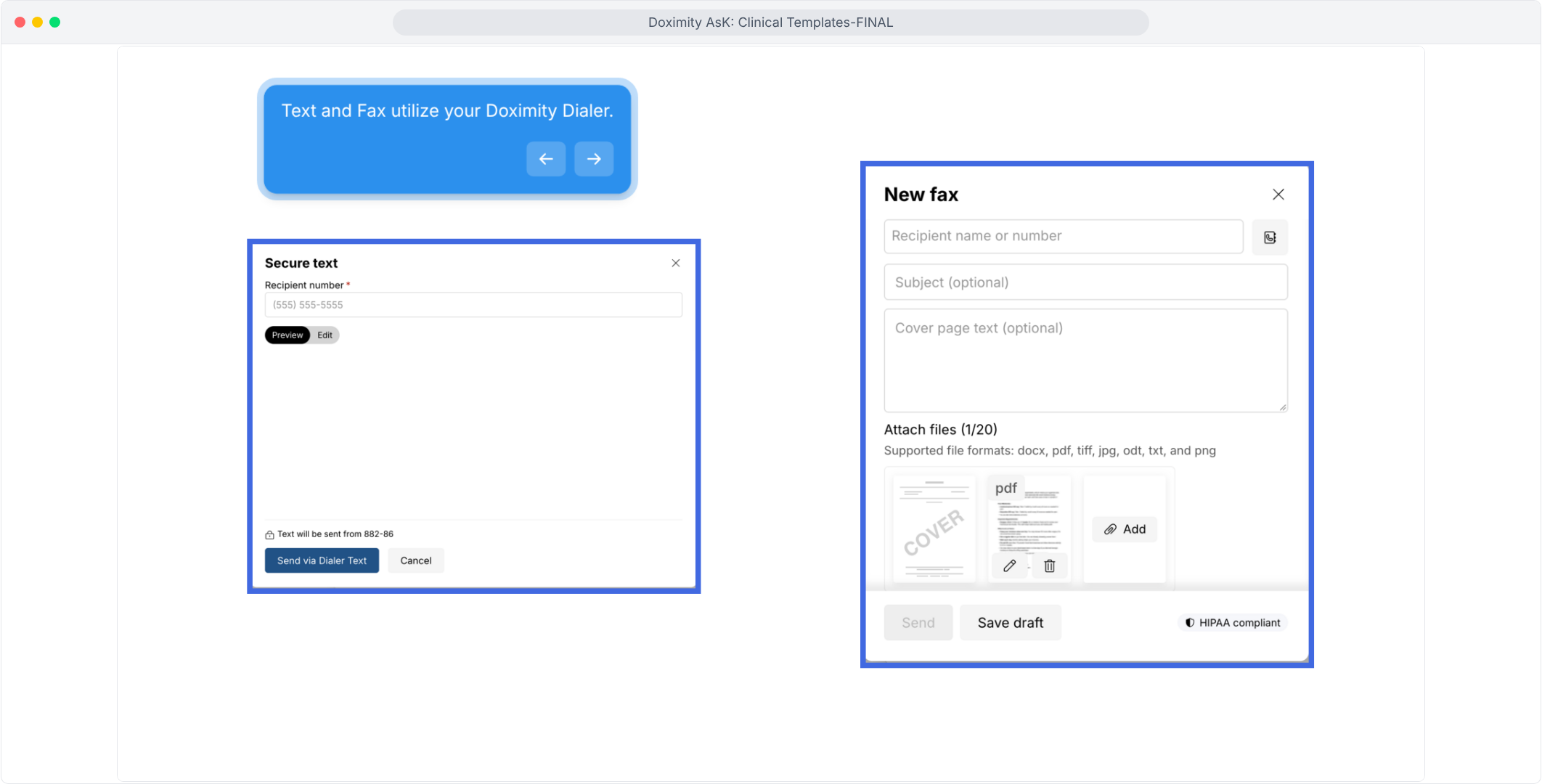
- Use Your Doximity Dialer
Secure texts and faxes go out through your own Dialer account, with cover page and attachment options for faxes.
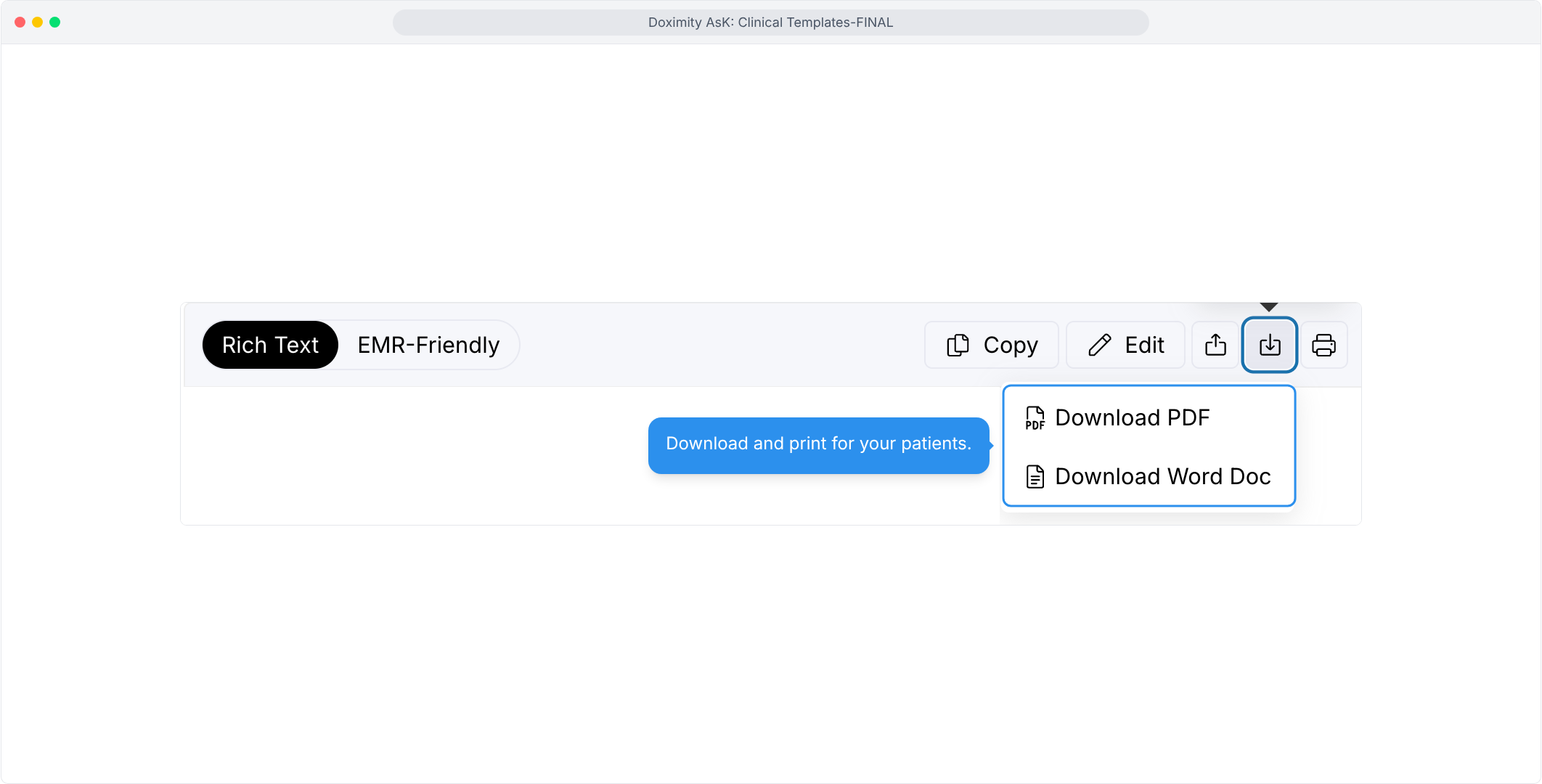
- Download and print
Save the document as a PDF or Word file, or print it, to hand to a patient.

Features
Templates for Clinical Writing
Ask helps clinicians draft documentation for common care moments — visit notes, admissions, transitions of care, procedures, and return visits.