- Start in Drug Library
Look up drugs in FDA labeling, not AI summaries.
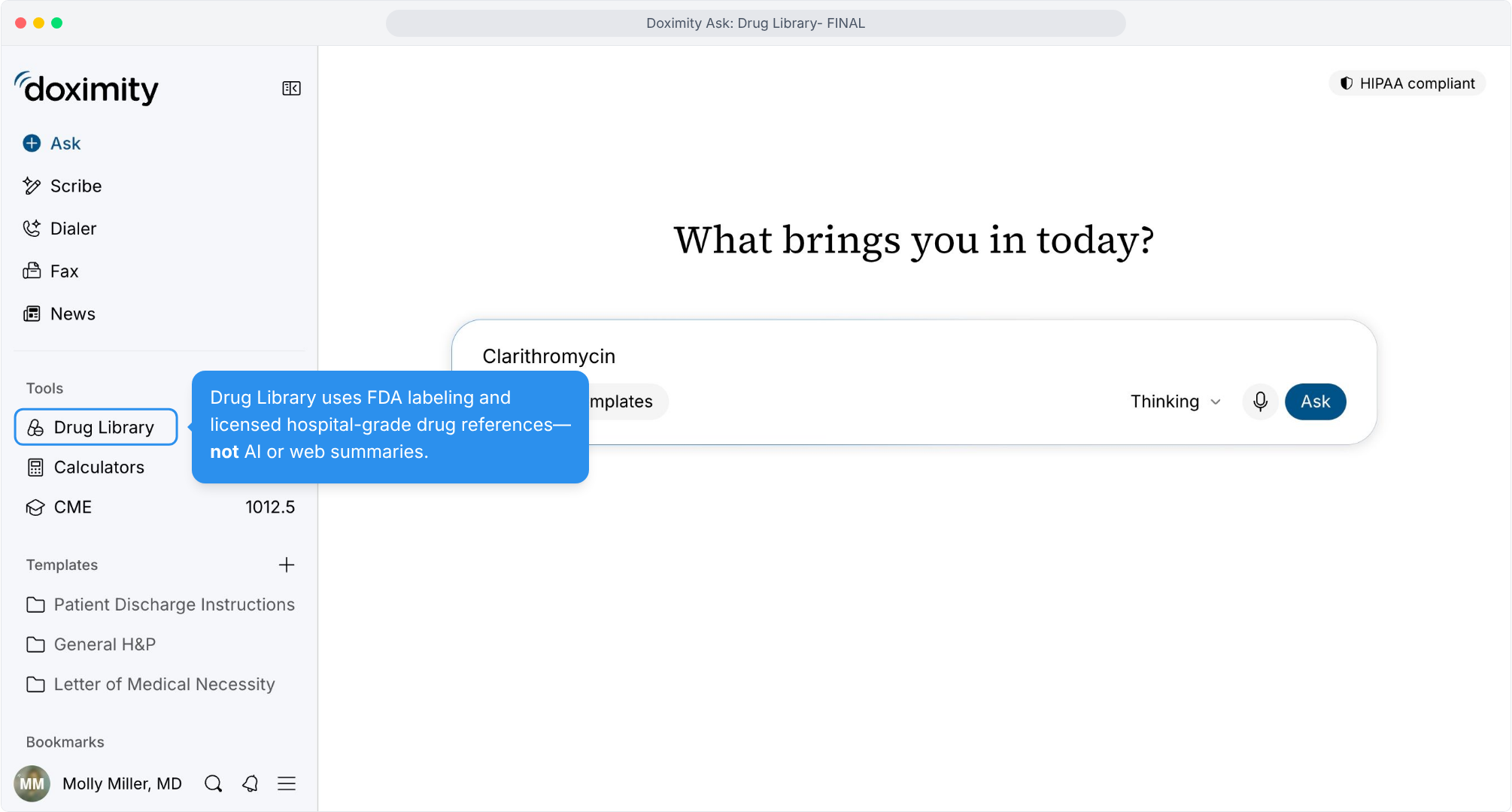
- Find Drug Library in Ask
Reference drugs without leaving your workflow.
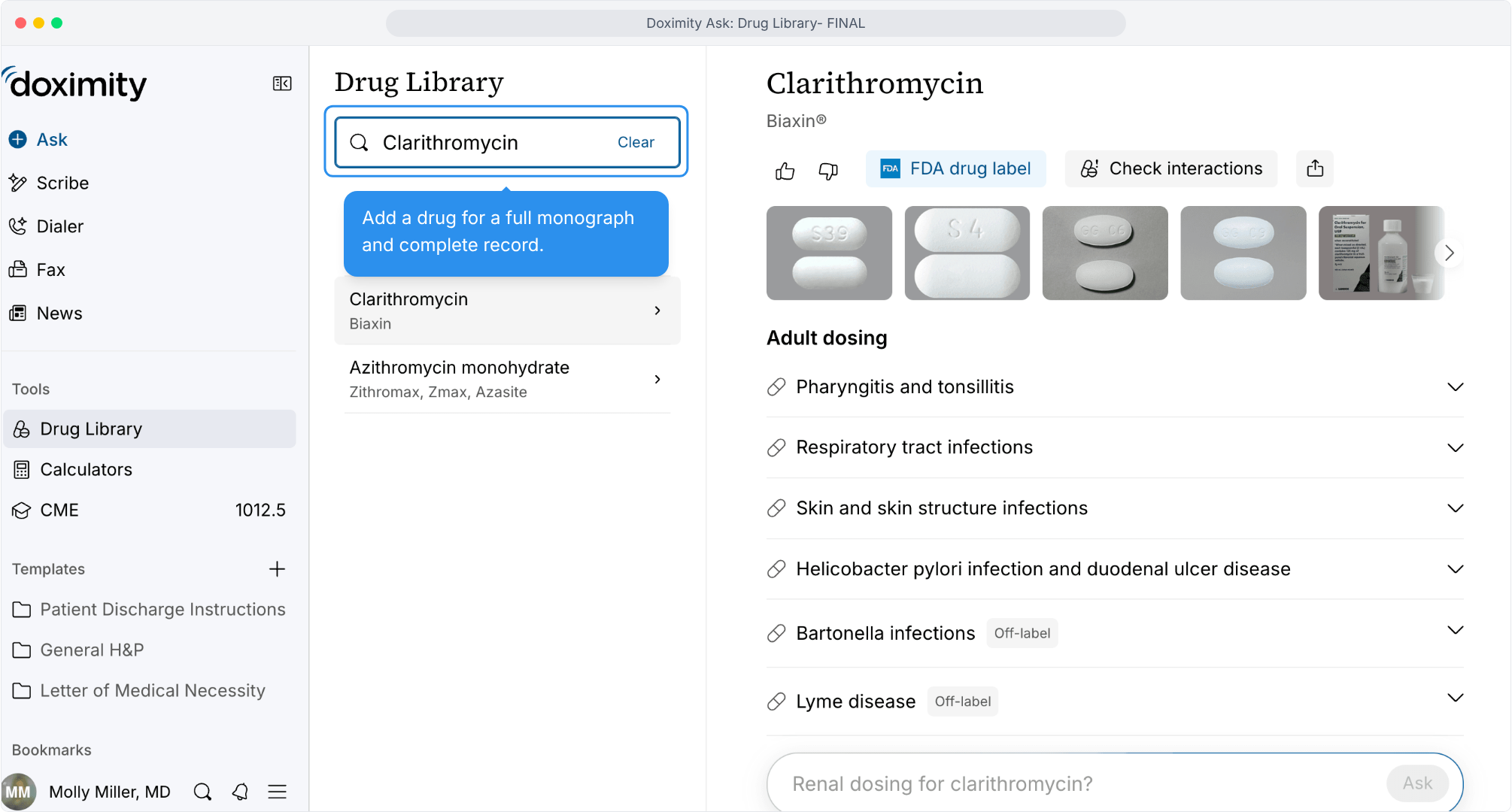
- Go to Drug Library
FDA-based drug information, one click from Ask.
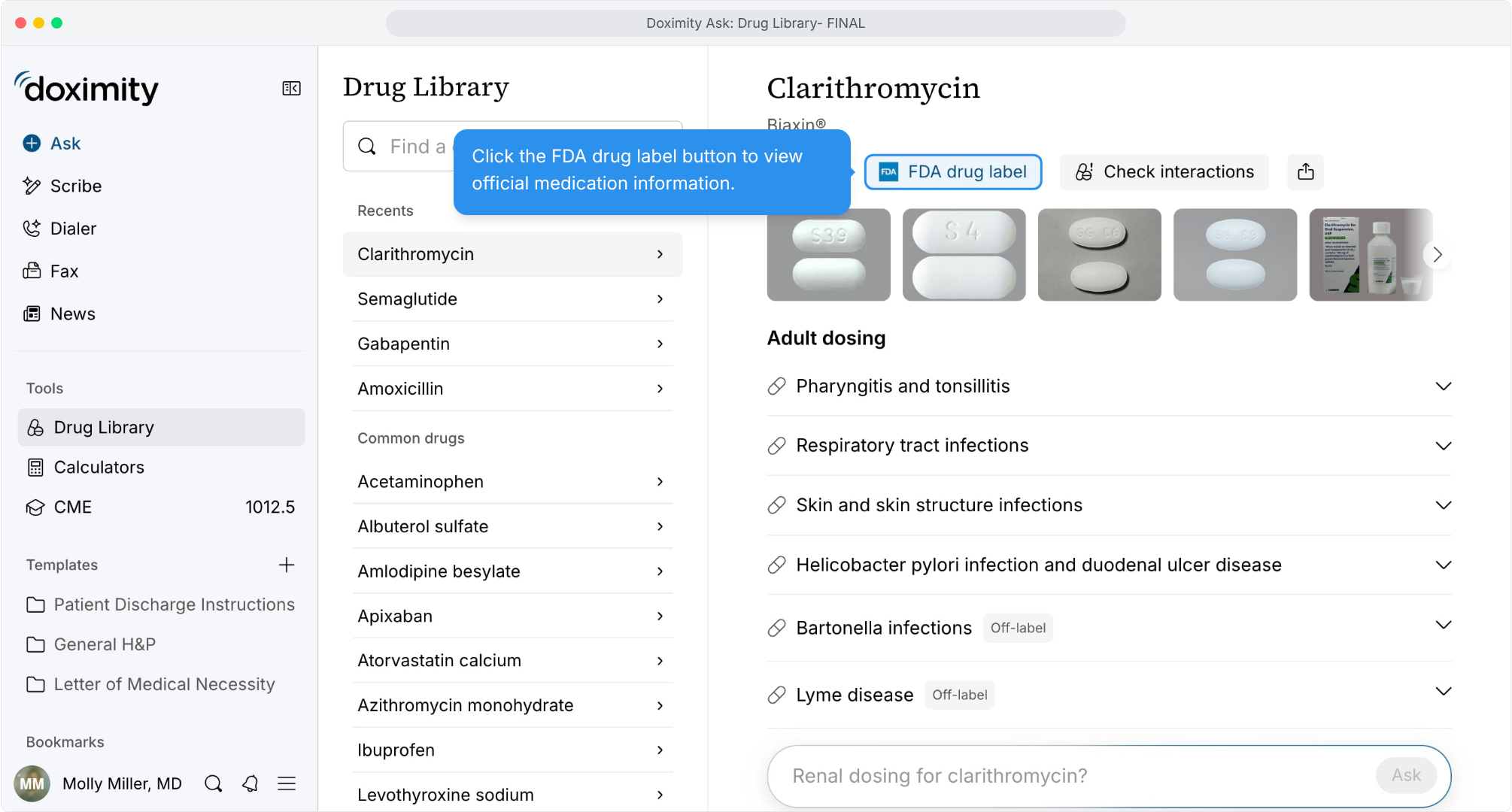
- Verify on NIH's DailyMed
The official FDA label, hosted by the National Library of Medicine.
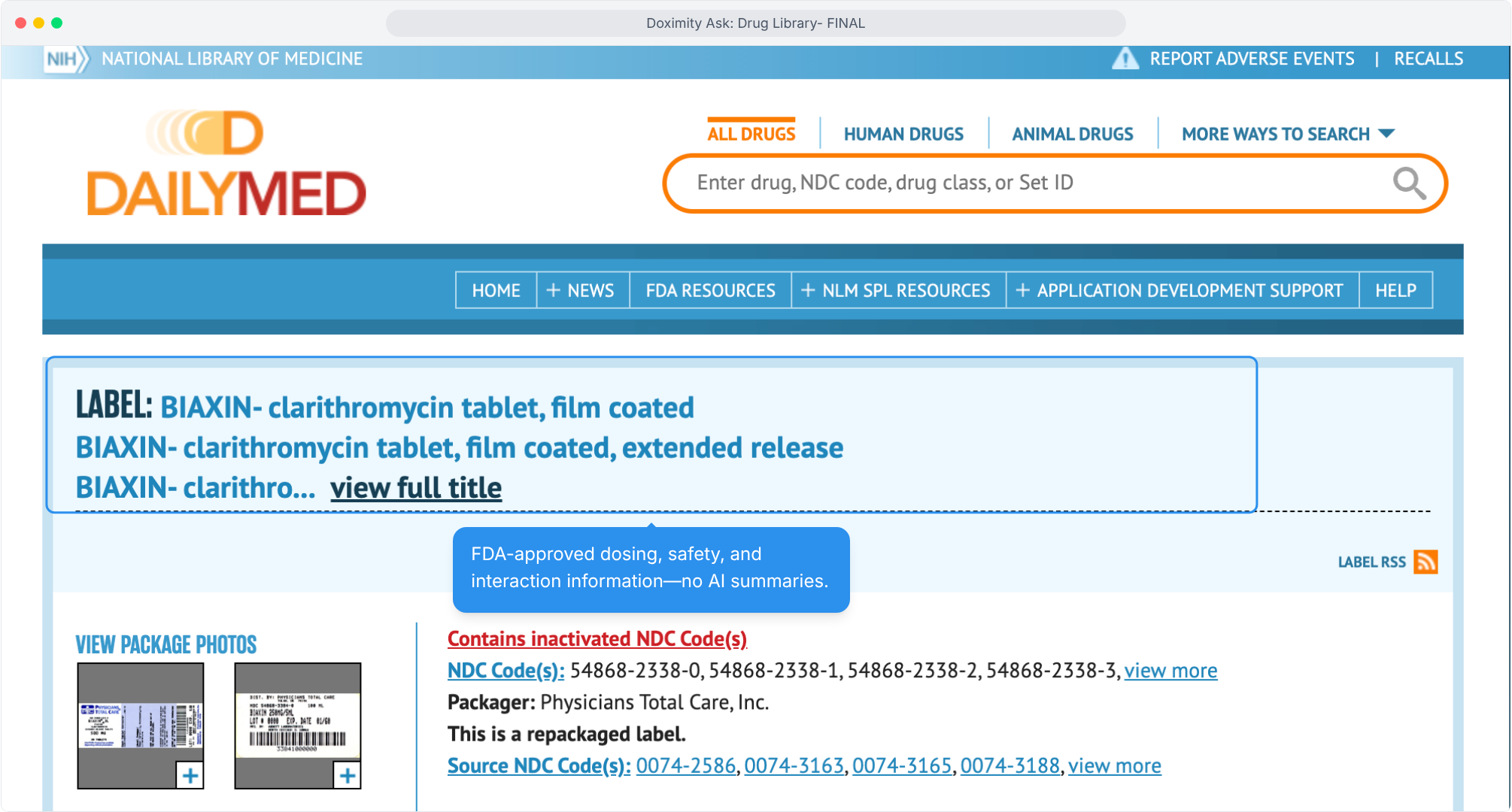
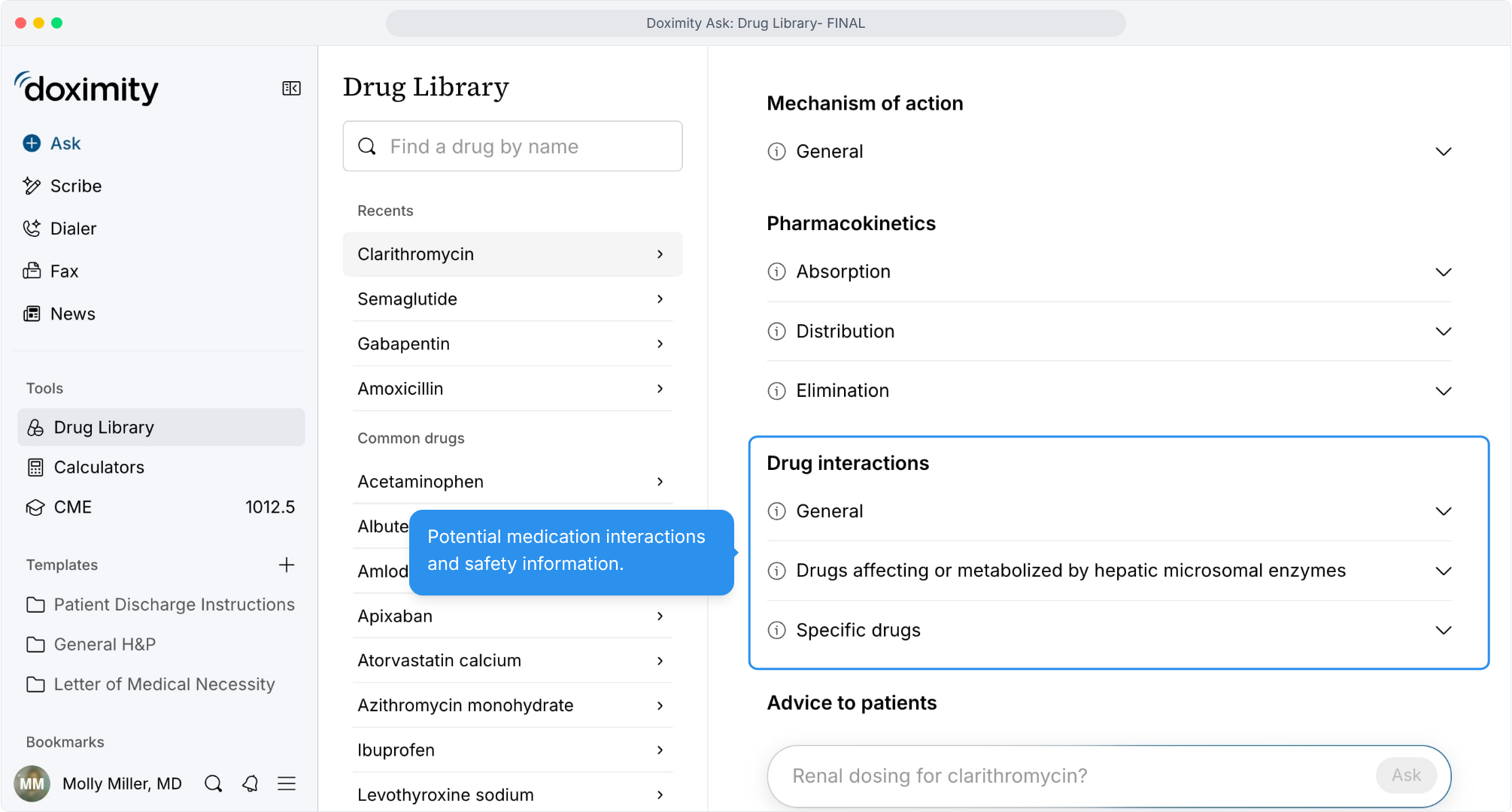
- Check interactions
Screen for medication interactions and safety information.
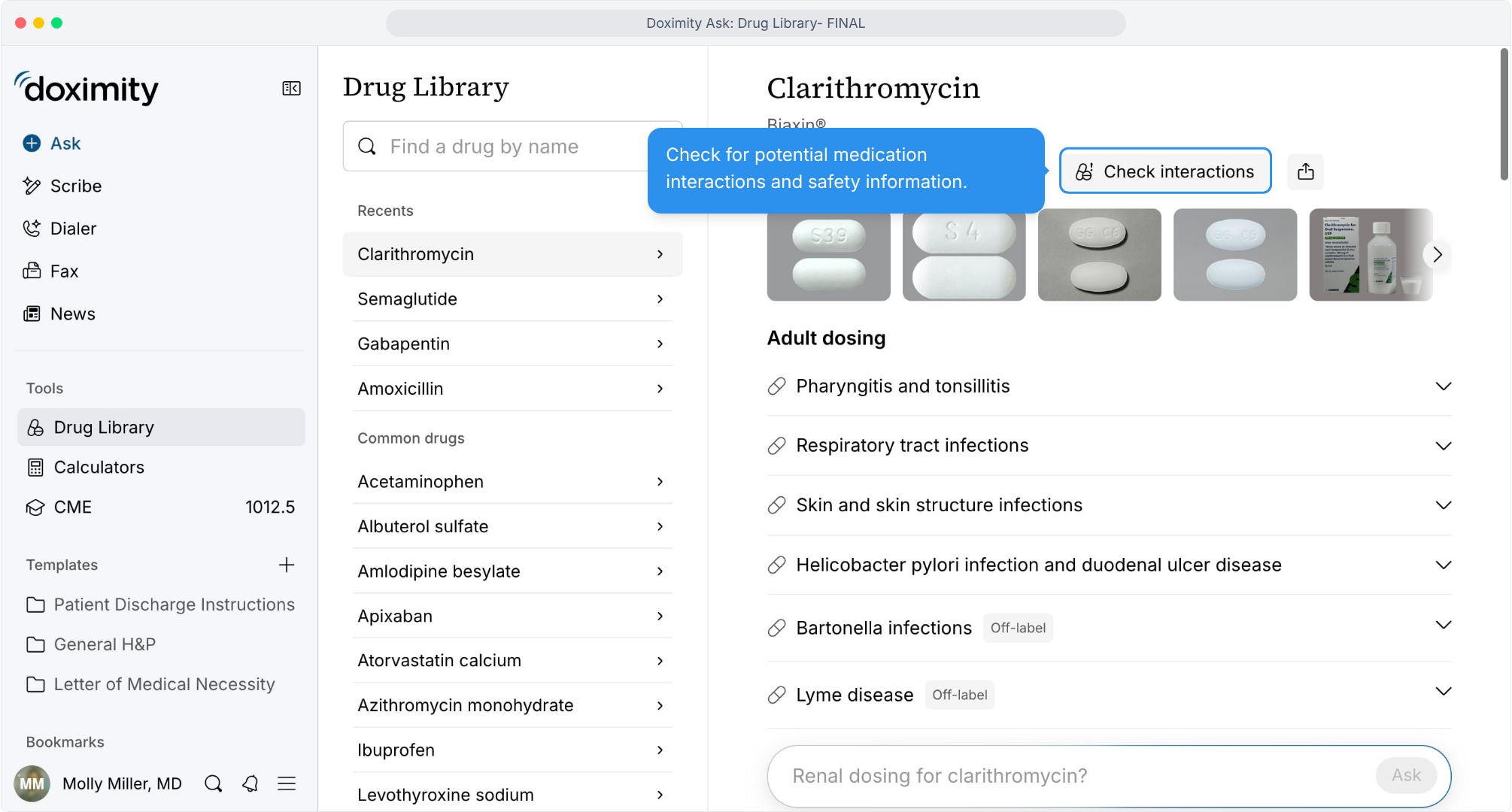
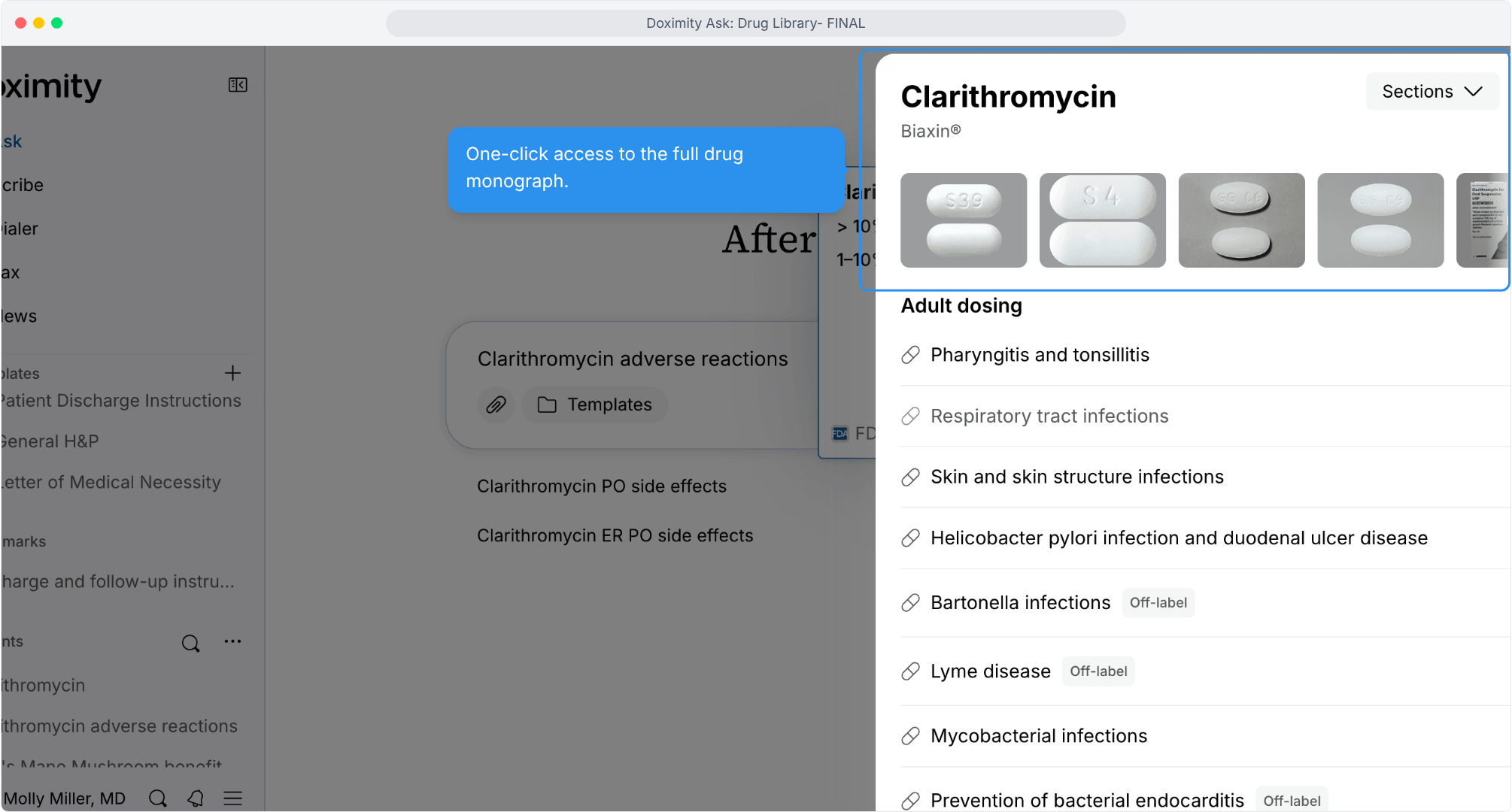
- Identify the medication
Confirm drug, dose, and formulation with pill and package images.
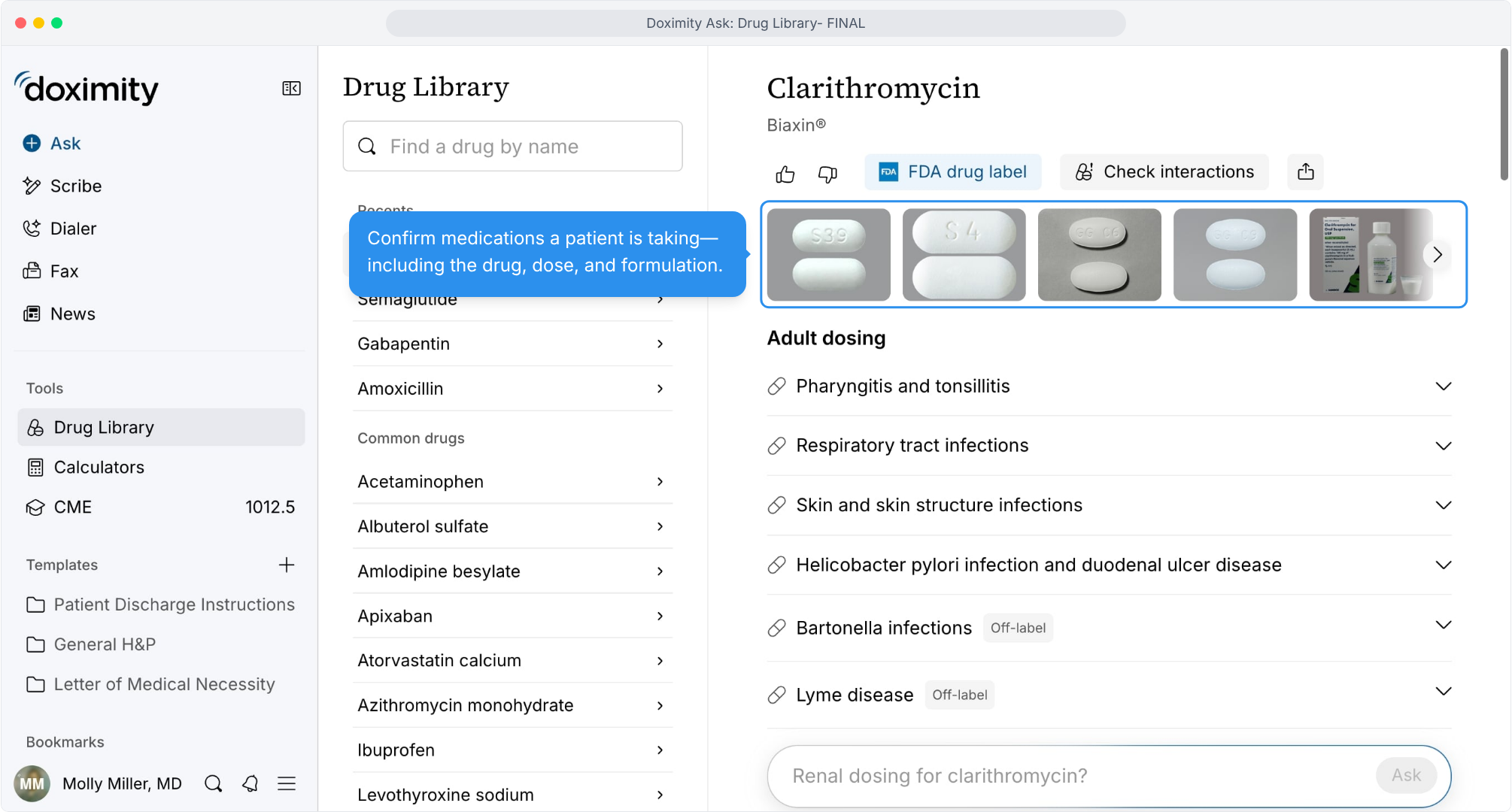
- Review adult dosing
Dosing by indication, with off-label uses marked.
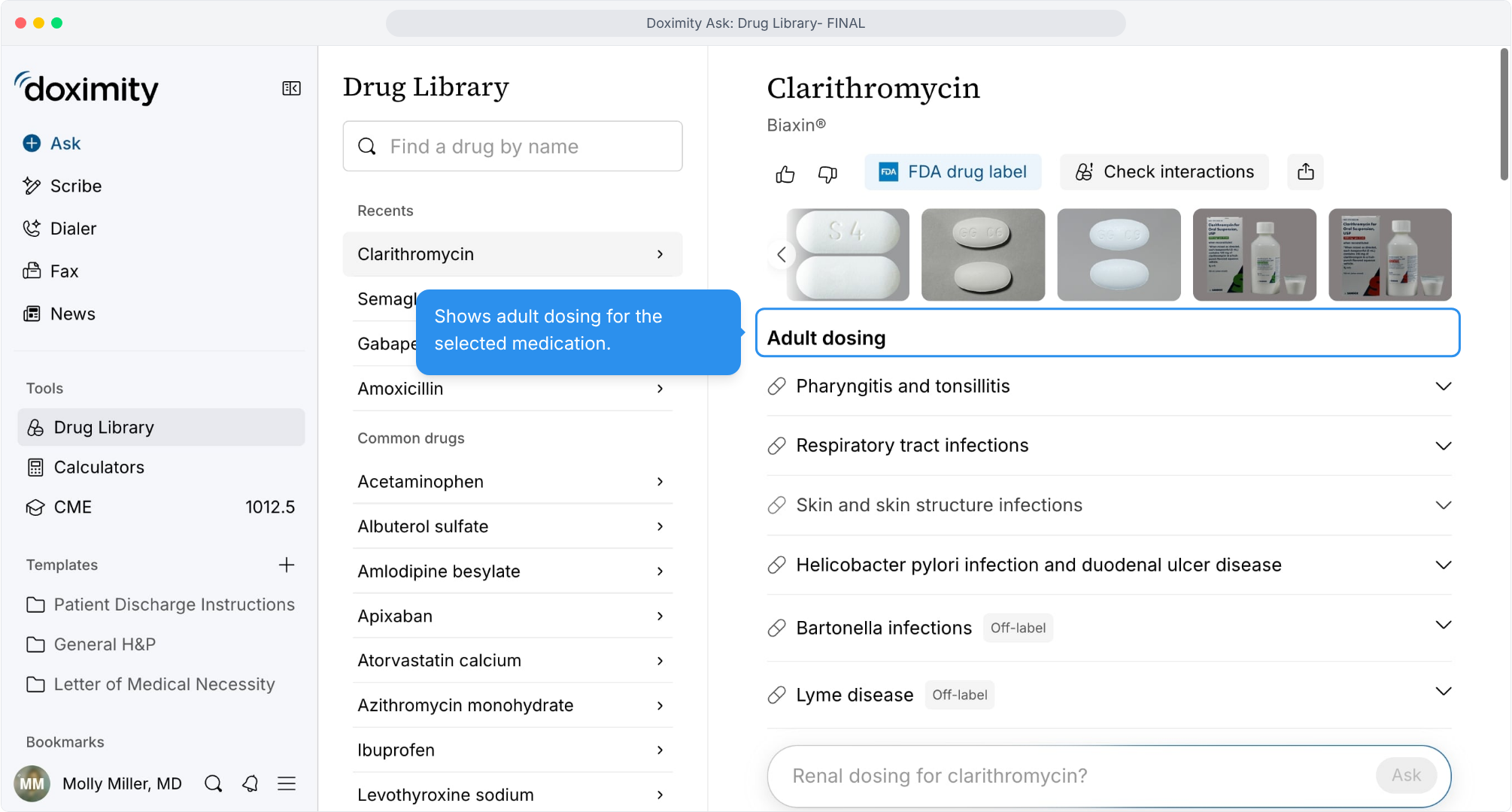
- Review pediatric dosing
Age-appropriate dosing in the same view.
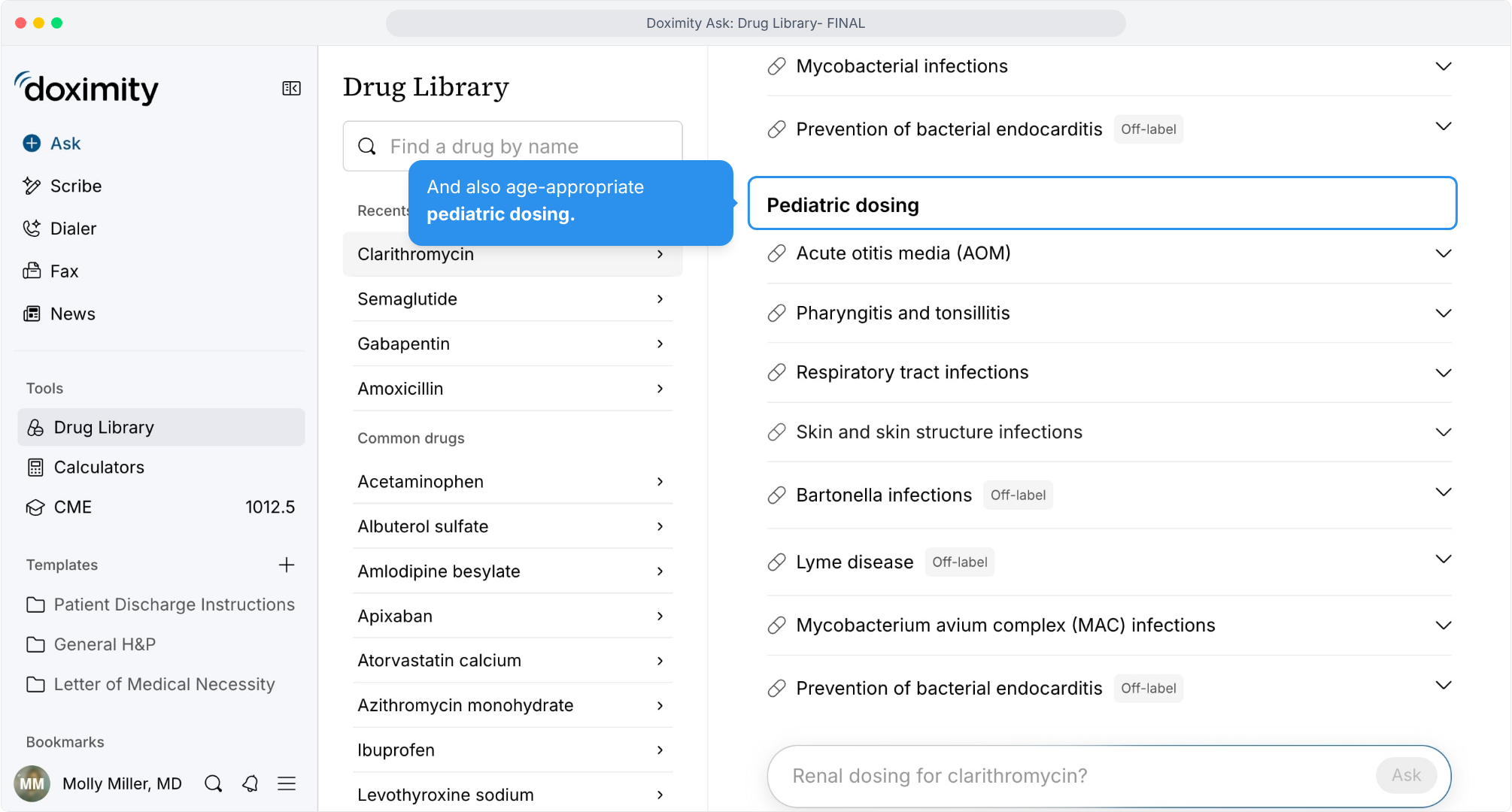
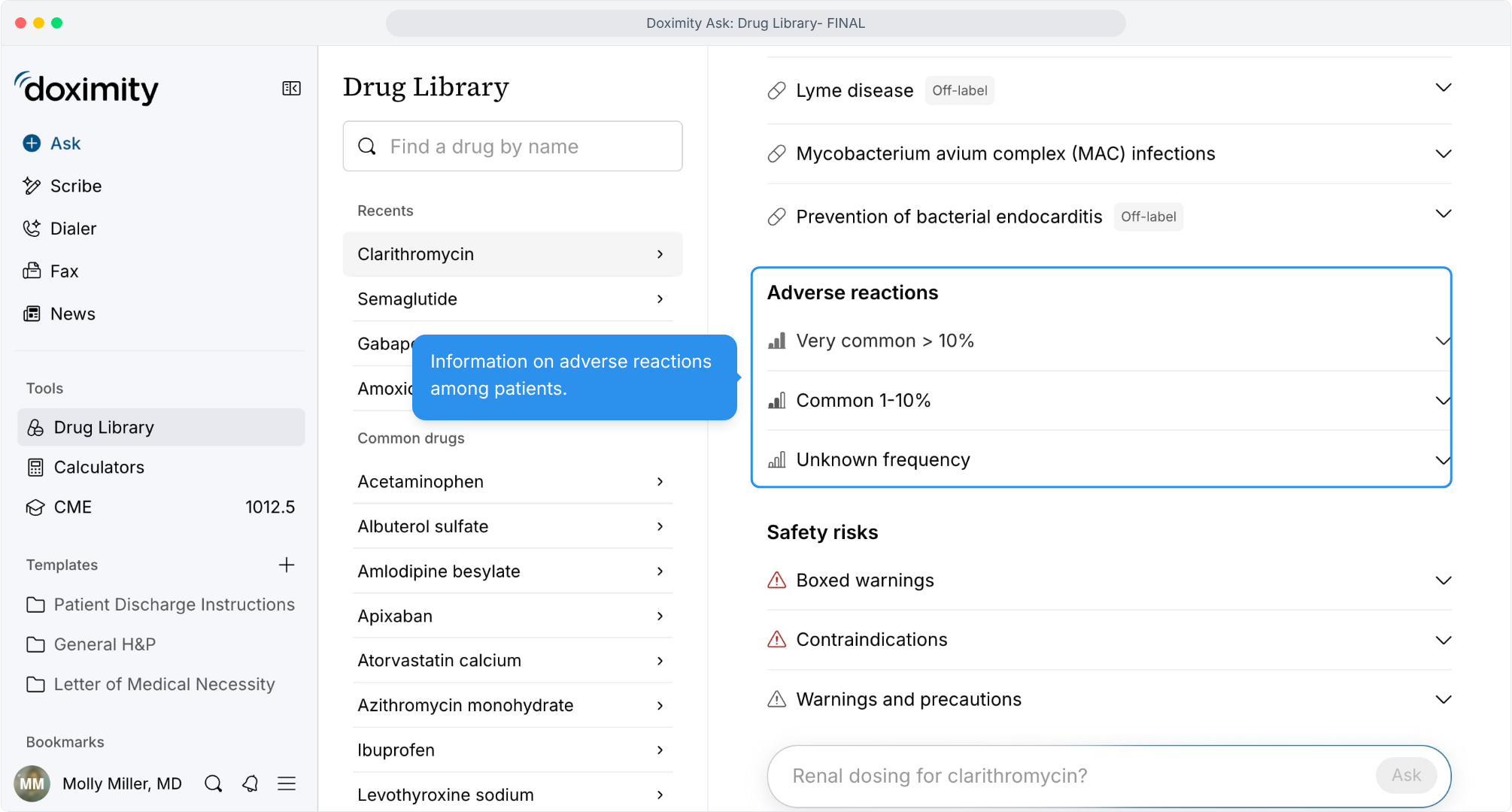
- Scan adverse reactions
Reactions grouped by how often they occur.
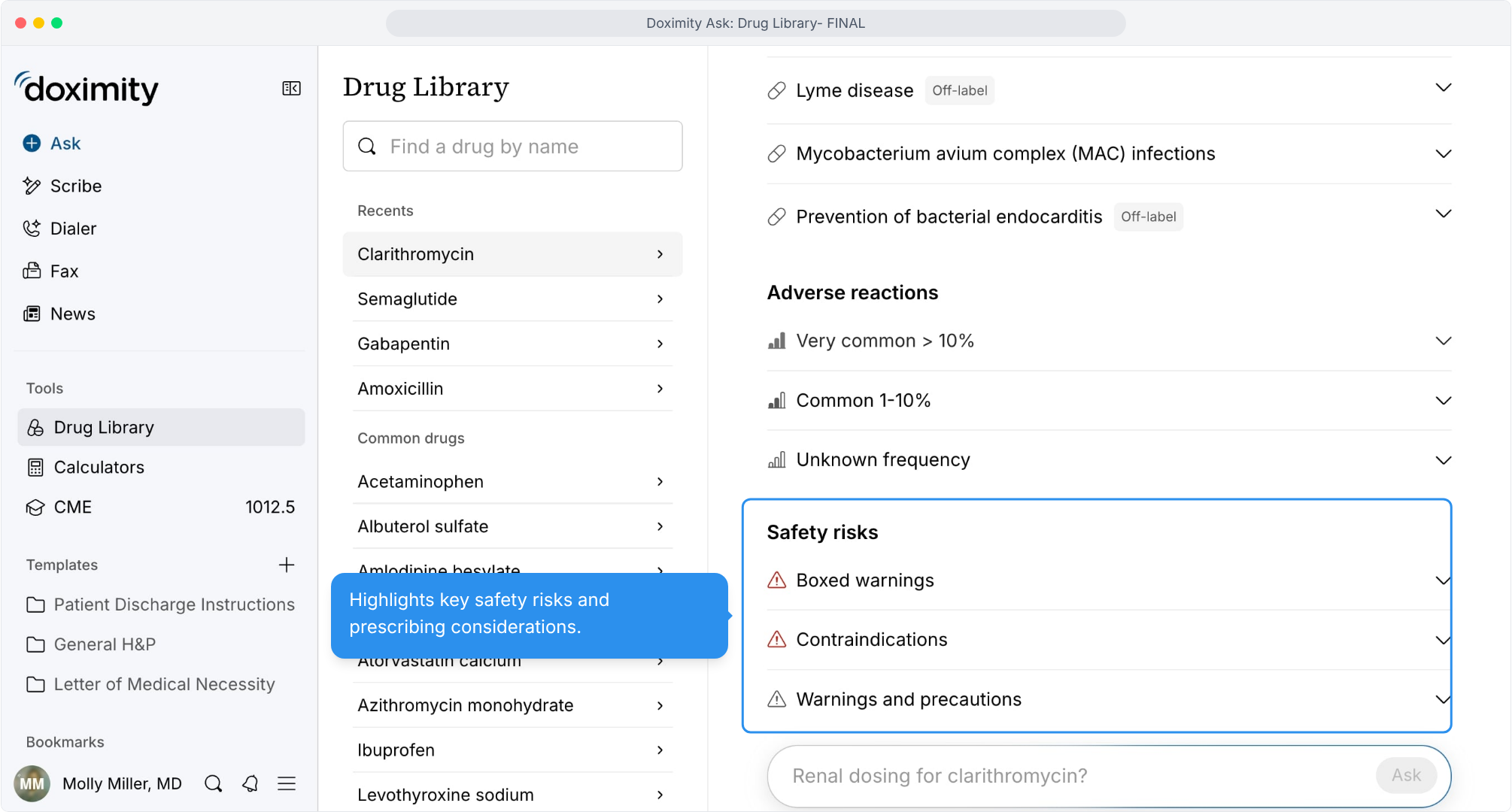
- Review safety risks
Boxed warnings, contraindications, and precautions before you prescribe.
- Find interaction details
Mechanism, pharmacokinetics, and interactions in the same monograph.
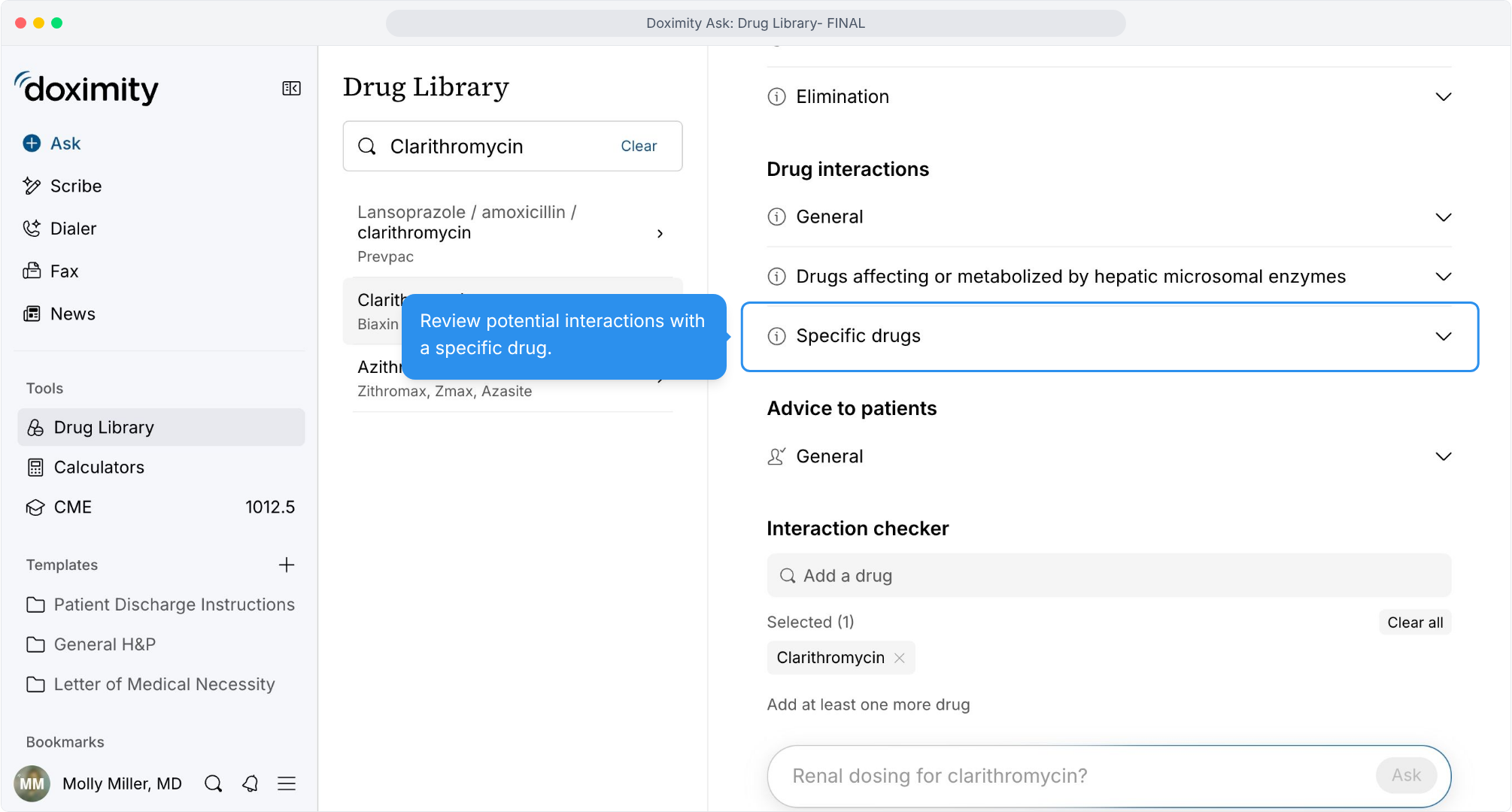
- Open interactions for a specific drug
Jump straight to the interaction you're checking.
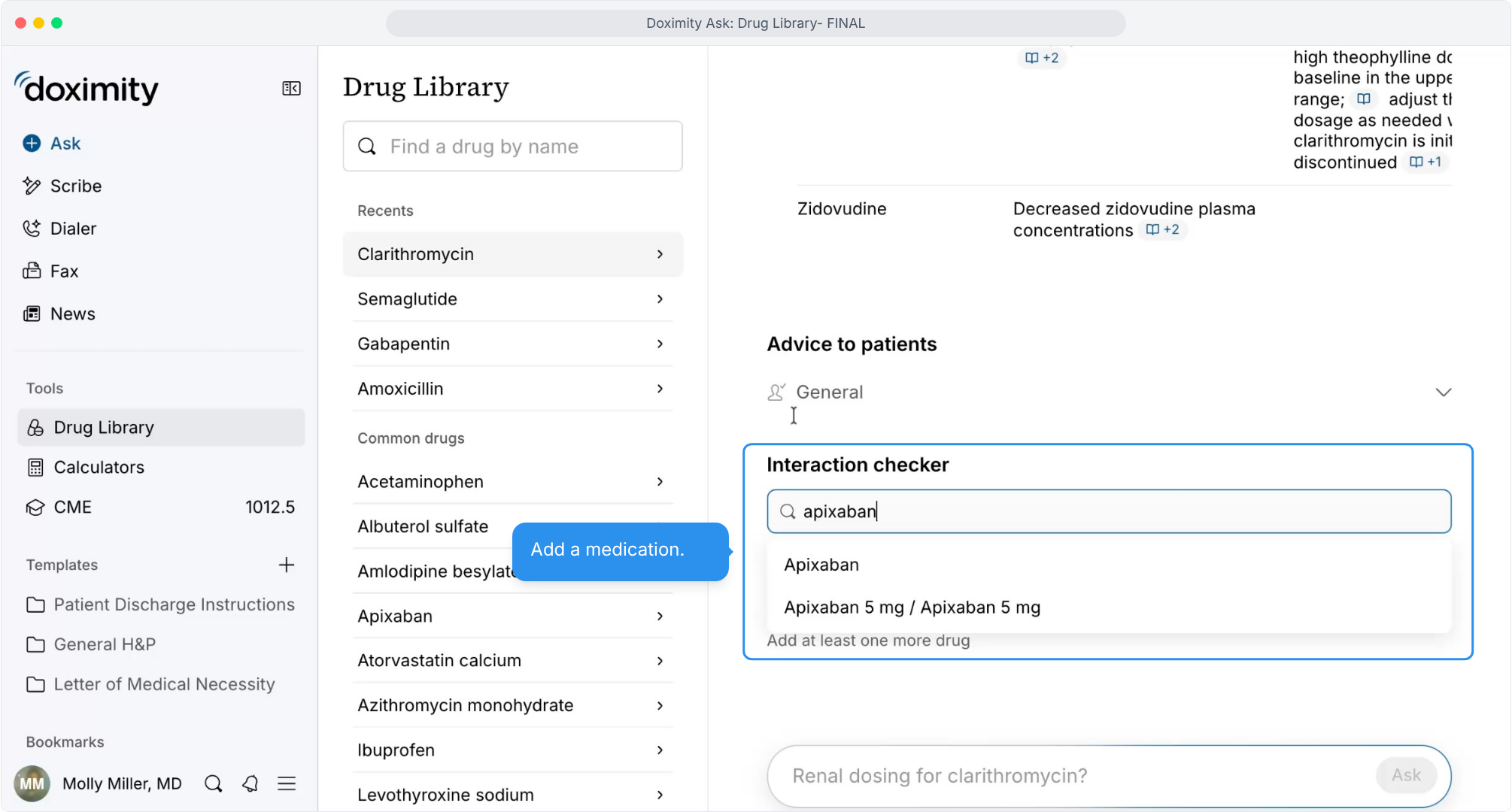
- Add a medication to the checker
Build a list of the drugs your patient takes.
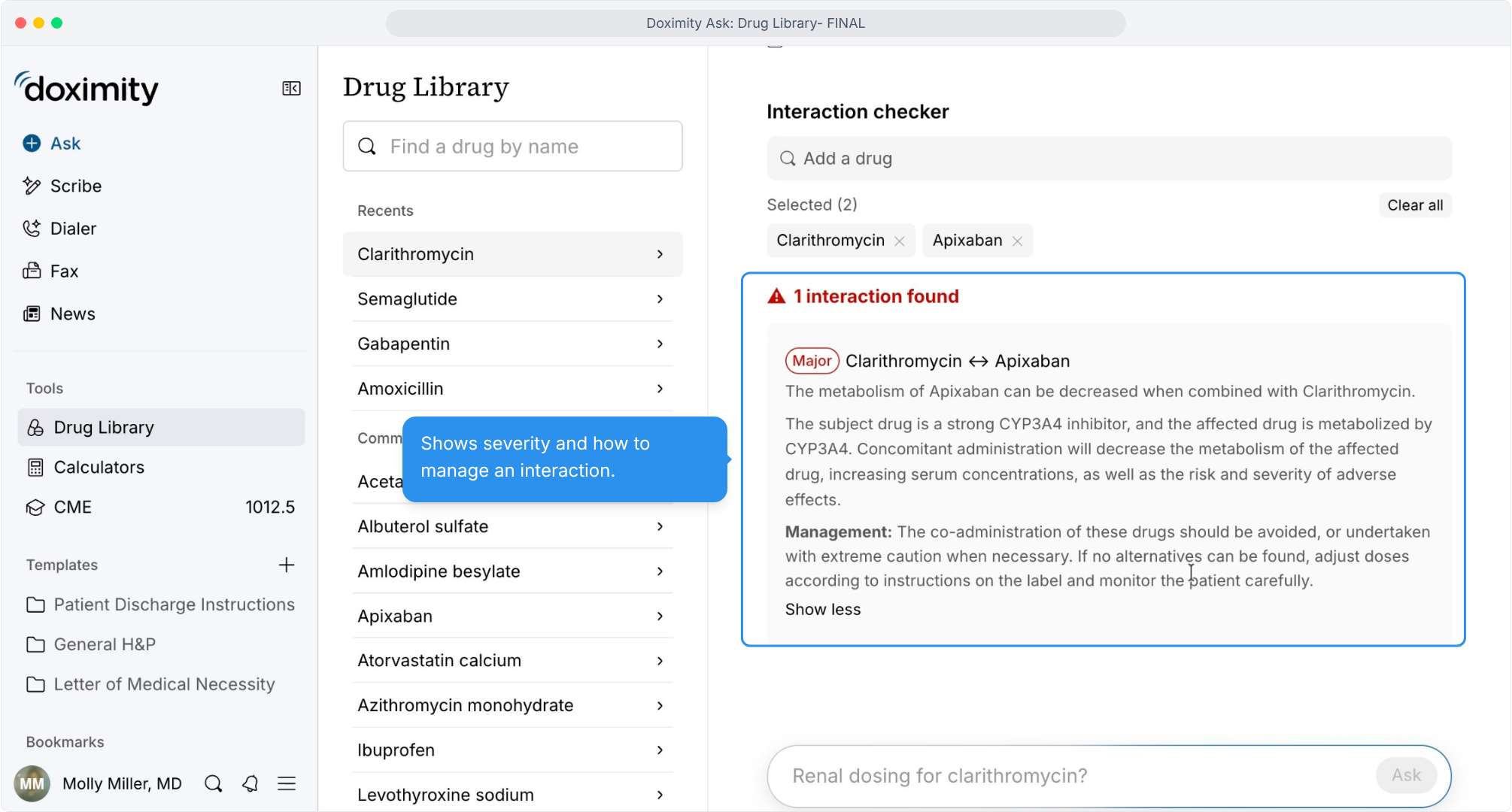
- Read severity and management
See how serious an interaction is and how to handle it.
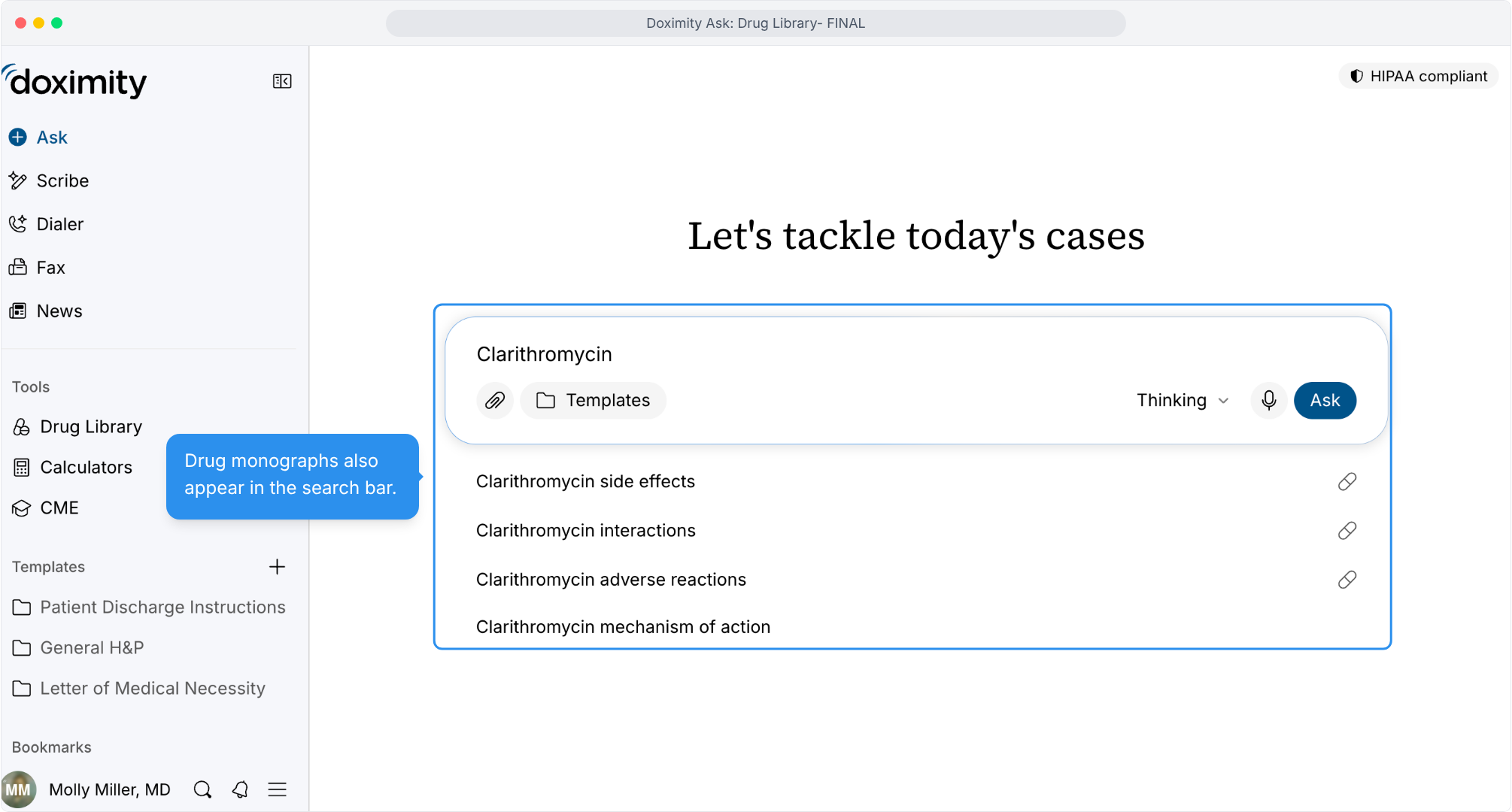
- Search from Ask
Drug monographs also appear in the Ask search bar.
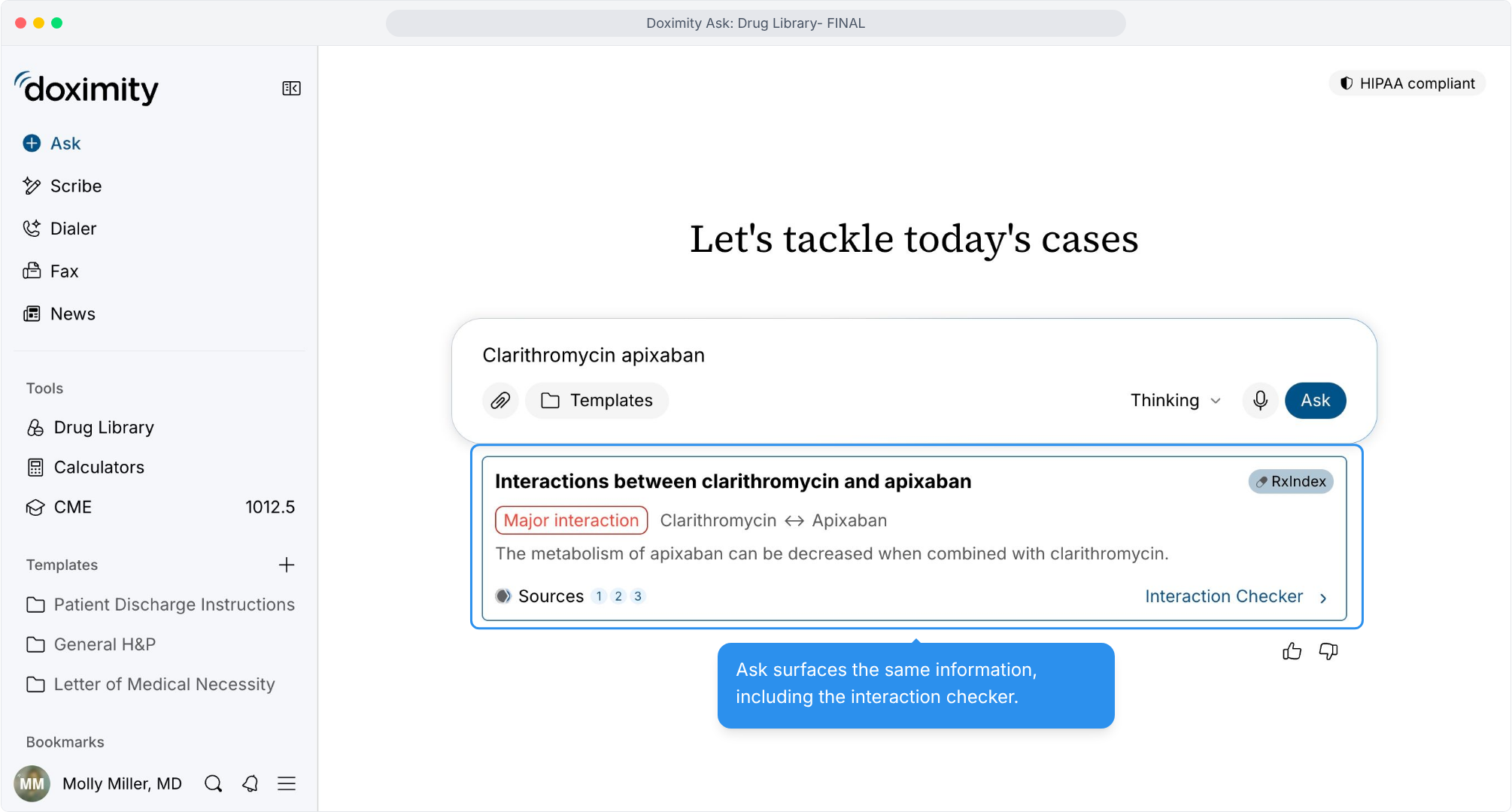
- Get interaction results in Ask
The same interaction information, without leaving Ask.
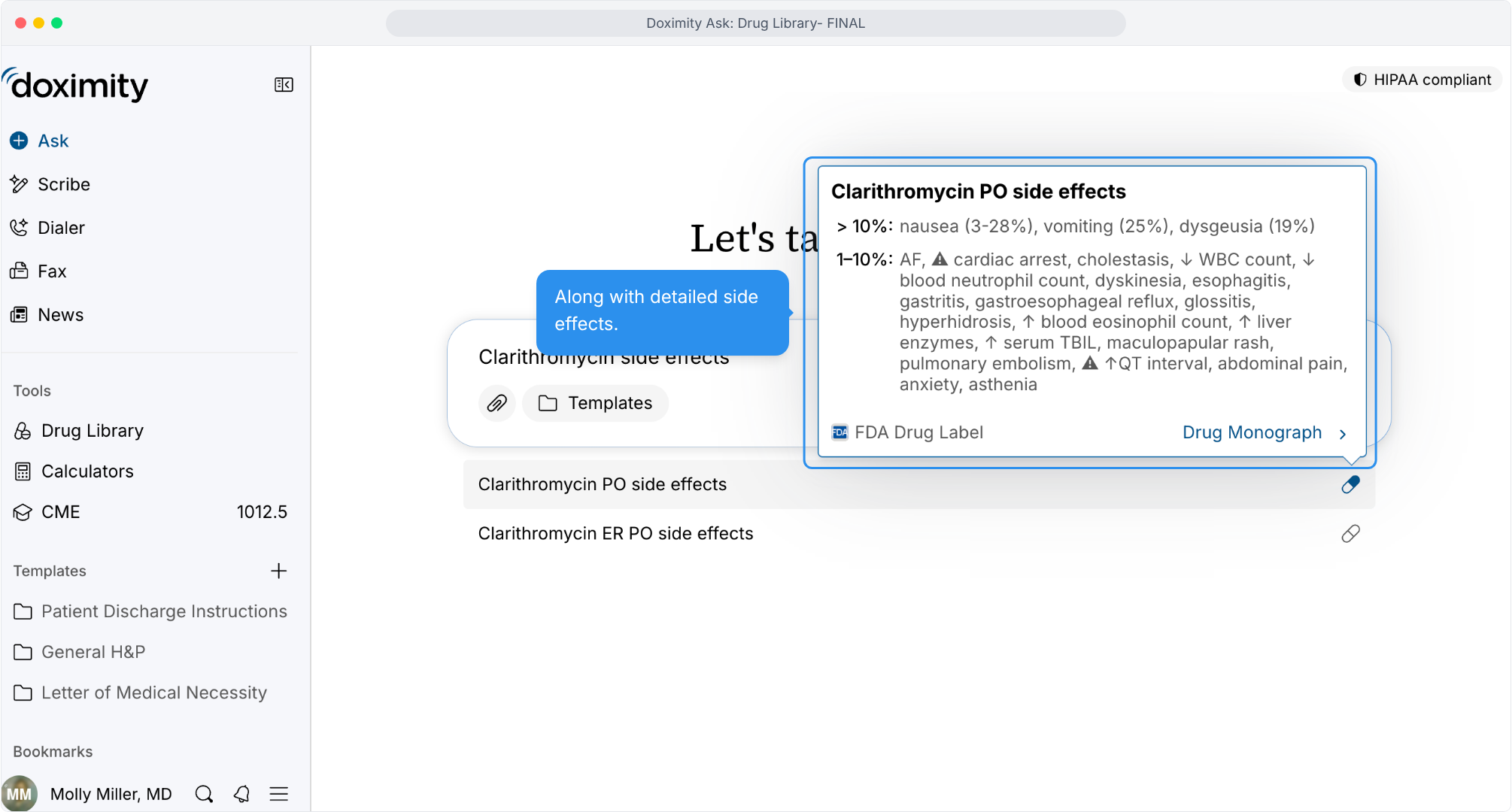
- Preview side effects
Frequency-based side effects with a link to the full monograph.
- Open the full monograph
One click to the complete drug record.
Features
Drug Library
Explore Doximity’s interactive medication reference tool, featuring 3,200+ peer-reviewed, non-AI-generated drug monographs with FDA drug information on dosing, adverse reactions, special populations, and drug interactions.