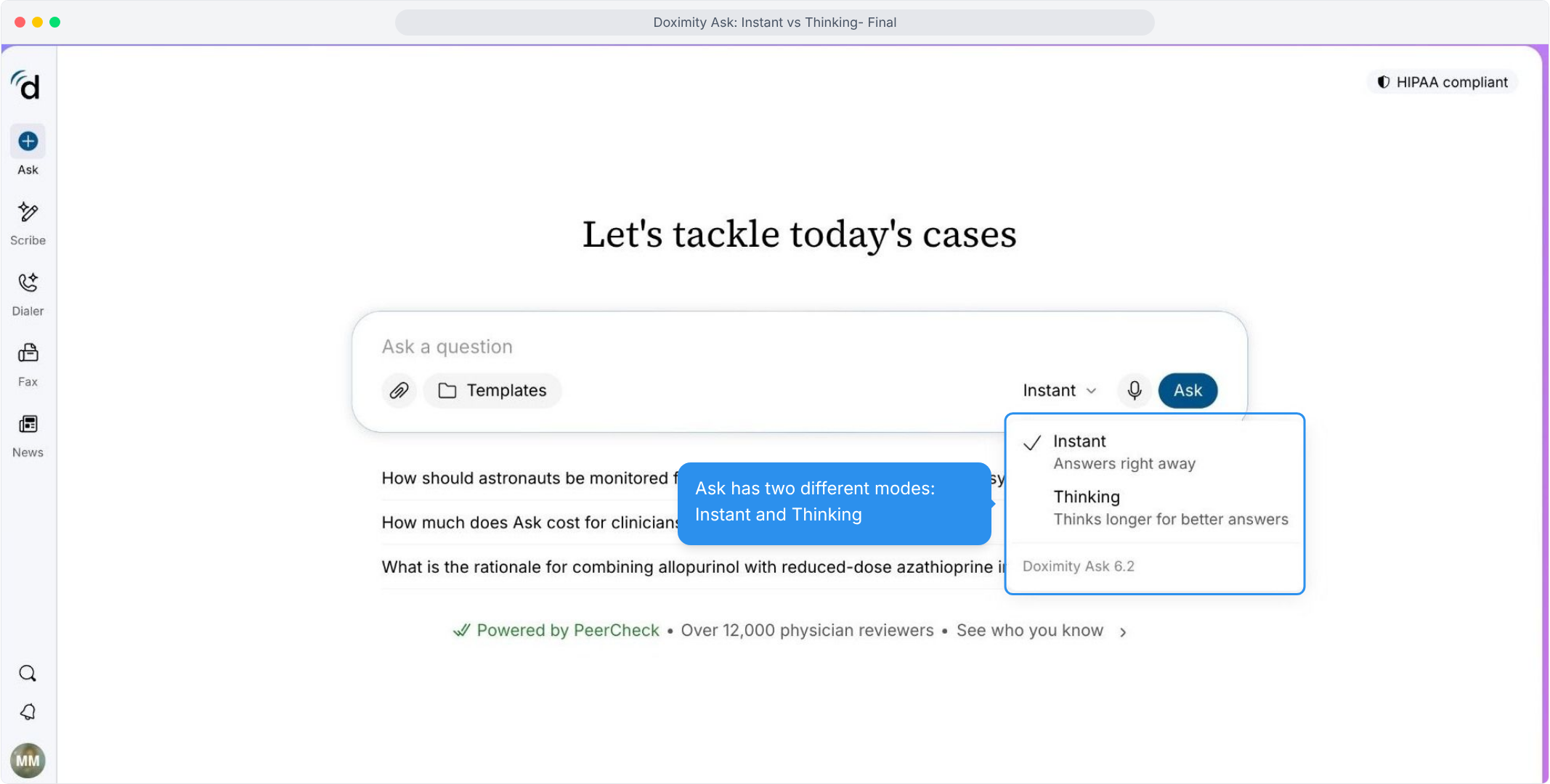
- Choose Between Two Modes
Match the speed of the answer to the complexity of your question from a single dropdown.
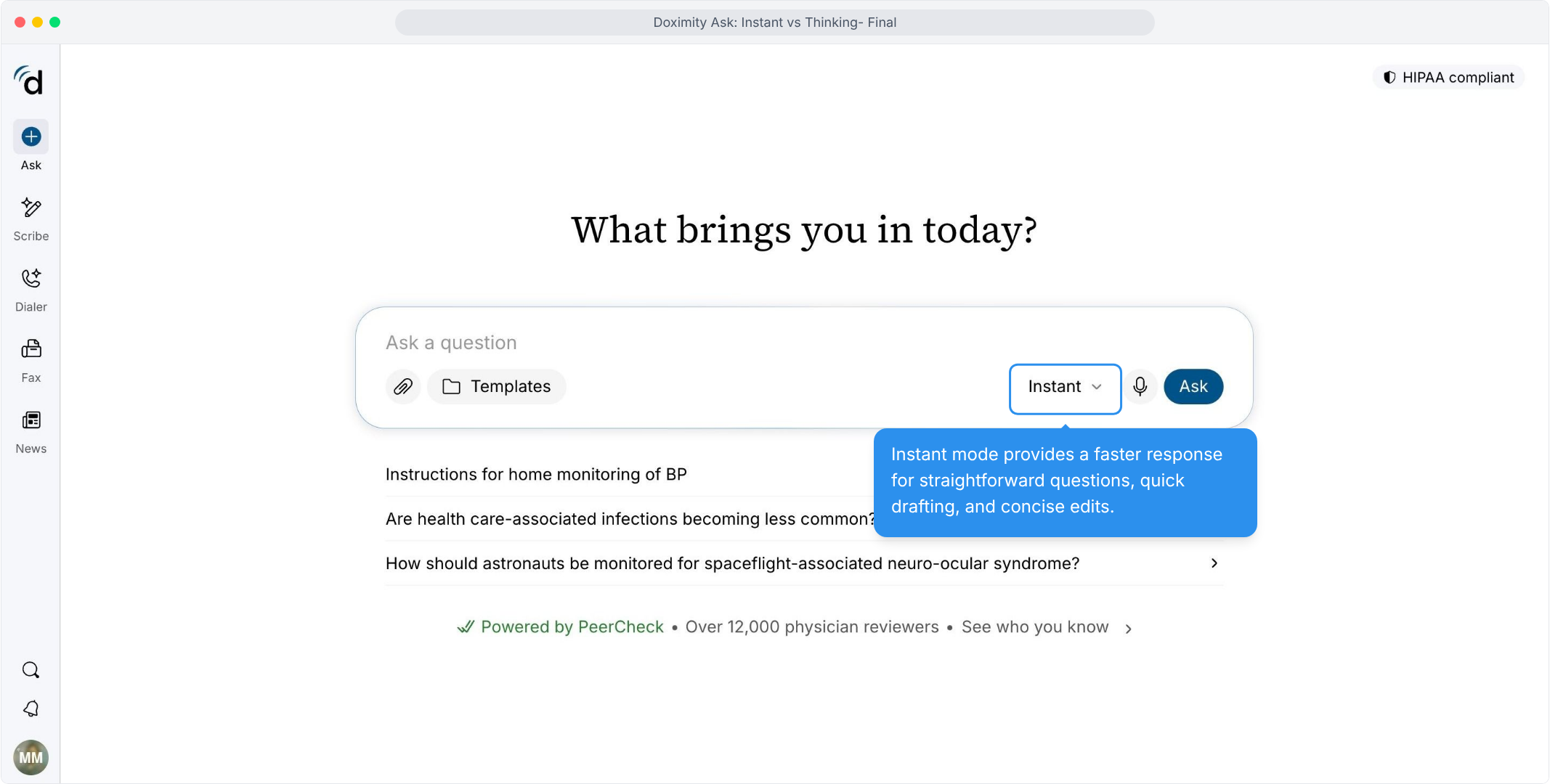
- Use Instant for Routine Questions
Everyday lookups get a direct reply without extra waiting.
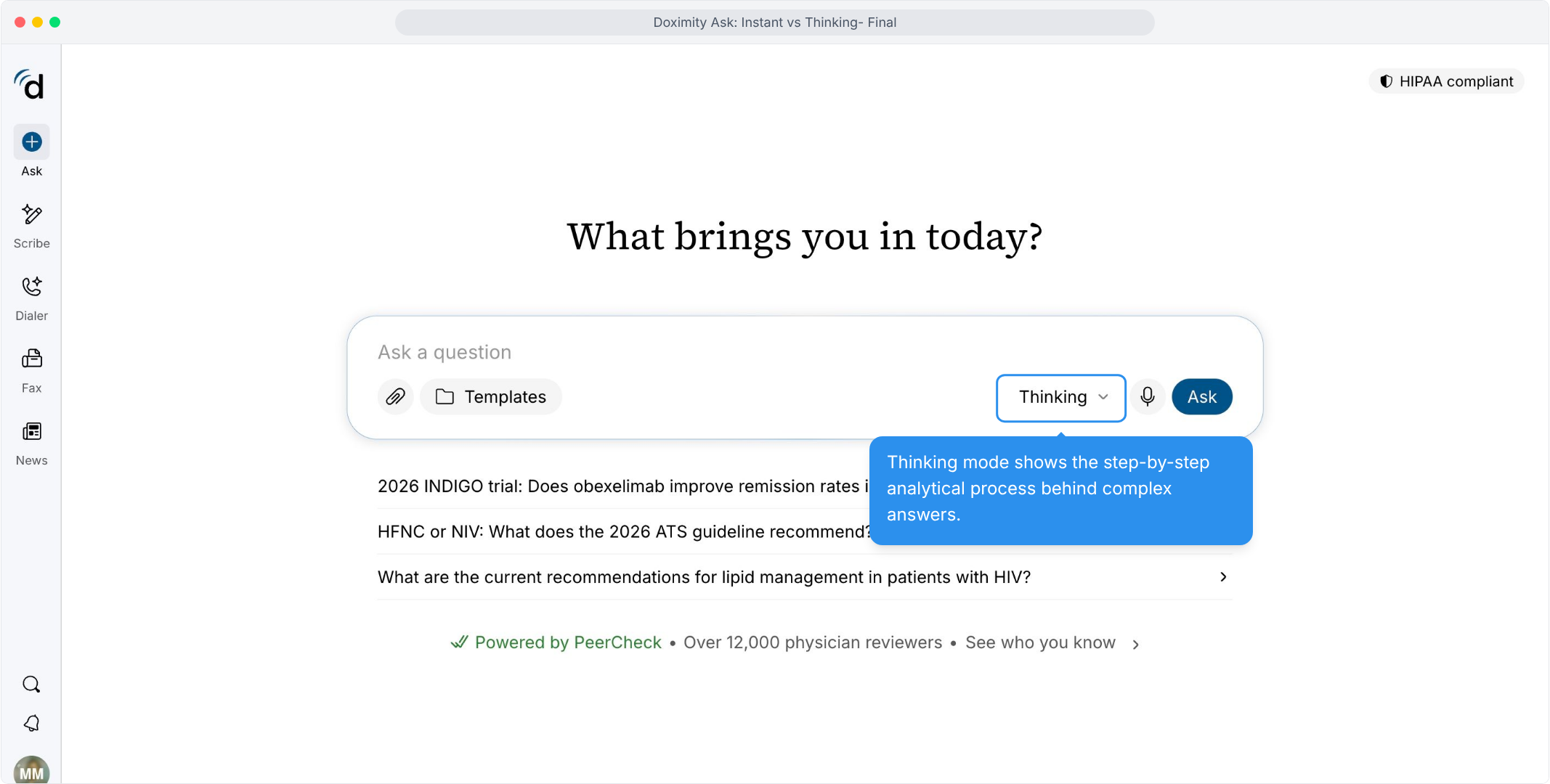
- Select Thinking for Complex Cases
Choose it when a case needs more analysis, and see the process behind the response.
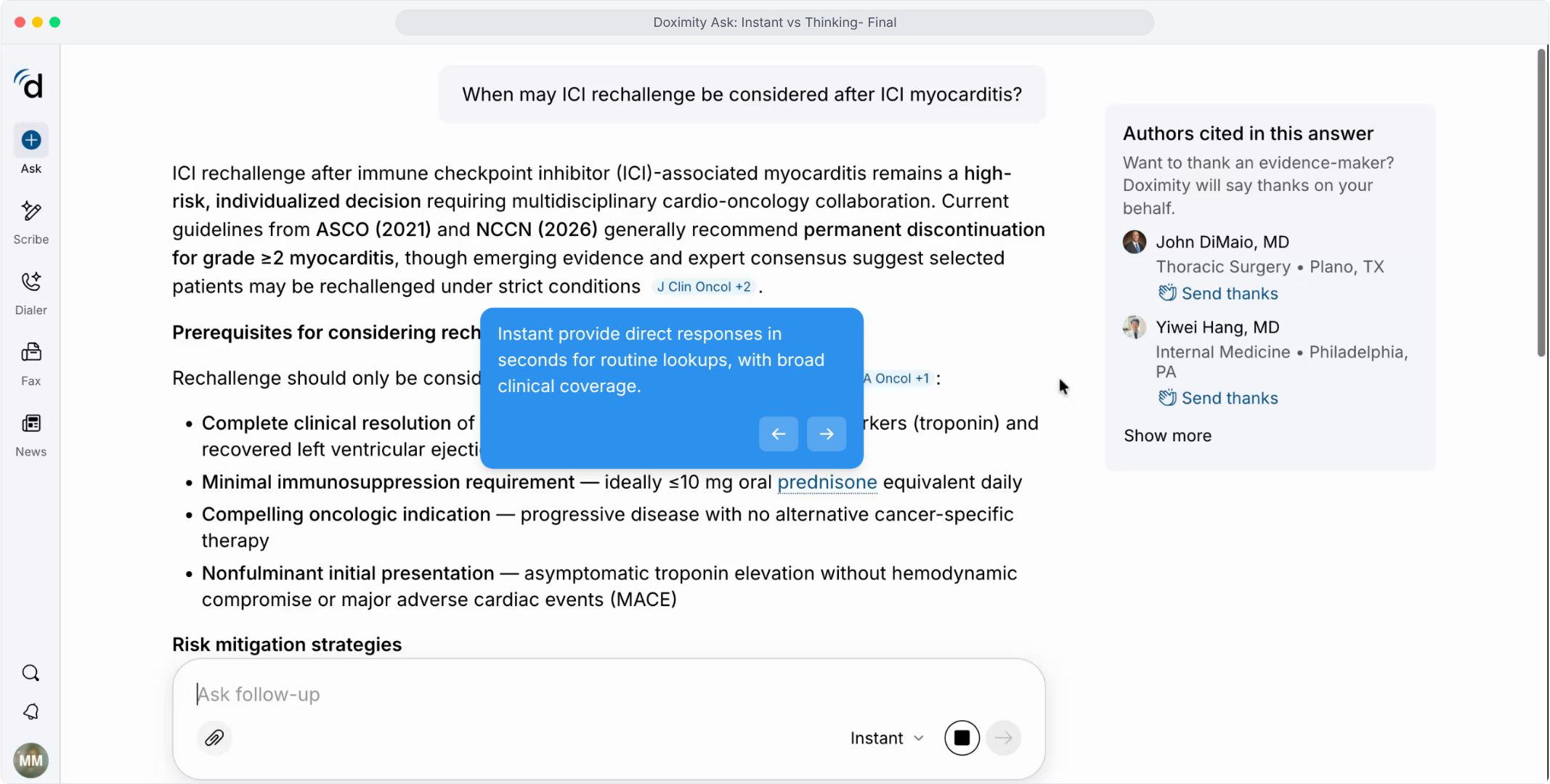
- See a Direct Instant Answer
A focused question returns a structured, cited answer with the authors listed beside it.
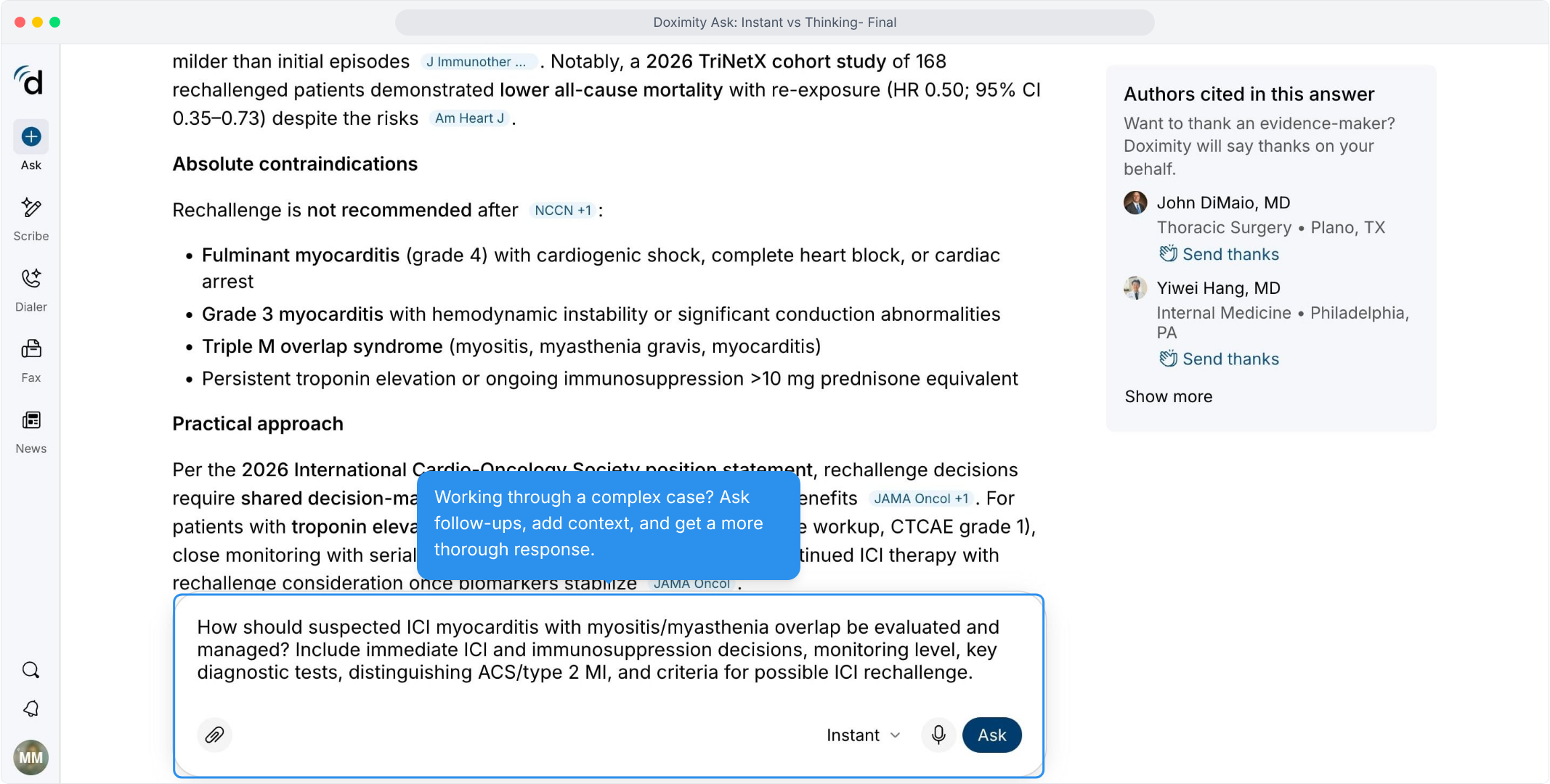
- Add Context for a Complex Case
Adding detail to your question gives you a more thorough response.
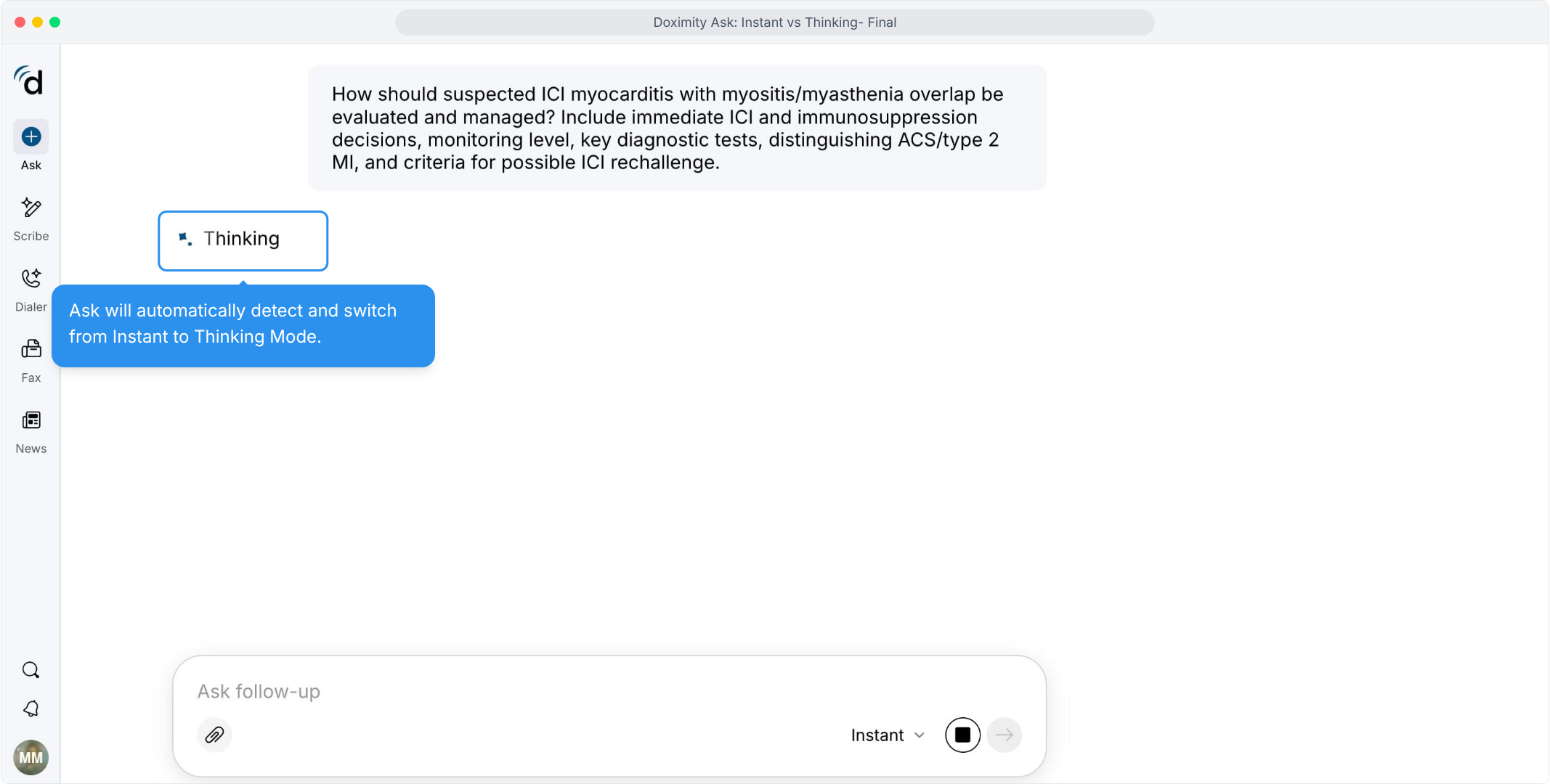
- Modes Switch Automatically
When a question is complex, Ask moves from Instant to Thinking without you having to change the setting.
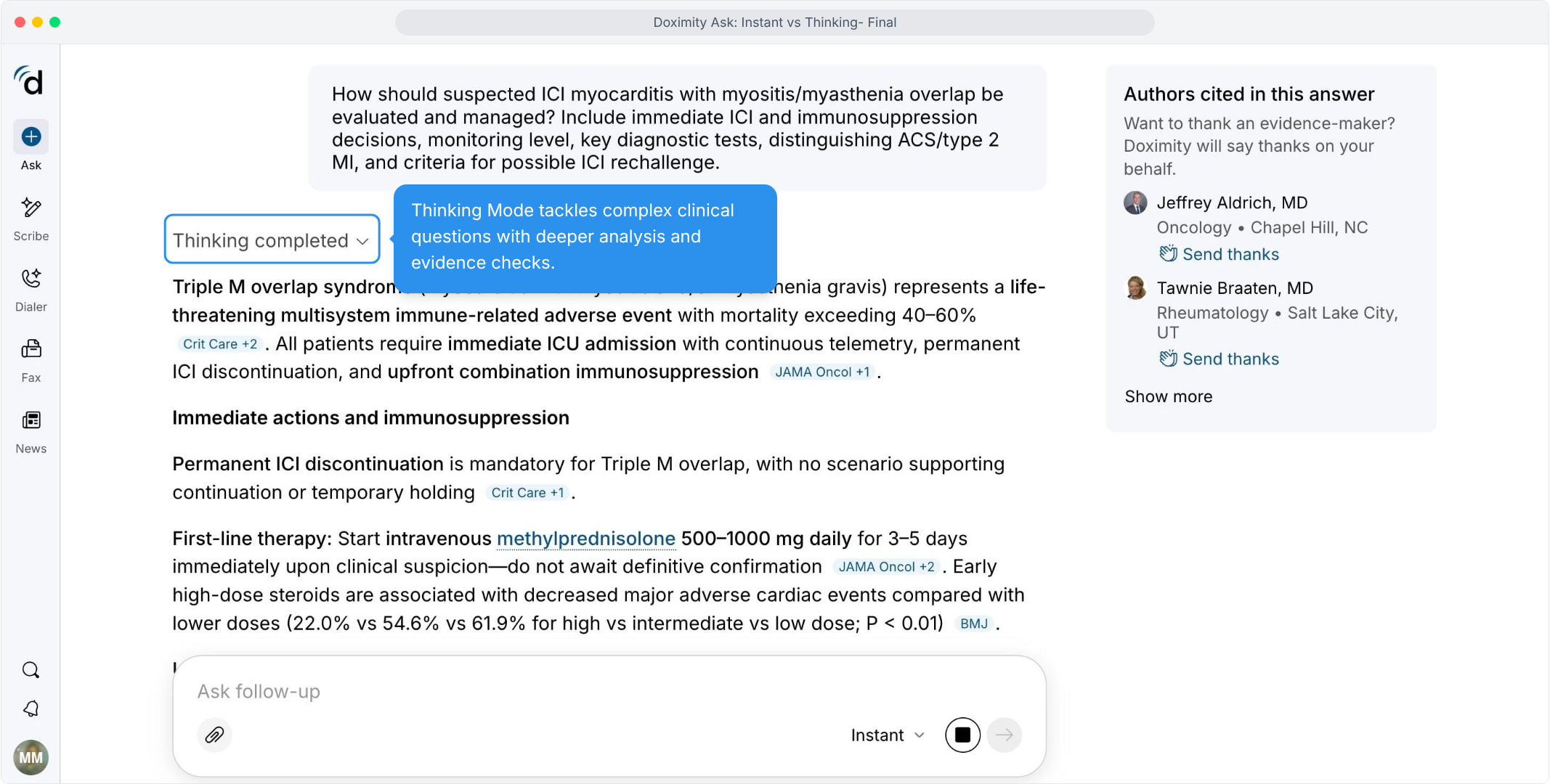
- Receive a Deeper Analysis
Complex questions receive more detailed responses, with citations supporting key statements.
- Check How the Answer Was Built
The reasoning summary and sources searched are one click away.
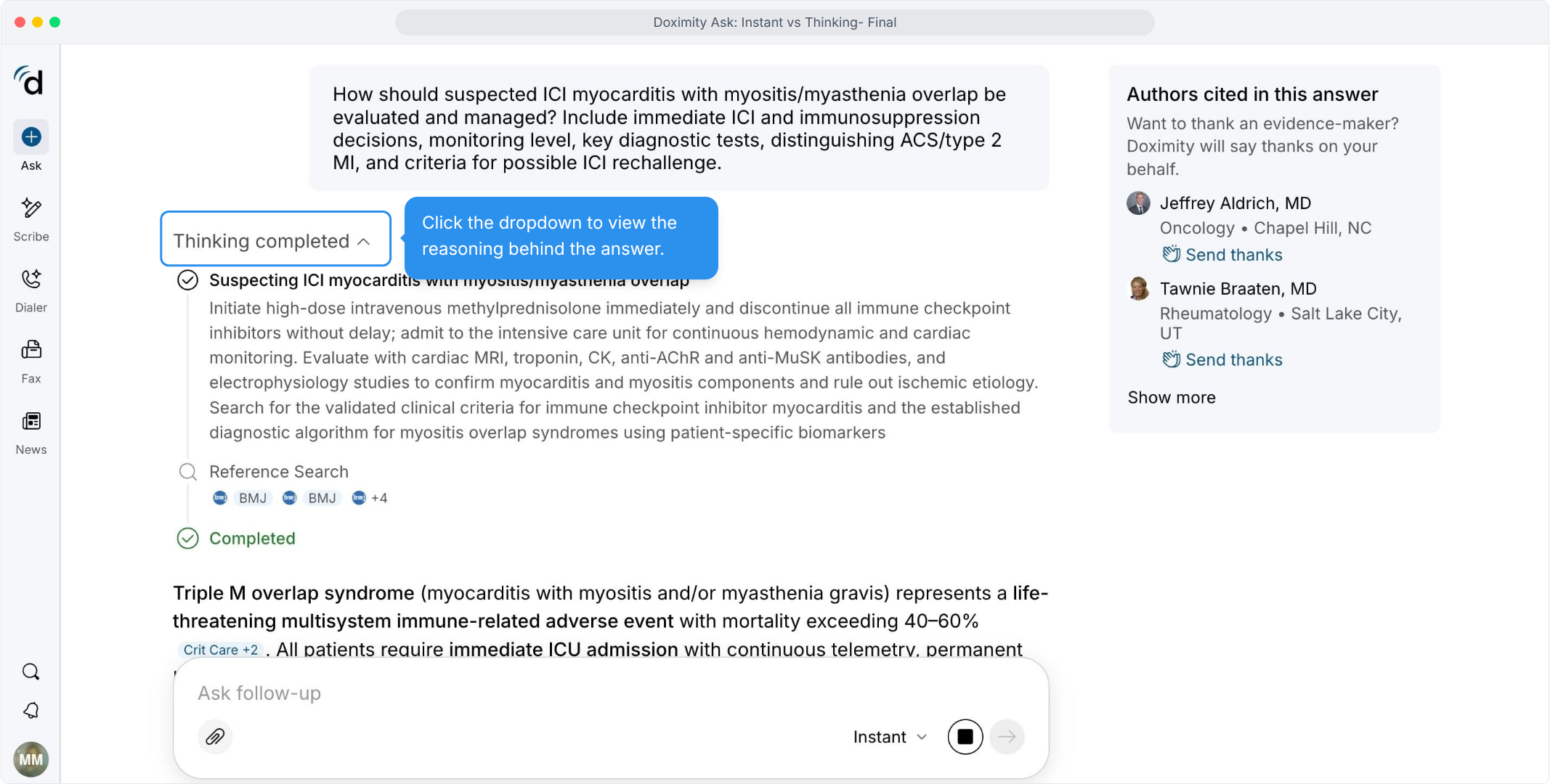
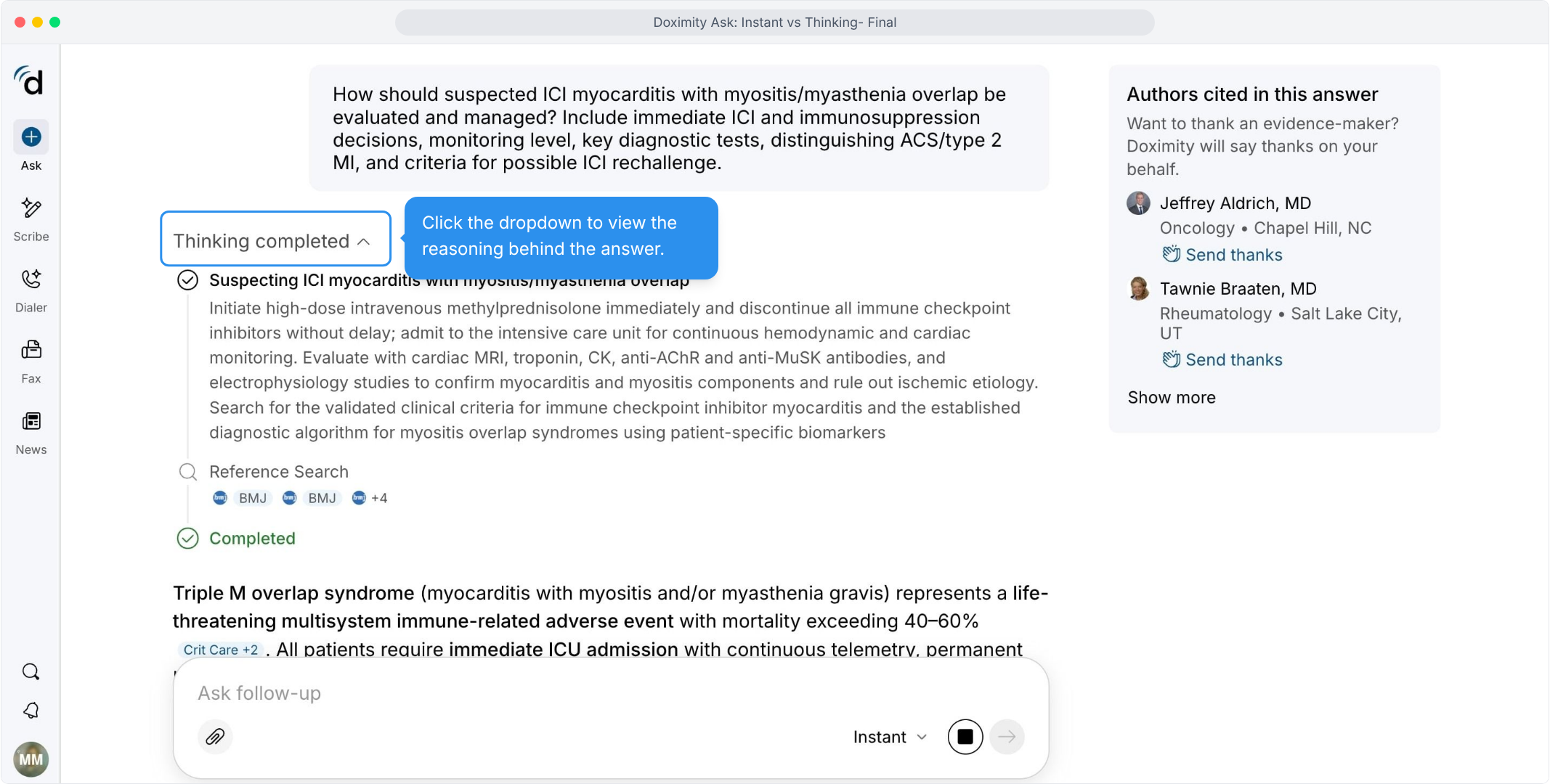
- Follow the Clinical Reasoning
The reasoning lists several considerations, from diagnostics to immunosuppression, before the final answer.
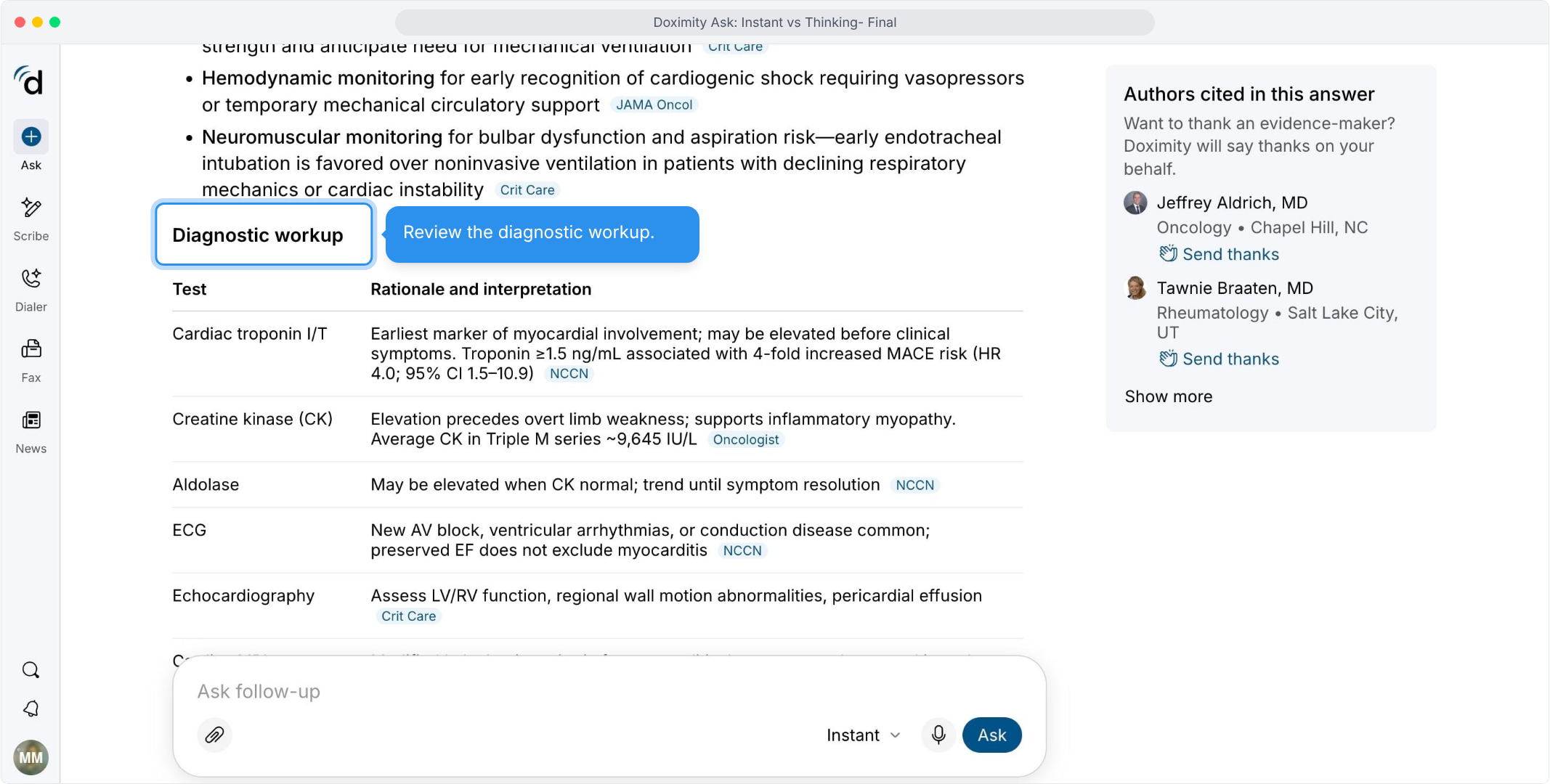
- Scan the Diagnostic Workup
Each test comes with its rationale and how to interpret it, so the workup is easy to scan.
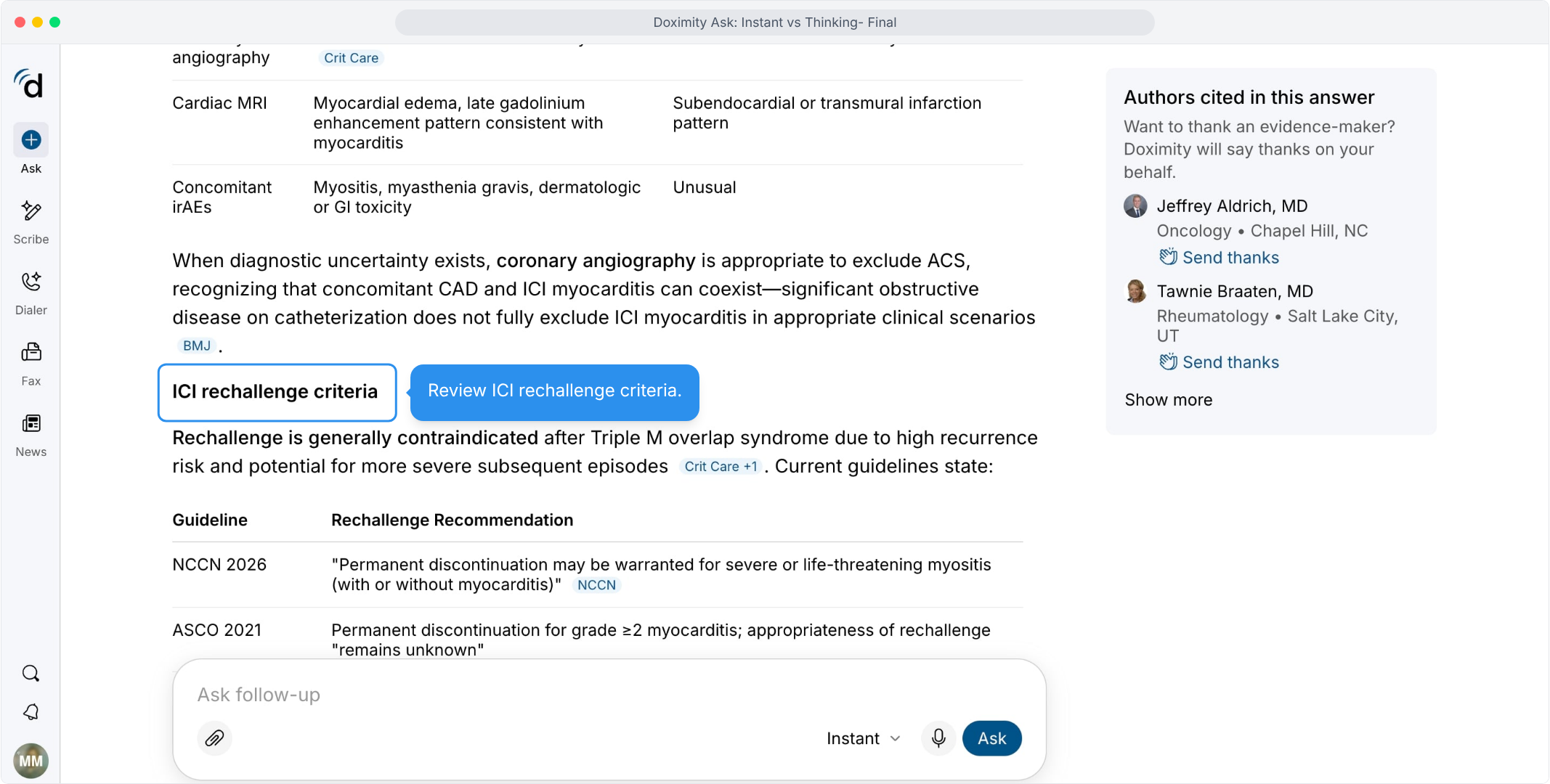
- Review ICI Rechallenge Criteria:
See what current guidelines say about resuming therapy without searching each source.
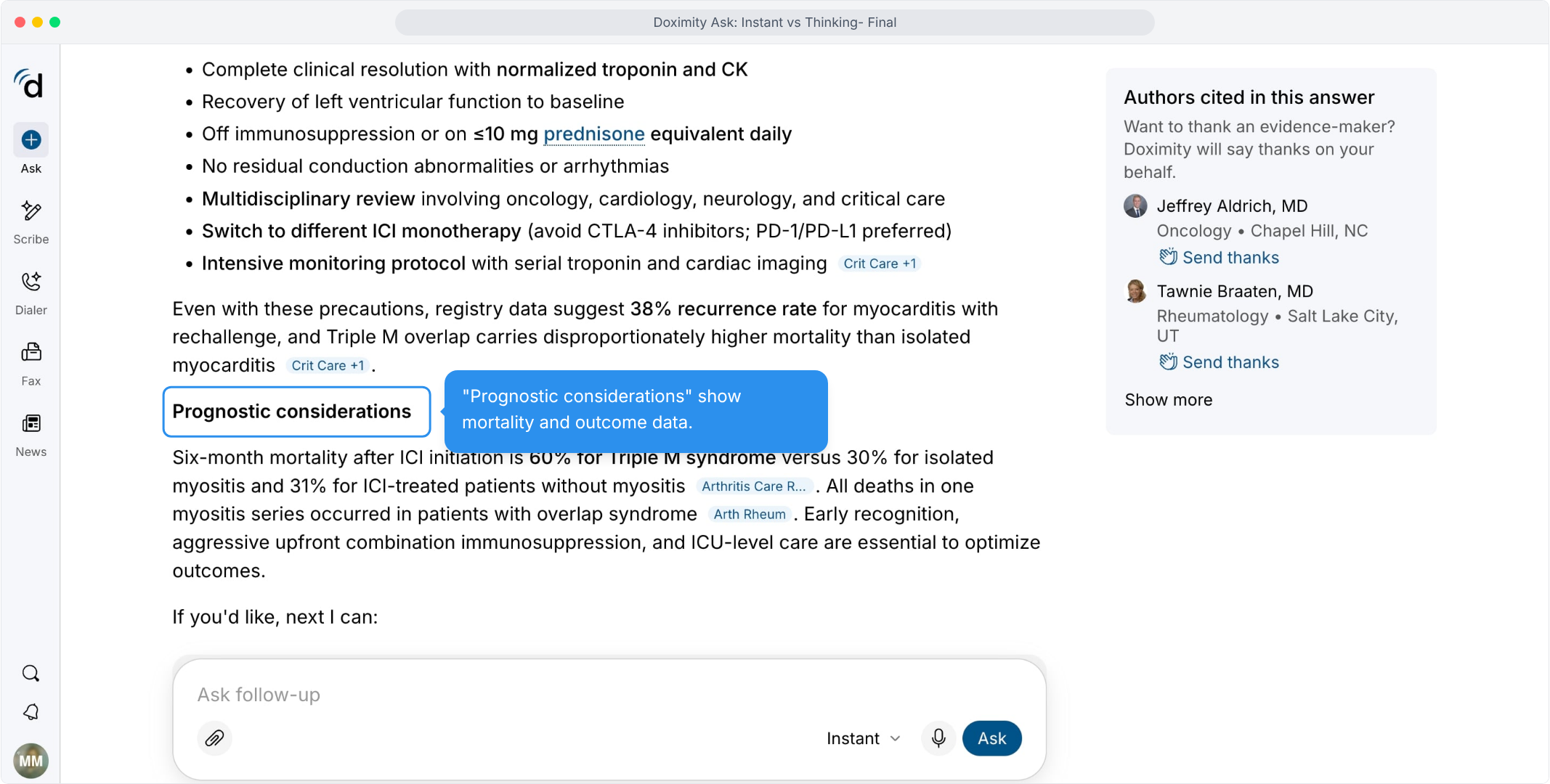
- Gauge Expected Outcomes
Mortality and outcome data for this condition are presented in a single short section, with sources cited.
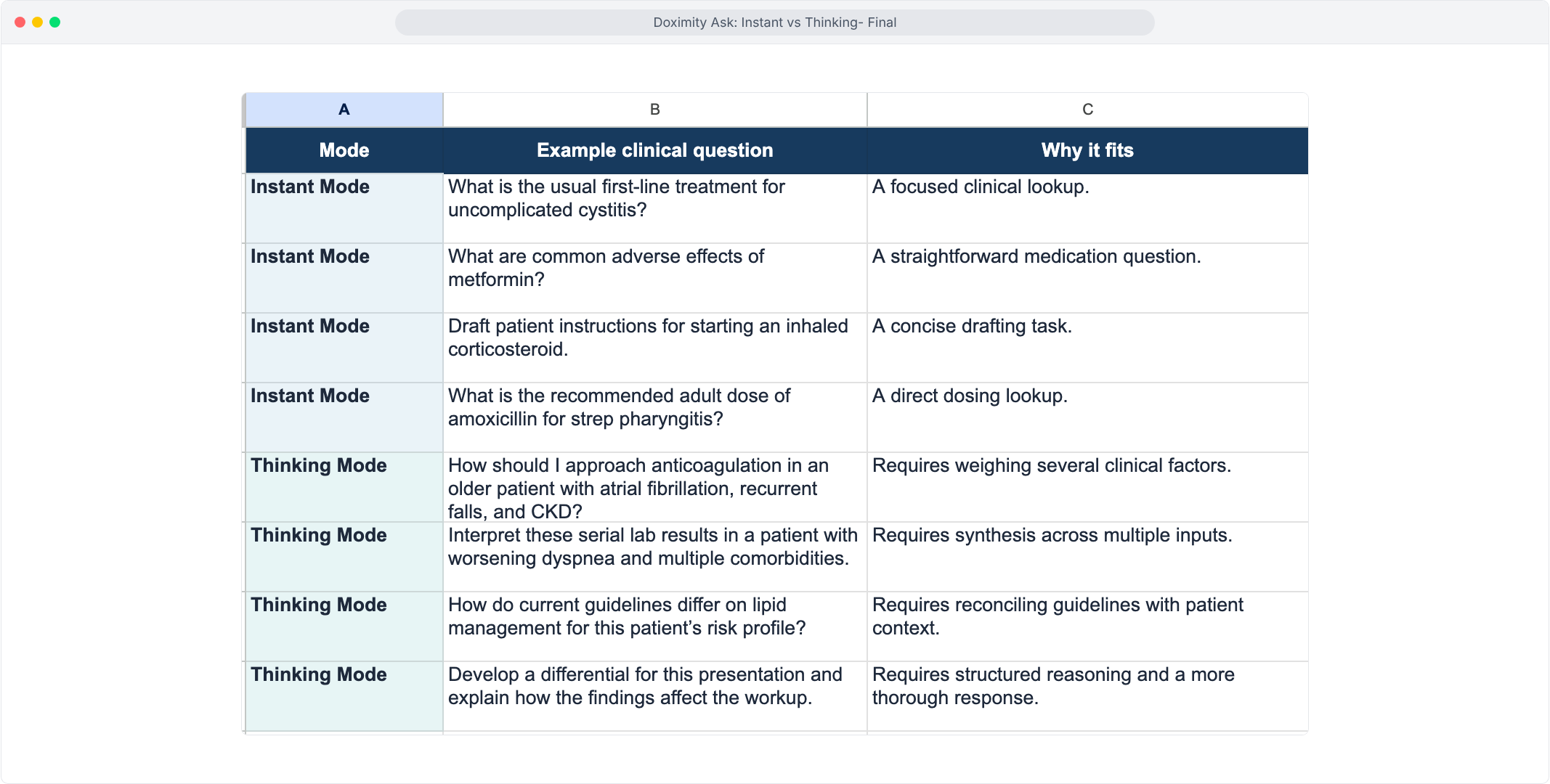
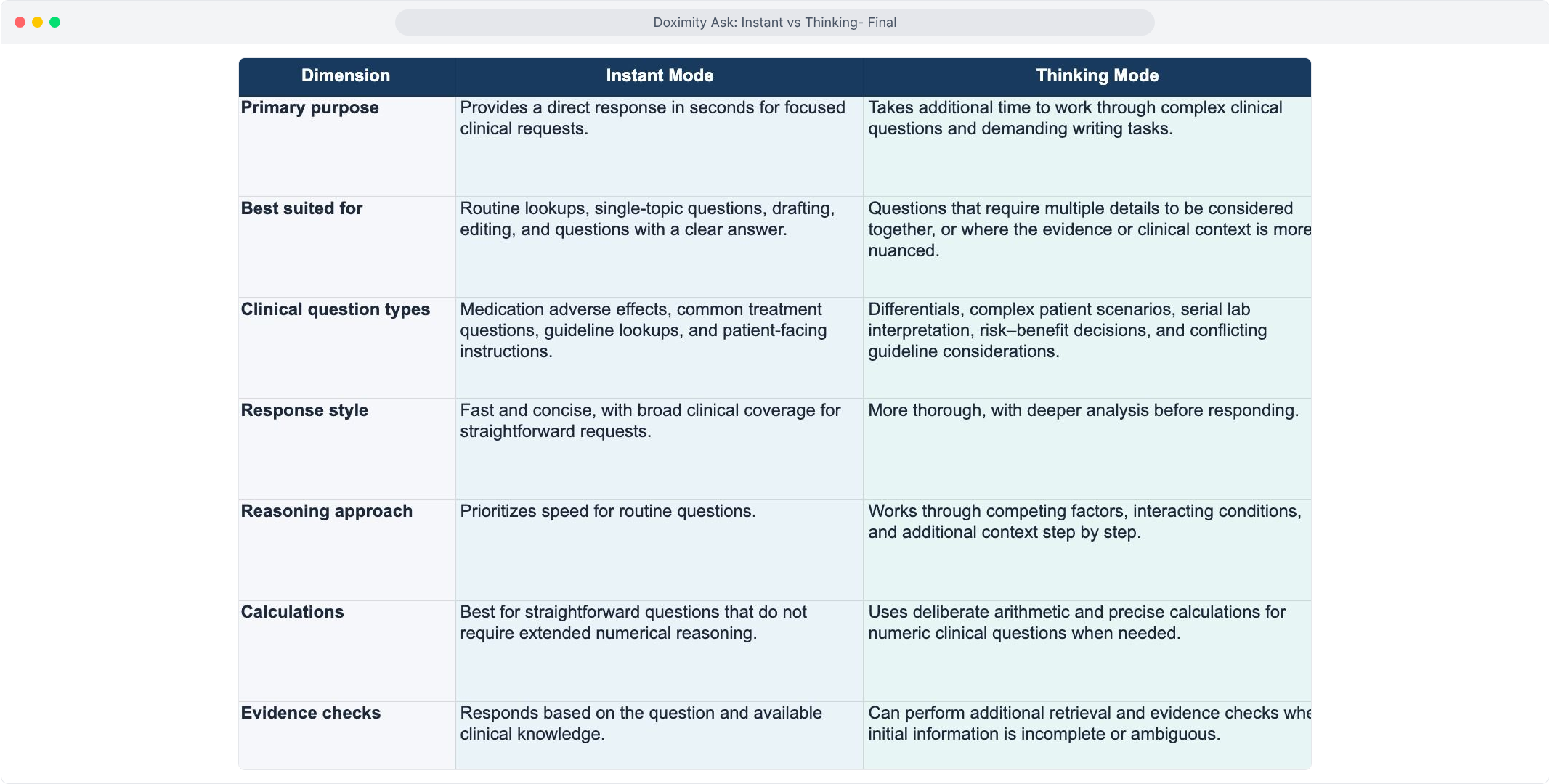
- Compare Instant and Thinking
Use this side-by-side table to decide which mode fits a given question.
- Browse Sample Prompts by Mode
Use these samples as a guide to which mode fits your own cases.