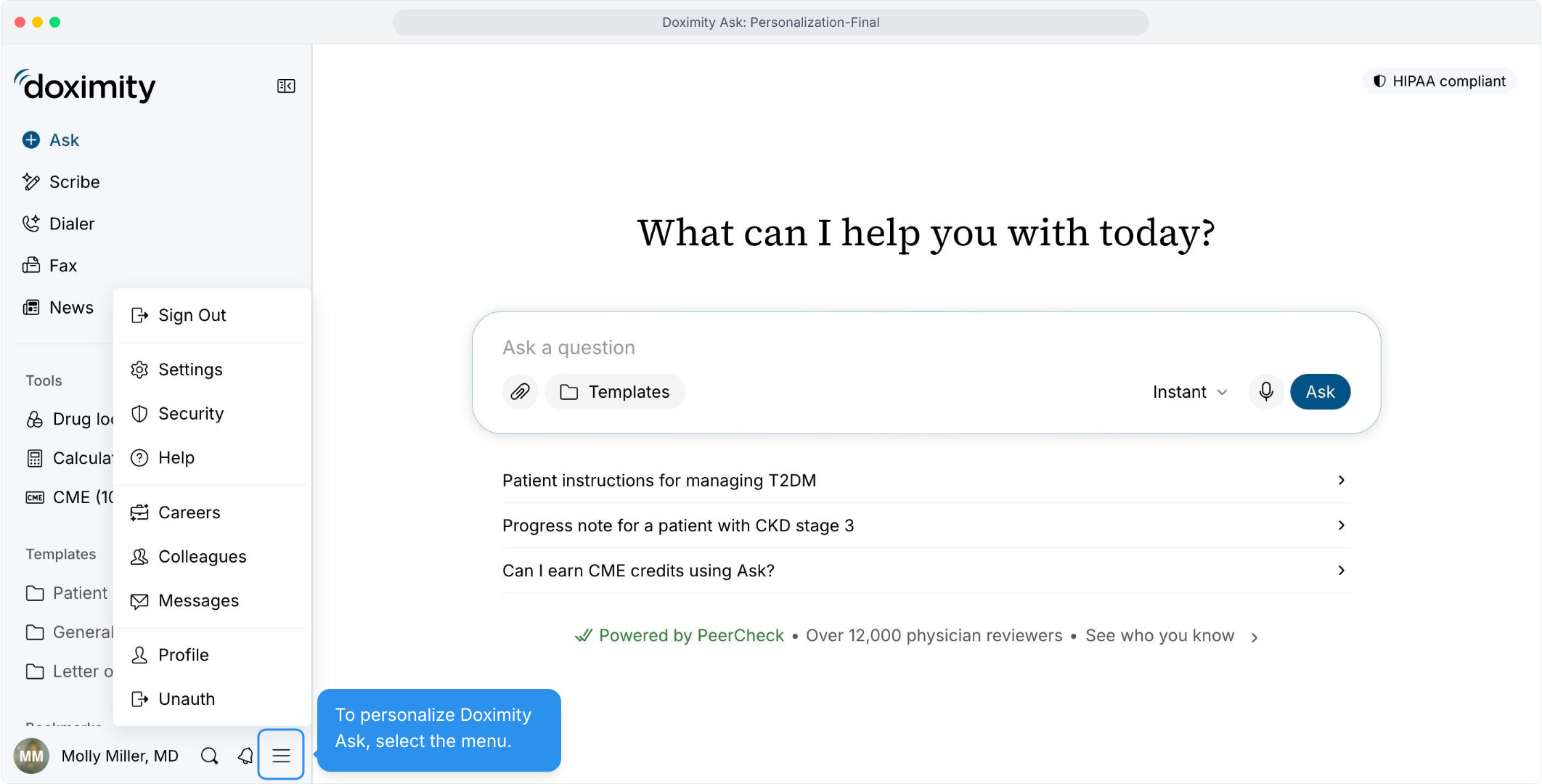
- Start at Your Menu
Tap the menu icon next to your name to begin.
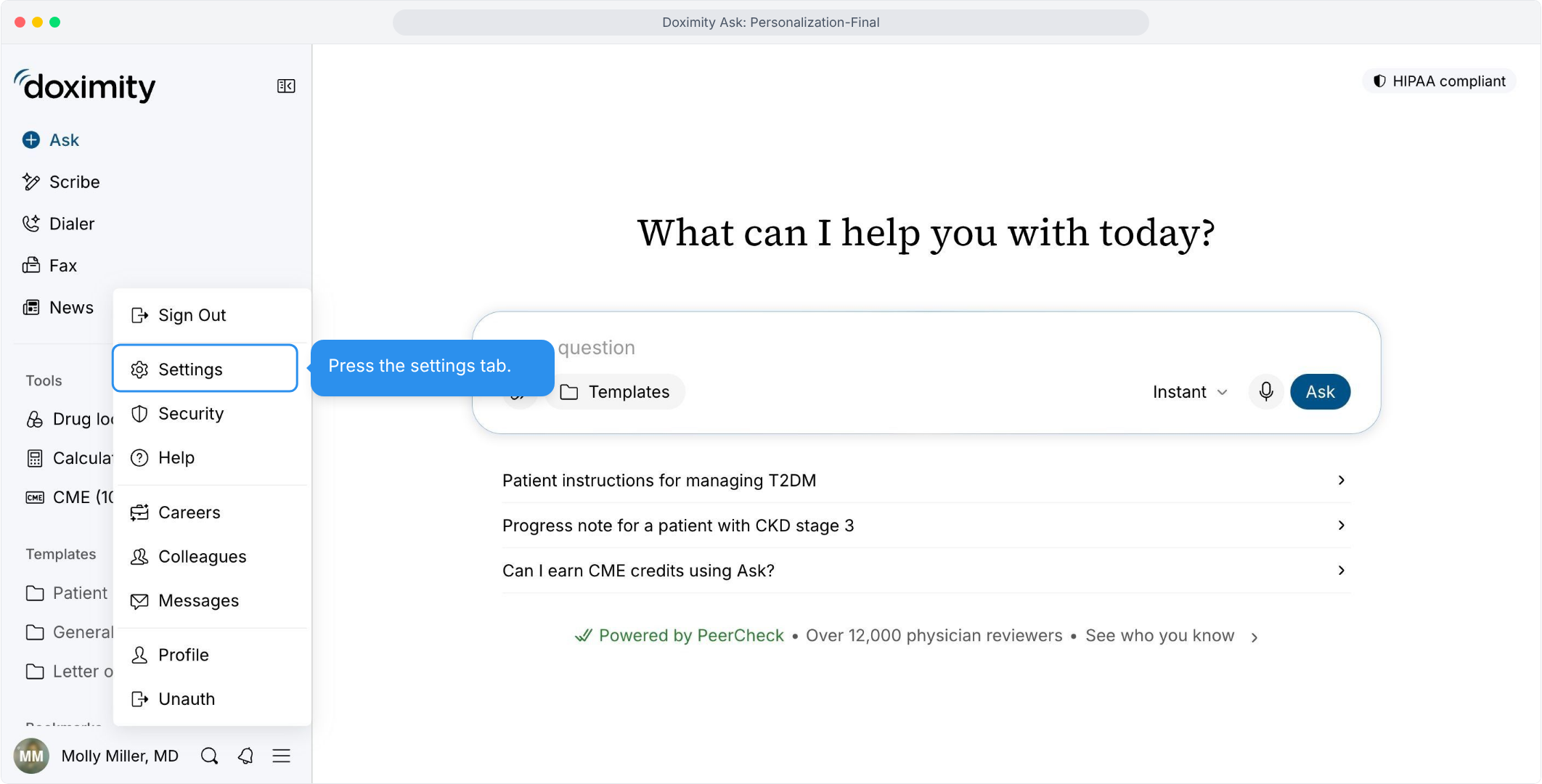
- Head to Settings
Pick Settings to open your account options.
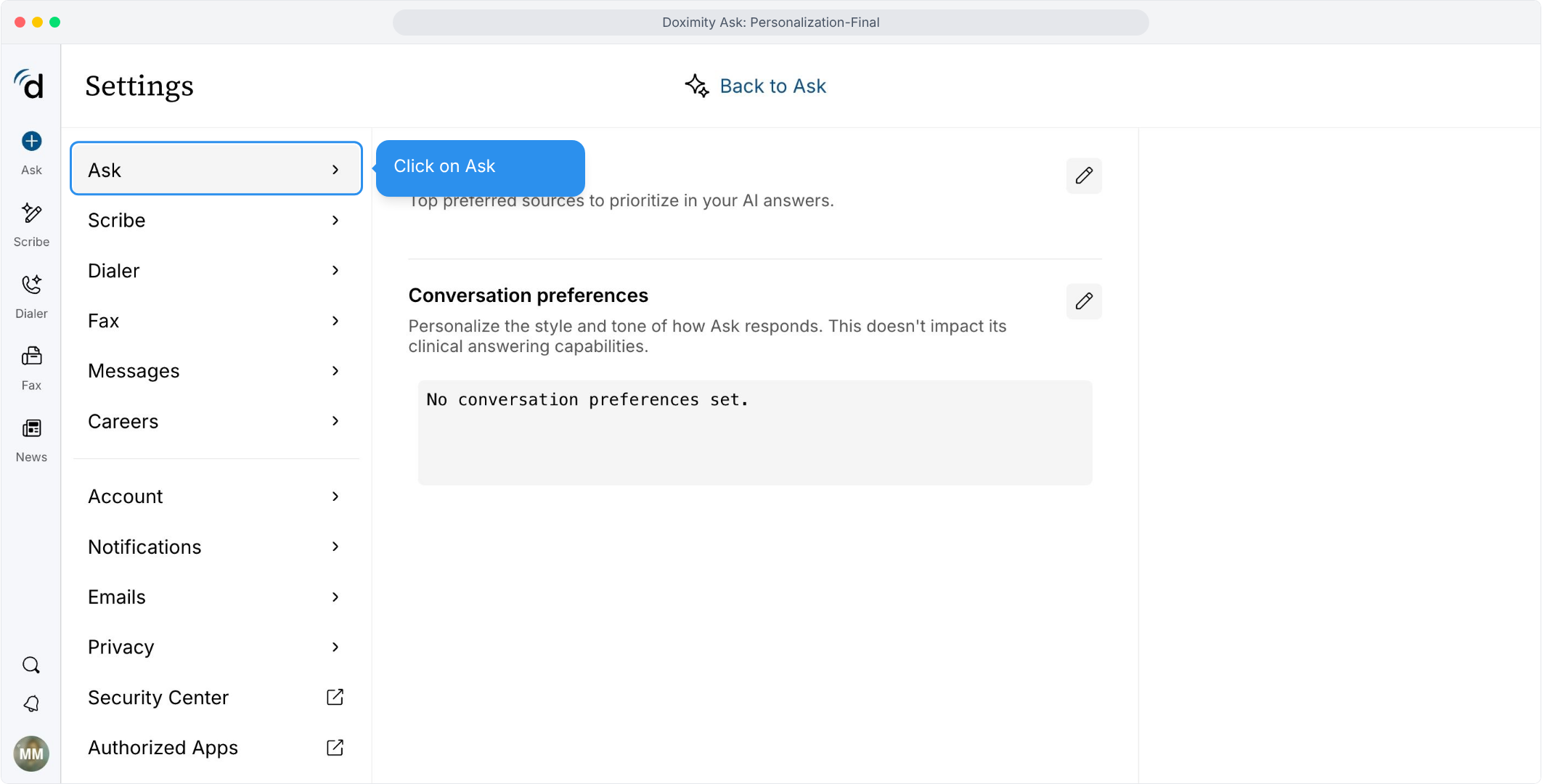
- Find Your Ask Settings
Select Ask to see everything you can personalize.
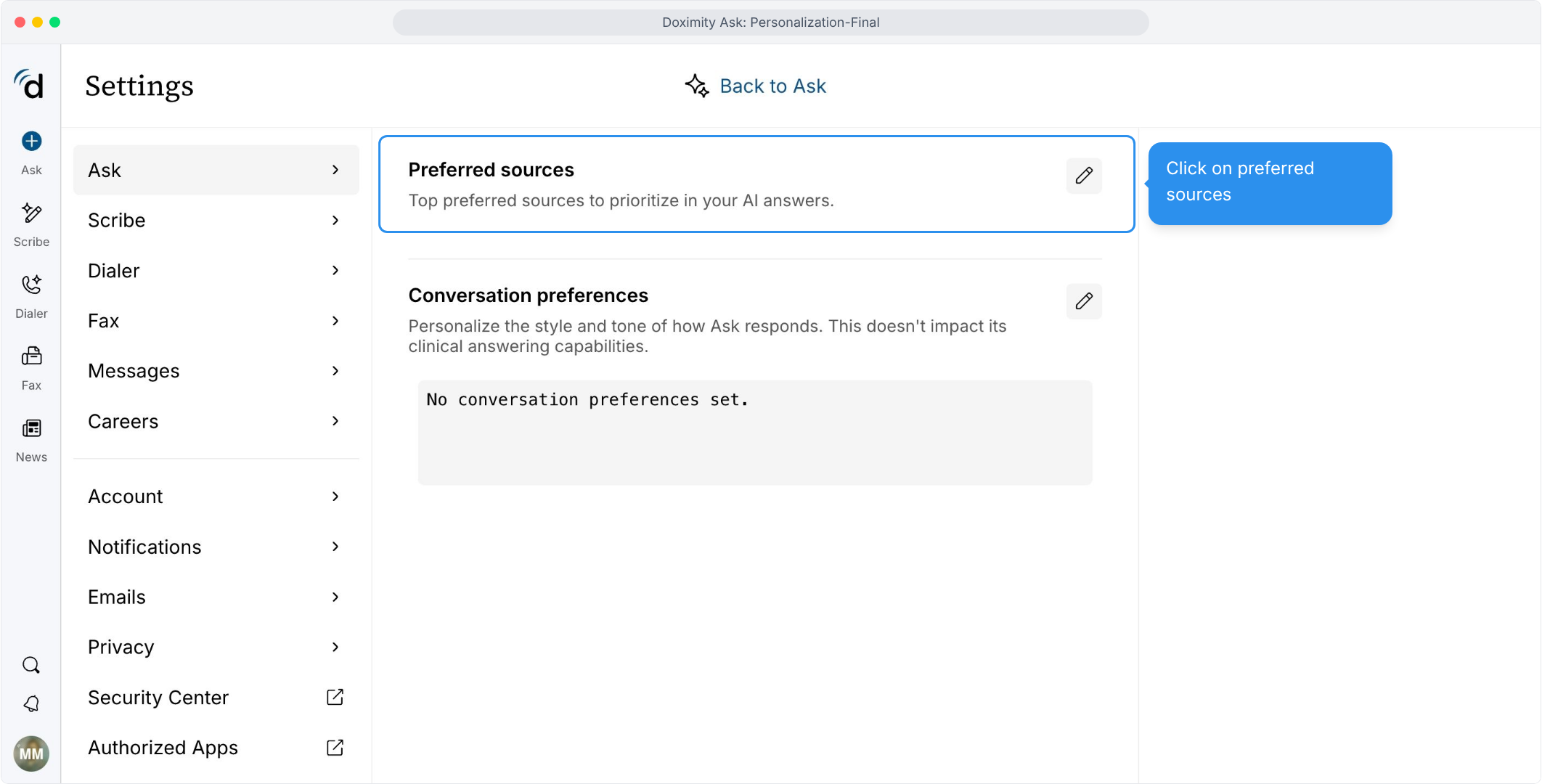
- Choose the Journals You Trust
Open Preferred sources to tell Ask where to look first.
- Add Your Go-To Sources
Search and add up to 25 journals or clinical sources.
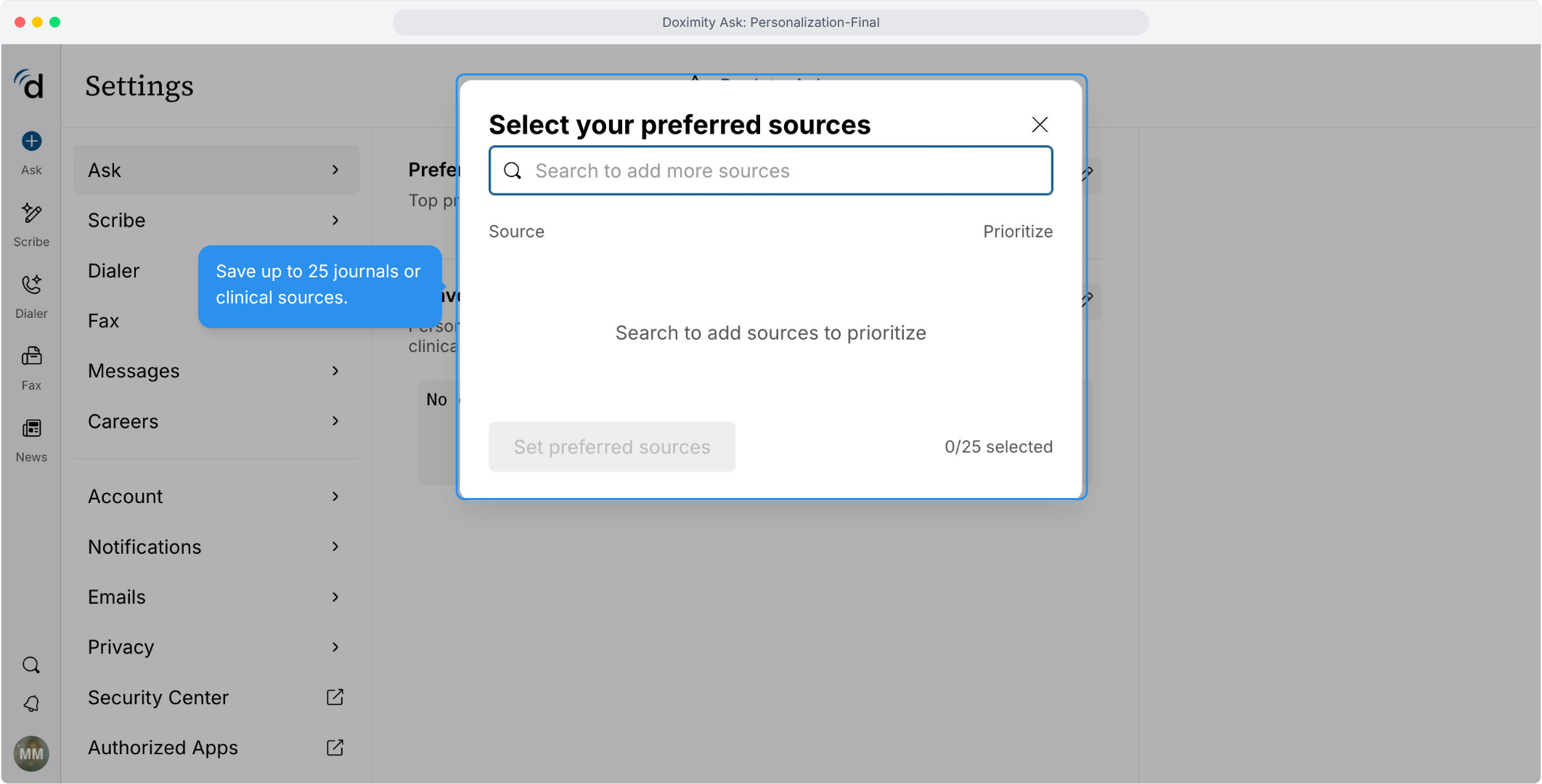
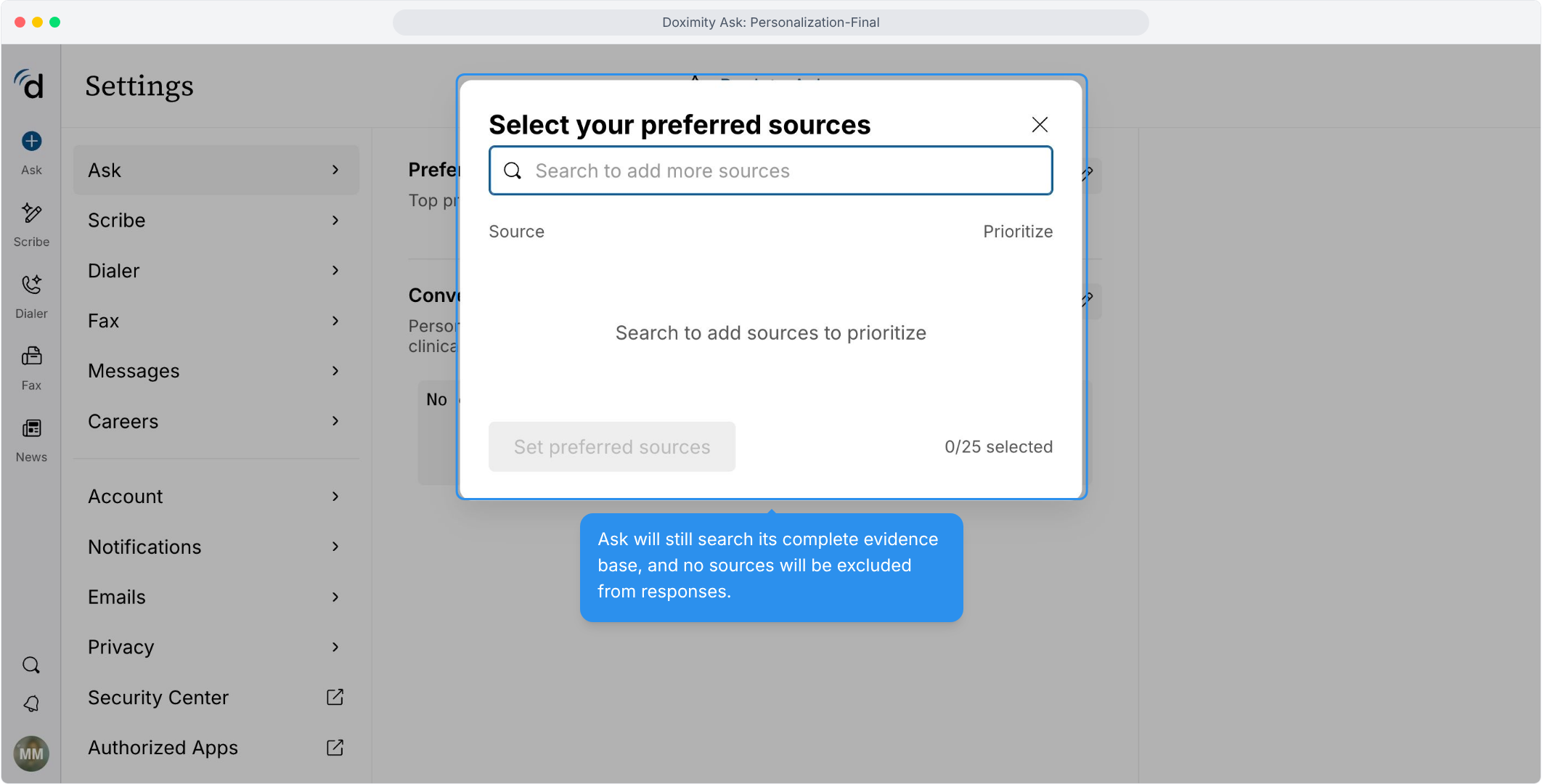
- Nothing Gets Left Out
Ask still searches its full evidence base. Your picks just rise to the top.
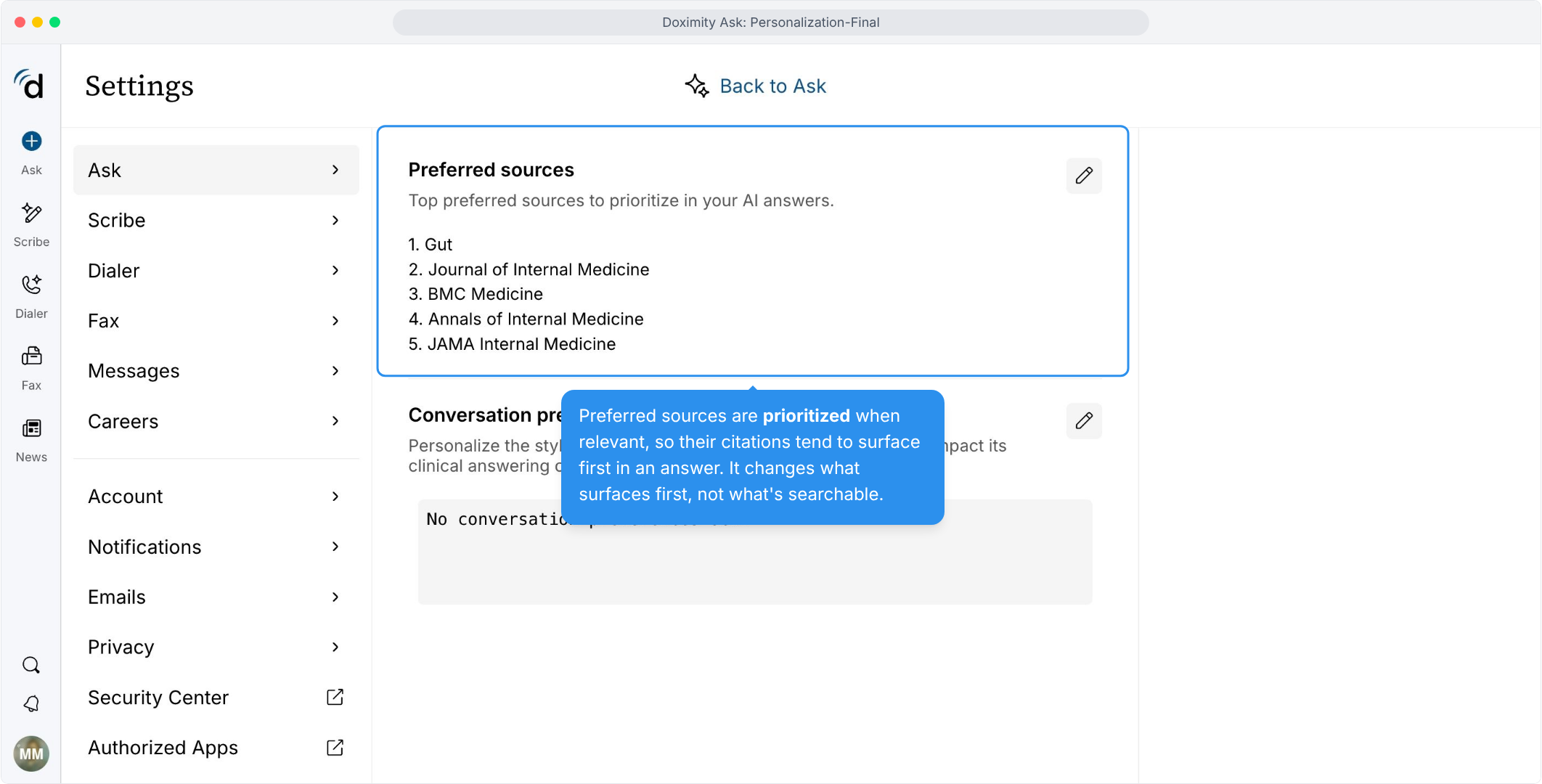
- Your Sources, Front and Center
Your preferred sources are cited first when relevant. Edit the list anytime.
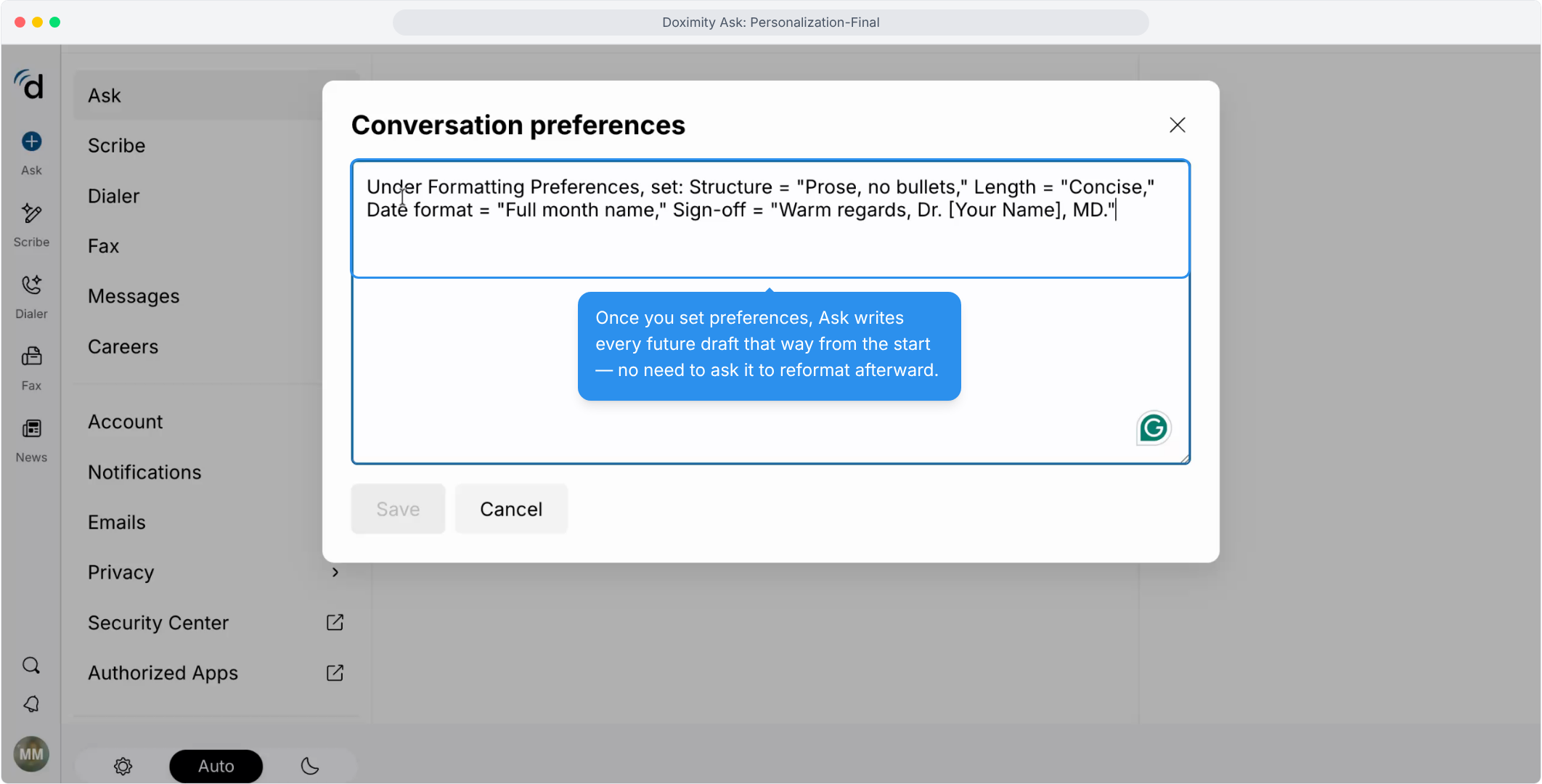
- Make Ask Sound Like You
Open Conversation preferences to set the style and tone of your drafts.
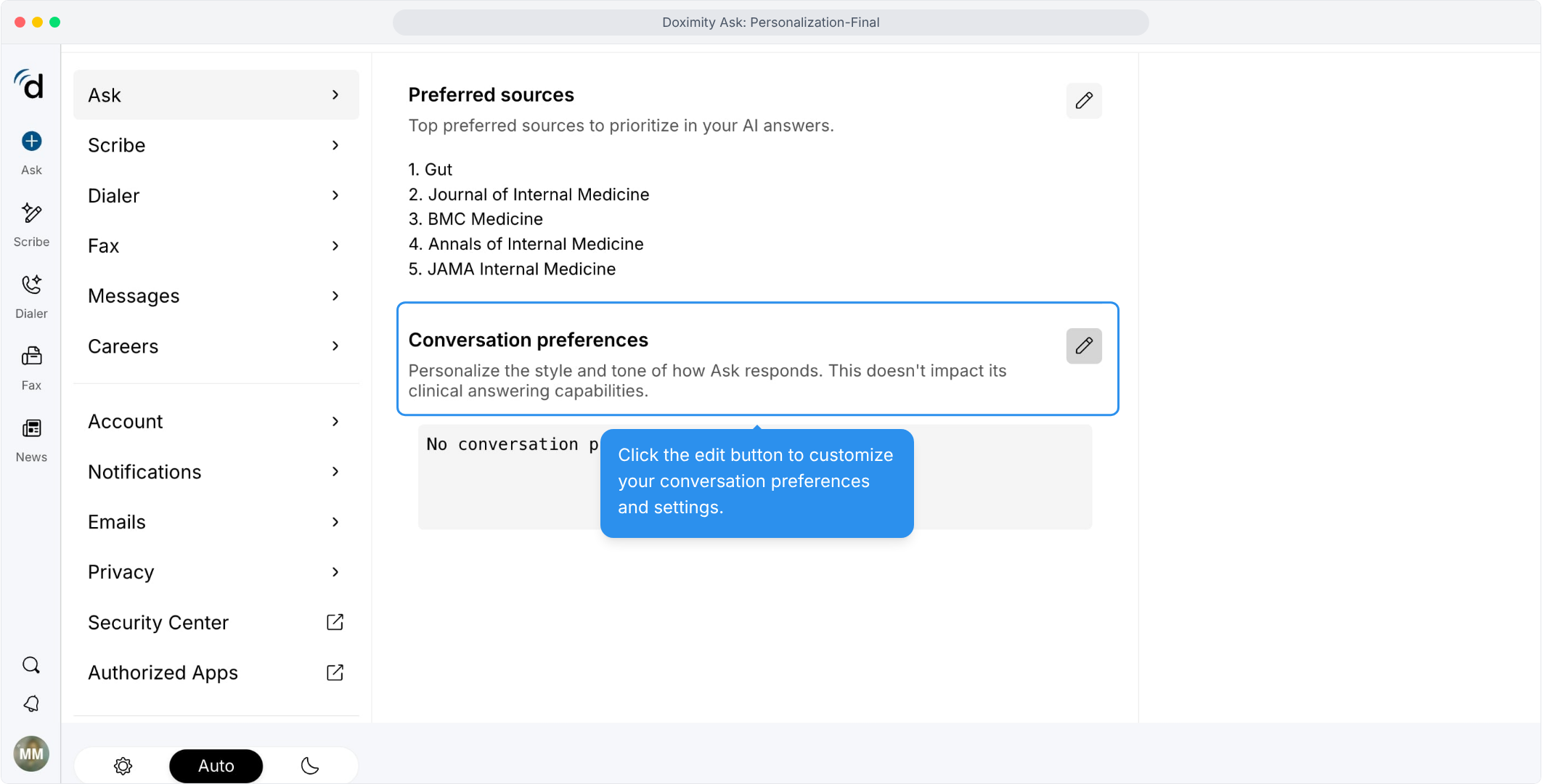
- Set Your Style Once
Choose your structure, length, date format, and sign-off, and skip the reformatting.
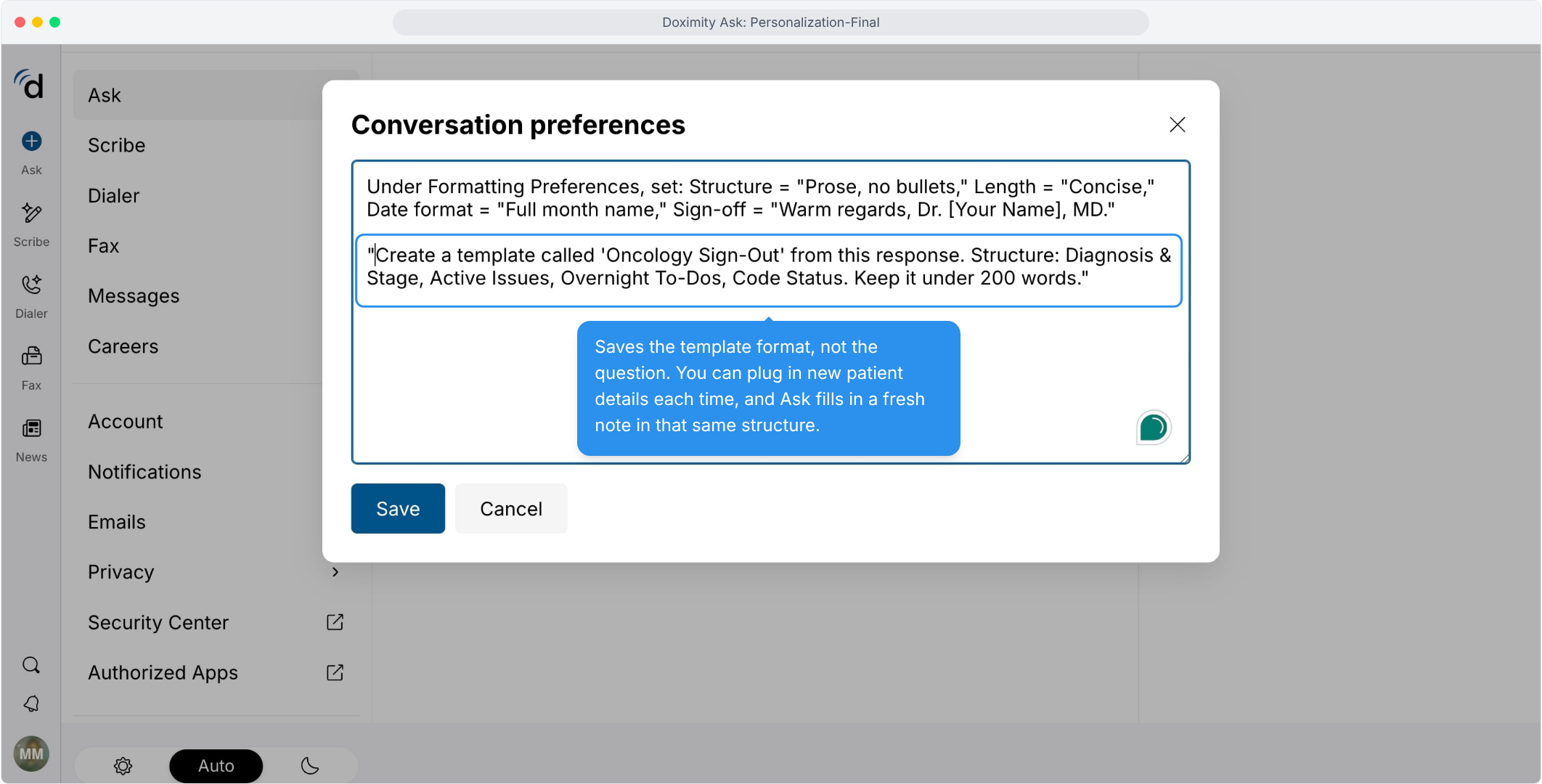
- Build Your Own Template
Turn a note you use often, like an oncology sign-out, into a reusable format.
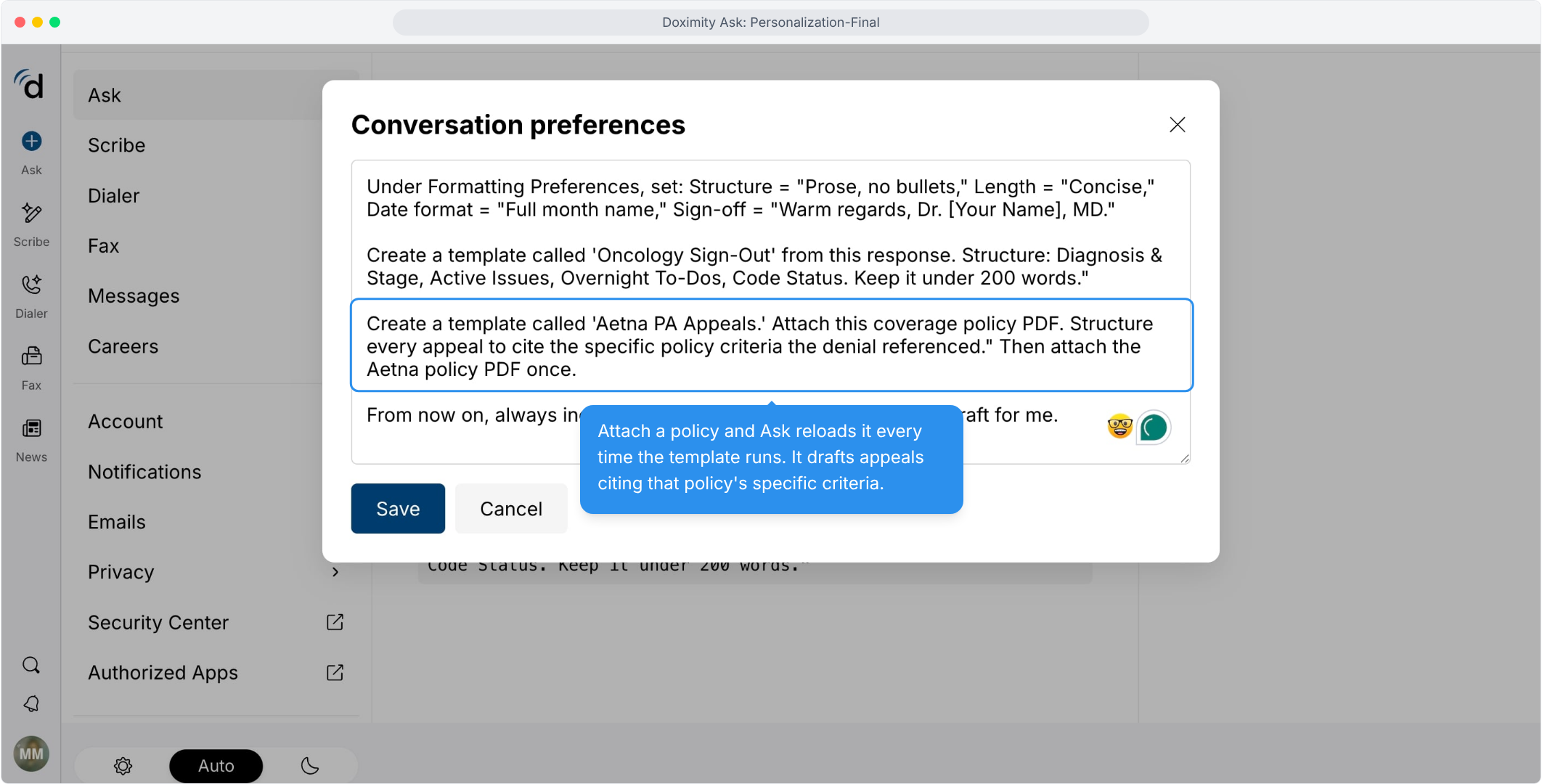
- Customize with Different Coverage Policies
Pair a template with a policy document to draft appeals that cite the right criteria.
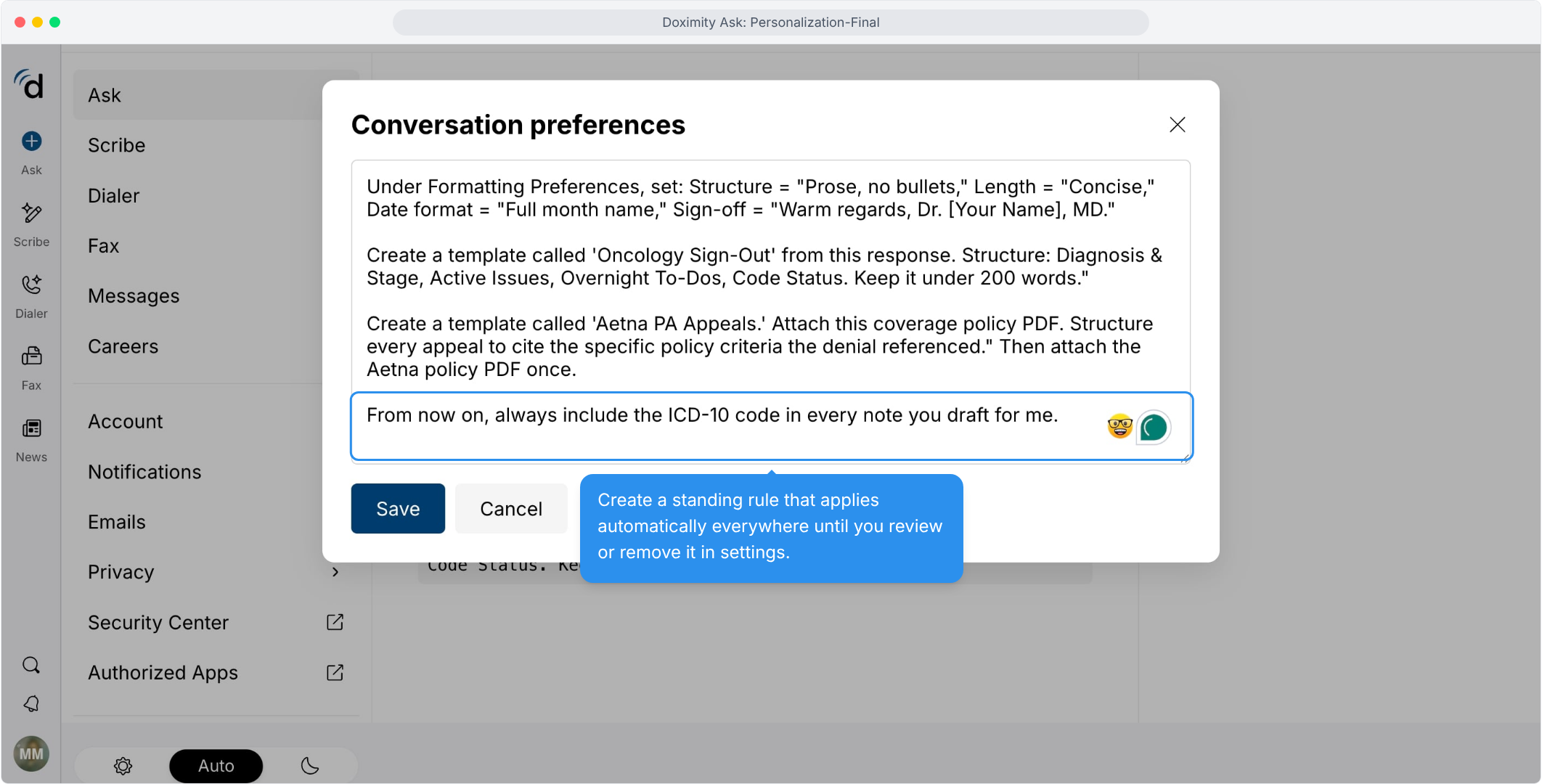
- Create a Rule That Sticks
Add a standing instruction, like always including the ICD-10 code, and Ask remembers it.
- Take Ask on the Go
Open the menu in the Ask app on your phone.
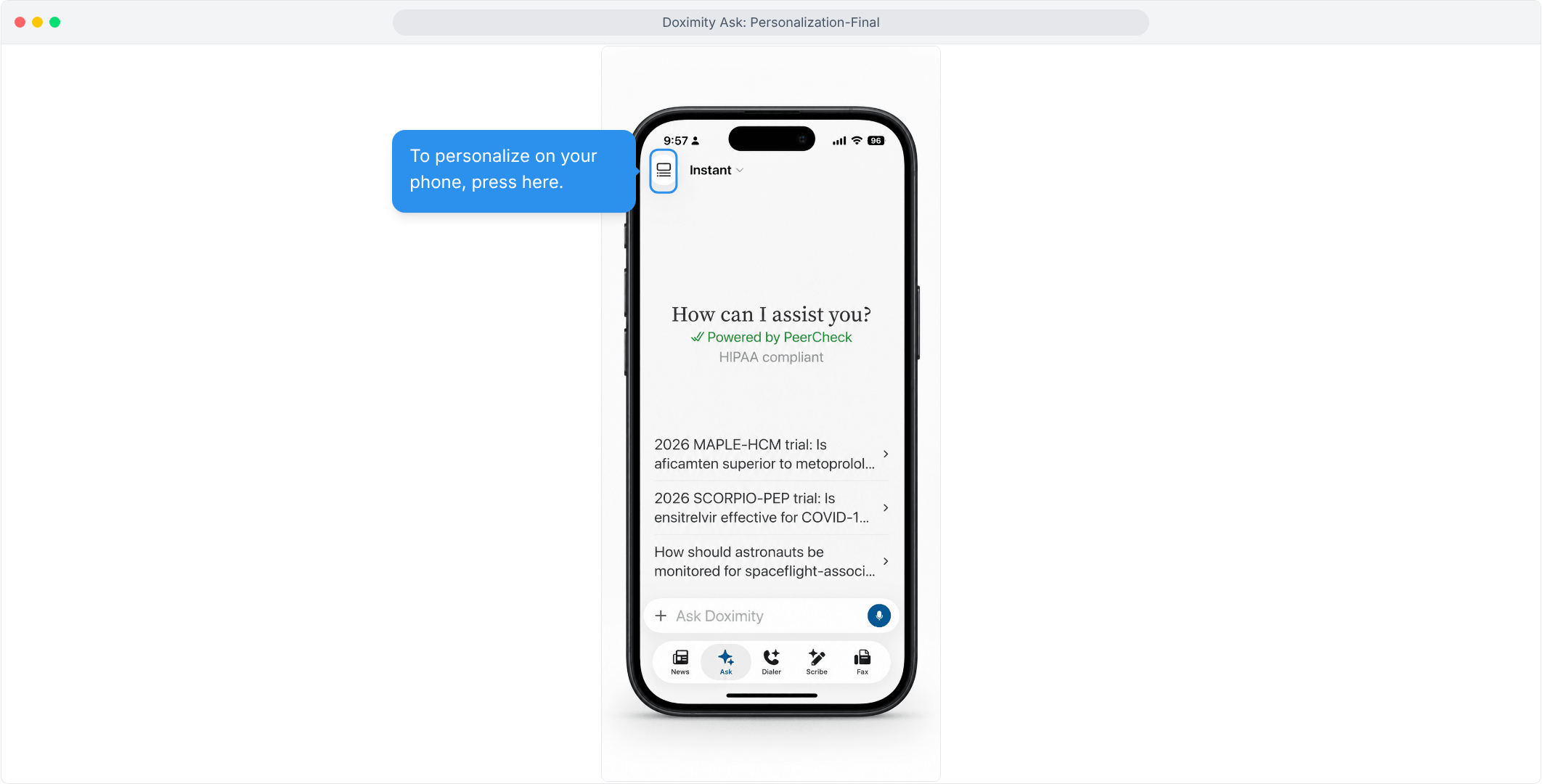
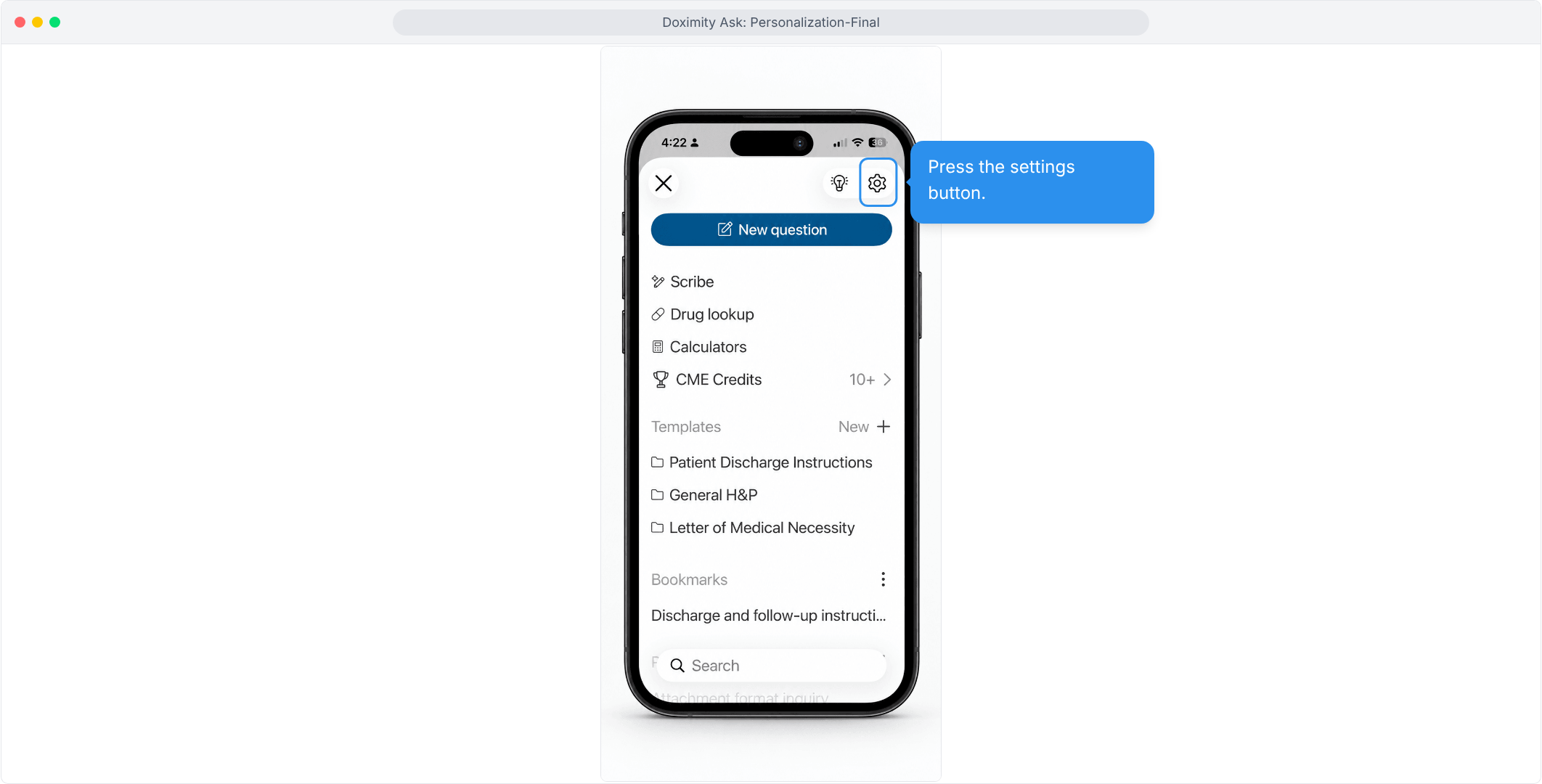
- Open Settings on Mobile
Tap the settings icon in the top right corner.
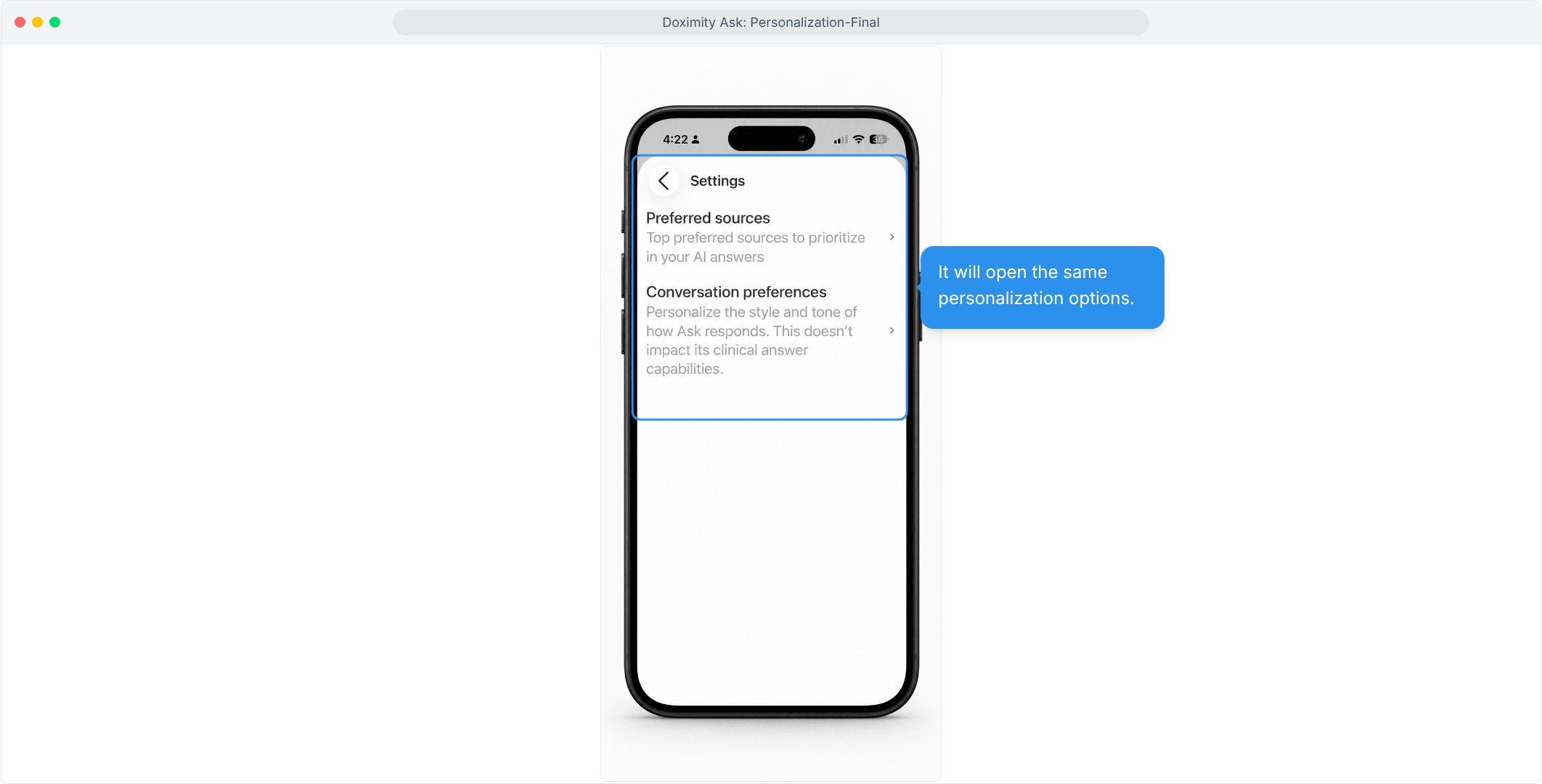
- Same Settings, Smaller Screen
Your preferred sources and conversation preferences are right where you’d expect.
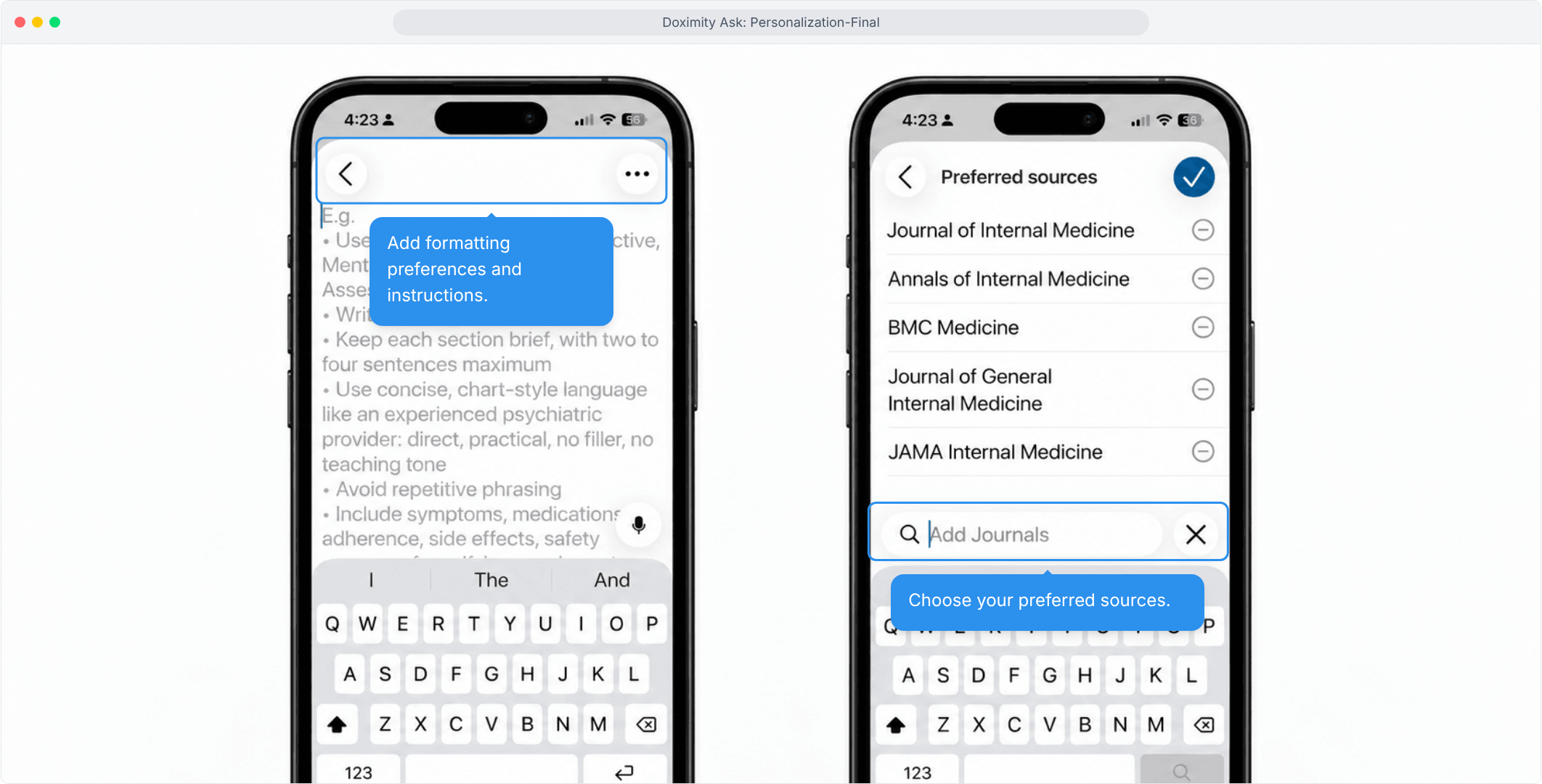
- Personalize From Anywhere
Add your writing instructions and favorite journals, then save by checking the box.

Features
Personalization
Customize Ask around the sources you trust and the way you communicate. Prioritize journals and sources, tailor formatting and charting preferences, and save writing preferences.