- Access Templates
Reach templates from the sidebar or the prompt box, wherever you're already working.
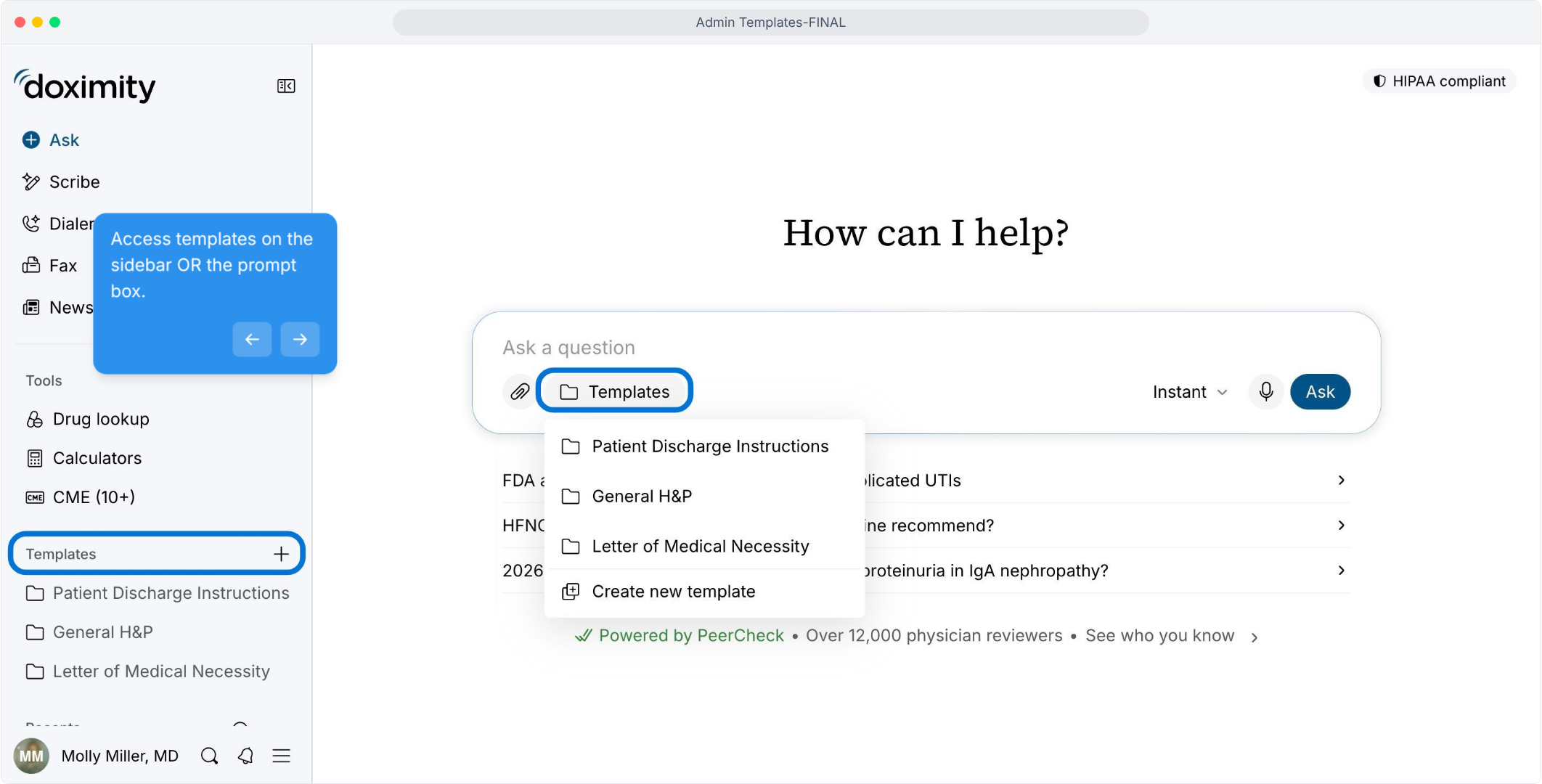
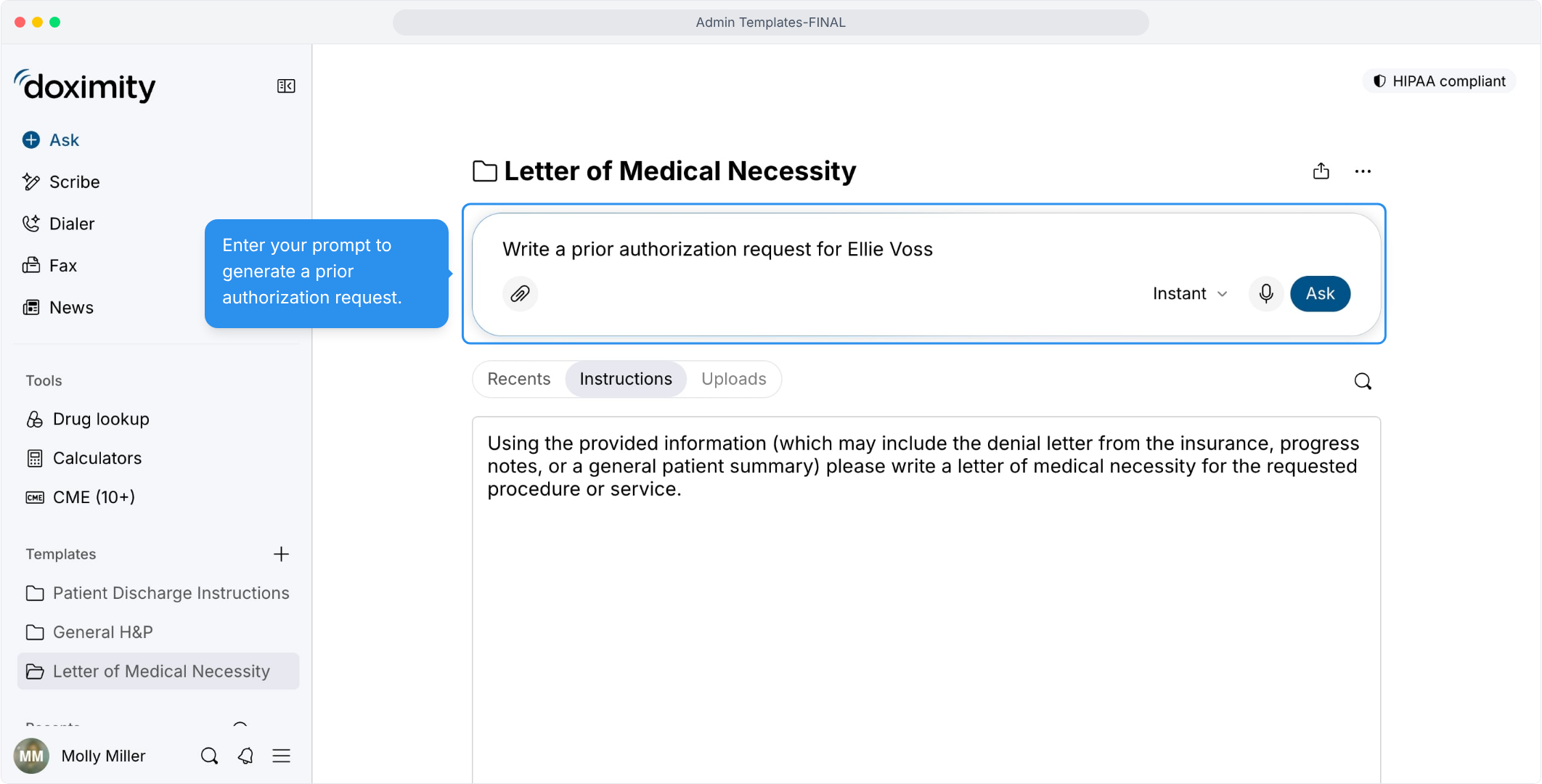
- Start a Prior Authorization Request
Type the request in the prompt box, and the template's instructions guide the rest.
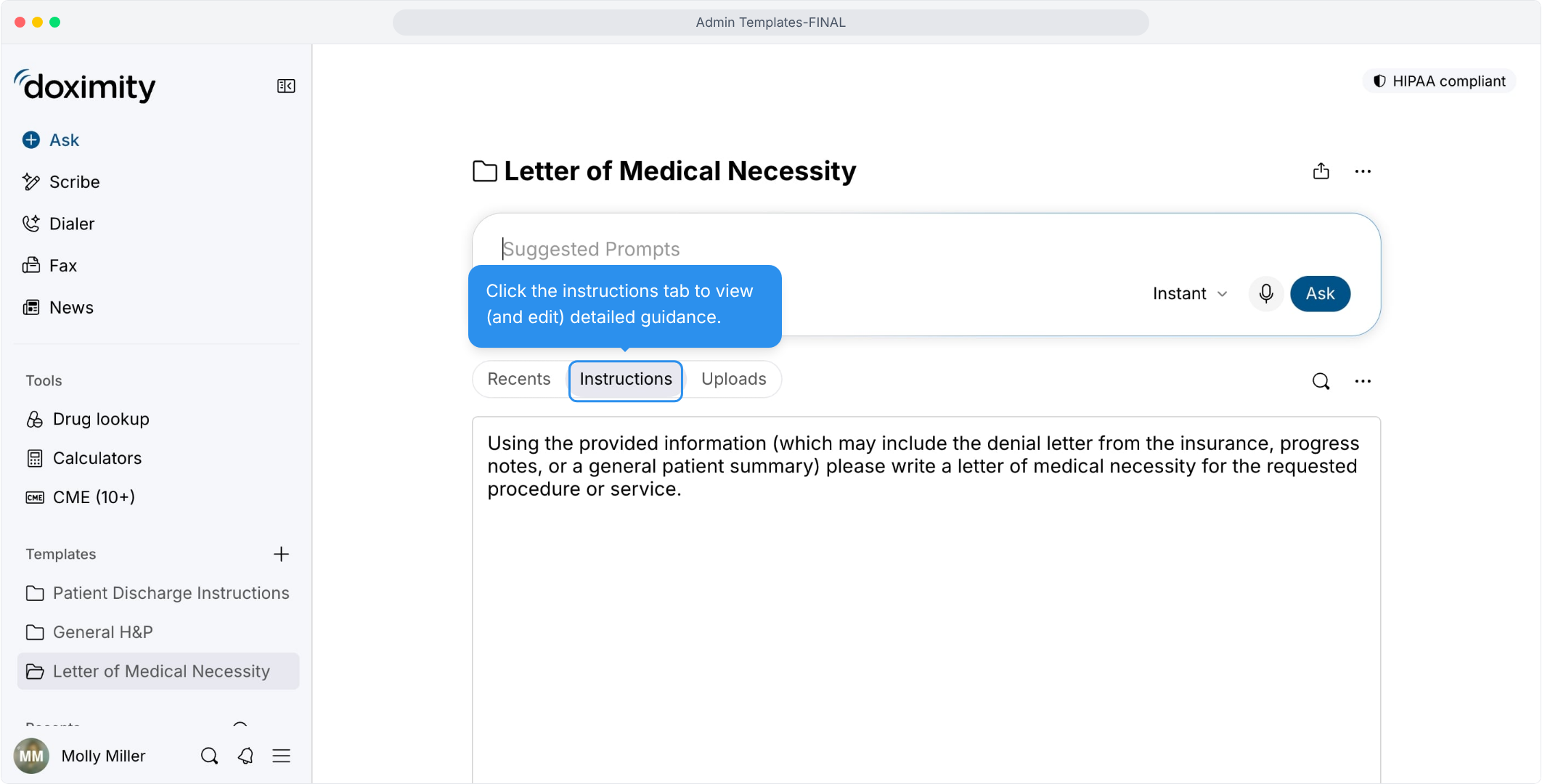
- Read the Template Instructions
The guidance behind each letter is visible and editable, so you know how it will be written.
- Attach Supporting Documents
Documents you add give the letter the clinical details to draw on.
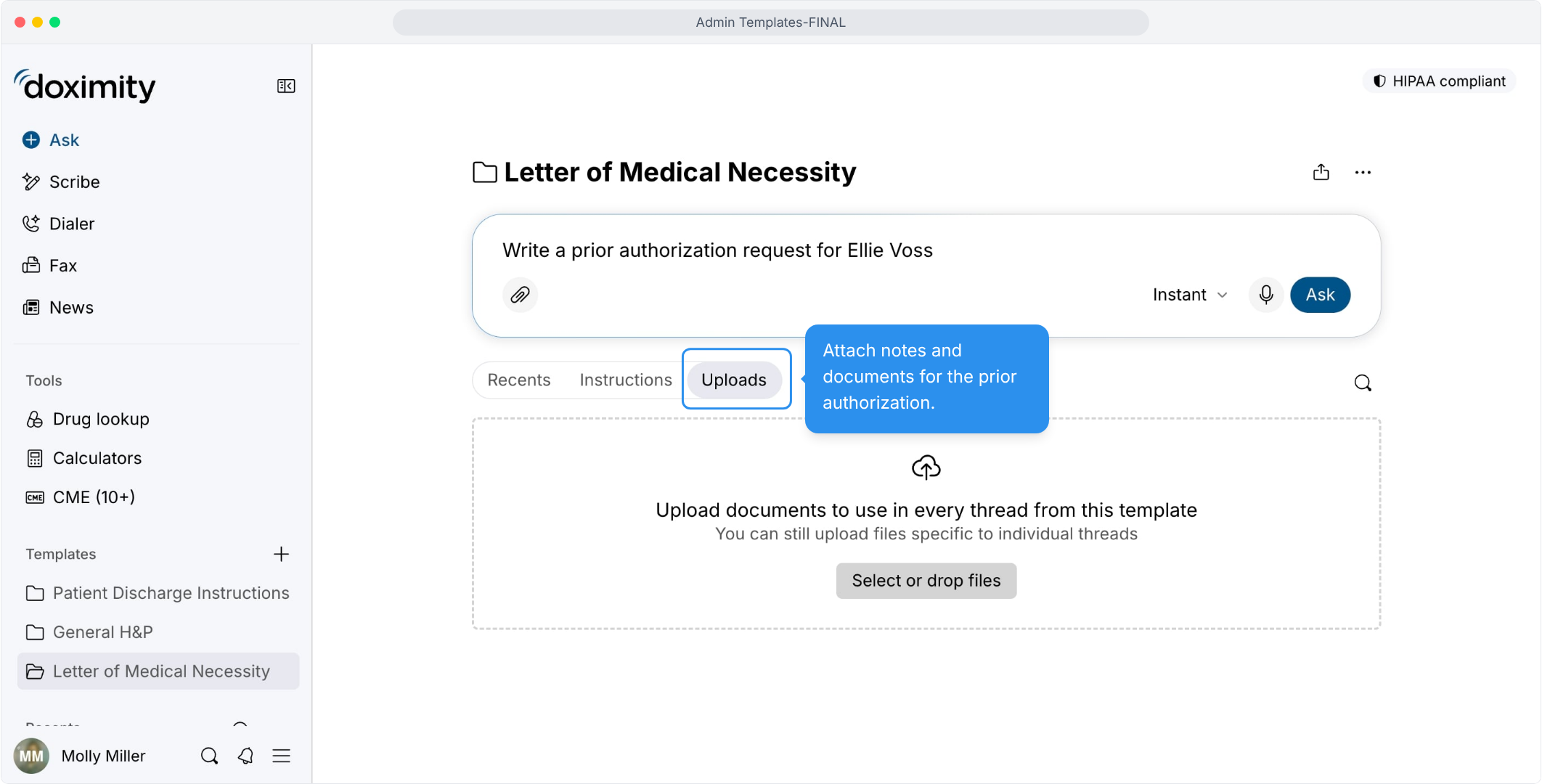
- Upload Reference Documents
Documents added here carry into the response.
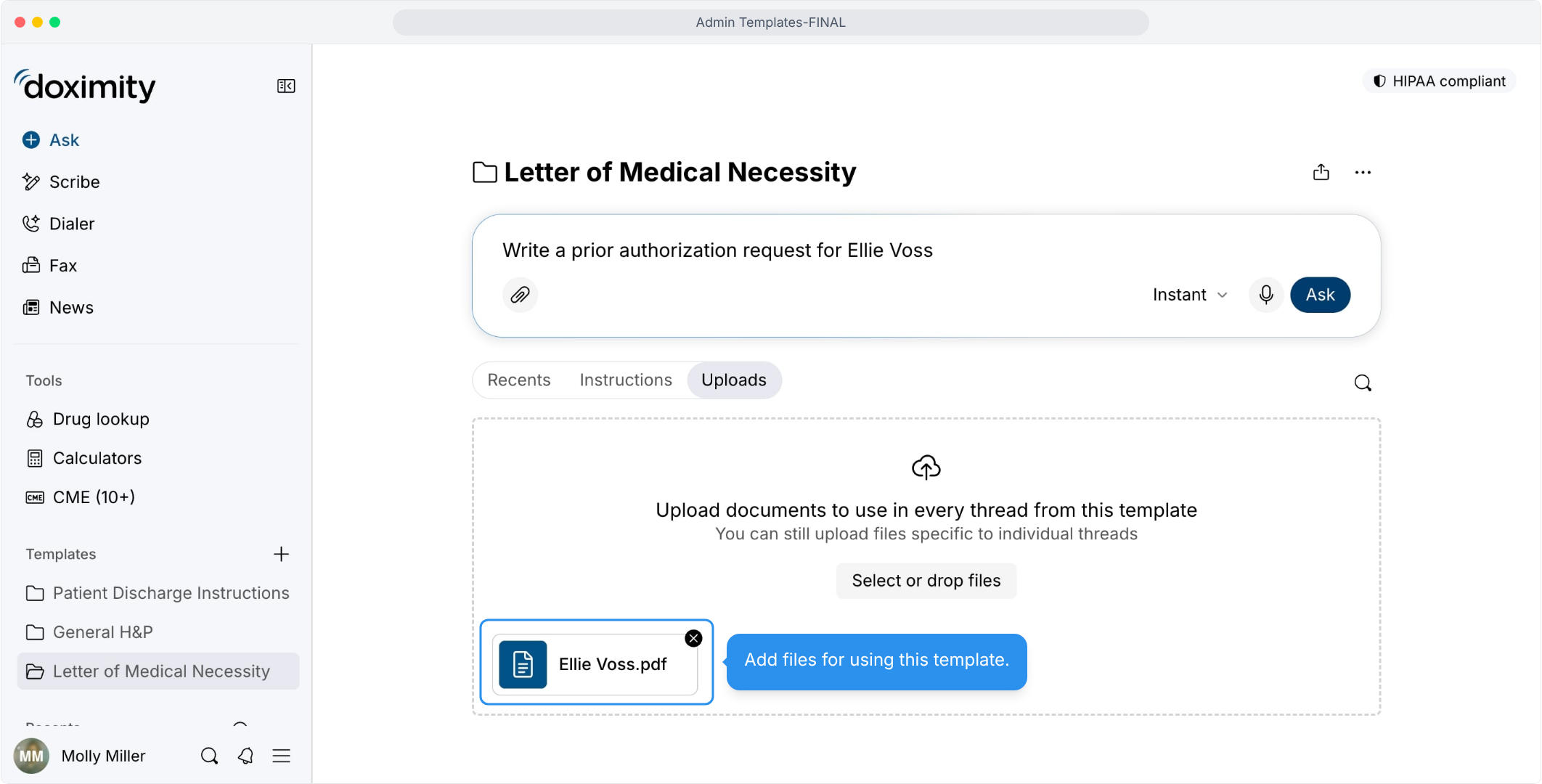
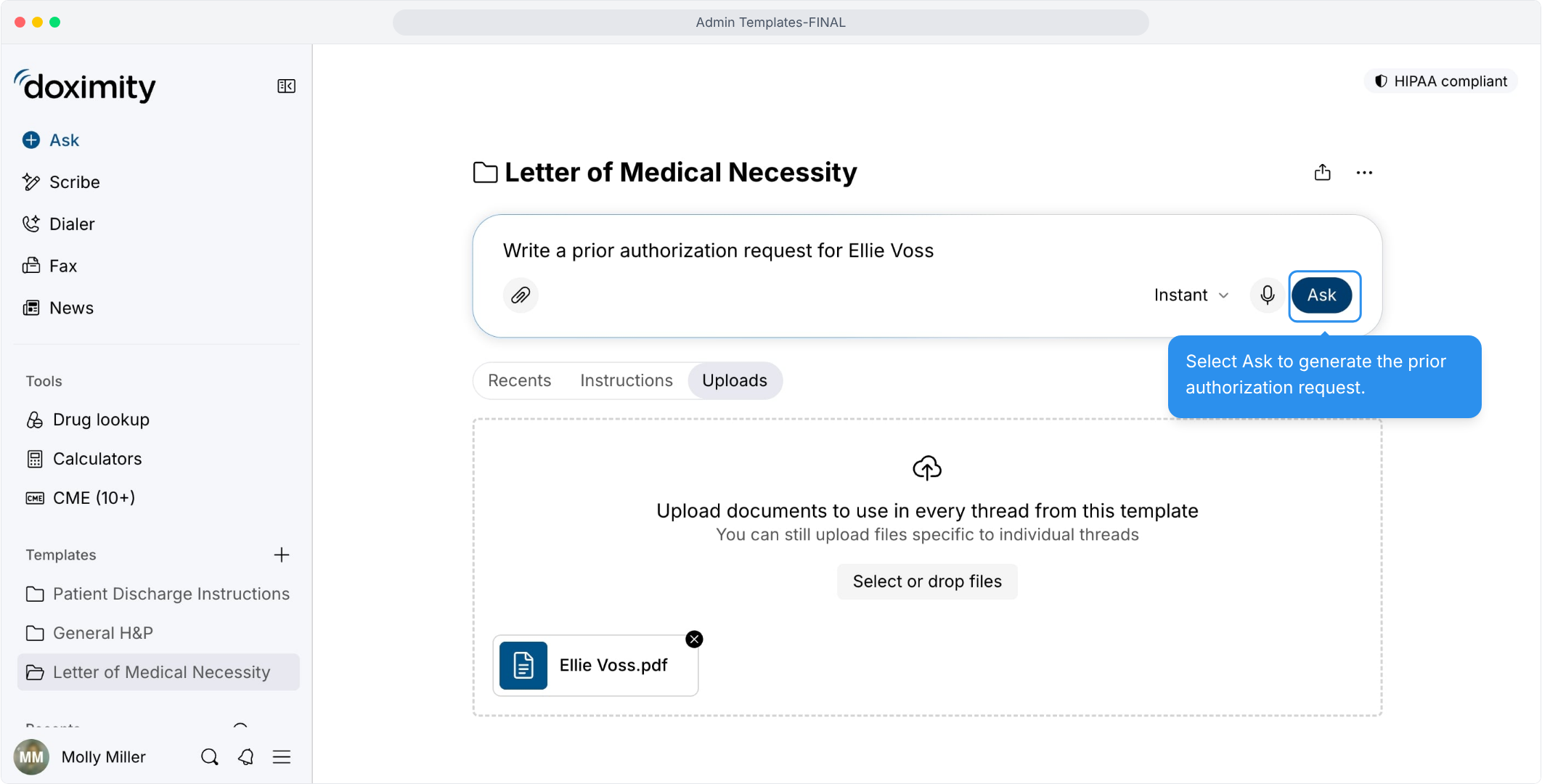
- Generate the prior authorization request
One request turns your documents into a draft letter.
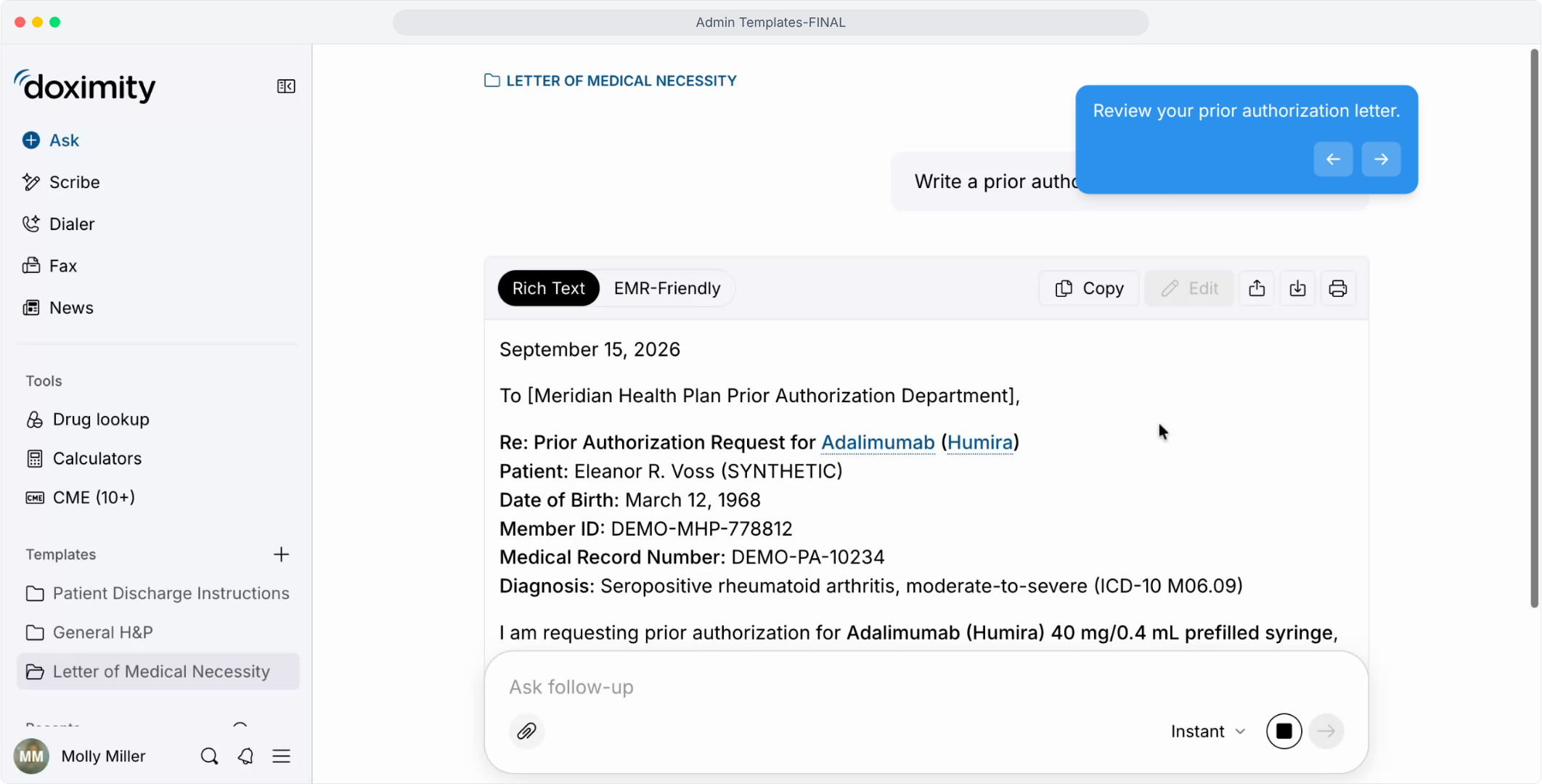
- Review the letter
Request, diagnosis, and medication details are combined in a letter for your review.
- Draft an Insurance Appeal Letter
Reuse the same template for denial appeals instead of starting from scratch.
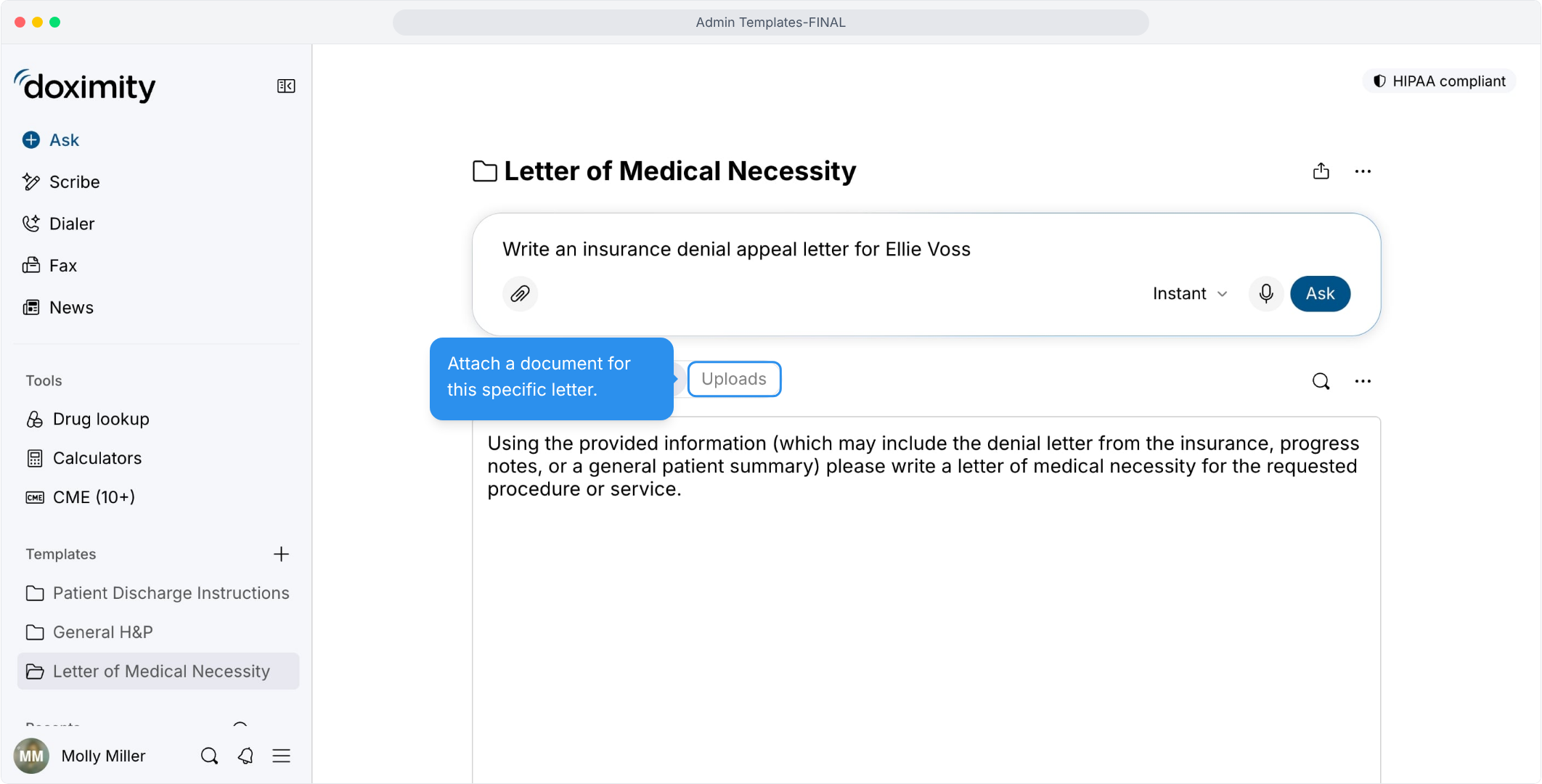
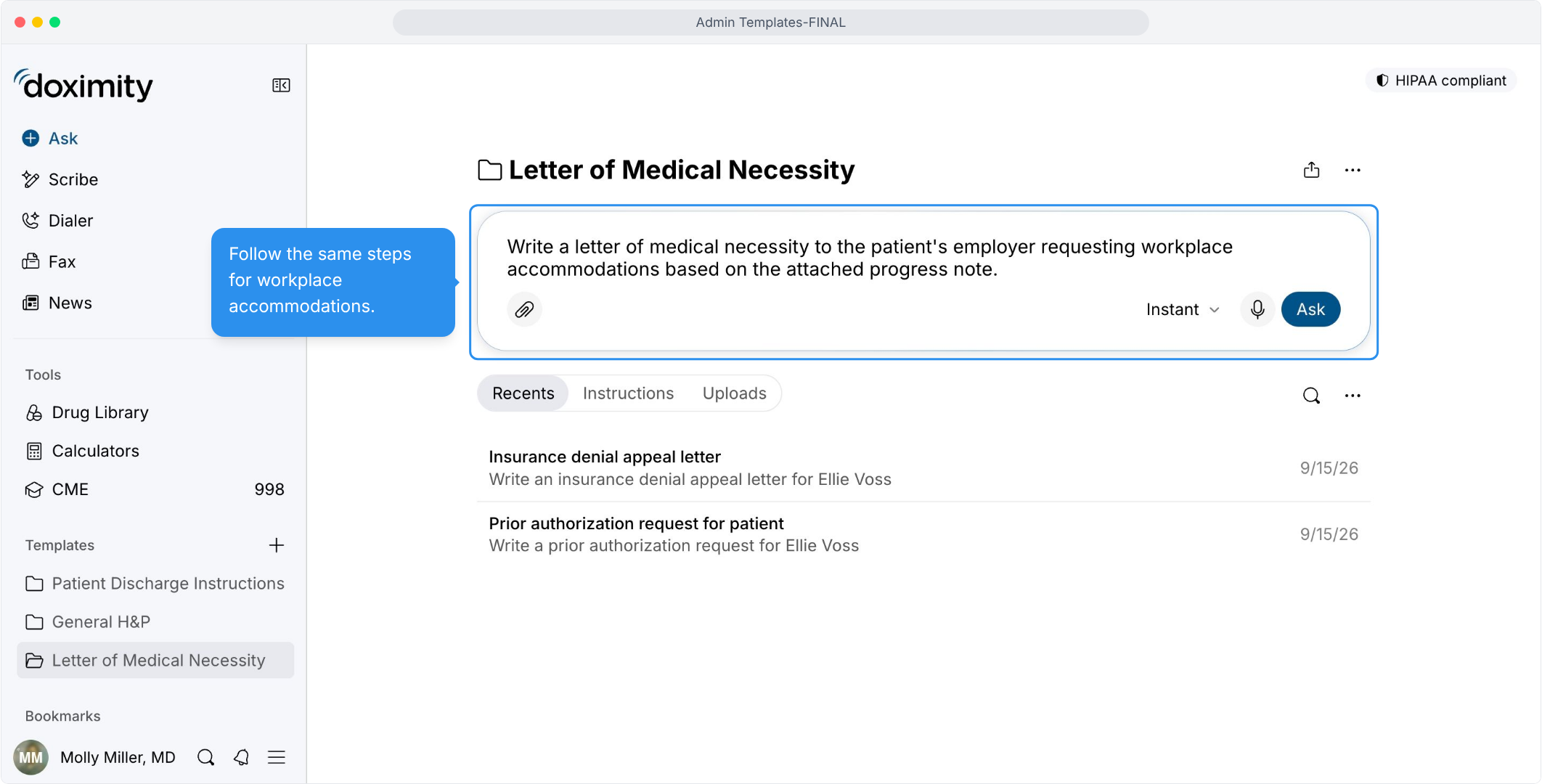
- Follow the Same Steps for Accommodations
Describe the request and attach a progress note, and the template drafts the letter.
- Wrap Up Paperwork Without Extra Steps
The tools for editing, sharing, and printing sit right beside the finished letter.
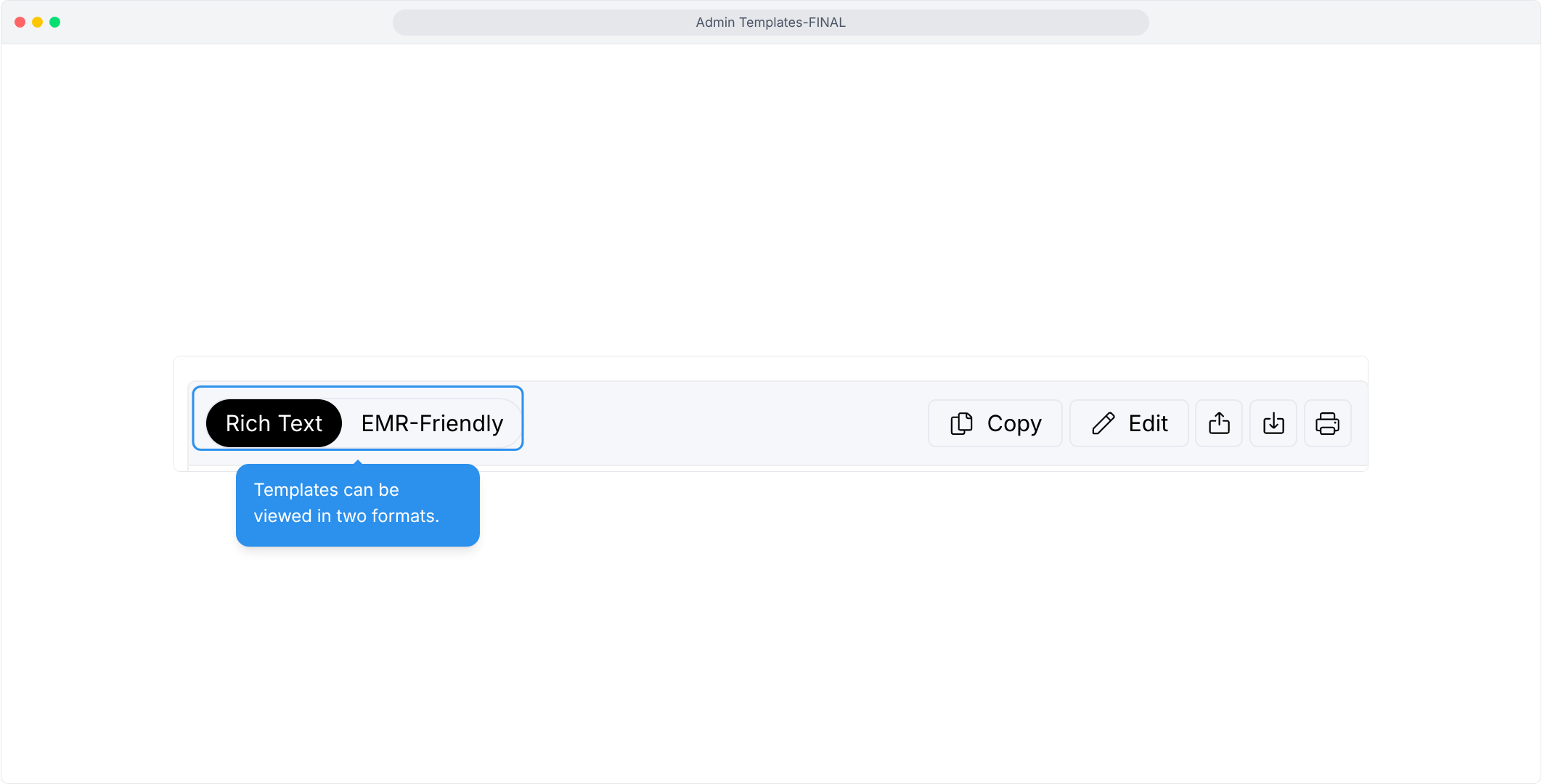
- View in Rich Text/EMR Friendly
Toggle between two formats of the same letter, depending on where you plan to use it.
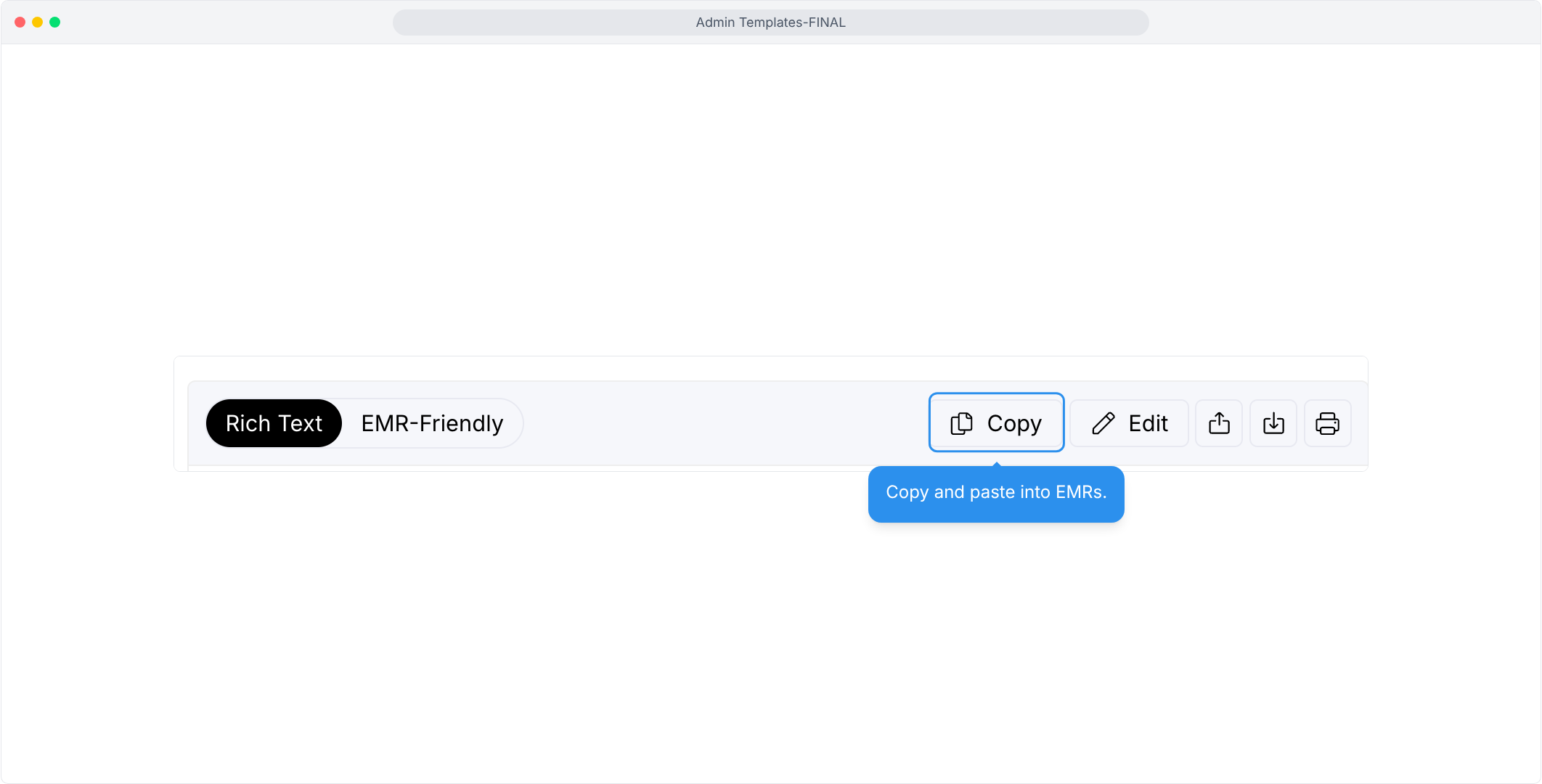
- Copy/Paste into EMR
Use the Copy button, then paste without retyping.
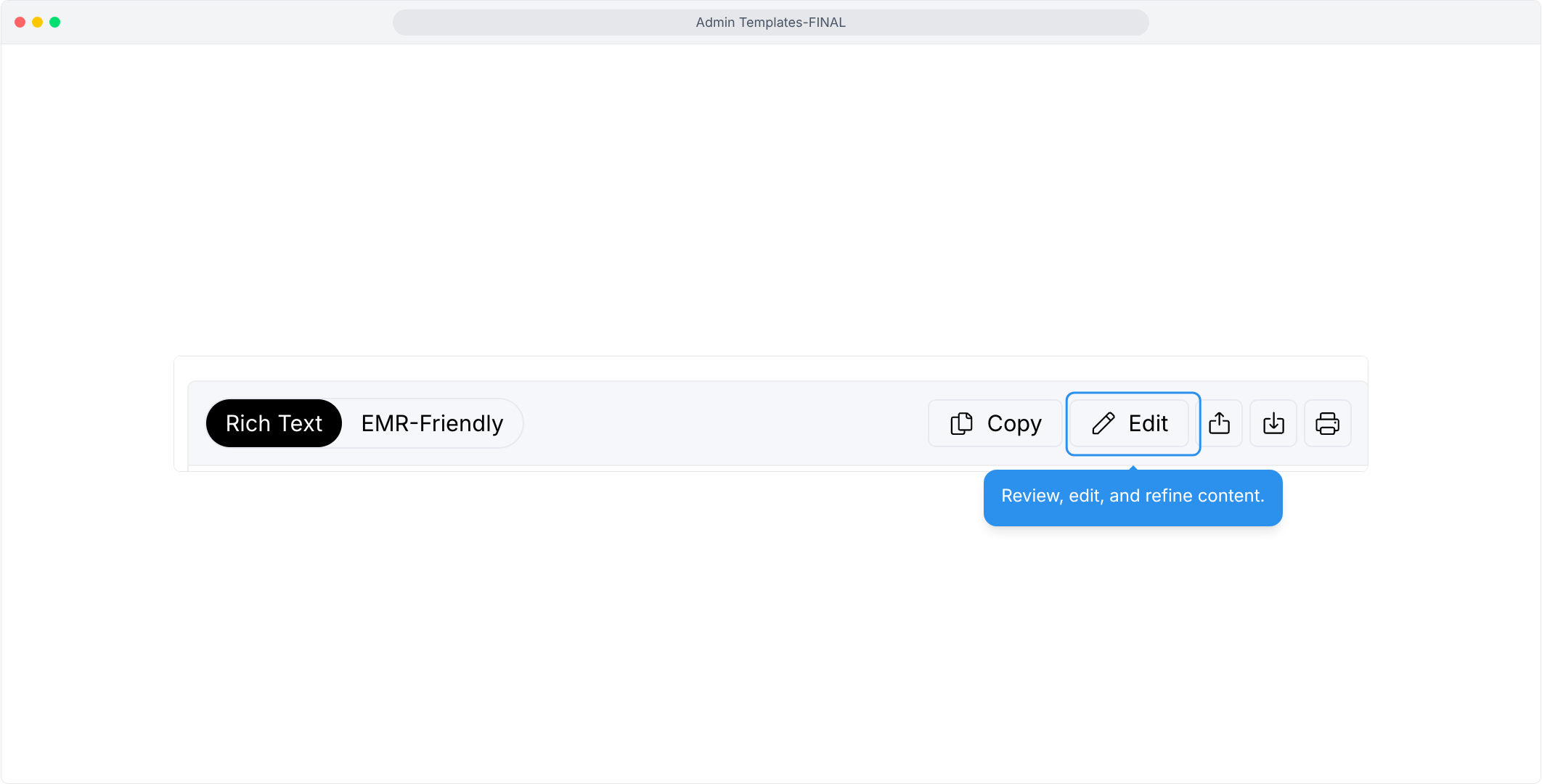
- Edit and Refine the Letter
The Edit button lets you correct and polish the draft in place.
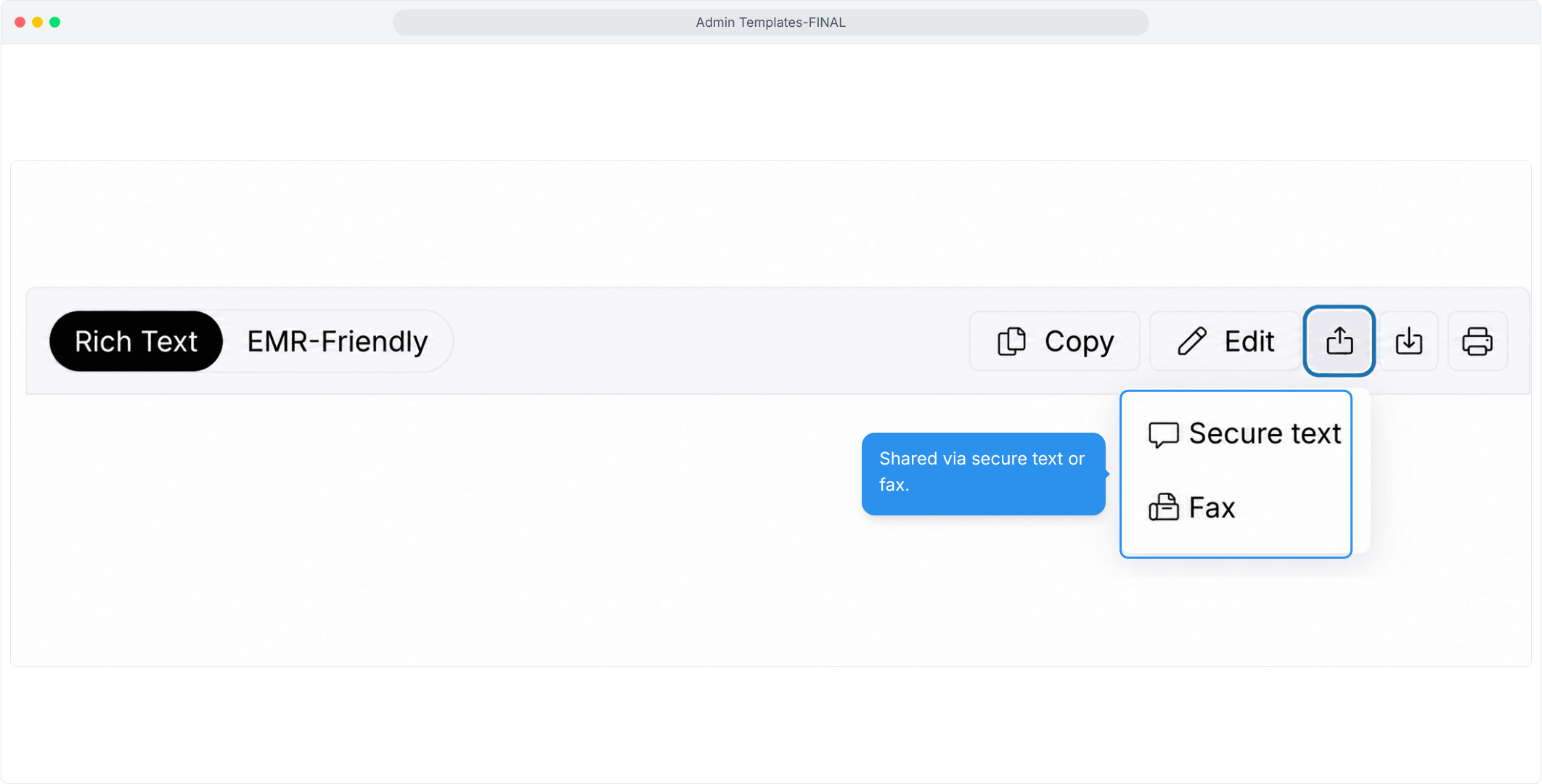
- Send via Text/Fax
Share a finished letter by secure text or fax from the same screen.
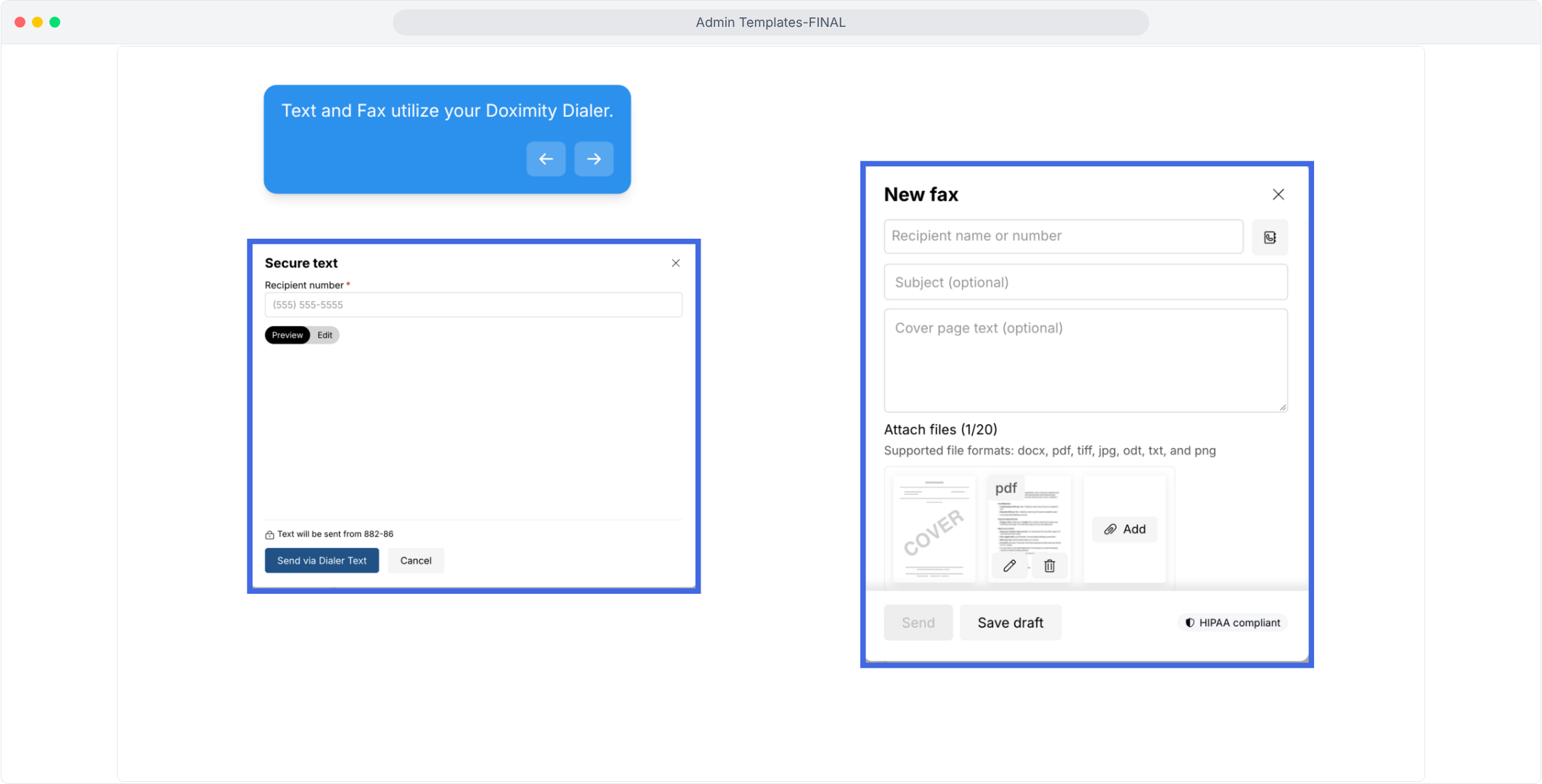
- Use Your Doximity Dialer
Secure texts and faxes go out through your own Dialer account, with cover page and attachment options for faxes.
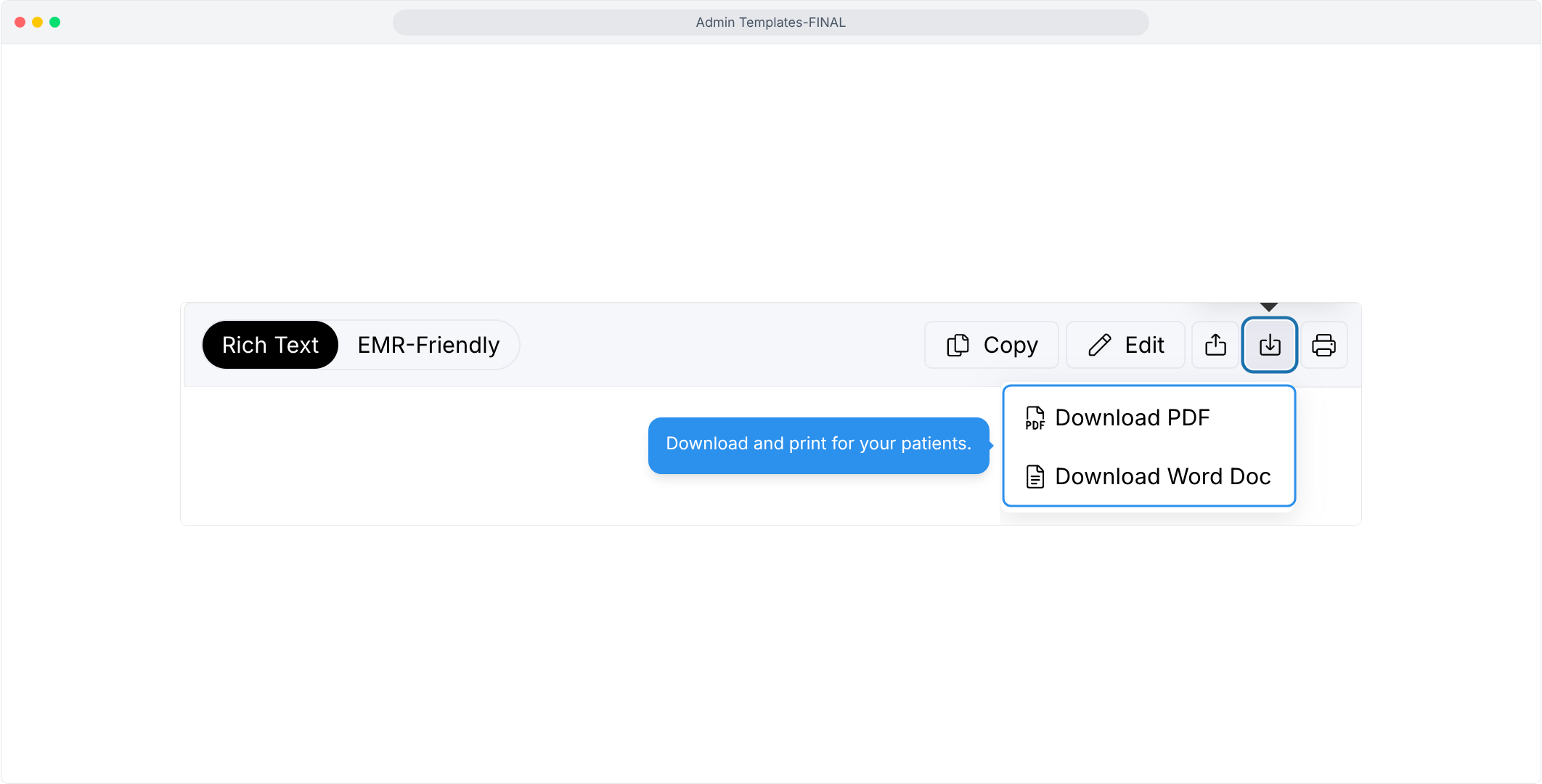
- Download and Print
Save the letter as a PDF or Word file, or print it.

Features
Templates for Administrative Writing
Templates take the friction out of routine administrative work—so clinicians can spend less time on paperwork and more time with patients.