Demo: A 1-Minute Overview
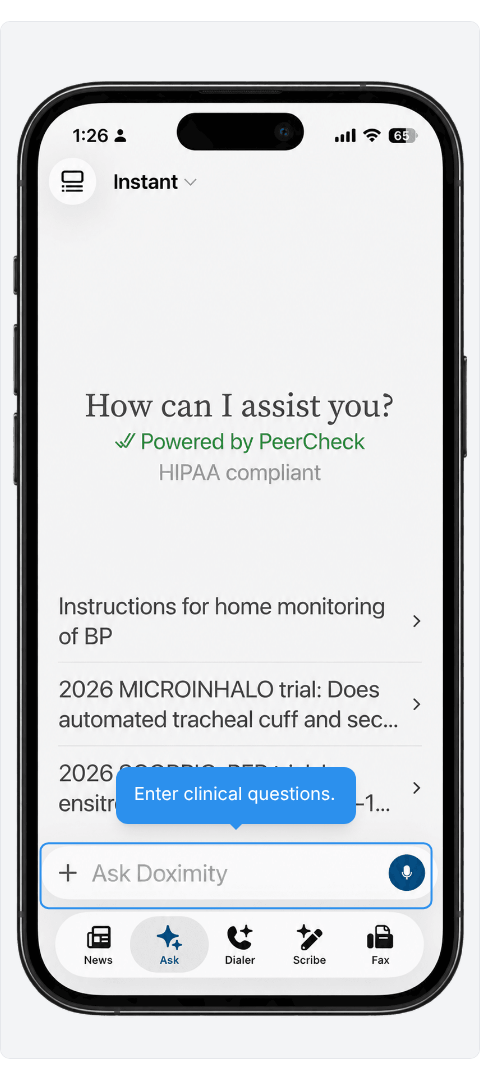
- Start with a Clinical Question
Type in the question bar at the bottom, or tap a suggested prompt on the home screen.
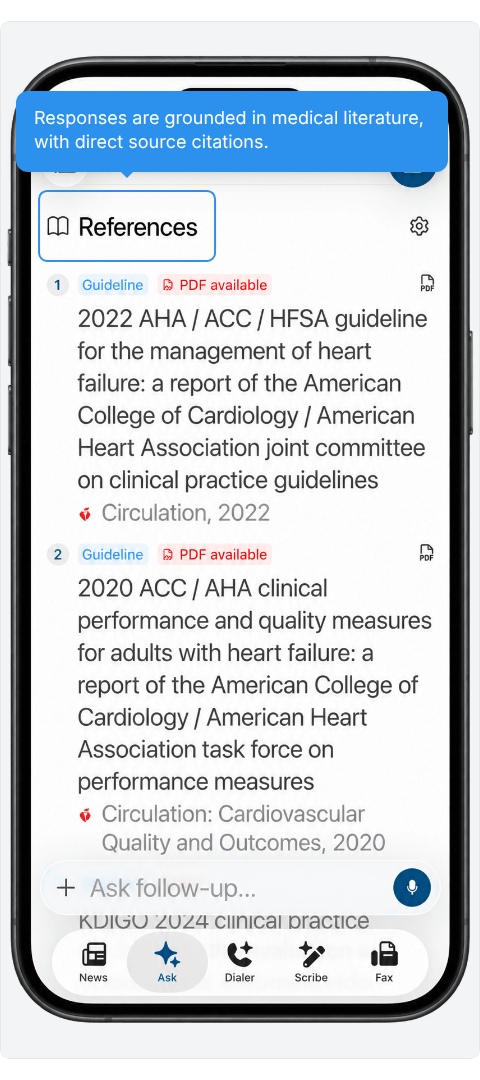
- Check Cited References
References list guidelines with their journal and year, and PDFs where available, so that you can review the source behind an answer.
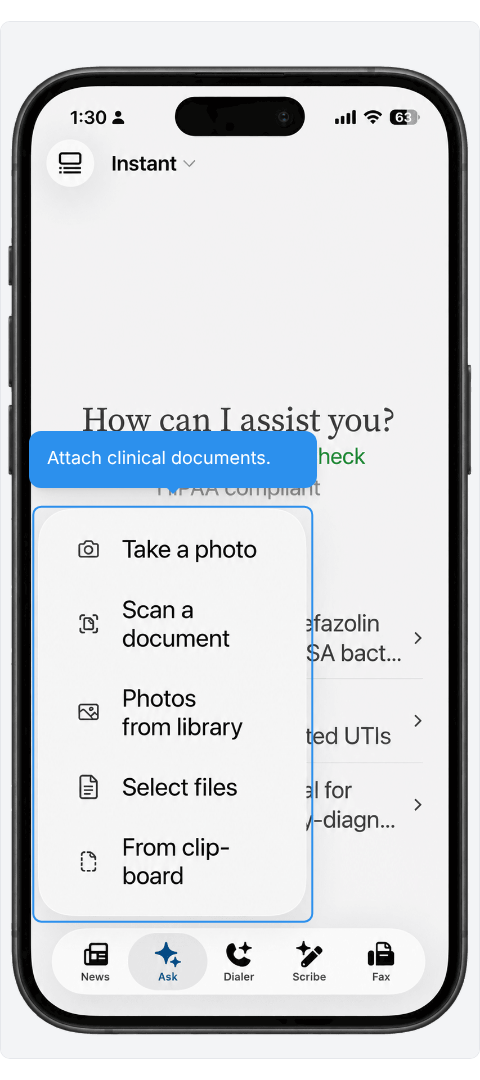
- Attach Clinical Documents
Options include your camera, photo library, files, and clipboard.
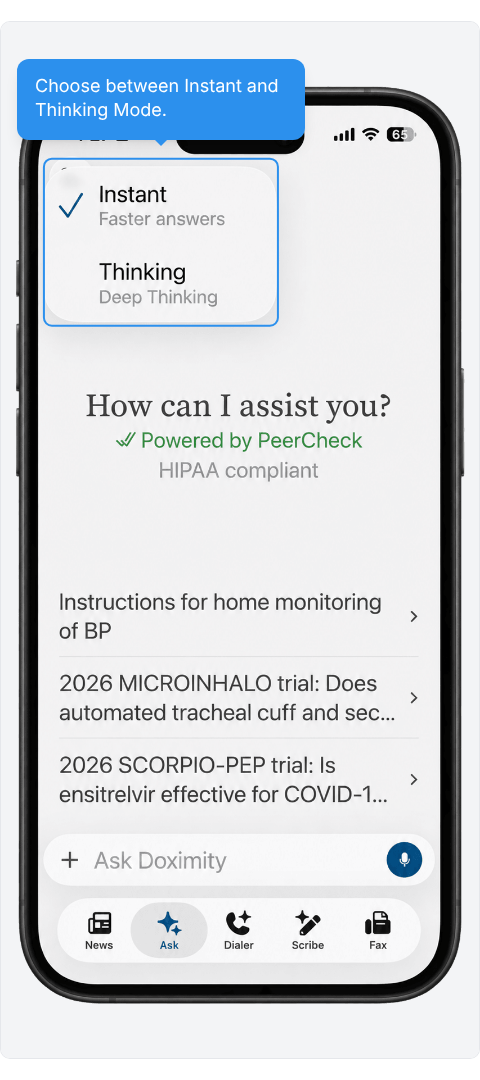
- Choose Instant or Thinking
Pick faster answers or deeper thinking from the dropdown at the top of the screen.
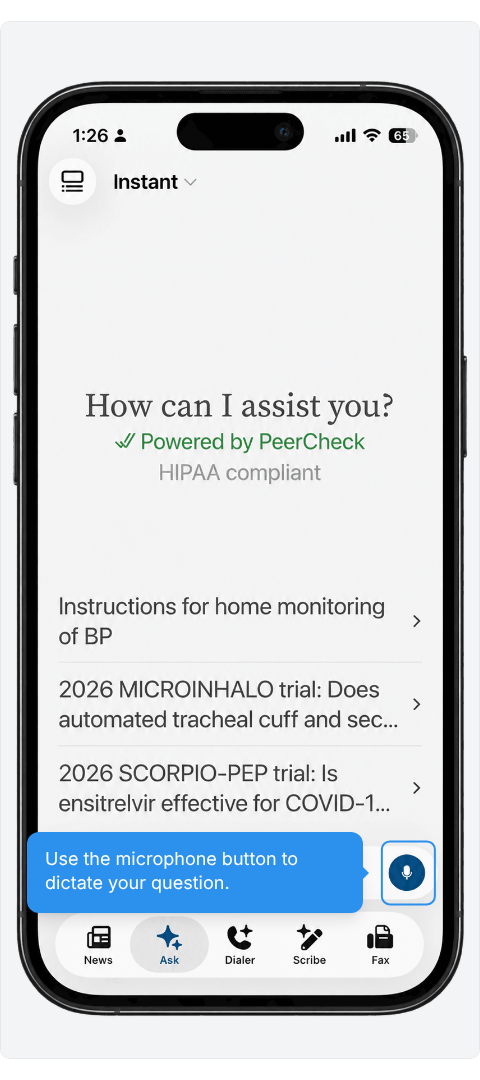
- Dictate Your Question
The microphone sits at the right of the question bar, ready when you’d rather talk than type.
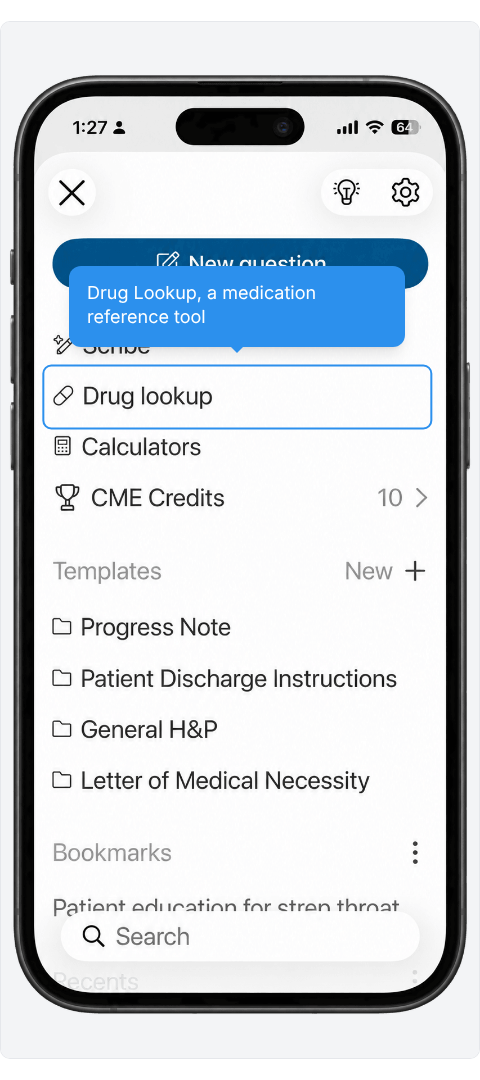
- Look Up a Medication
Drug lookup is in the main menu, just below Scribe.
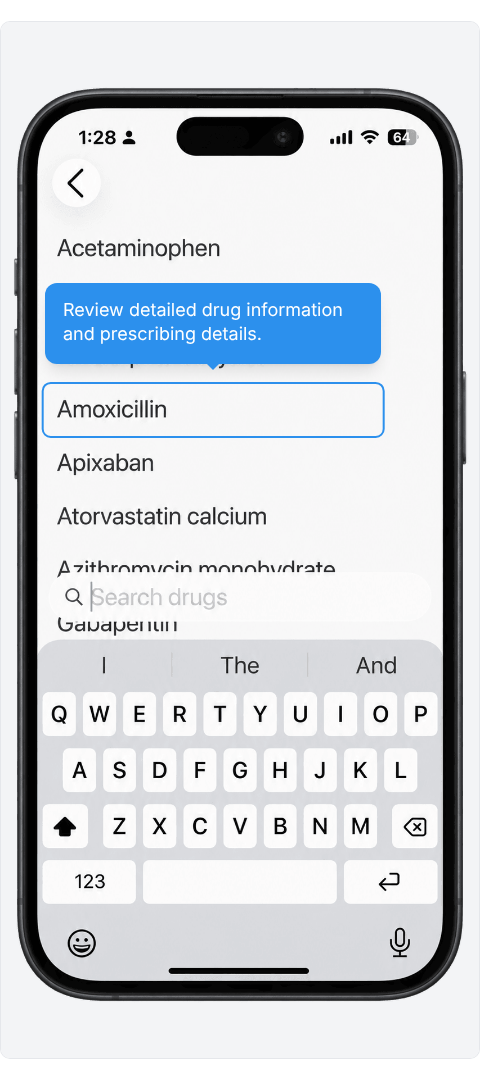
- Search Drugs by Name
Type in the search bar to reach a medication instead of scrolling.
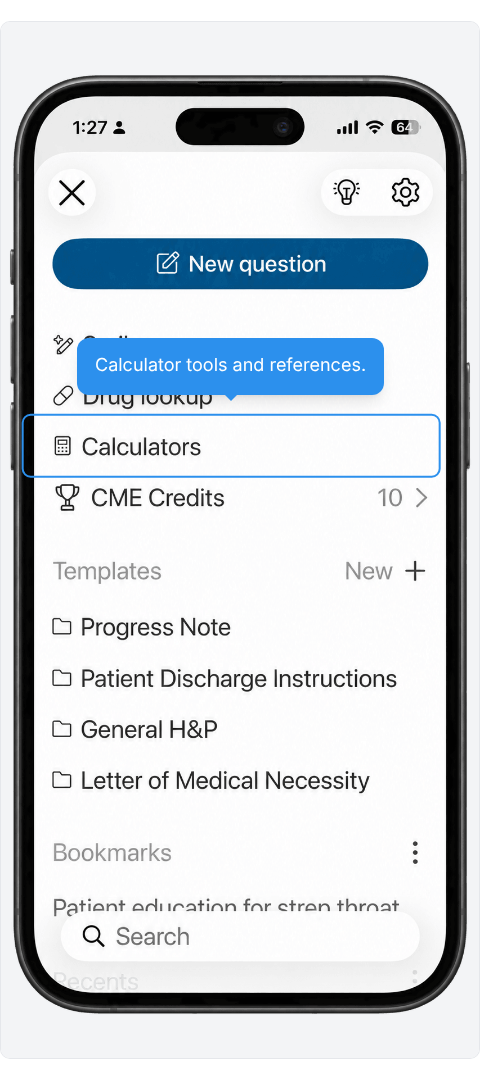
- Find Medical Calculators
One menu item opens the full list of calculator tools.
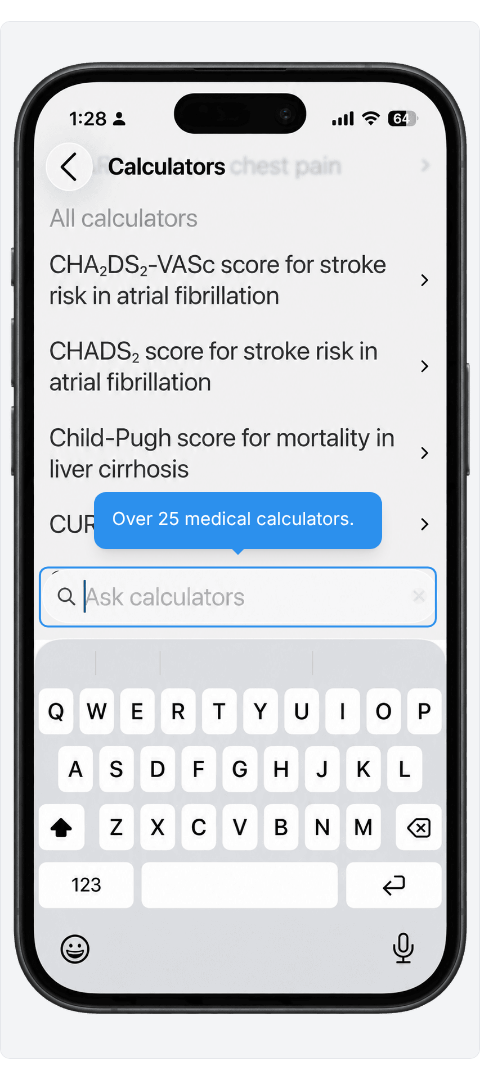
- Search Calculators by Name
The search bar helps you reach a score without scrolling.
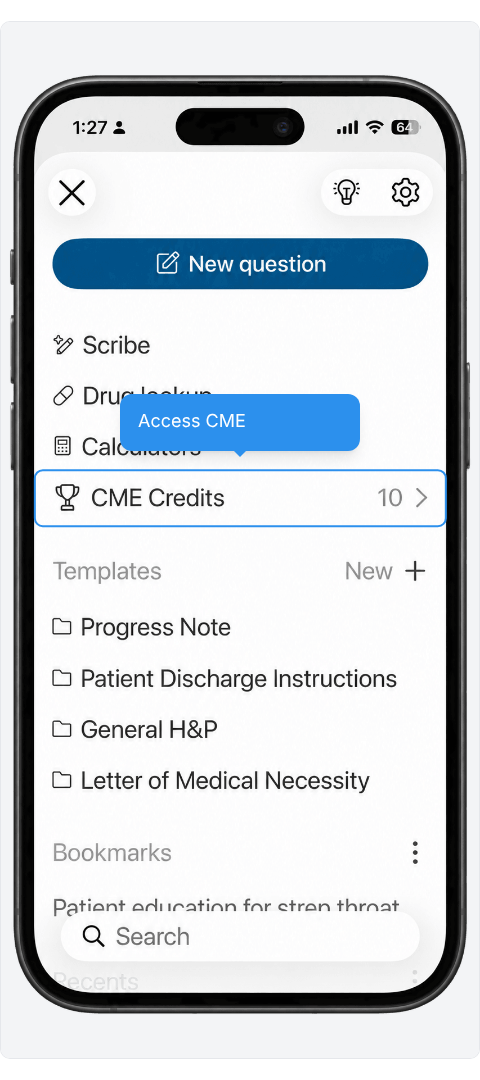
- Earn CME
One tap on CME Credits opens the topic list.
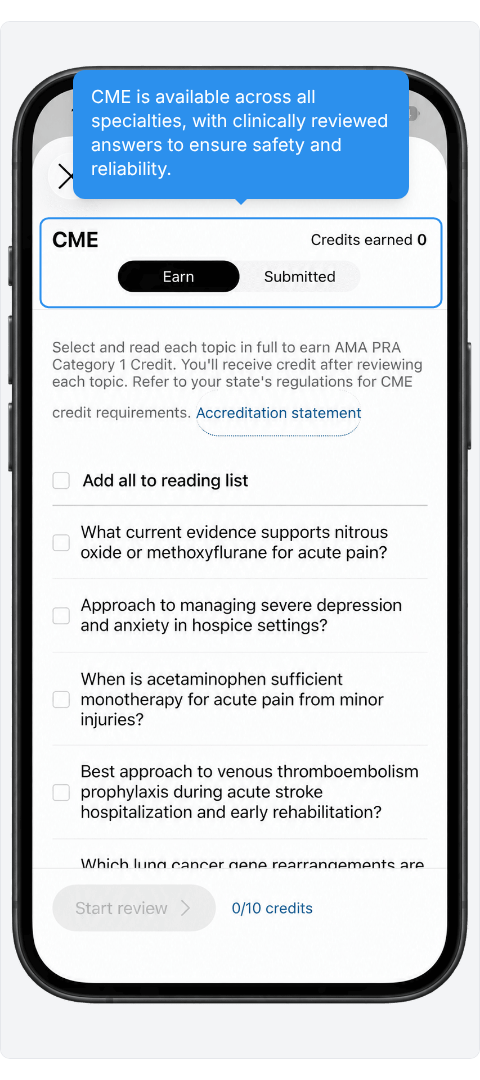
- Build Your CME Reading List
Choose topics from a range of specialties, with Earn and Submitted tabs to track progress.
- Access Saved Templates
Progress Note, Patient Discharge Instructions, General H&P, and Letter of Medical Necessity are premade and ready to use.
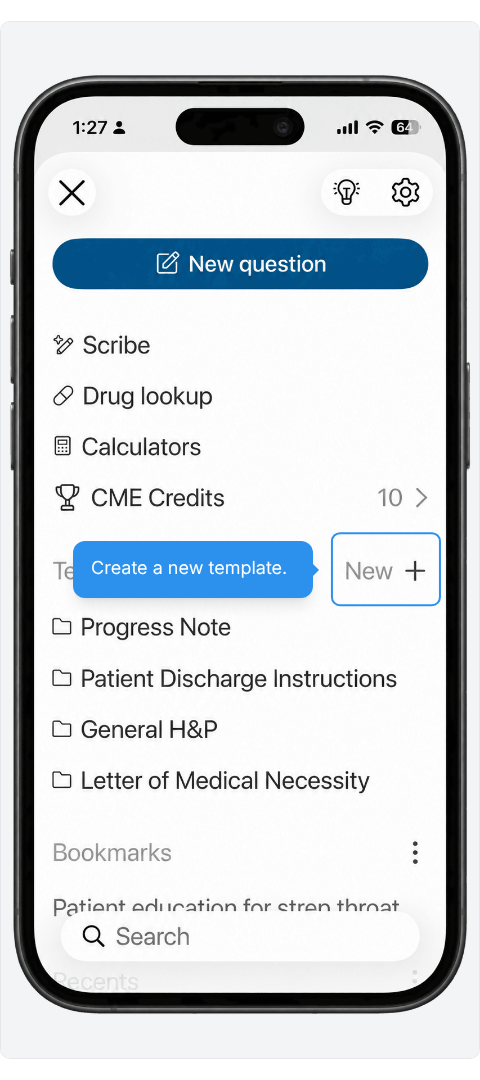
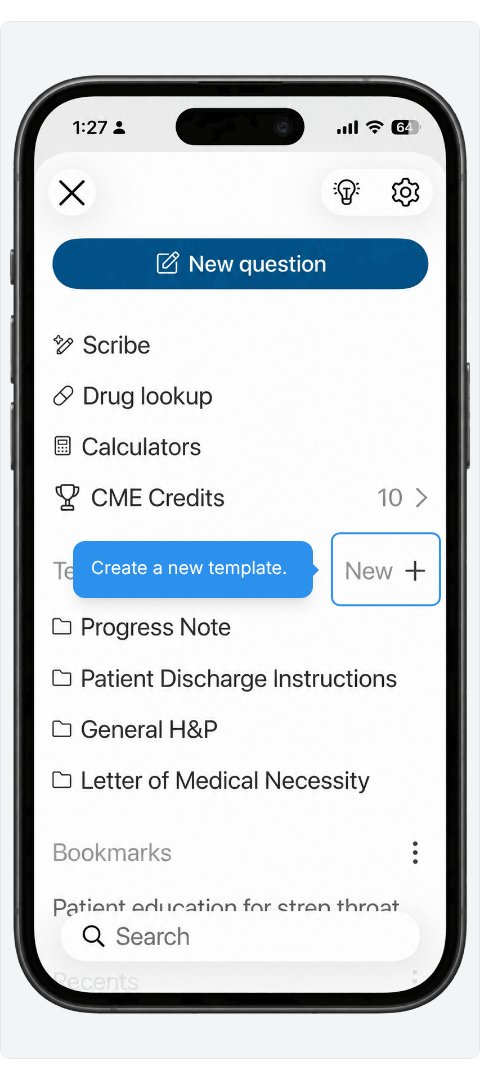
- Create new templates
Start your own templates to match your clinical workday.
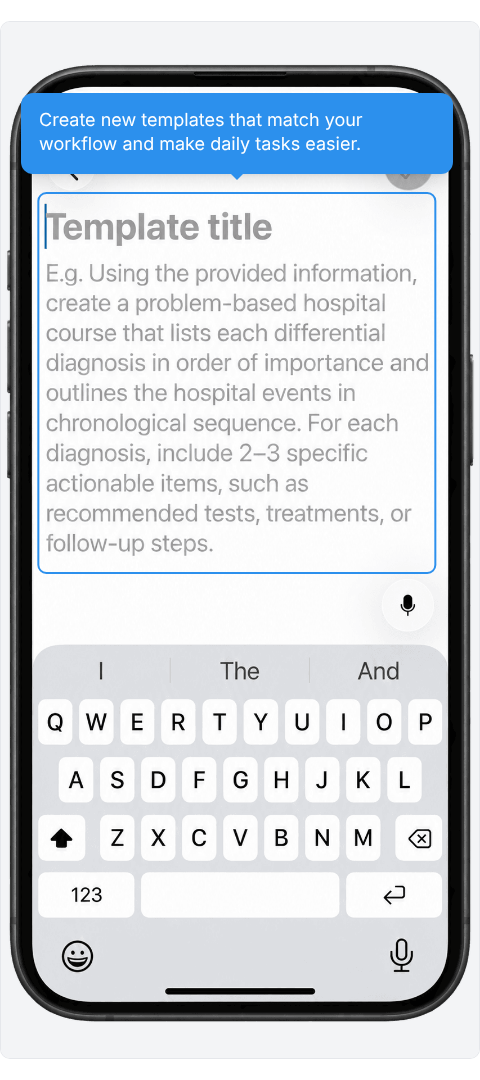
- Streamline Your Daily Workflow
A template holds your title and instructions so a recurring document starts from the same place each time.
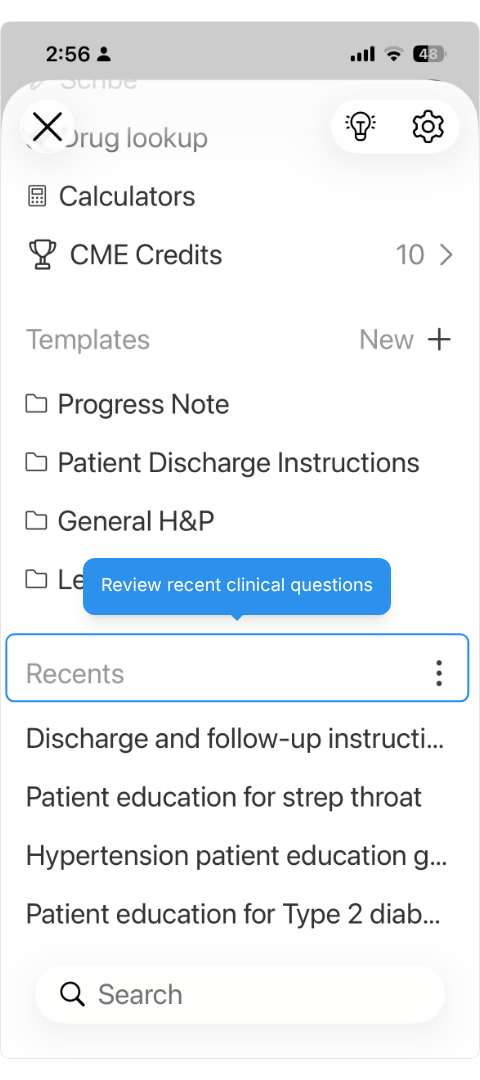
- Pick Up Where You Left Off
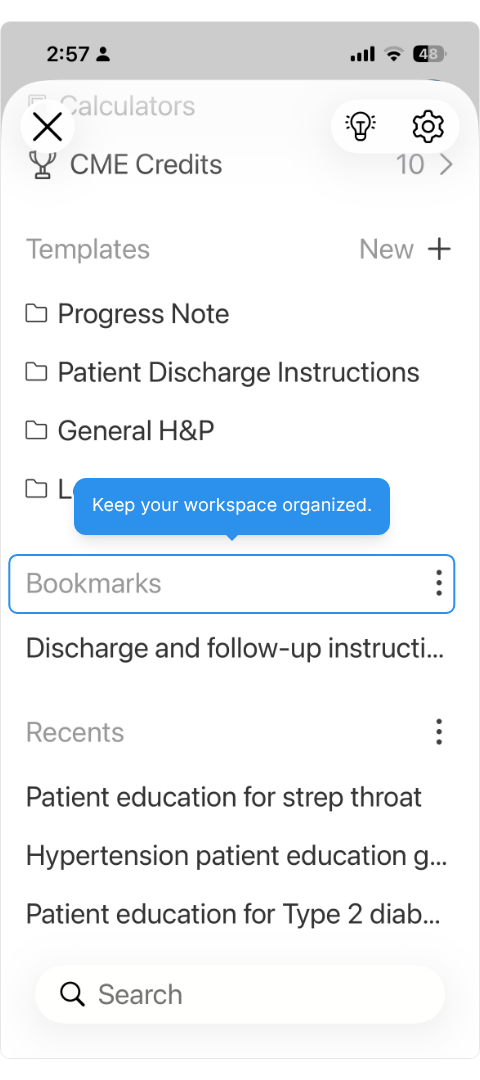
Earlier threads stay in the Recents list, one tap away.
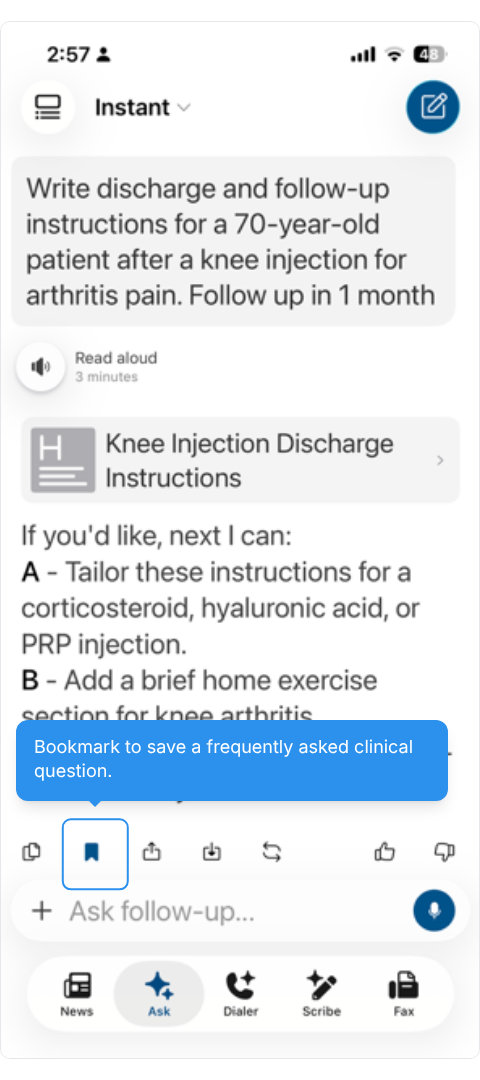
- Bookmark Questions You Reuse
A bookmarked thread appears in the menu so that you can reopen it quickly.
- Keep Your Workspace Organized