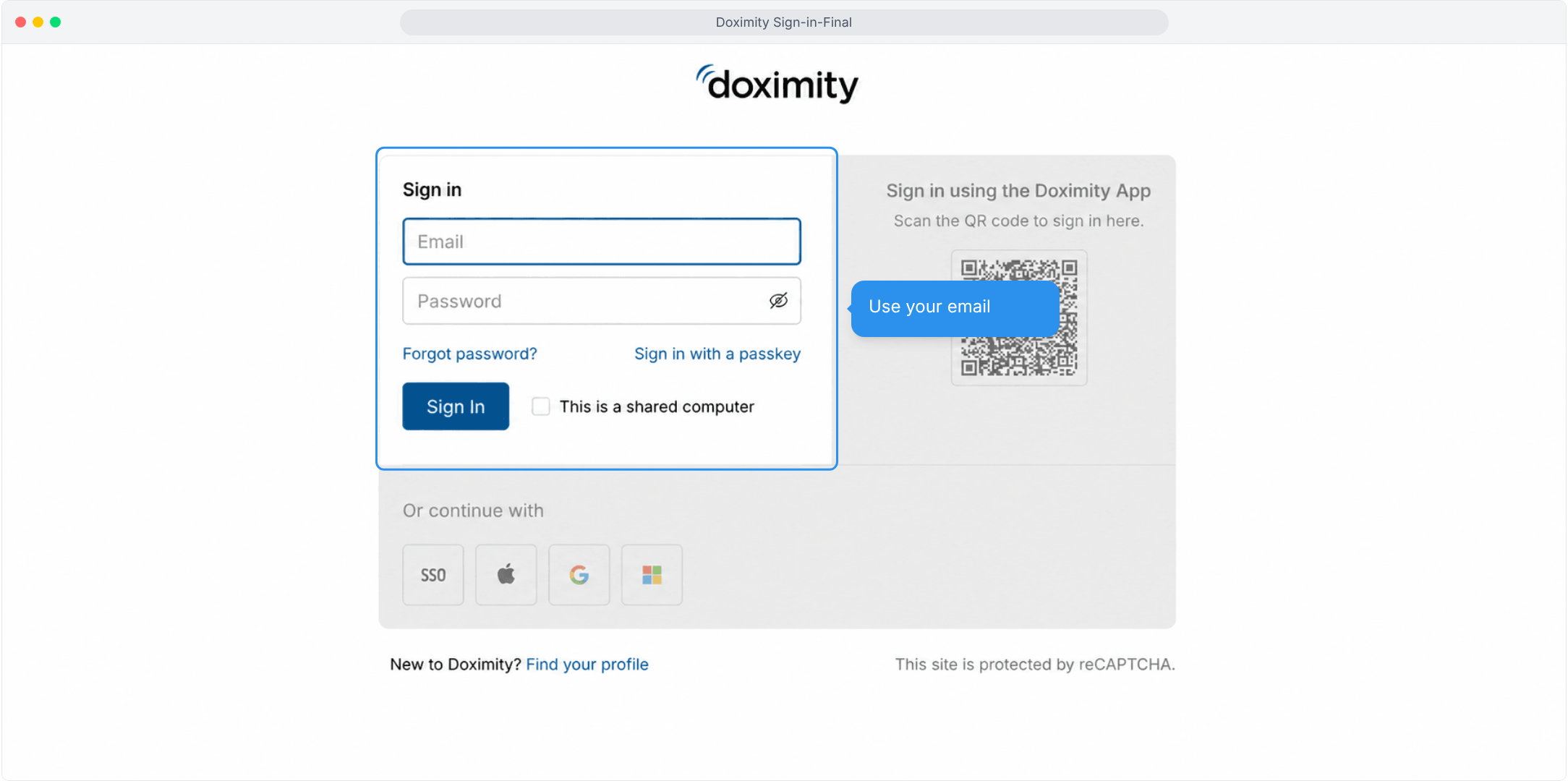
- Sign In With Your Email
Use the email and password for your Doximity account, with a reset link close at hand.
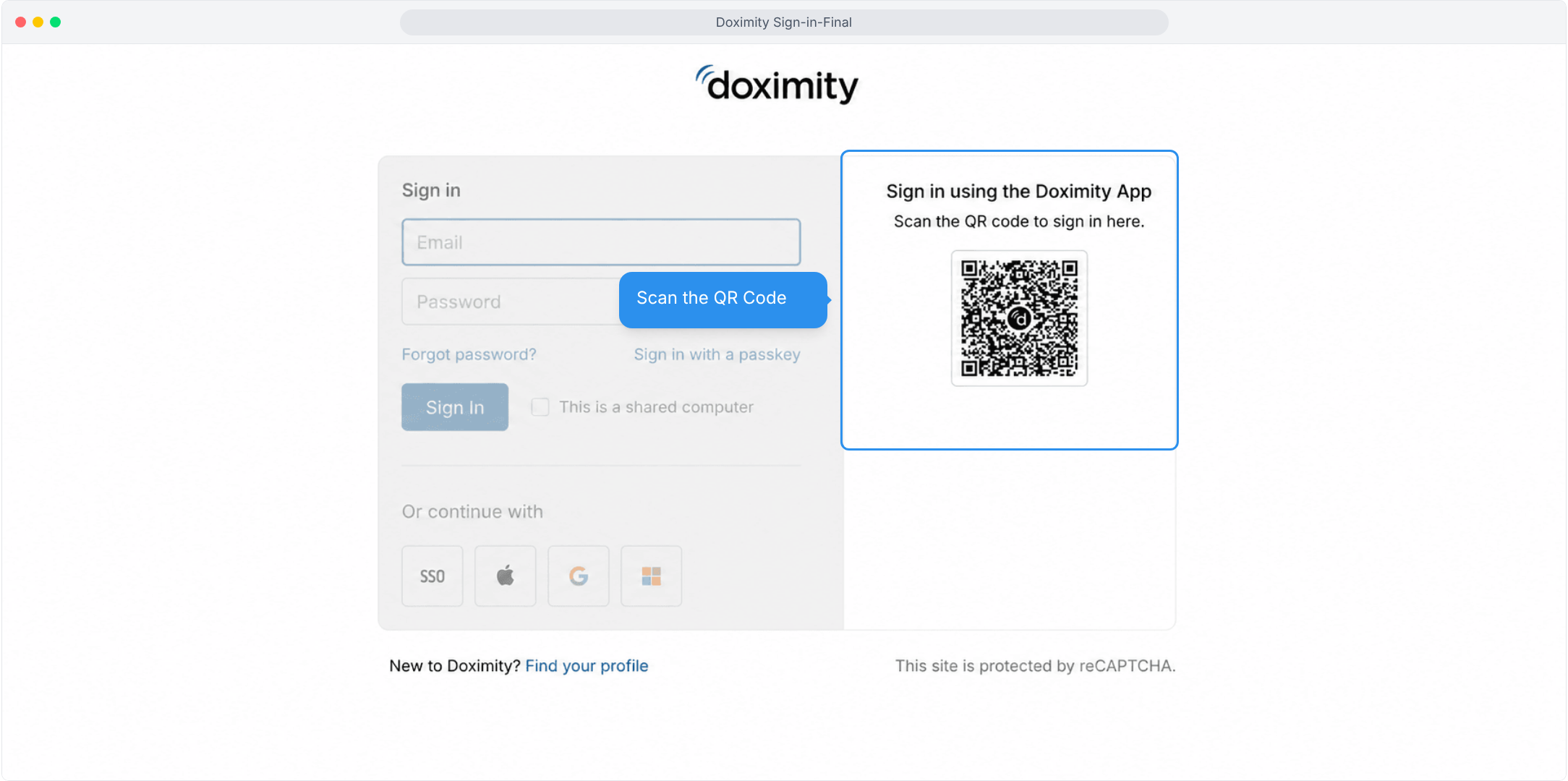
- Scan the QR Code
Use the Doximity app on your phone to sign in here without typing your credentials.
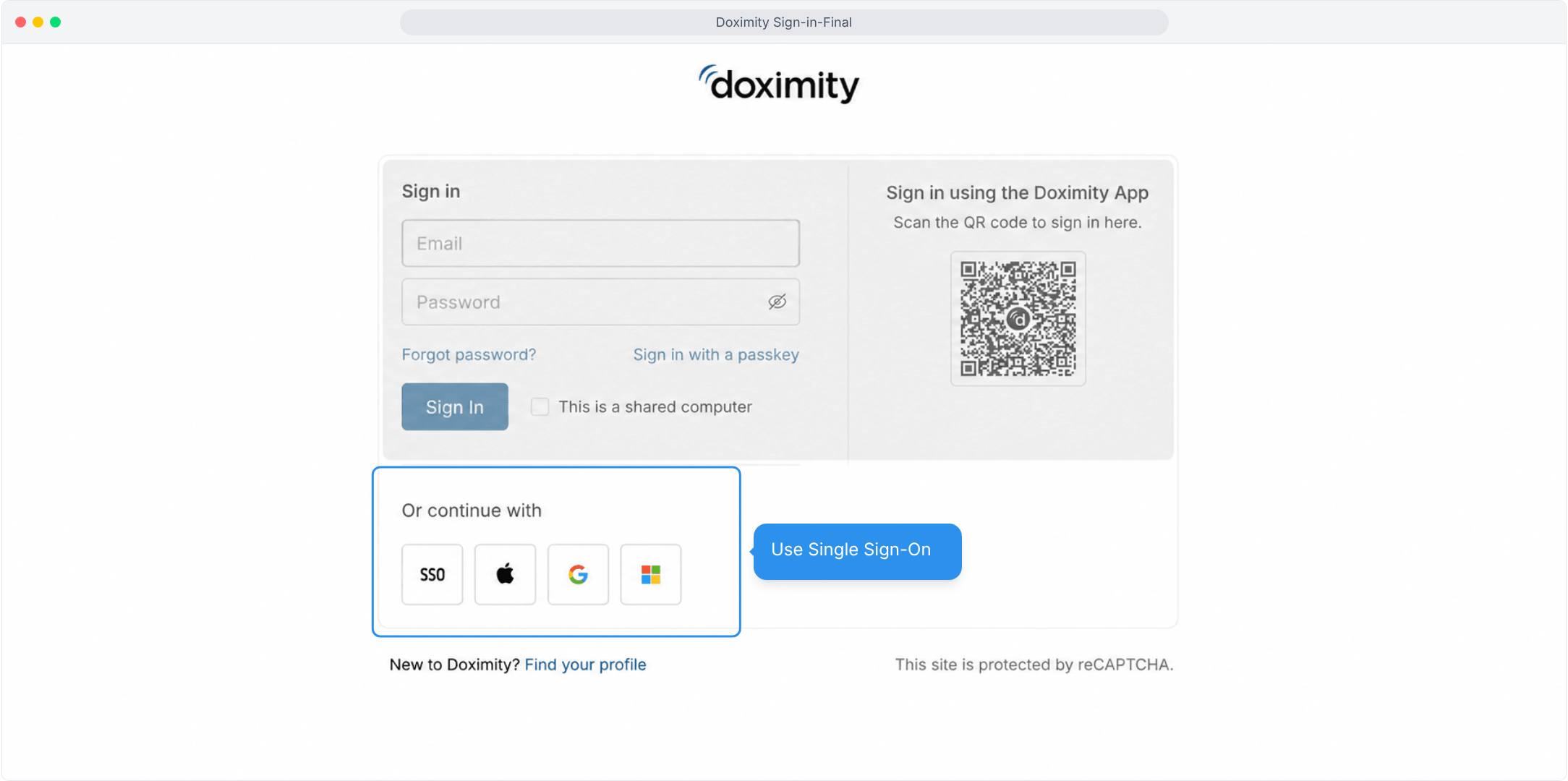
- Use Single Sign-On
Choose SSO, Apple, Google, or Microsoft to sign in.

Account & access
Doximity: Sign-in
There are three easy ways to sign in to your Doximity account- choose the option that works best for you.