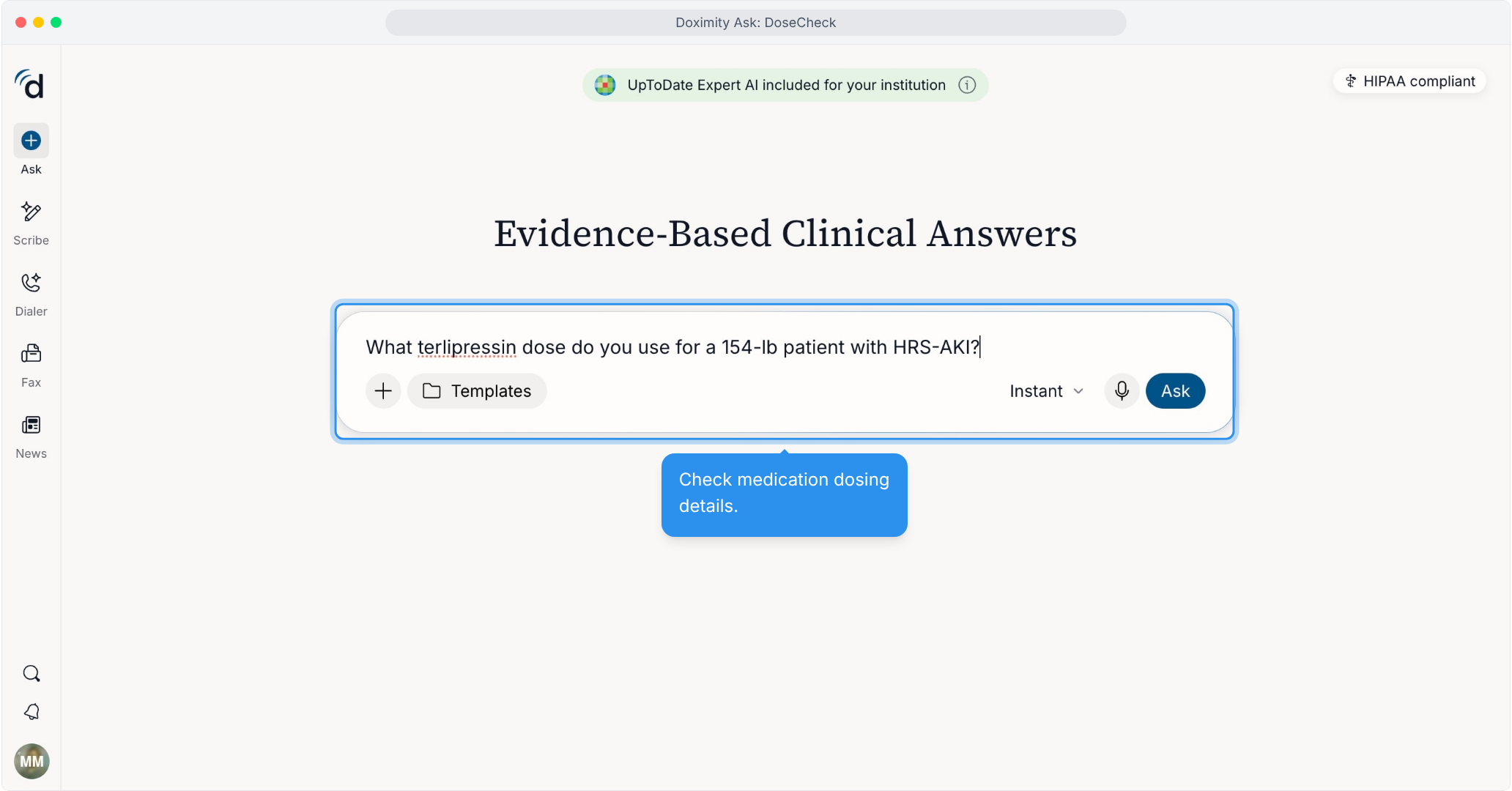
- Ask a dosing question
Type a medication dosing question to use DoseCheck.
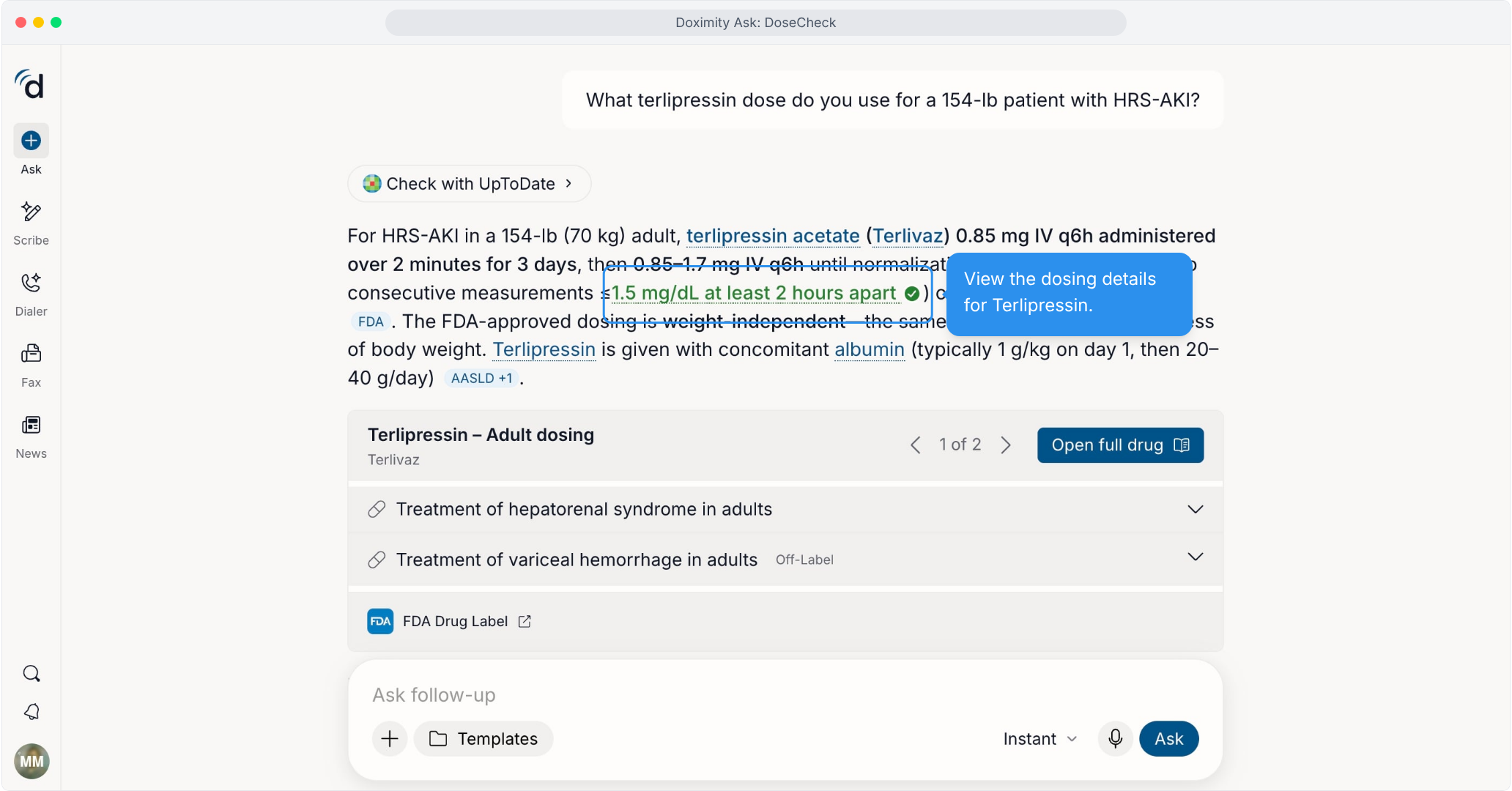
- Look for the checkmark
A green checkmark means DoseCheck confirmed the drug dosing against reference data.
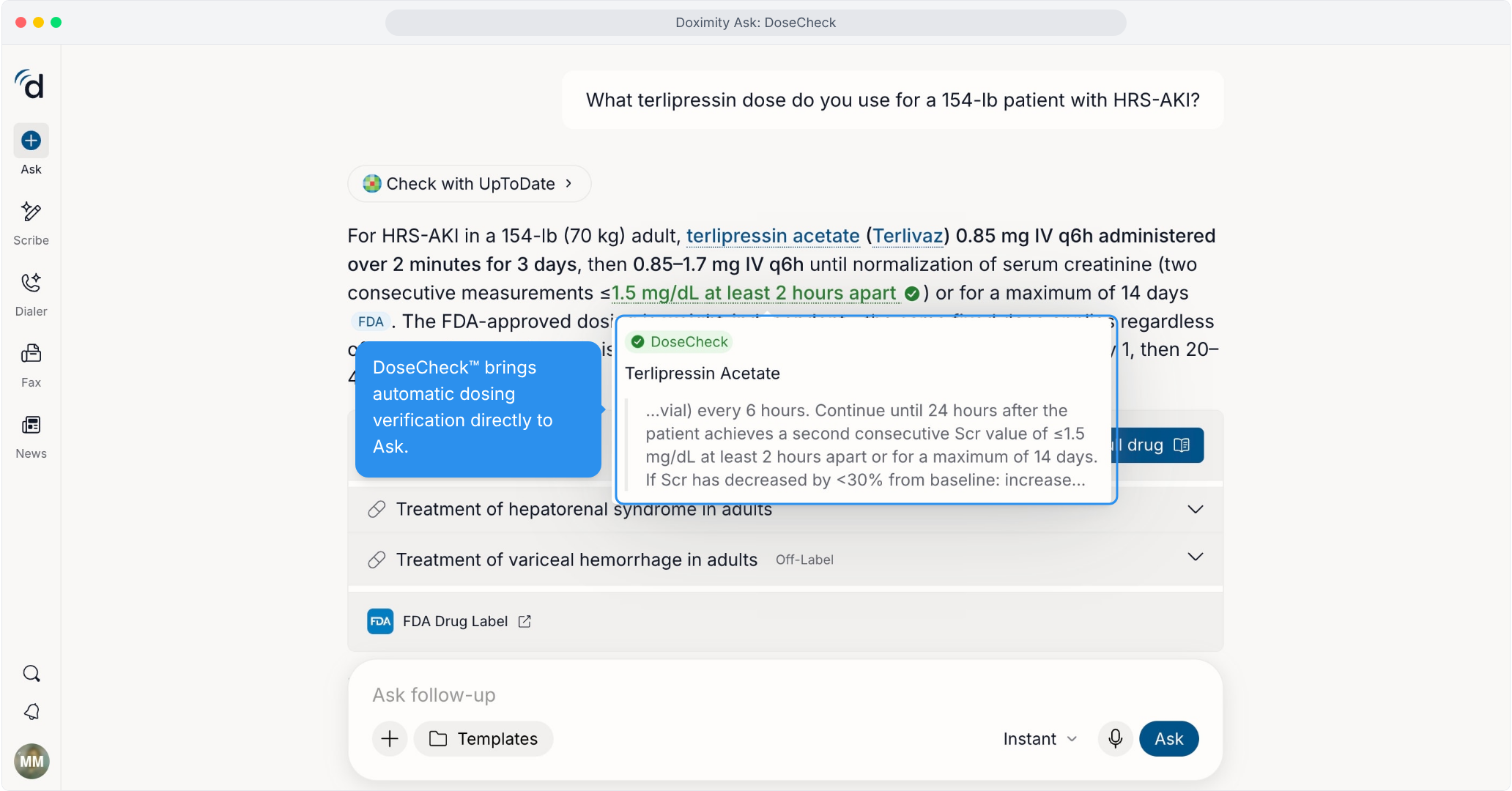
- See the supporting text
Hover over the green check to see that passage that confirms the dose
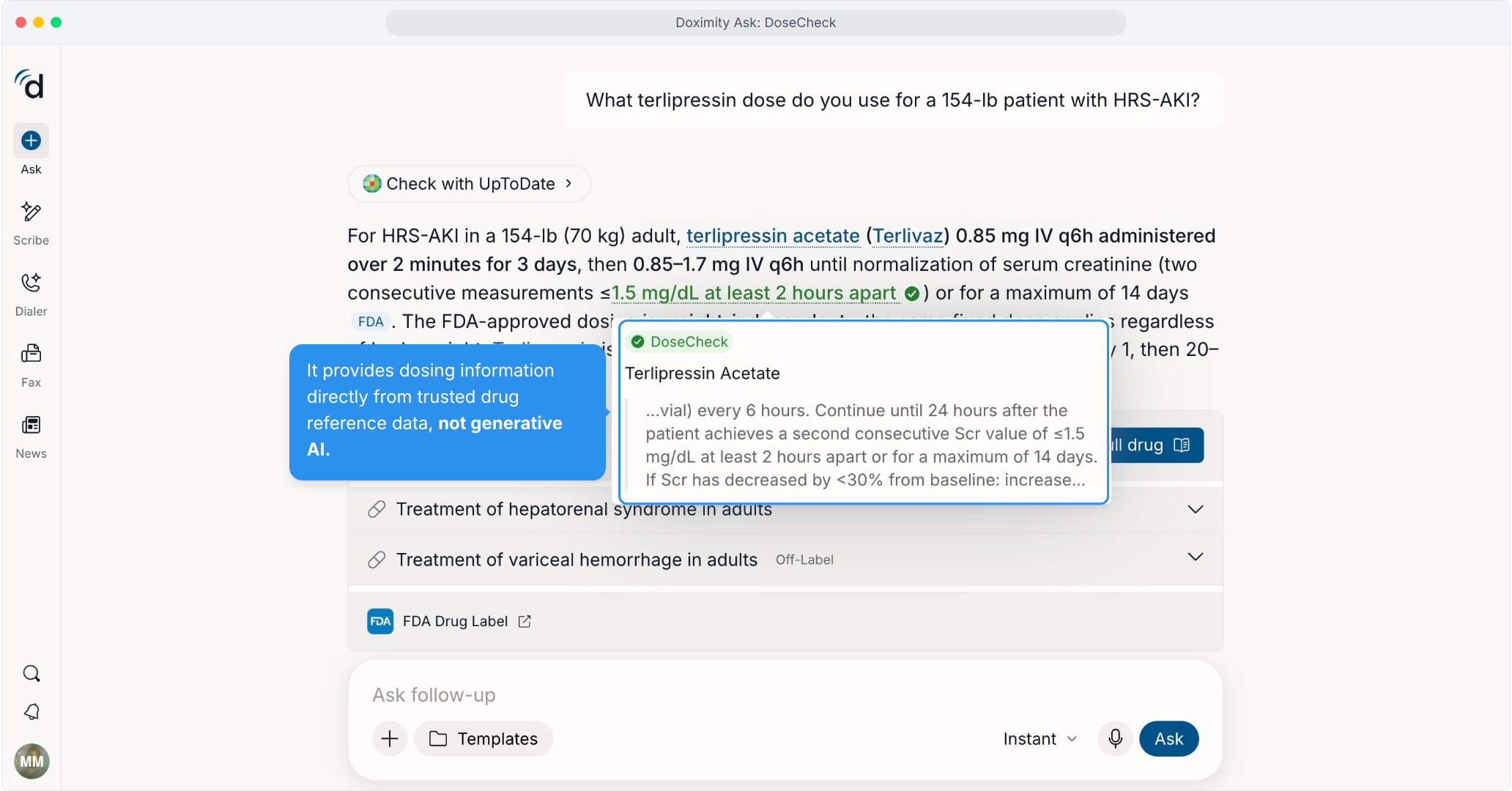
- Pulled straight from references
DataCheck shows text from drug reference data. It is not AI-generated.
- Backed by trusted sources
DoseCheck is based on FDA labeling and authoritative clincial sources.
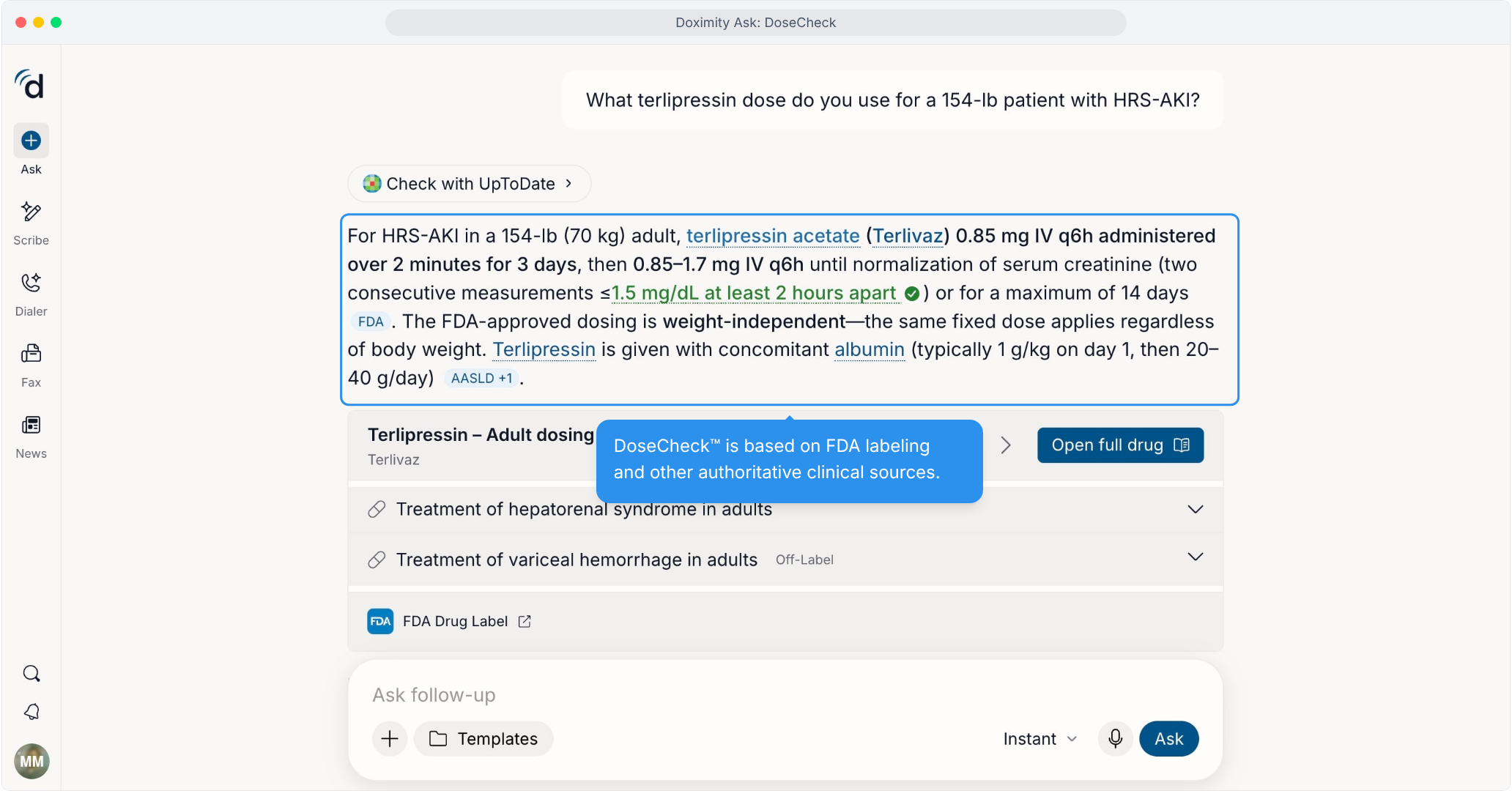
- Dosing at a glance
Dosing for each indication appears below the answer without leaving the screen.
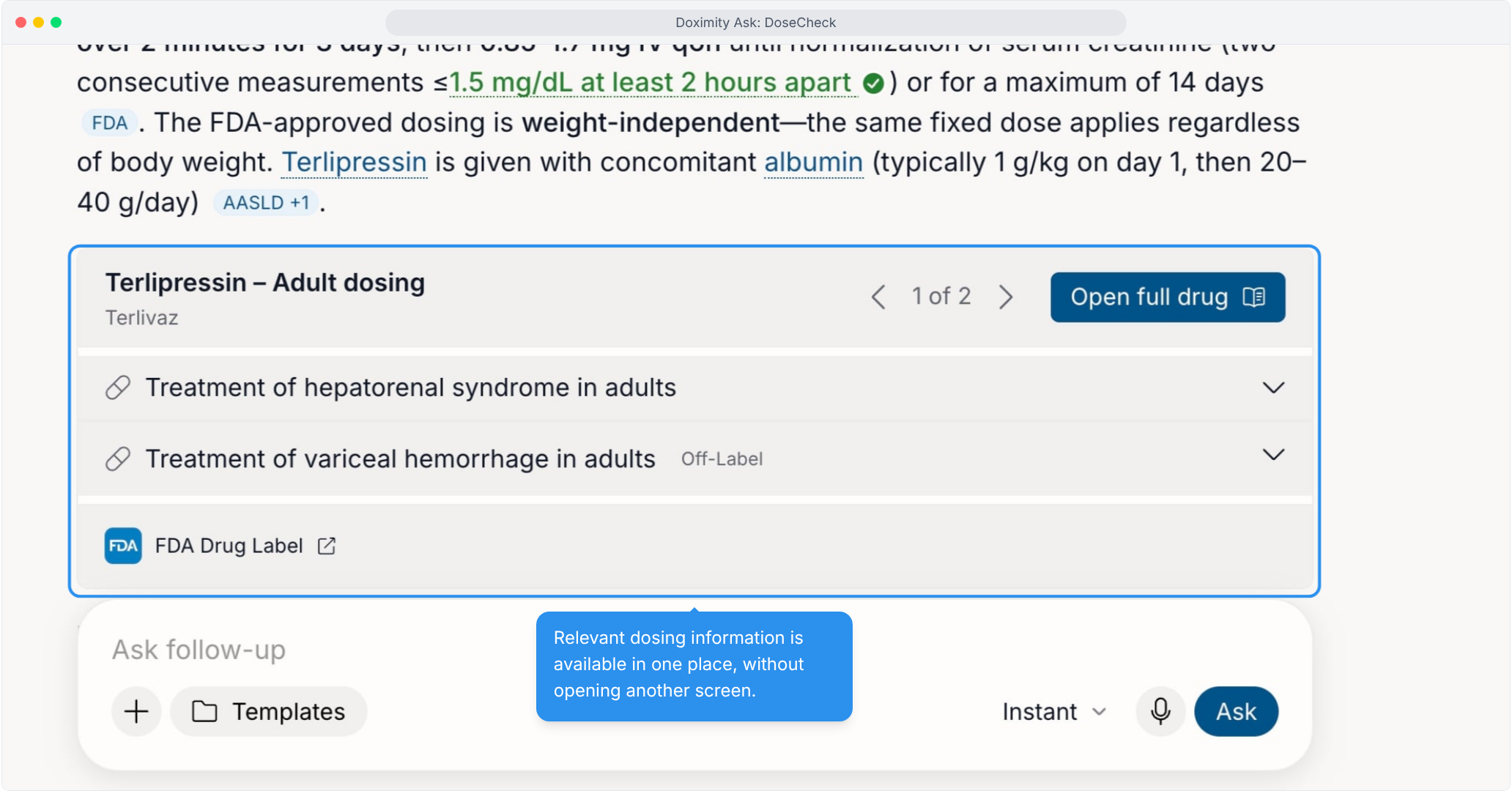
- Open the full drug
See the complete drug monograph
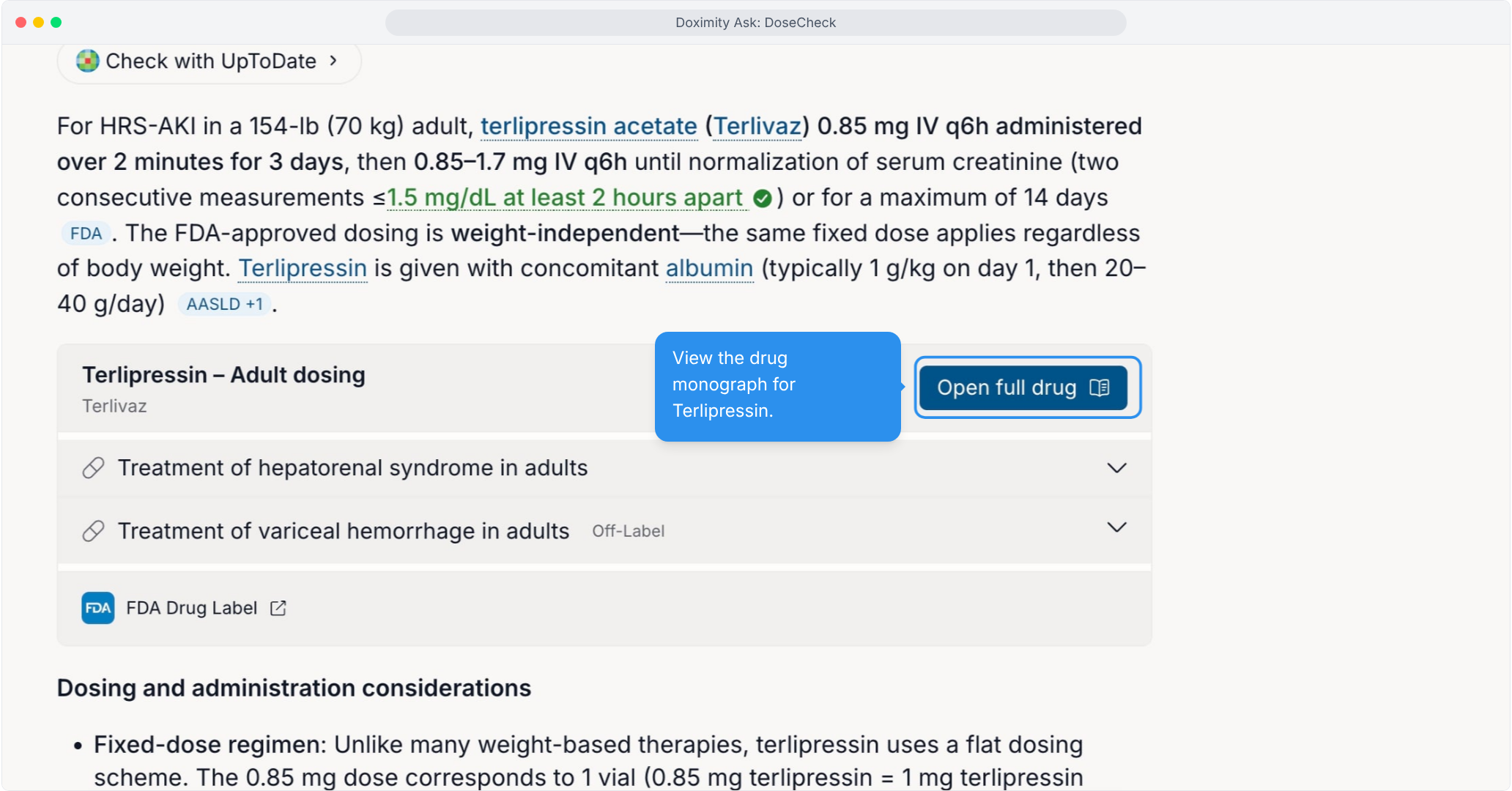
- Full drug monograph
Dosing, adverse reacitons, and boxed warnings open in the side panel.
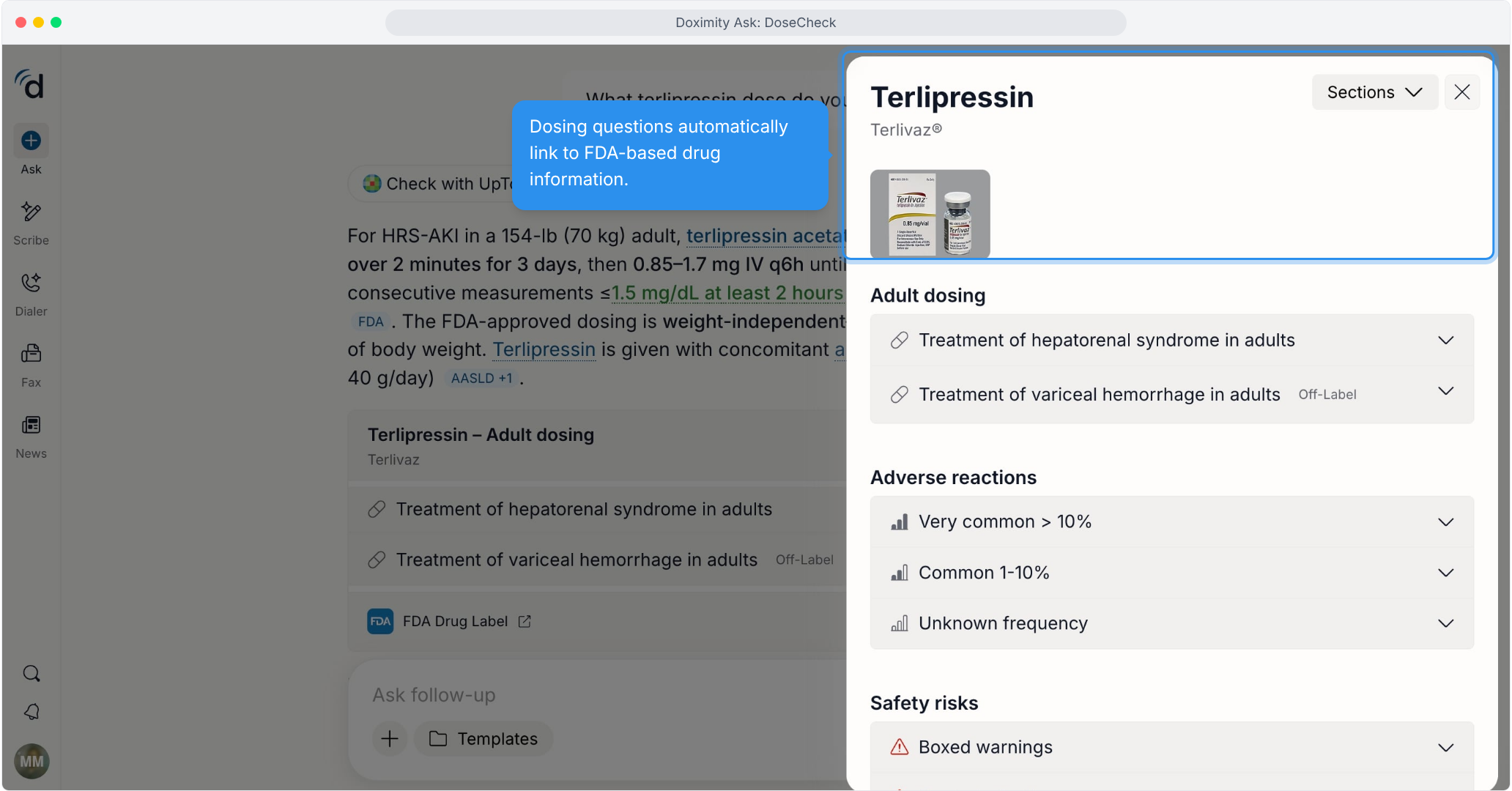
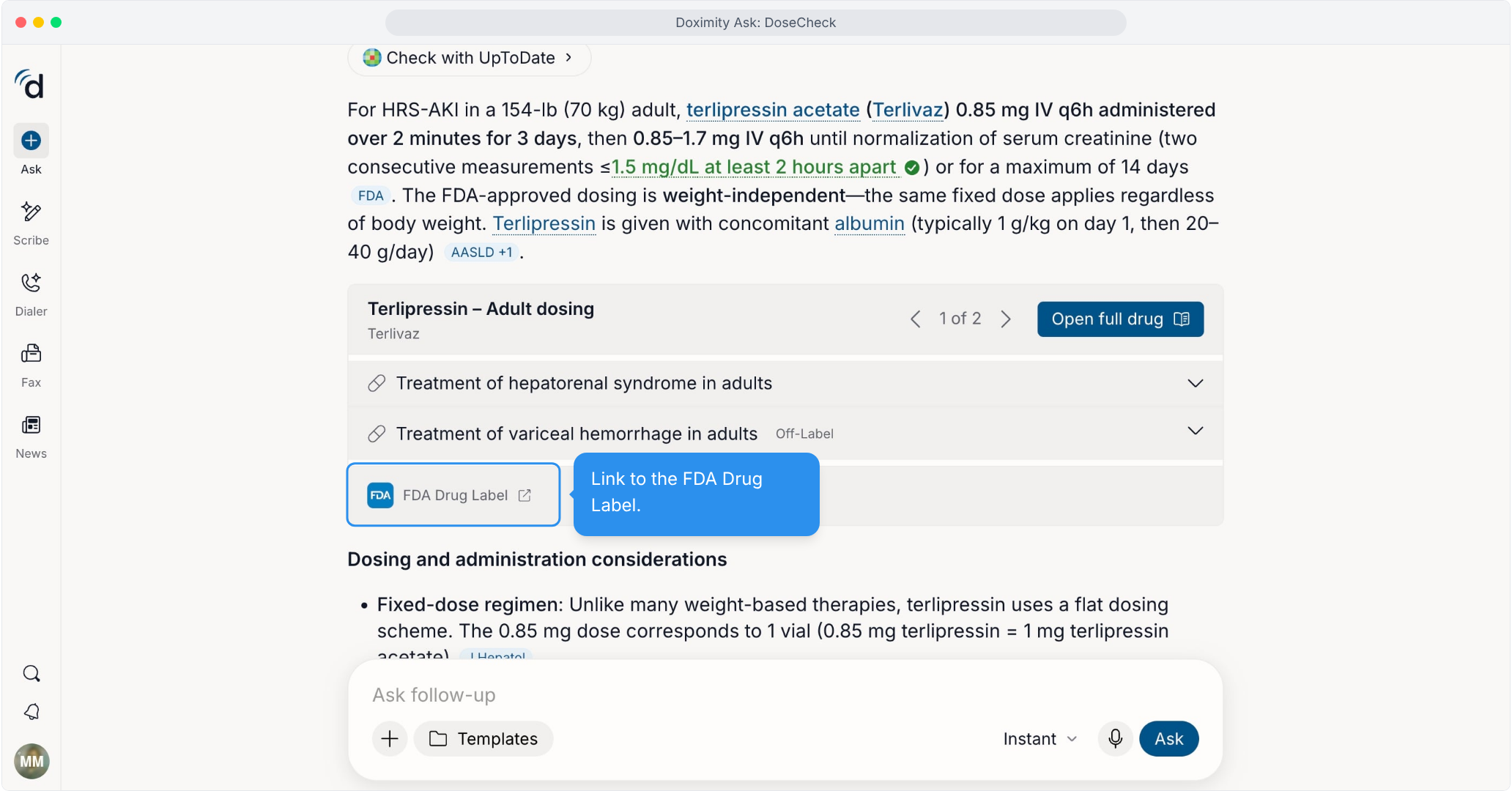
- Go to the FDA label
Open the offical FDA drug label in one click.
Features
DoseCheck™
DoseCheck makes dosing verification part of the physician’s existing workflow. It automatically verifies dosing statements and marks confirmed details with a checkmark, so physicians can review key information without leaving the answer.