- Find templates that support your work
Open the Template Library from the sidebar or the Templates menu in Ask.
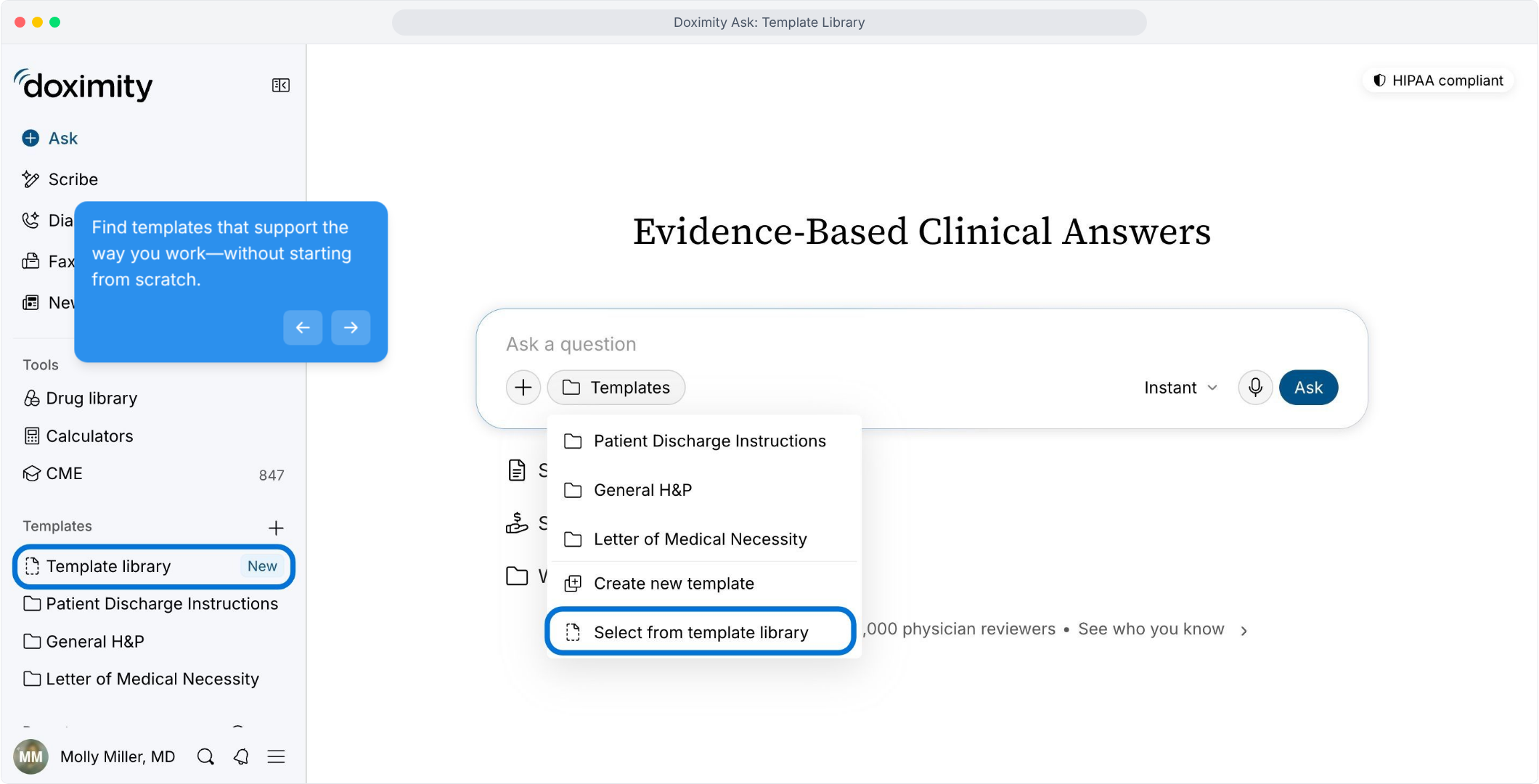
- Browse the Template Library
Explore ready-made clinical and administrative templates and search by name or tag.
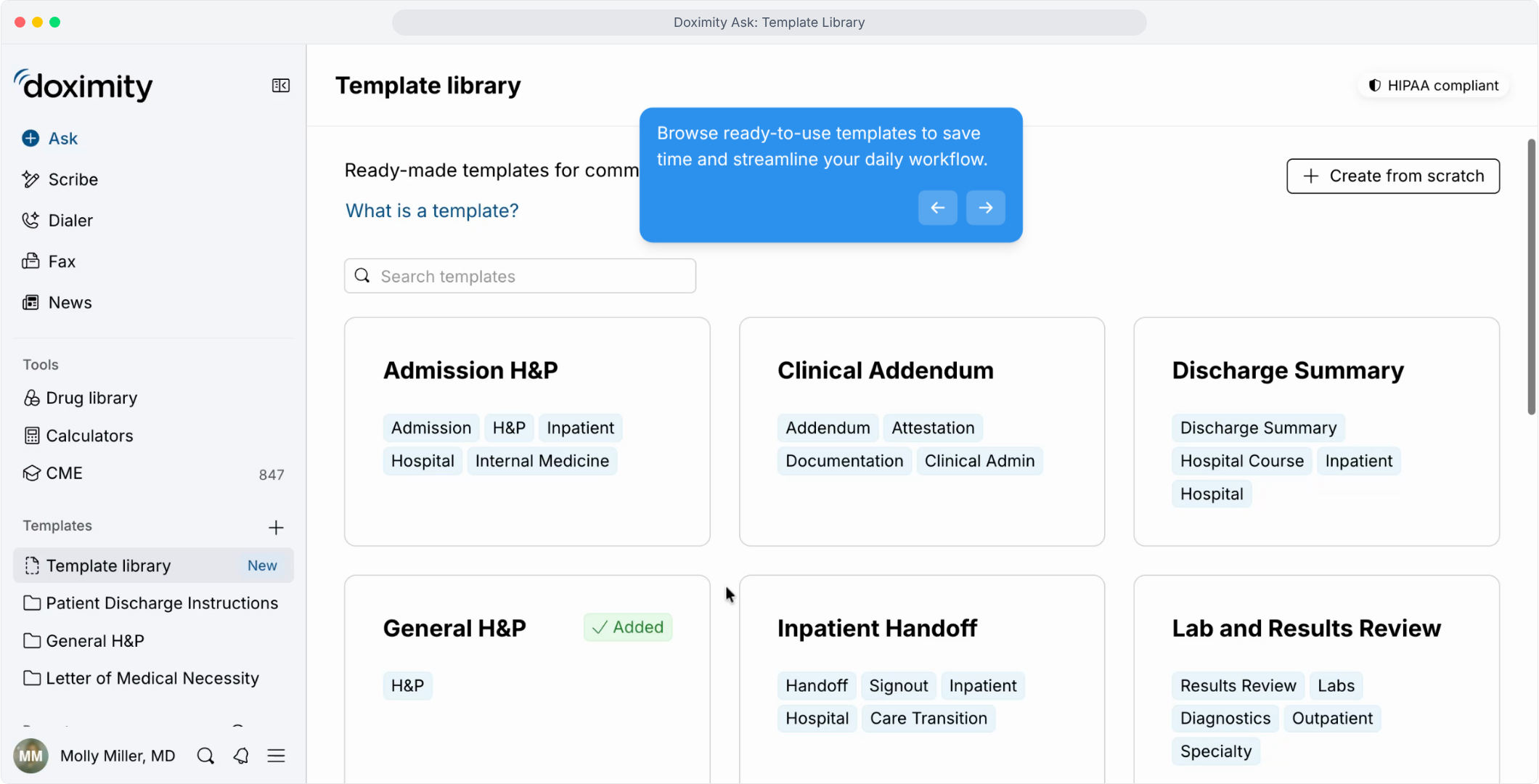
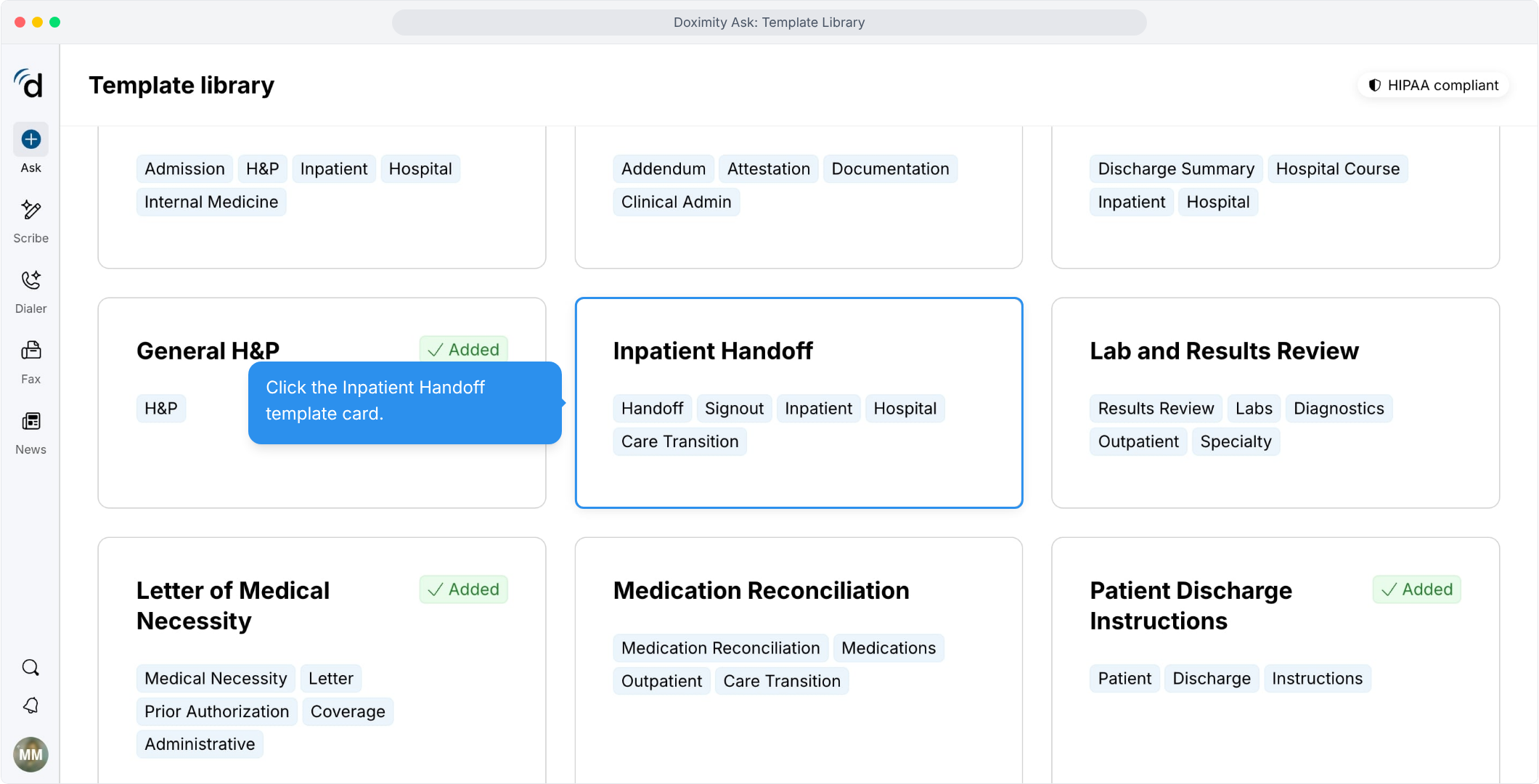
- Choose a template
Click a card to see what’s included. Templates marked “Added” are already in your list.
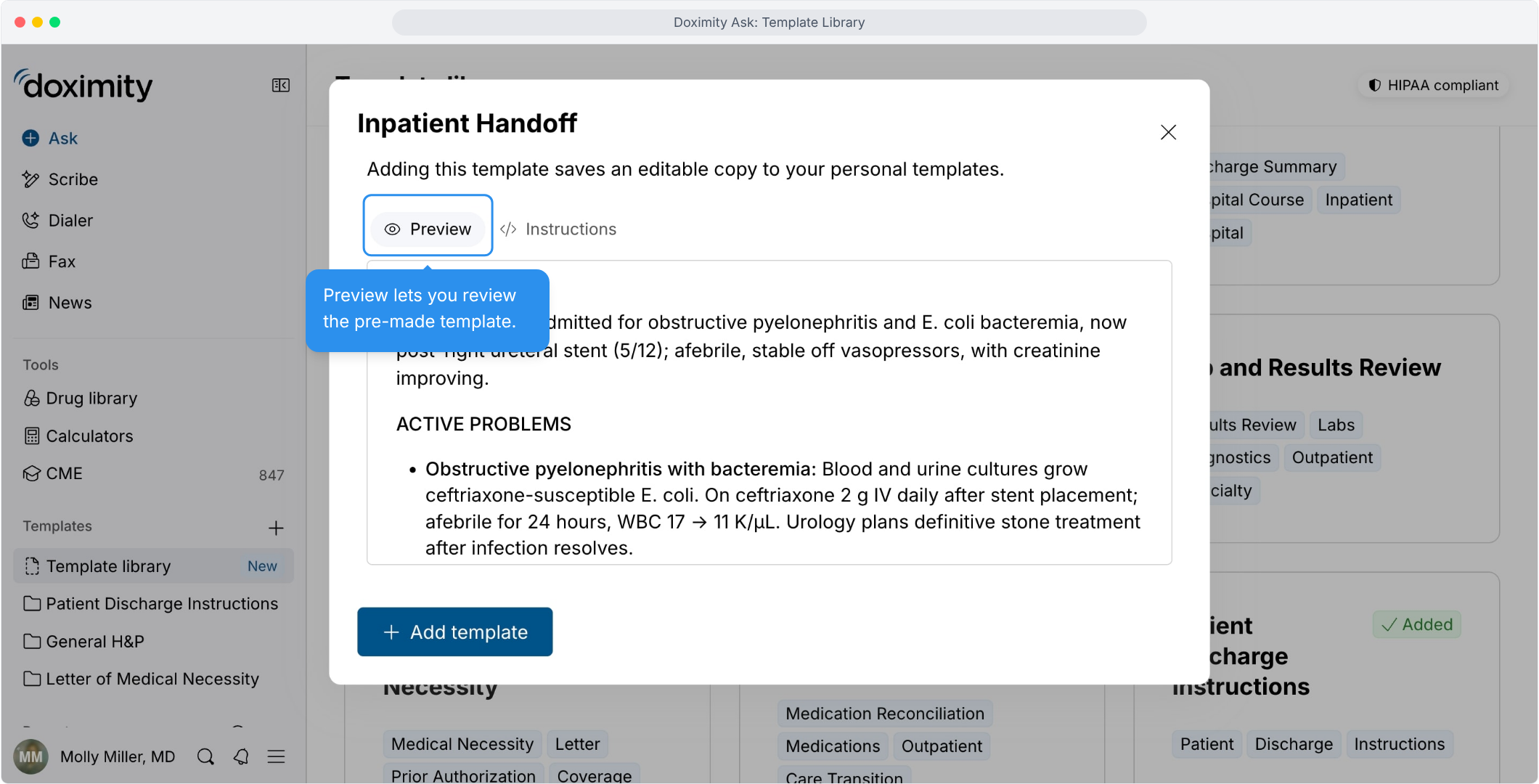
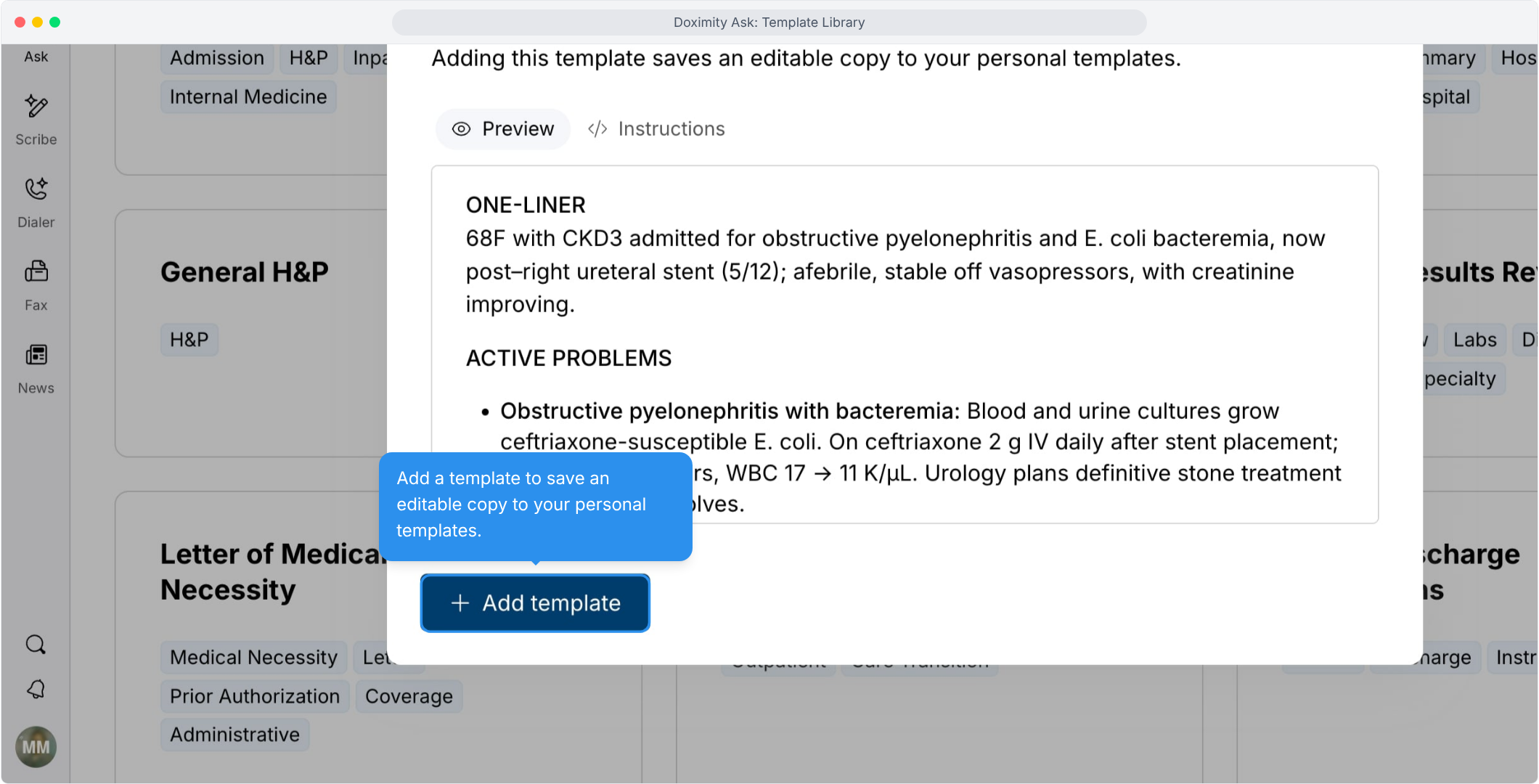
- Preview a sample template output
See an example of what the template produces before you add it.
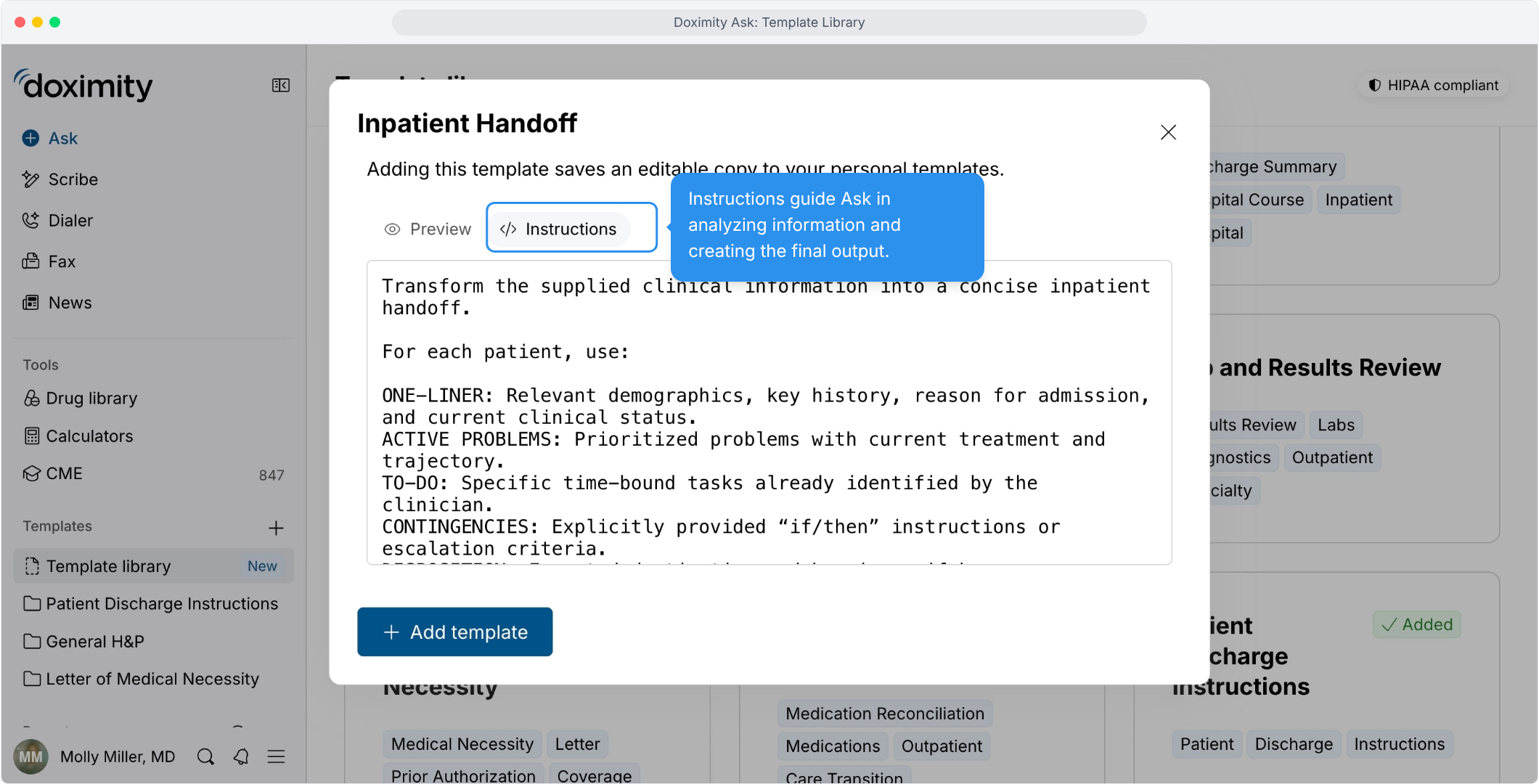
- Review the template instructions
Instructions tell Ask how to analyze your information and structure the output.
- Add the template
Save an editable copy to your personal templates.
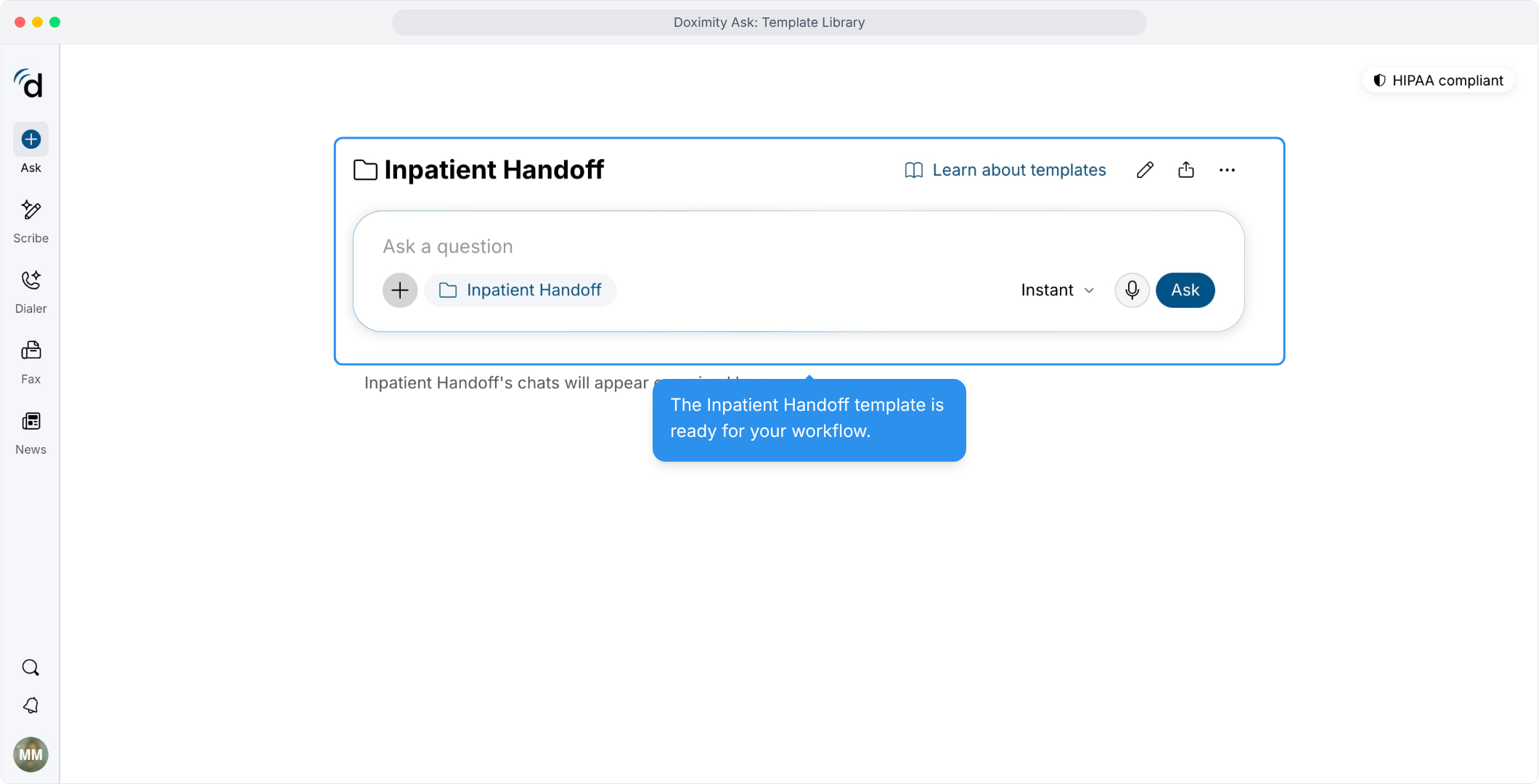
- Open your template
Added templates appear in your sidebar, and their chats are kept together in one place.
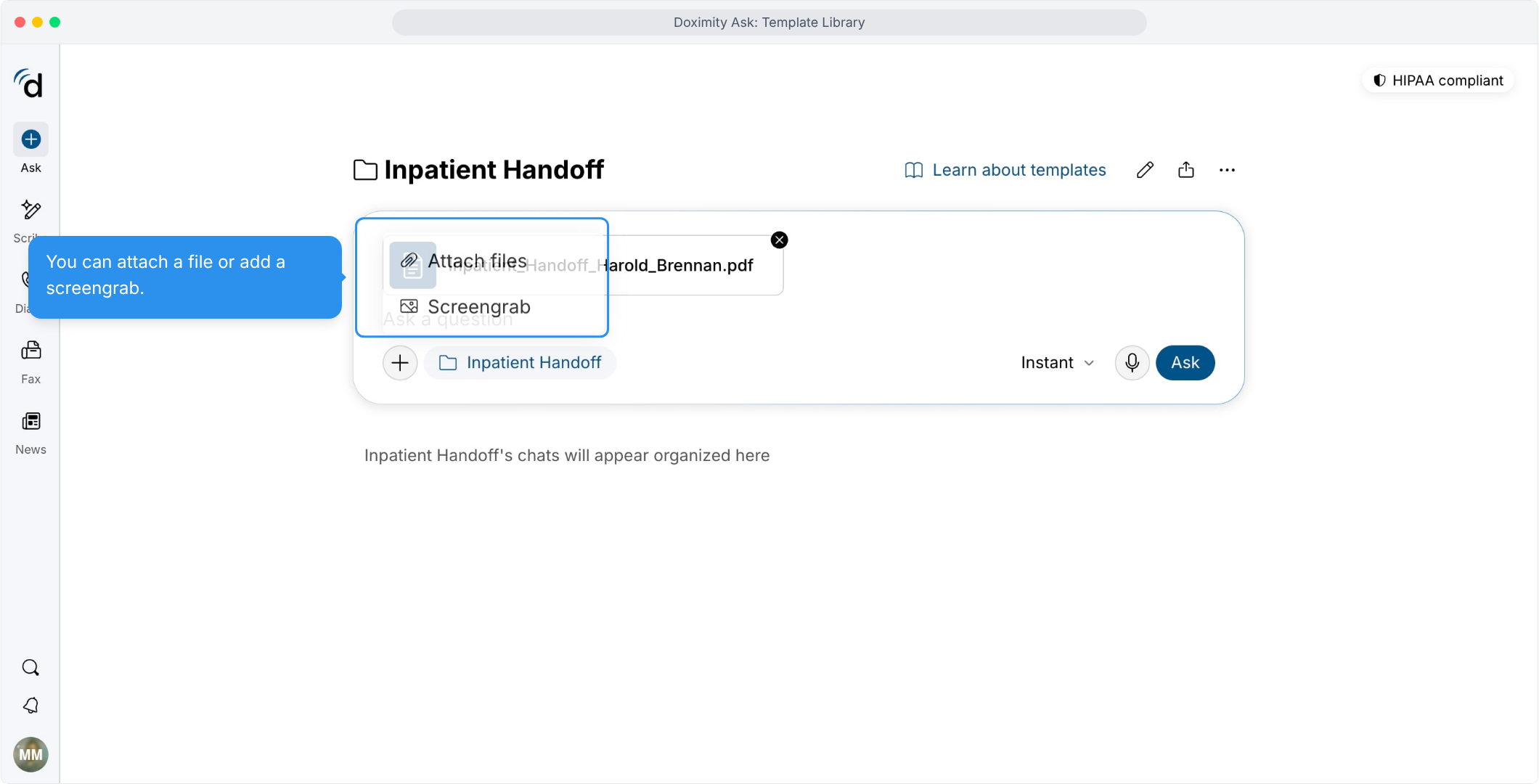
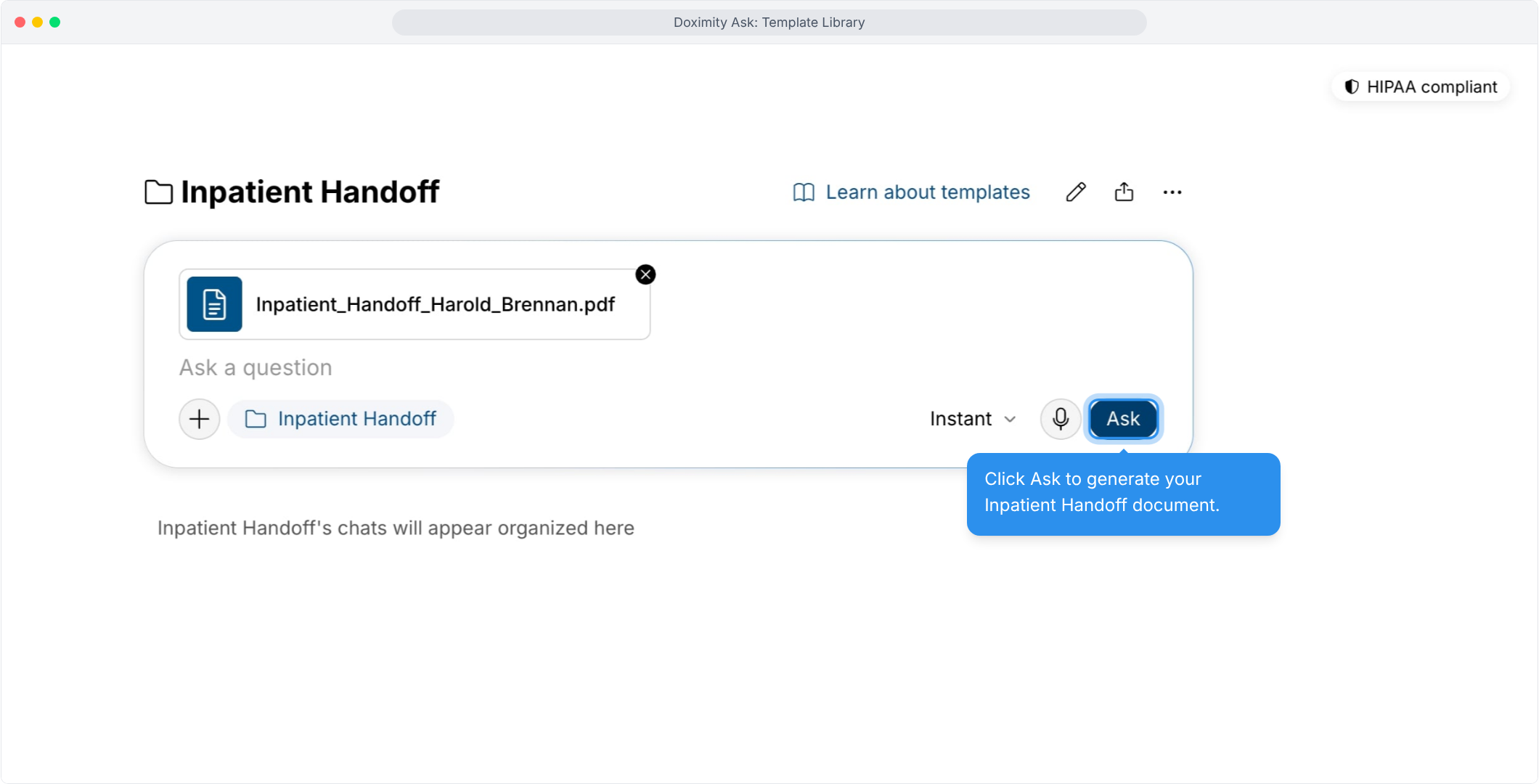
- Add your clinical or administrative information
Attach a file or take a screengrab.
- Generate your template
Click Ask to create the document.
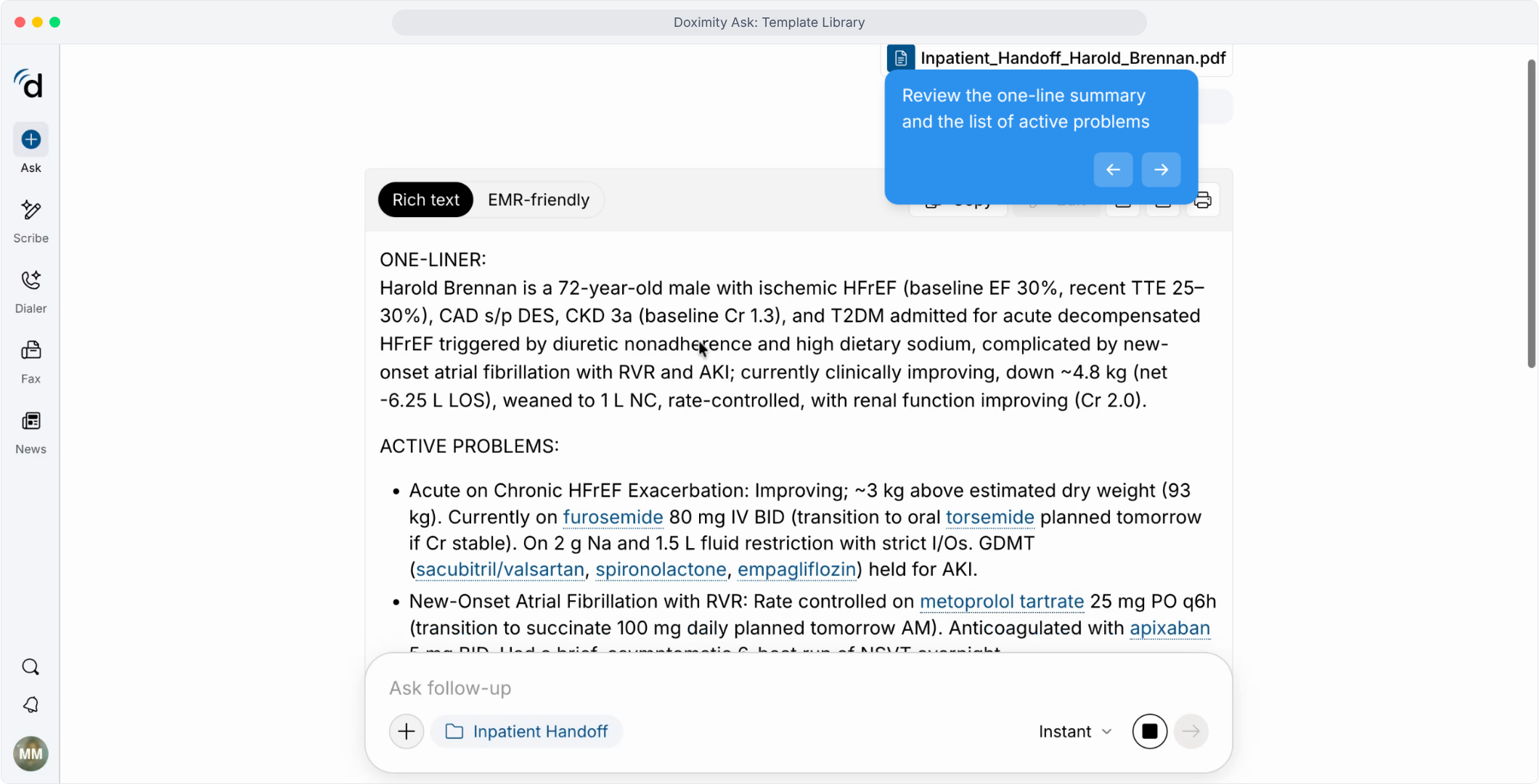
- Review your template
Check demographics, key history, reason for admission, and current status.
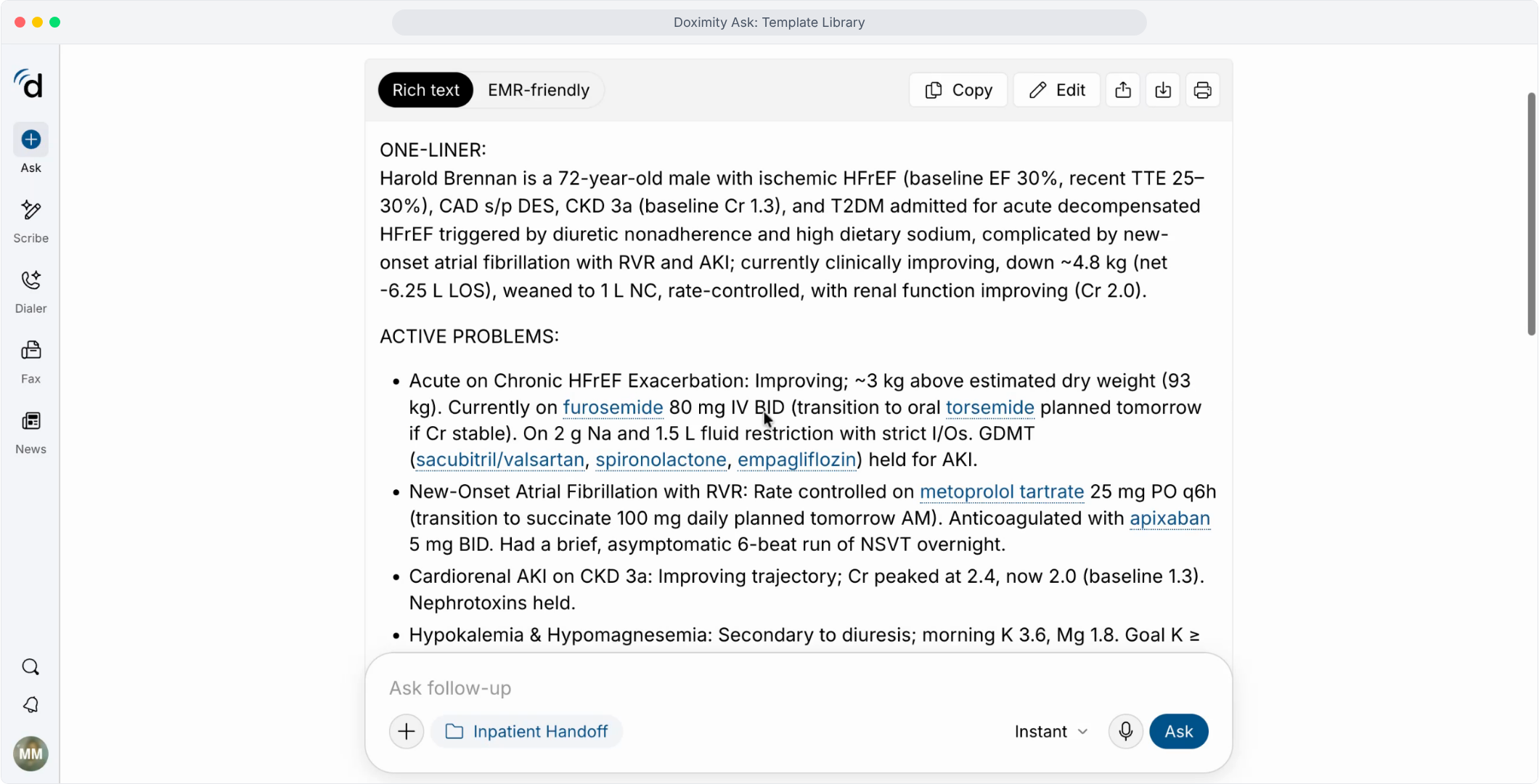
- Review active problems
Each problem is listed with its current treatment and trajectory.
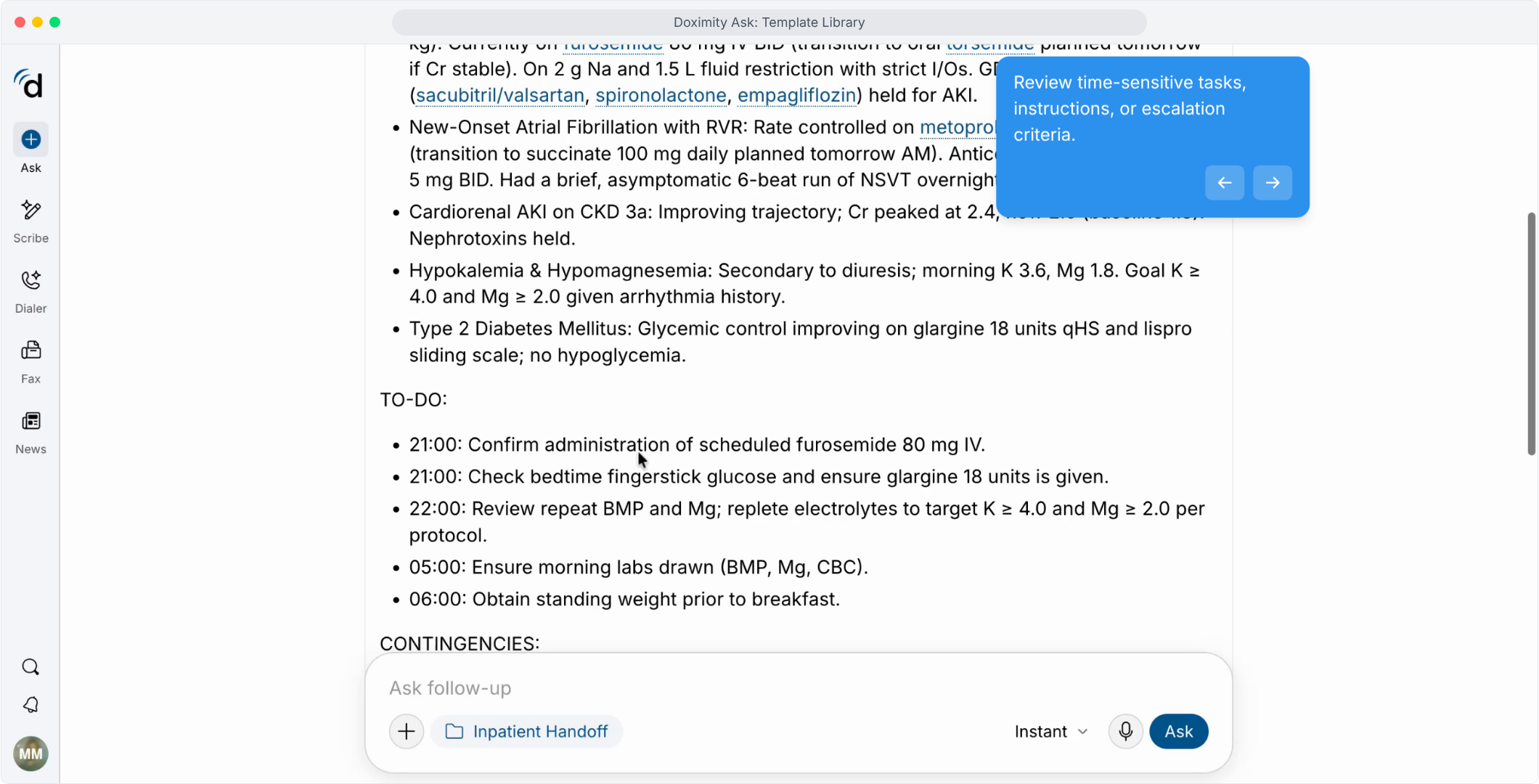
- Review the to-do list
Confirm the time-bound tasks identified by your input.
- Review contingencies
Check the if/then instructions and escalation criteria.
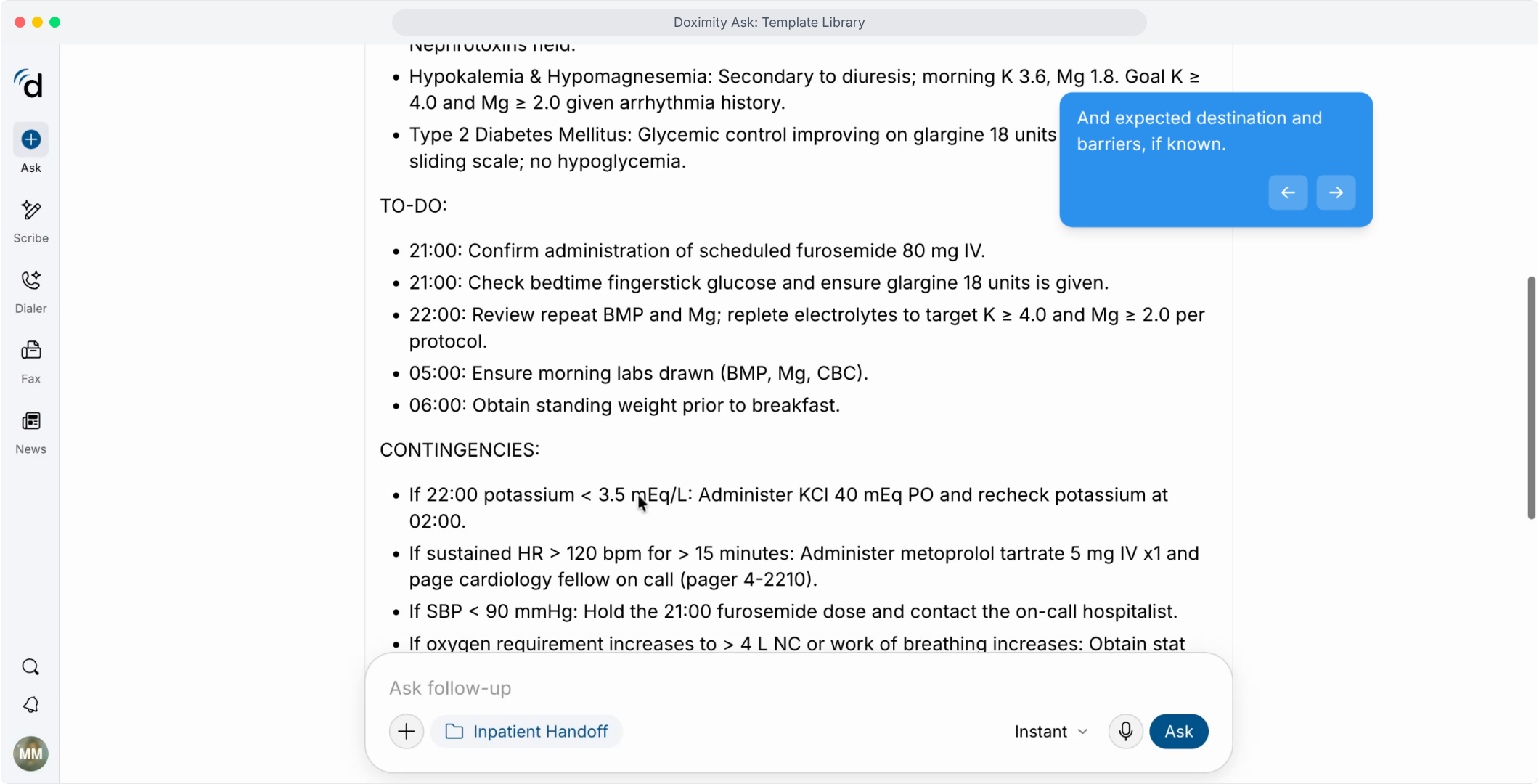
- Copy to your EMR
Pick Rich text or EMR-friendly format, then copy and paste.
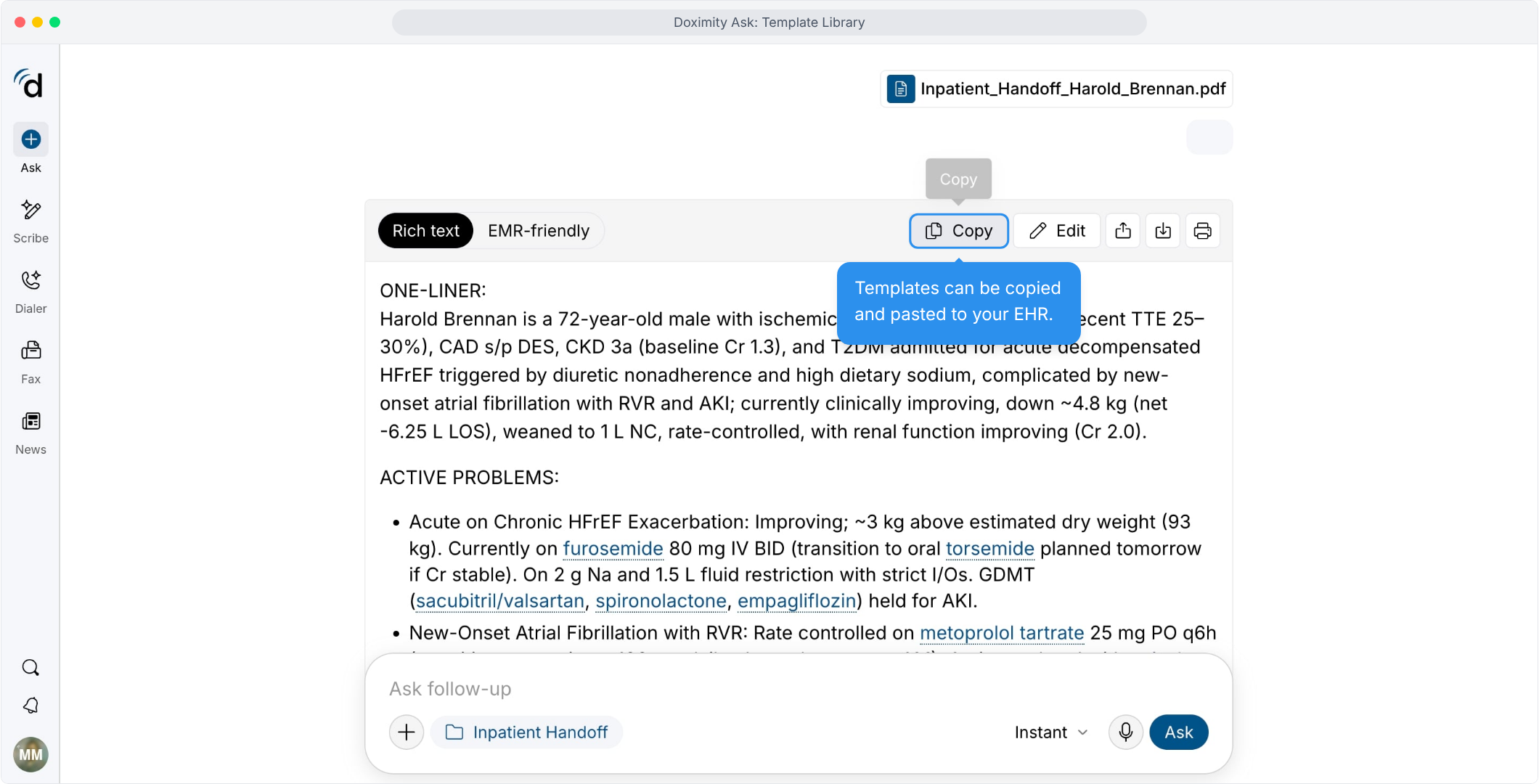
- Edit the template
Make changes and revisions before you share or save.
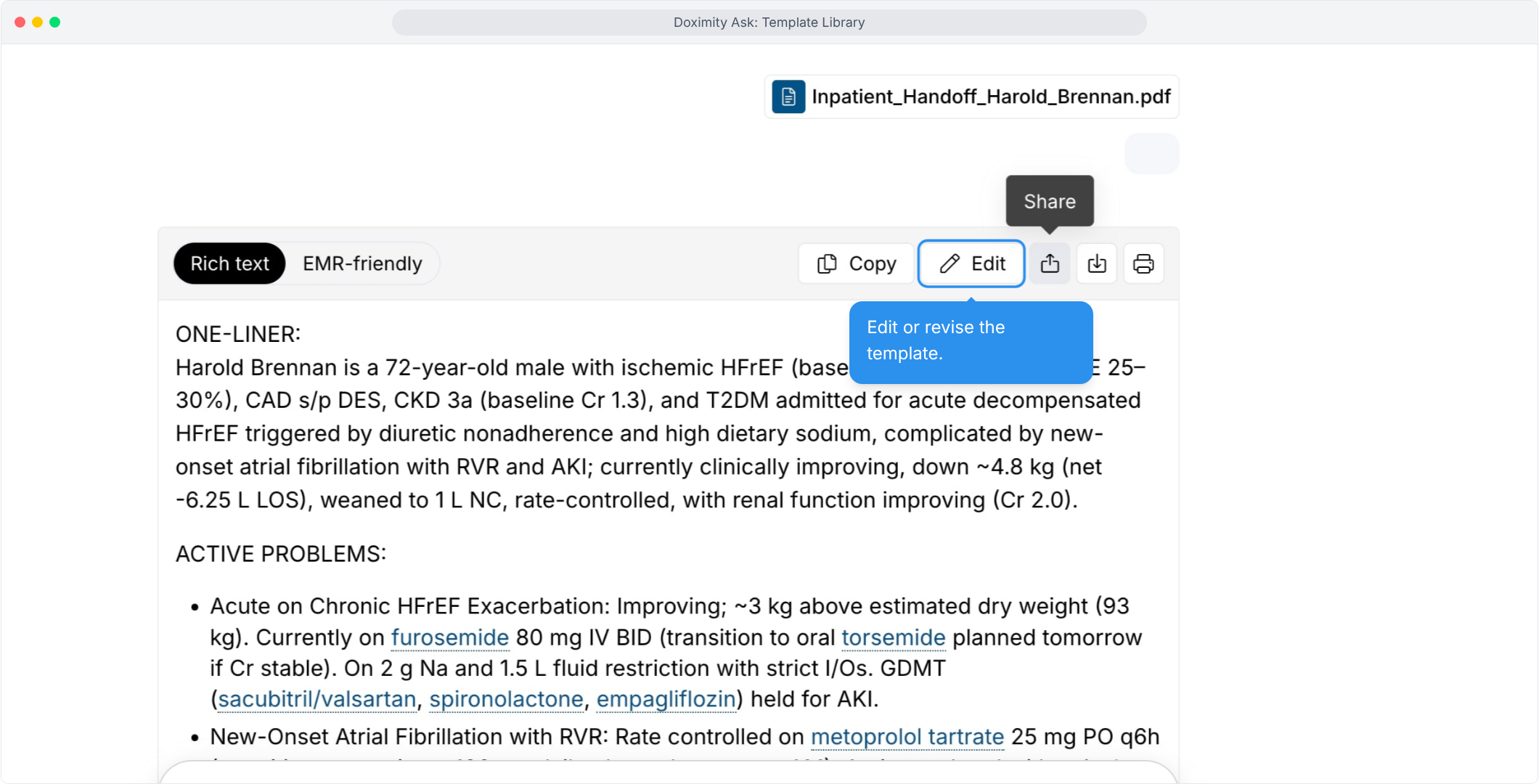
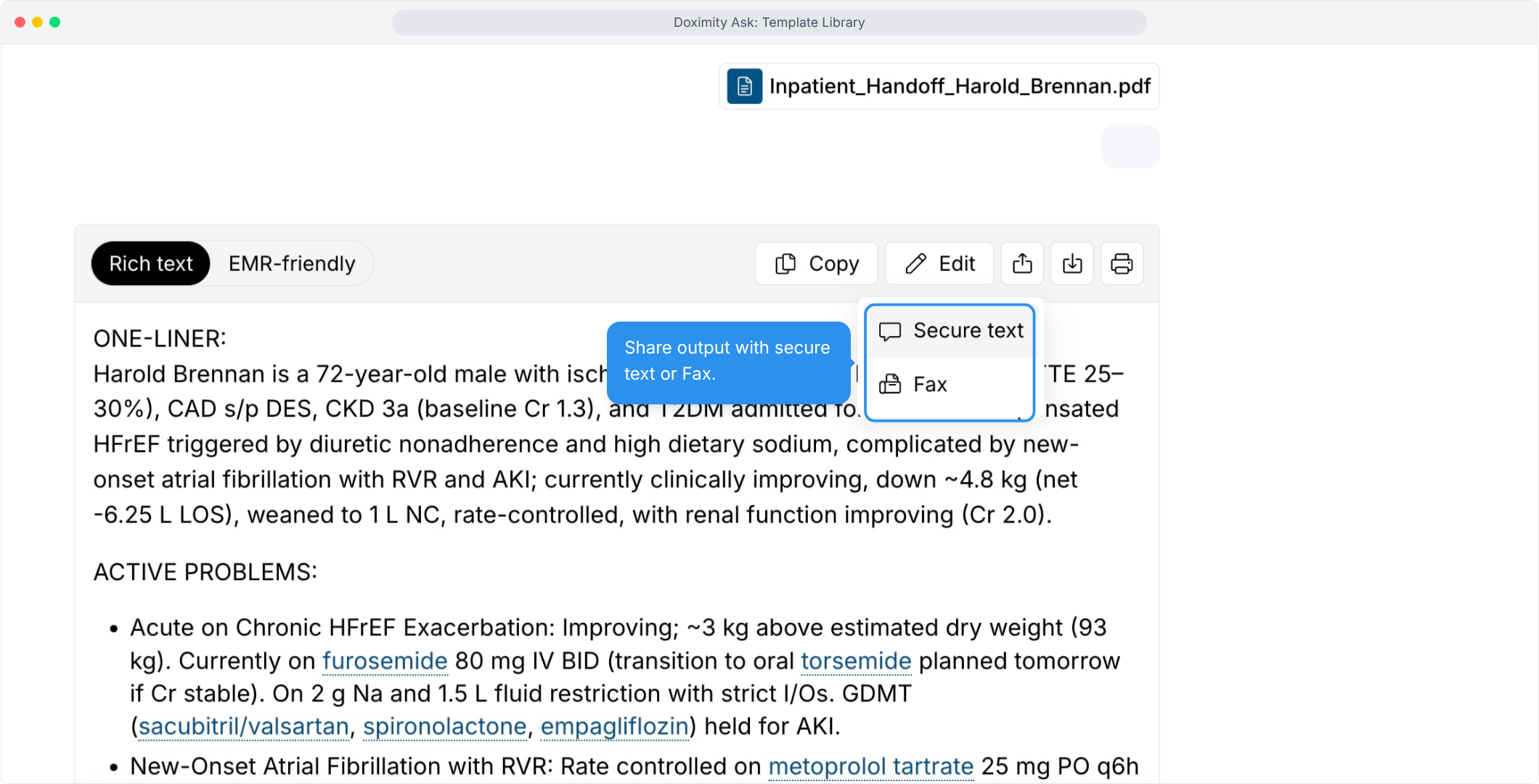
- Share securely
Send the template by secure text or fax.
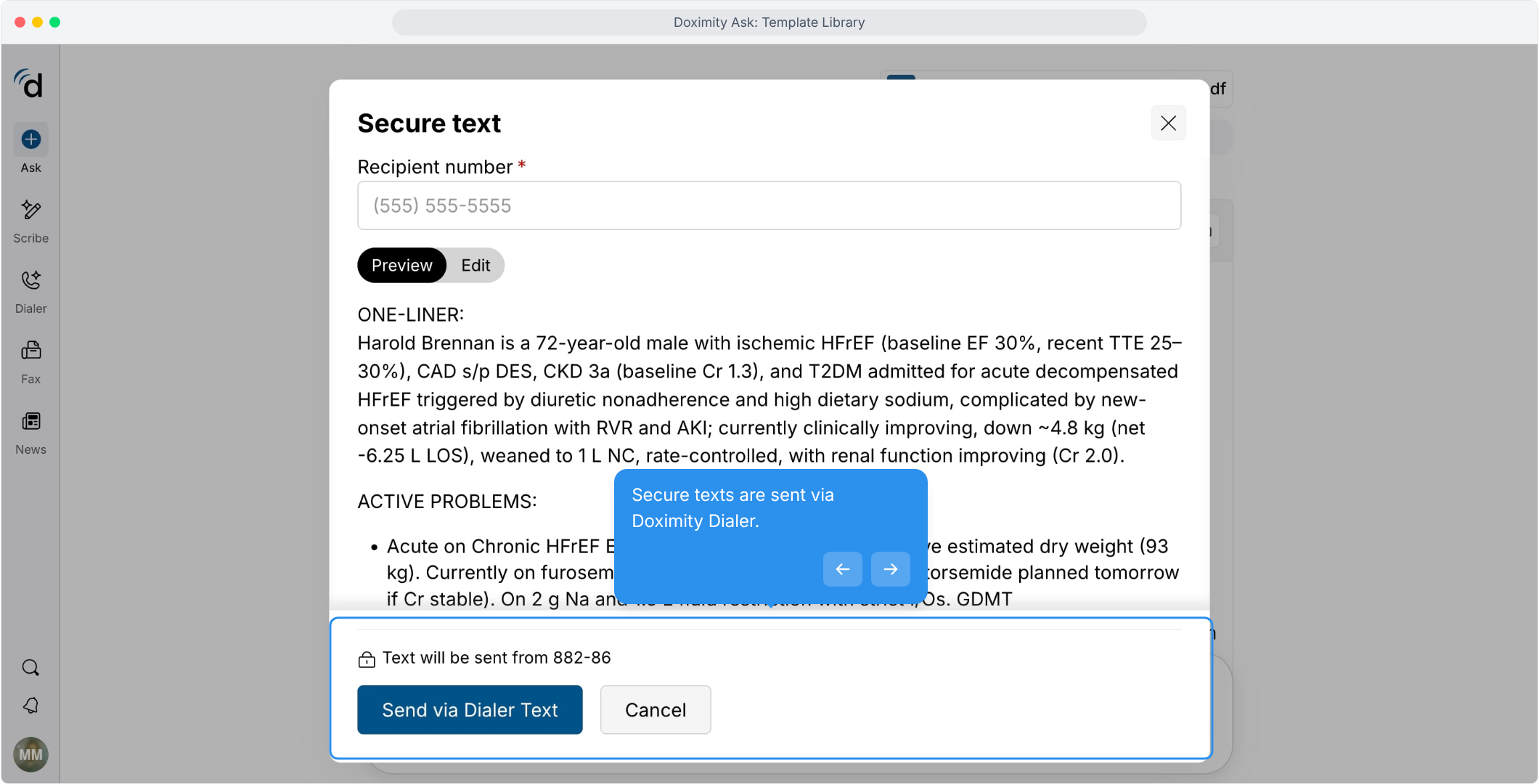
- Send by secure text
Enter the recipient’s number, preview the message, and send through Doximity Dialer.
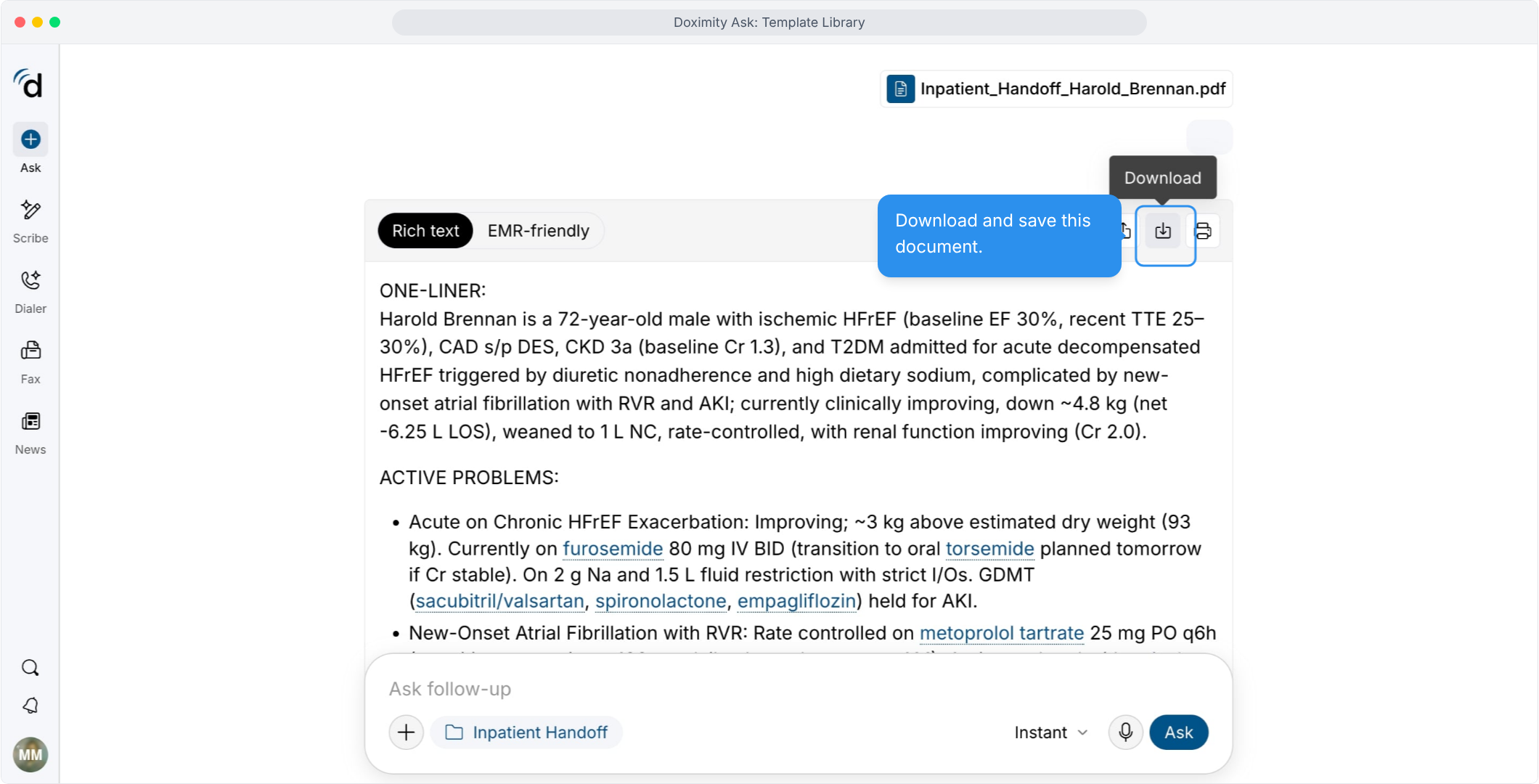
- Download a copy of the template
Save it as a PDF or Word document.
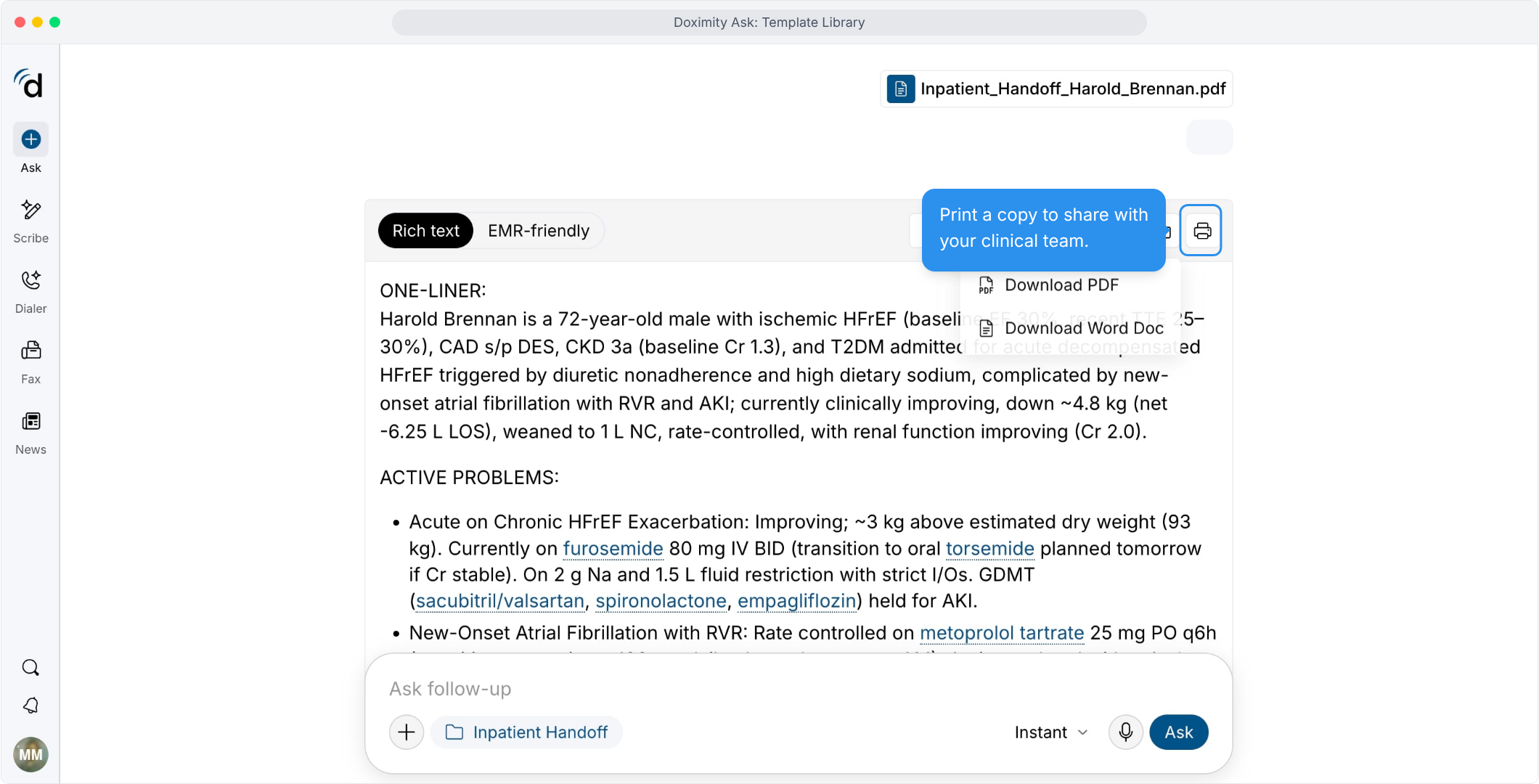
- Print a copy
Print it to share with your care team.
Features
Template Library
Use Doximity’s Template Library to explore clinical and administrative templates that provide a starting point for documentation and help streamline your daily workflow.