- Start with Templates
Templates save reusable instructions that match your clinical voice, structure, and priorities.
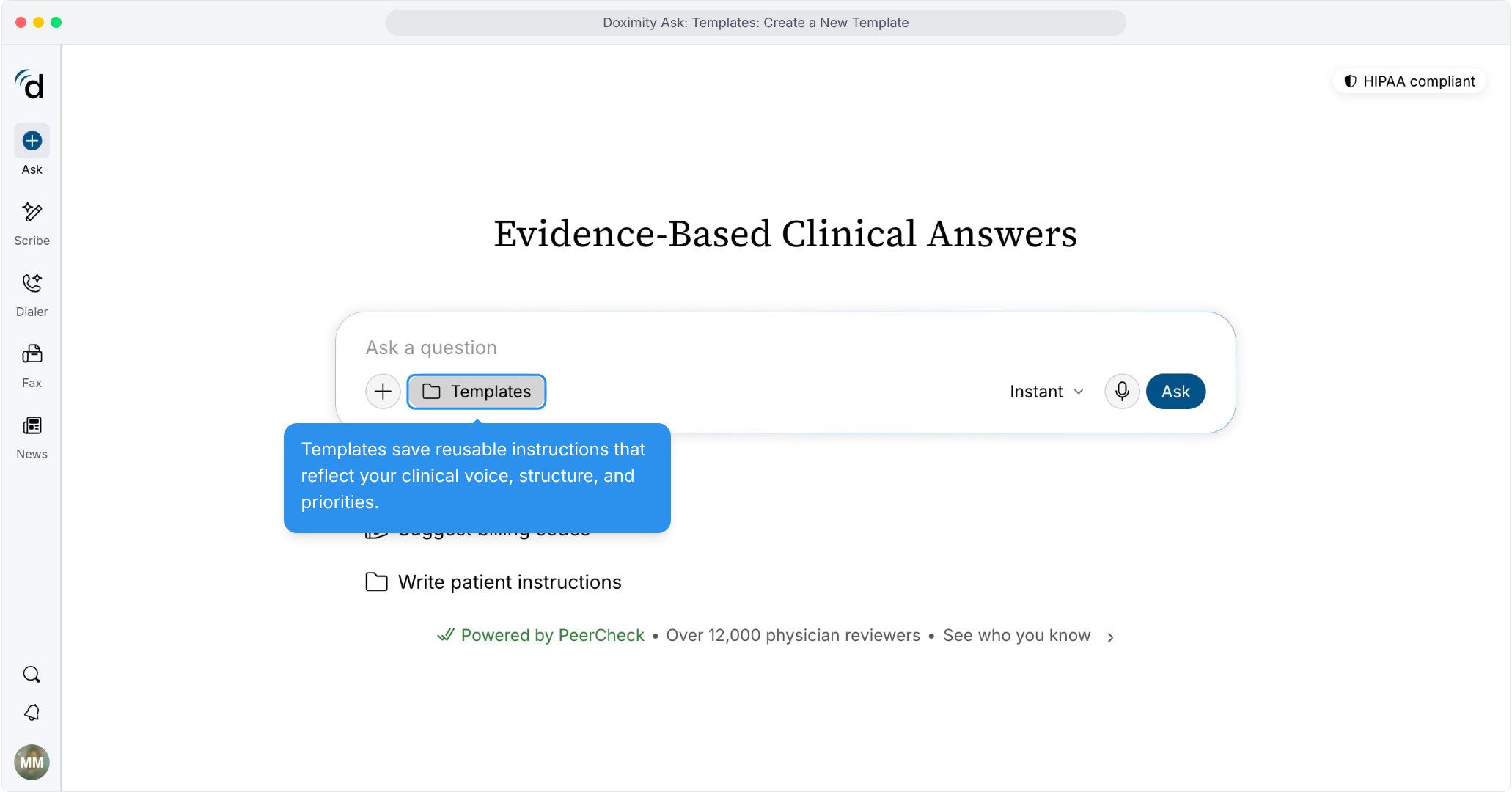
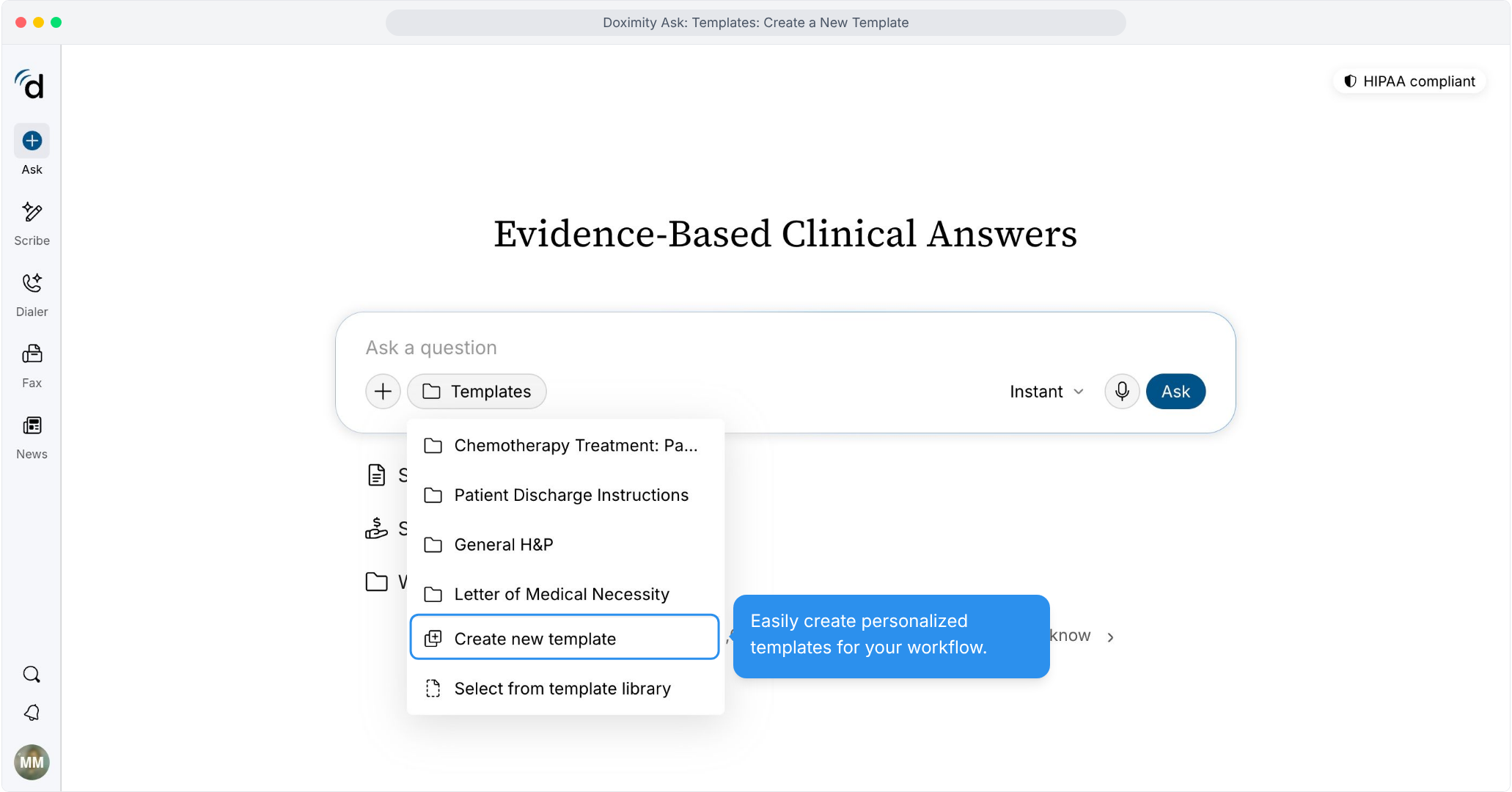
- Create a new template
Open the Templates menu and select Create new template.
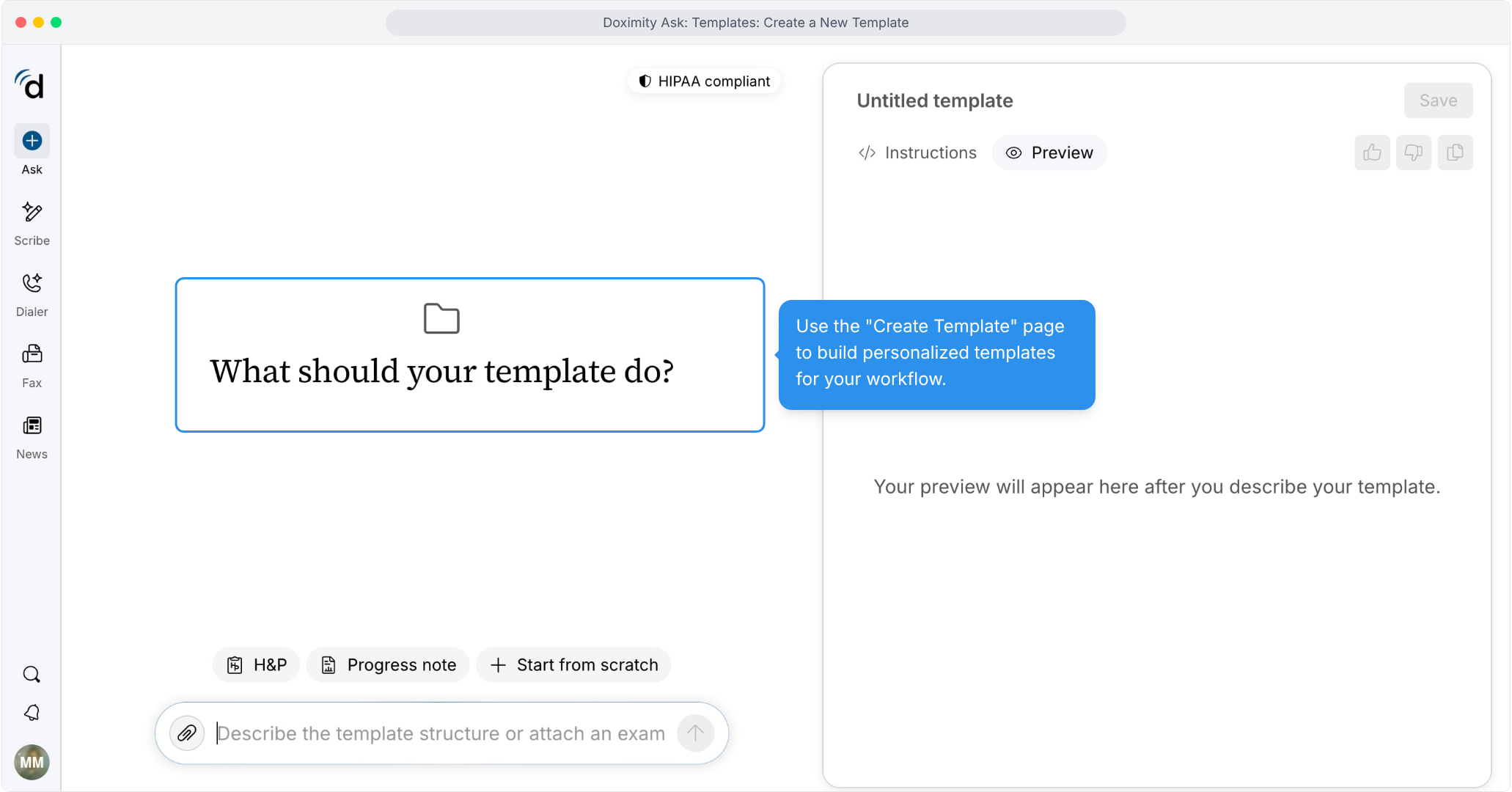
- Open the template builder
Describe what you need, and Ask builds the template for you.
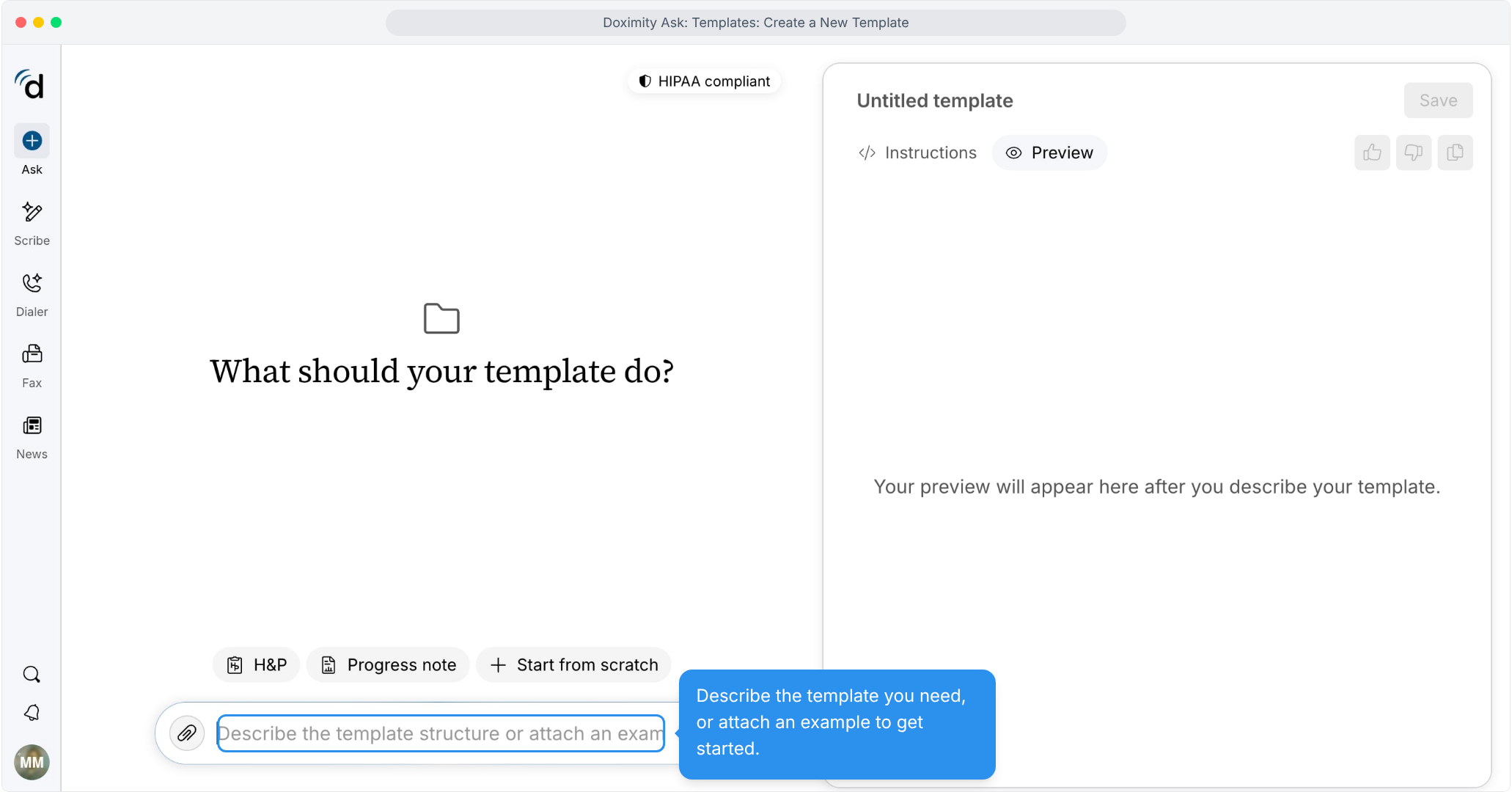
- Describe your template
Type the structure you want, or attach an example to start from.
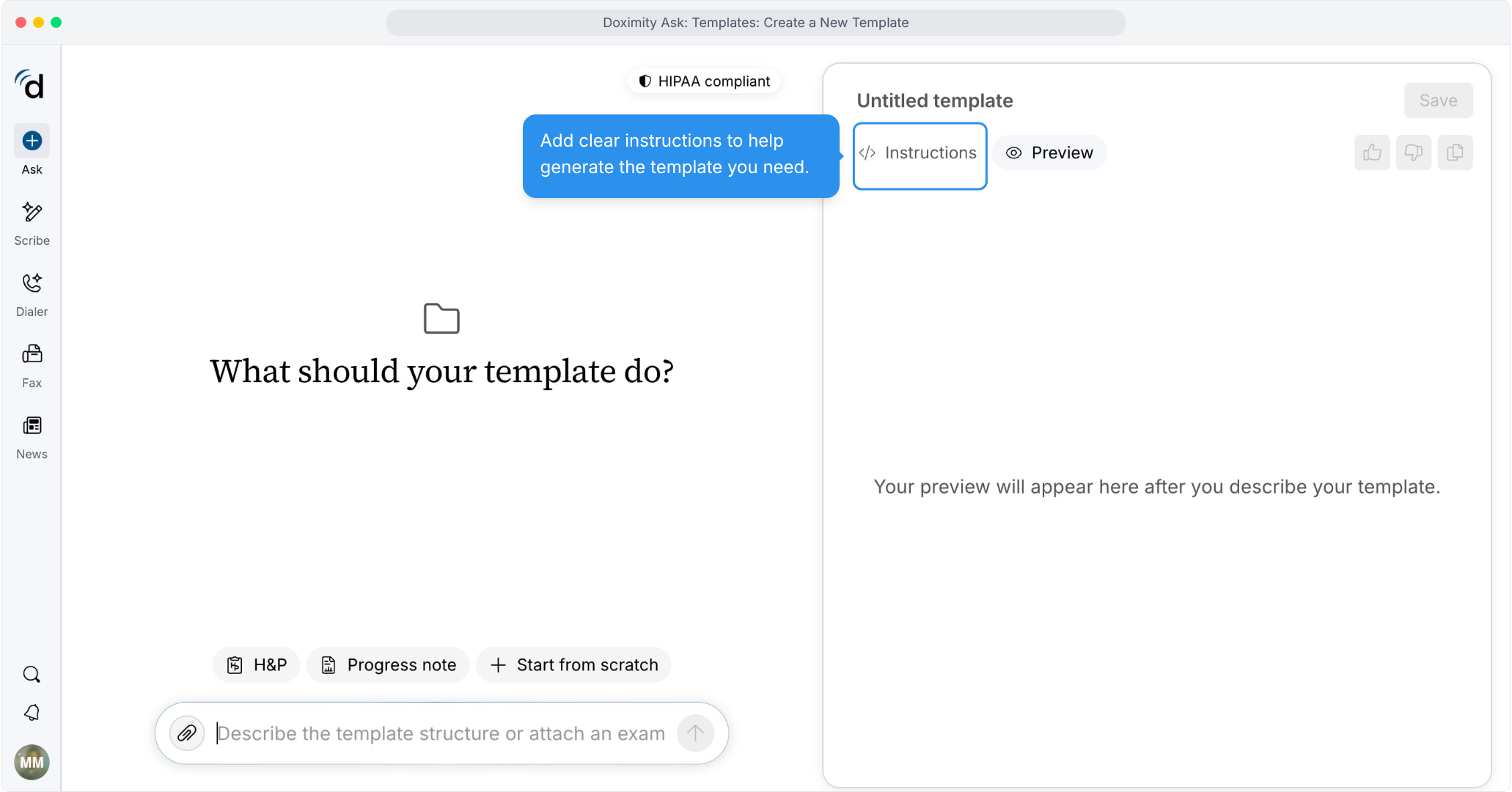
- Review the generated instructions
The Instructions tab shows how Ask will analyze your information and format the output.
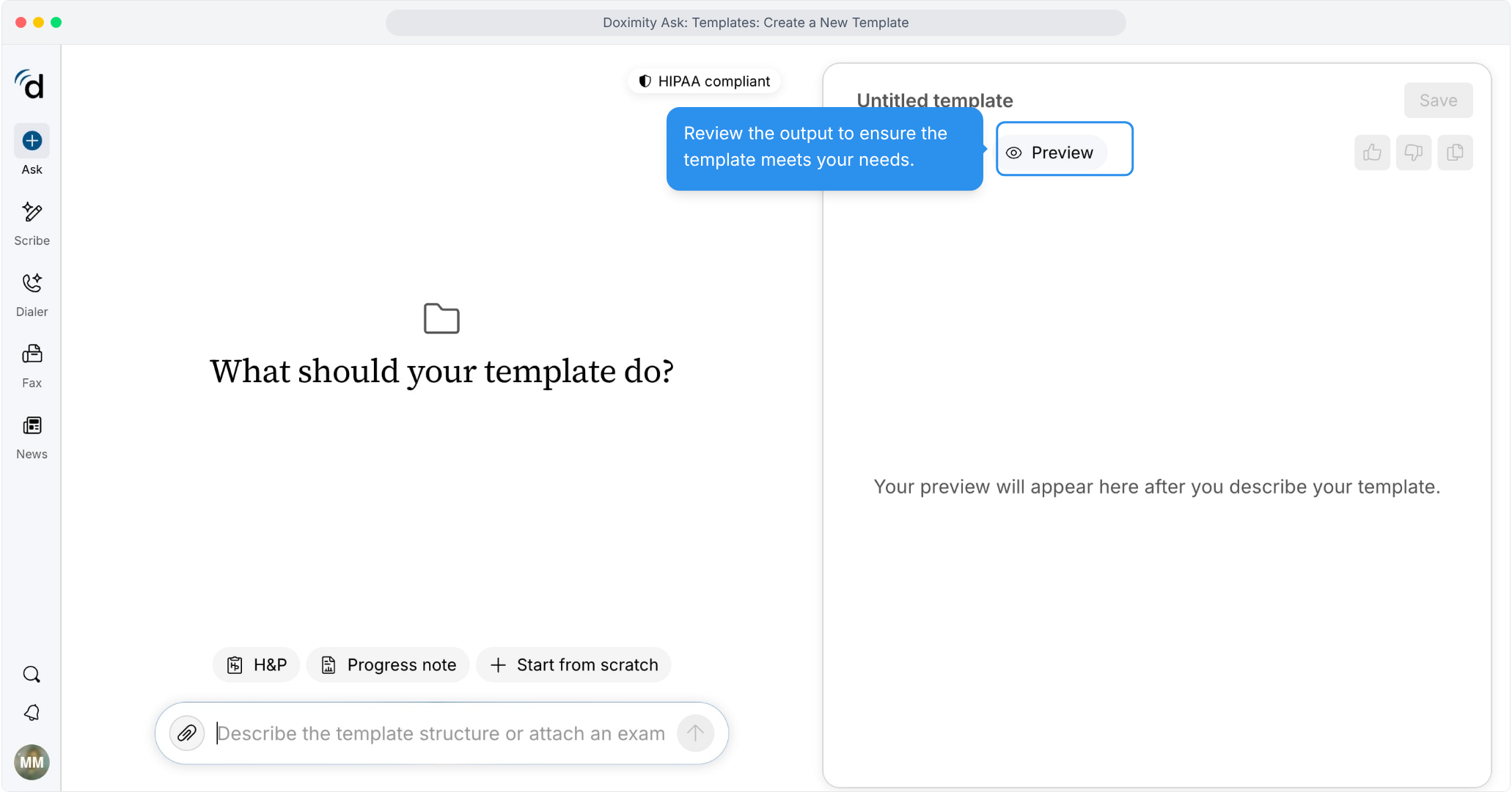
- Check the preview
The Preview tab shows sample output based on your description.
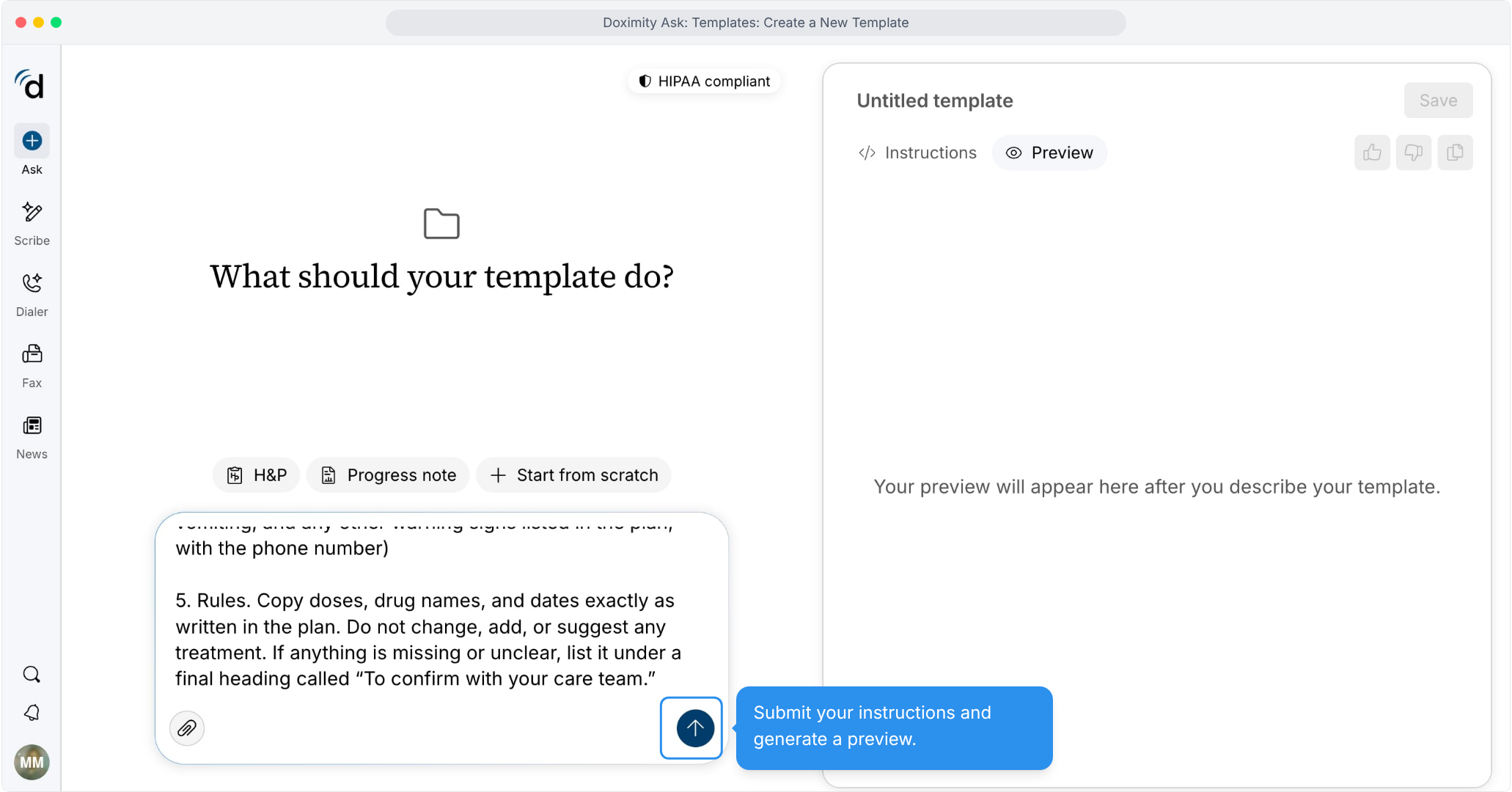
- Add details and rules
Describe each step and the format you’d like the information presented in.
- Review the instructions
Click Instructions to see the guidance behind your template.
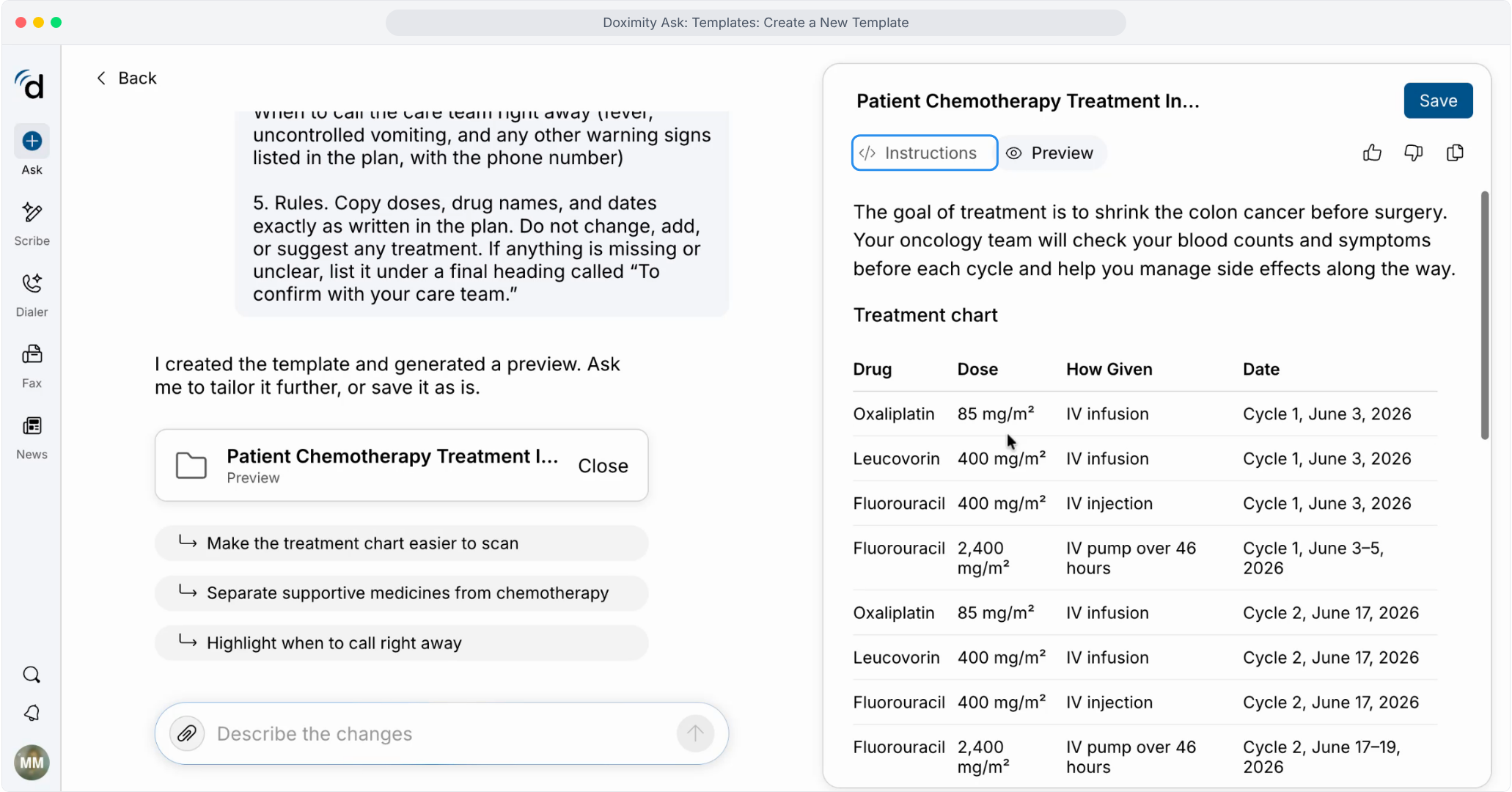
- Preview the output
See how a finished document will look with this template.
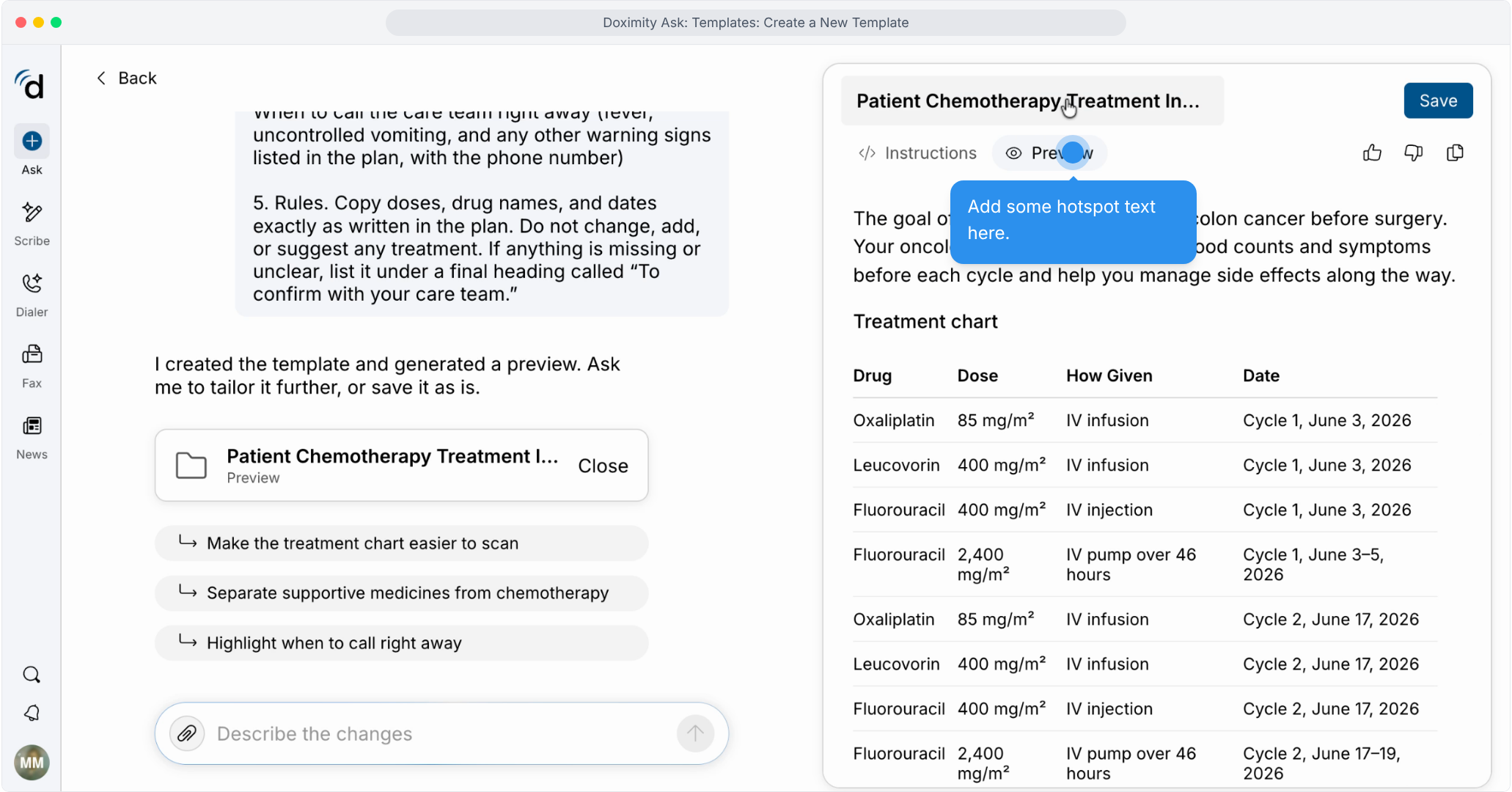
- Name and save your template
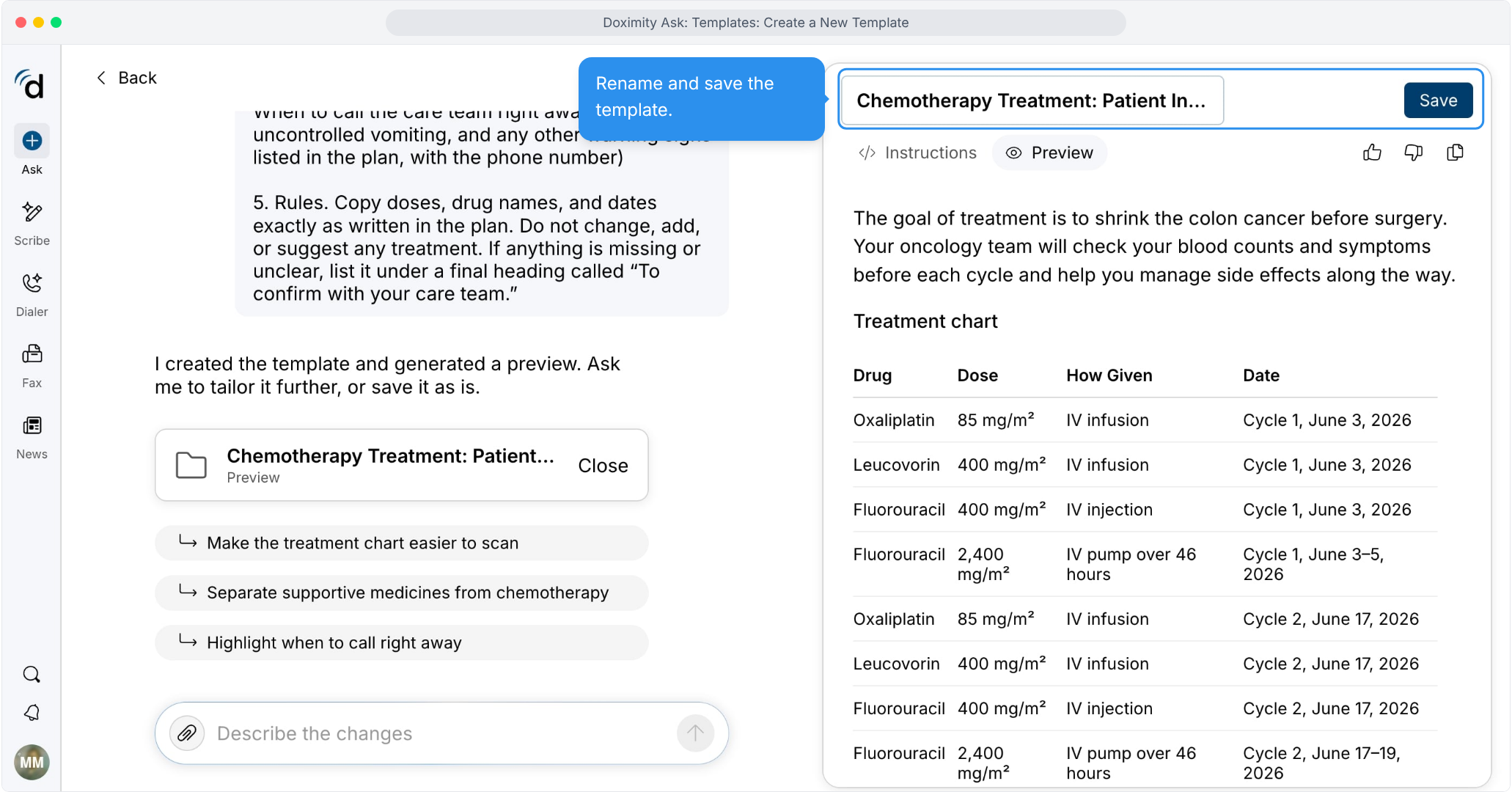
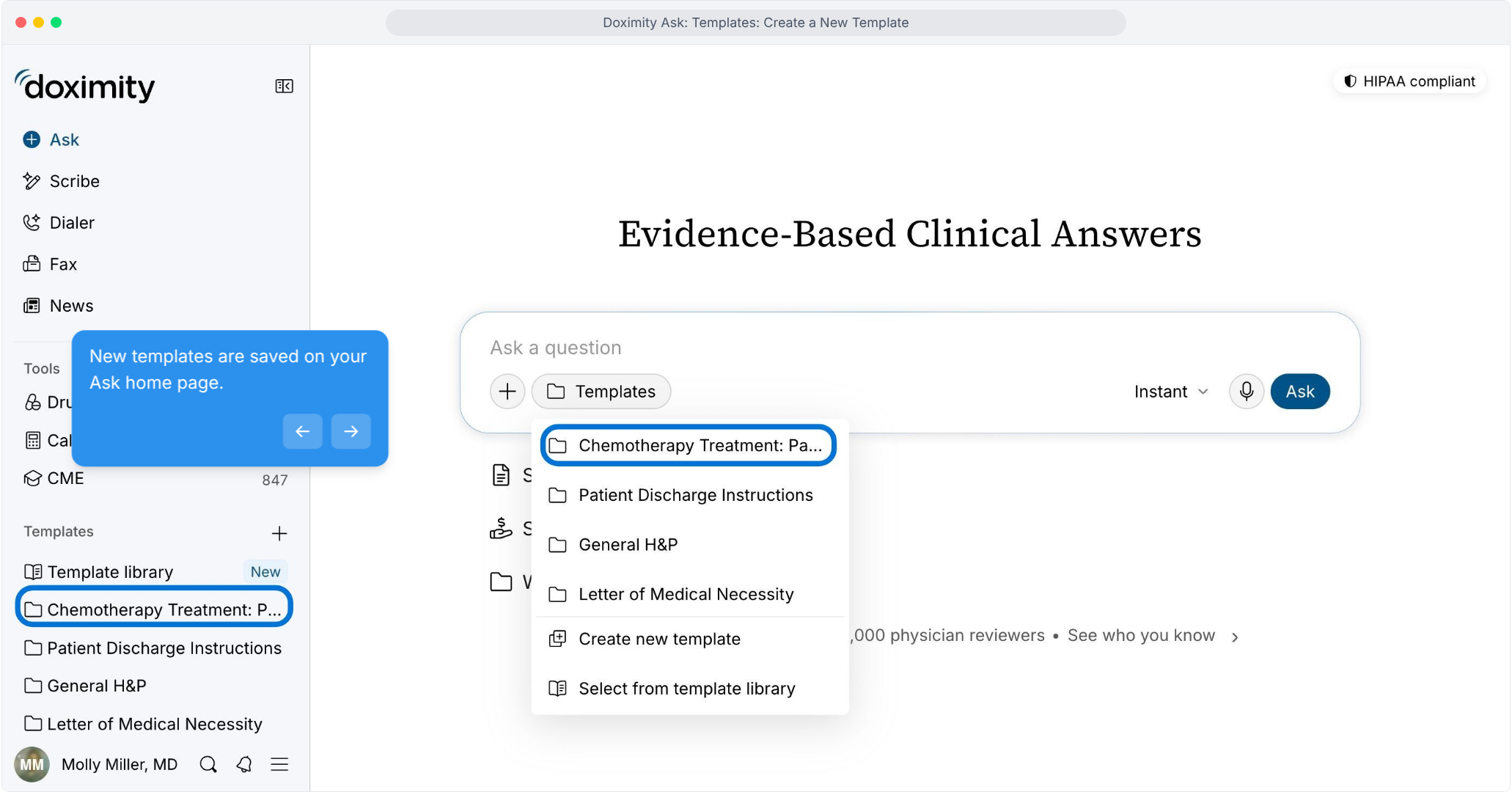
- Find your saved template
Saved templates appear in the sidebar and in the Templates menu.
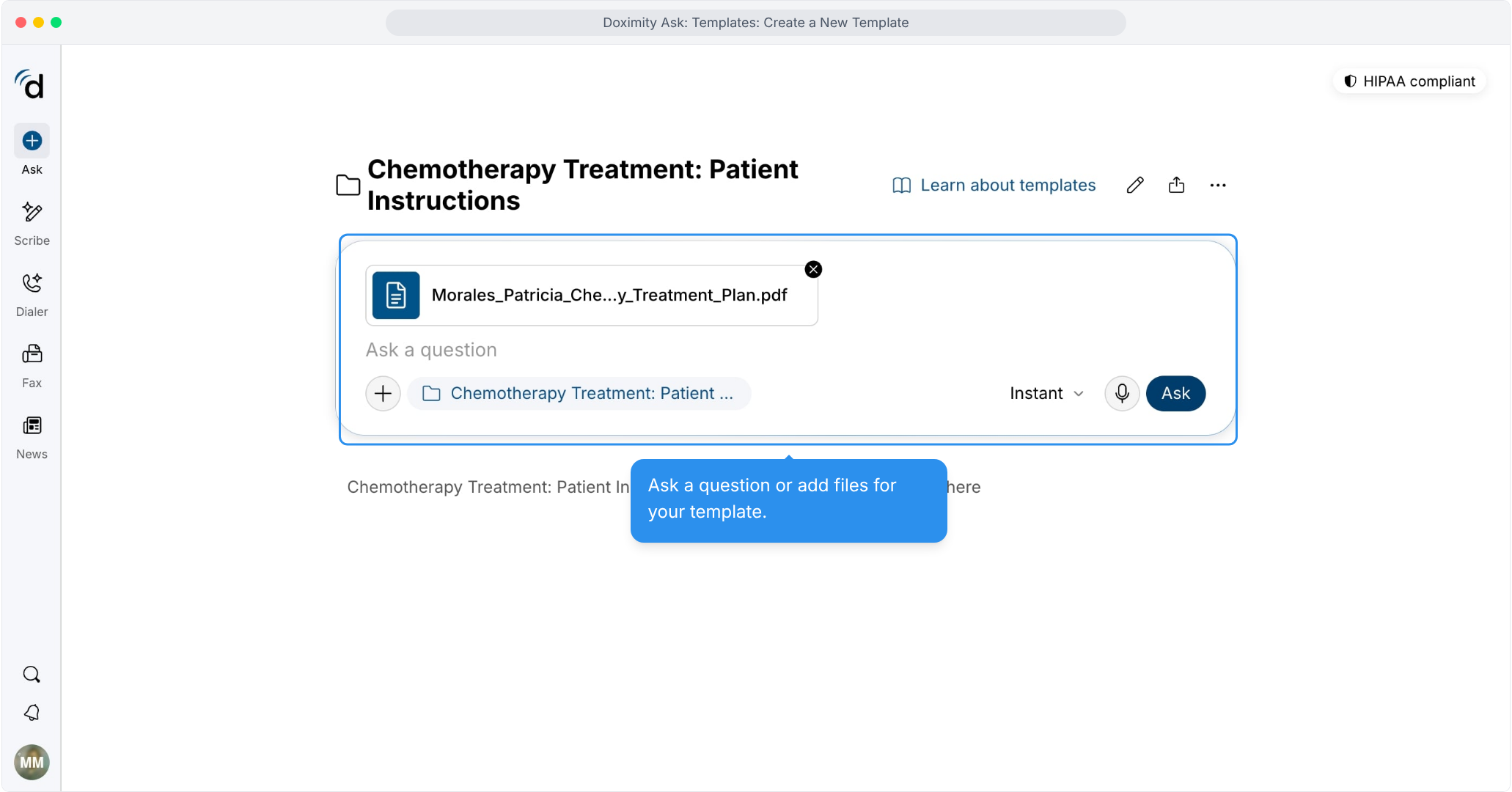
- Add patient information
Attach a file, such as a treatment plan, to the template.
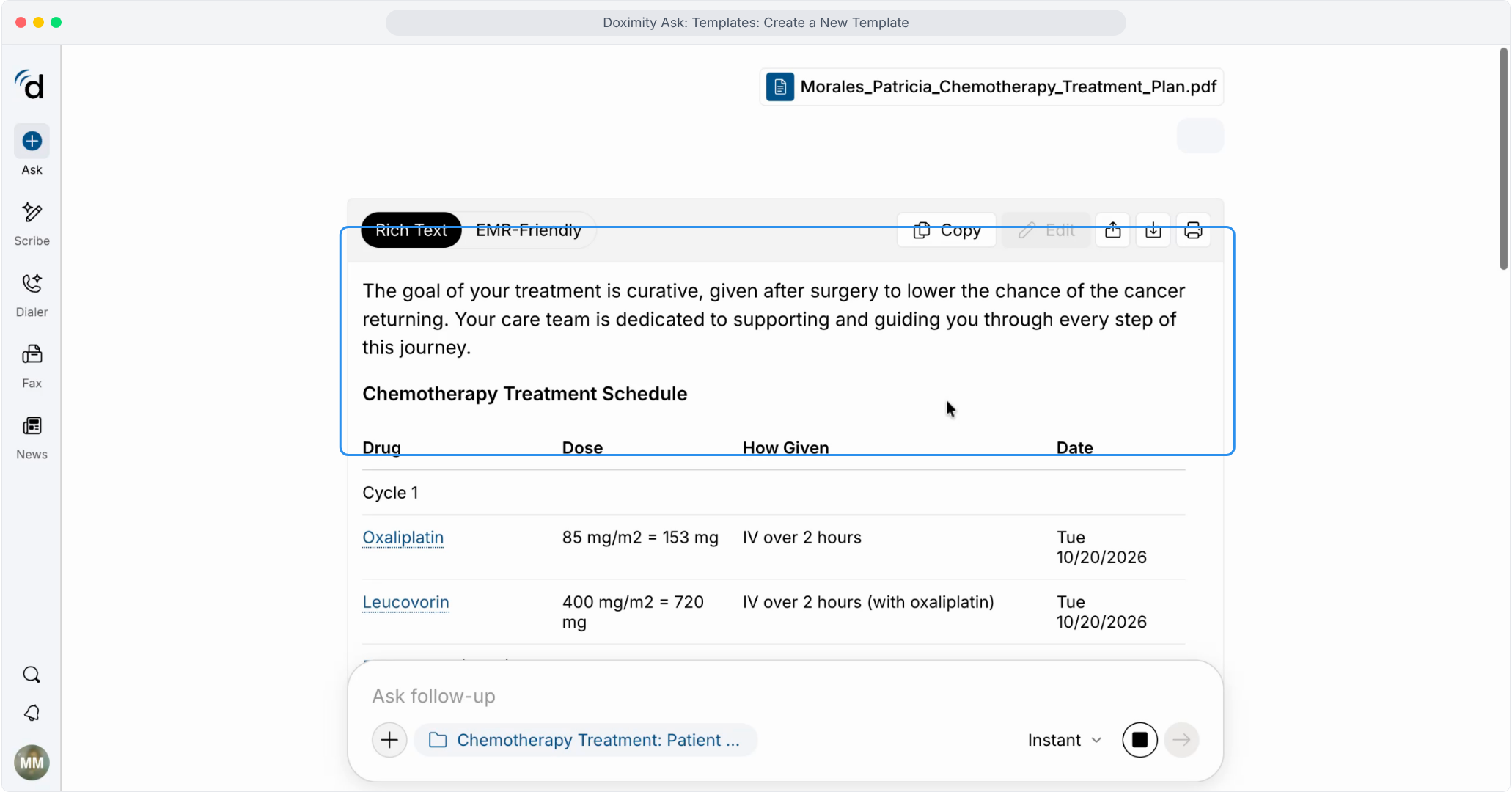
- Review the treatment schedule
Check drugs, doses, routes of administration, and dates for each cycle.
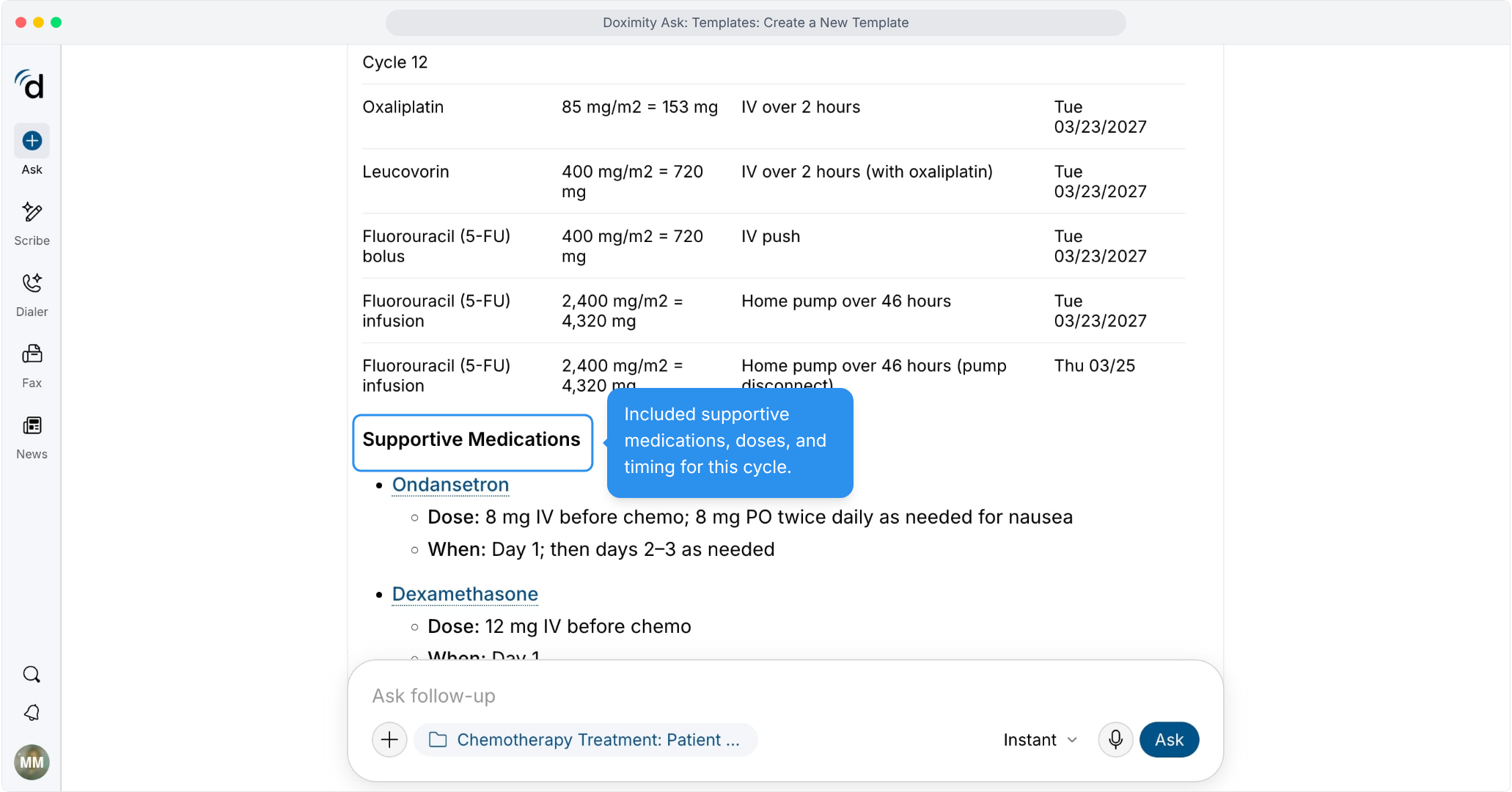
- Review supportive medications
Confirm anti-nausea and premedication doses and timing.
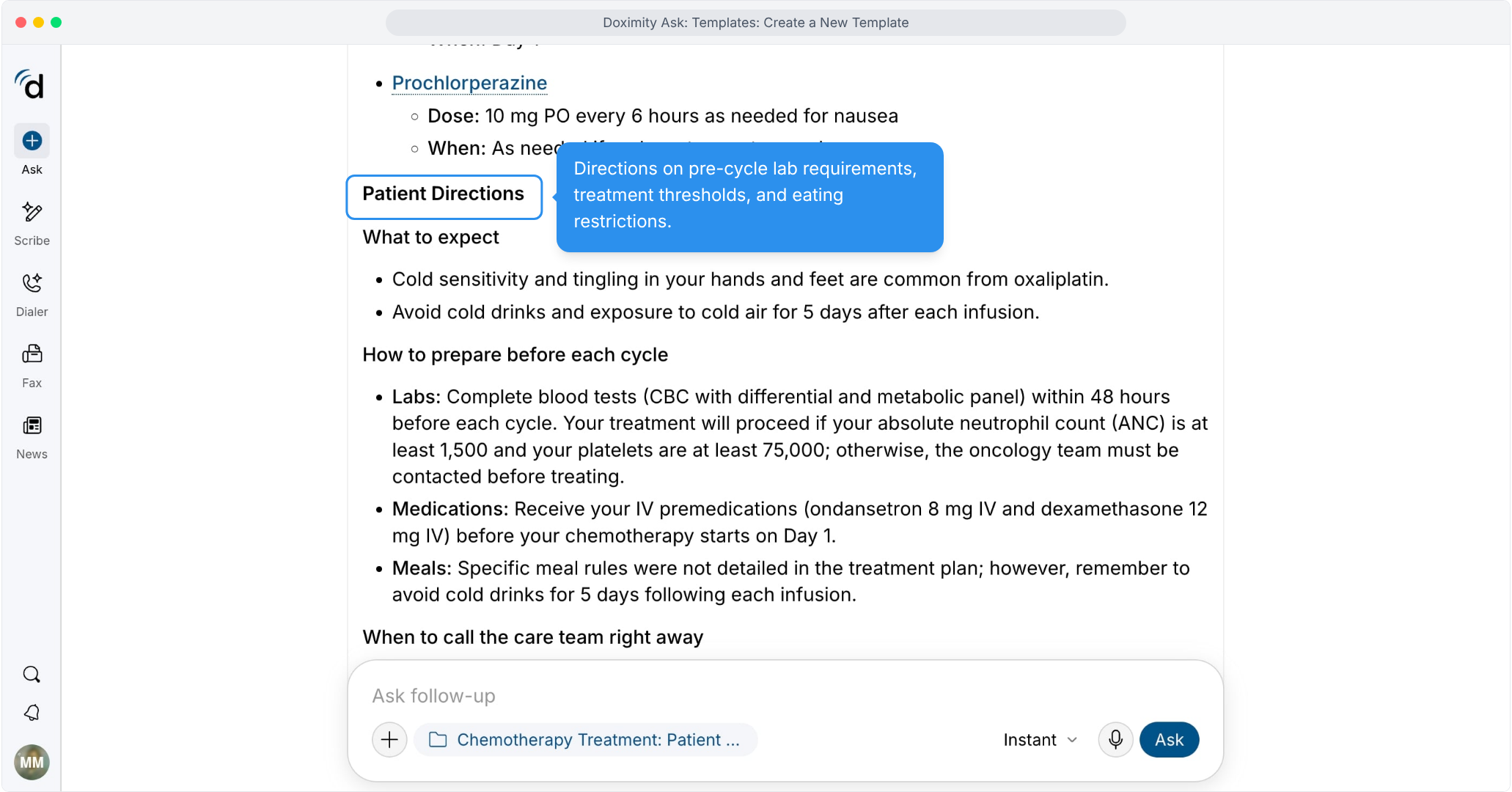
- Review patient directions
Pre-cycle labs, treatment thresholds and what to expect.
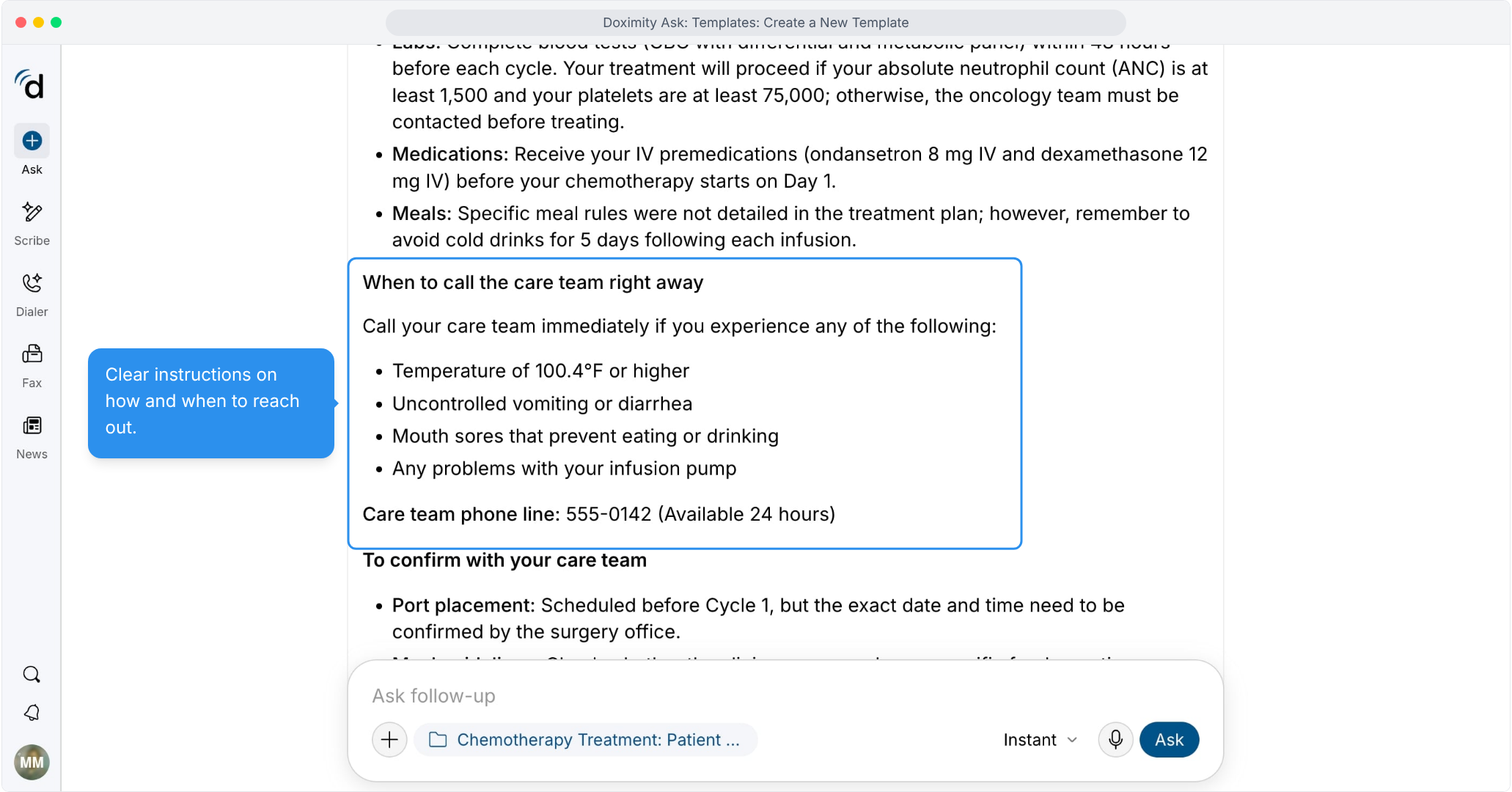
- Review when to call
Warning signs and the care team’s phone line.
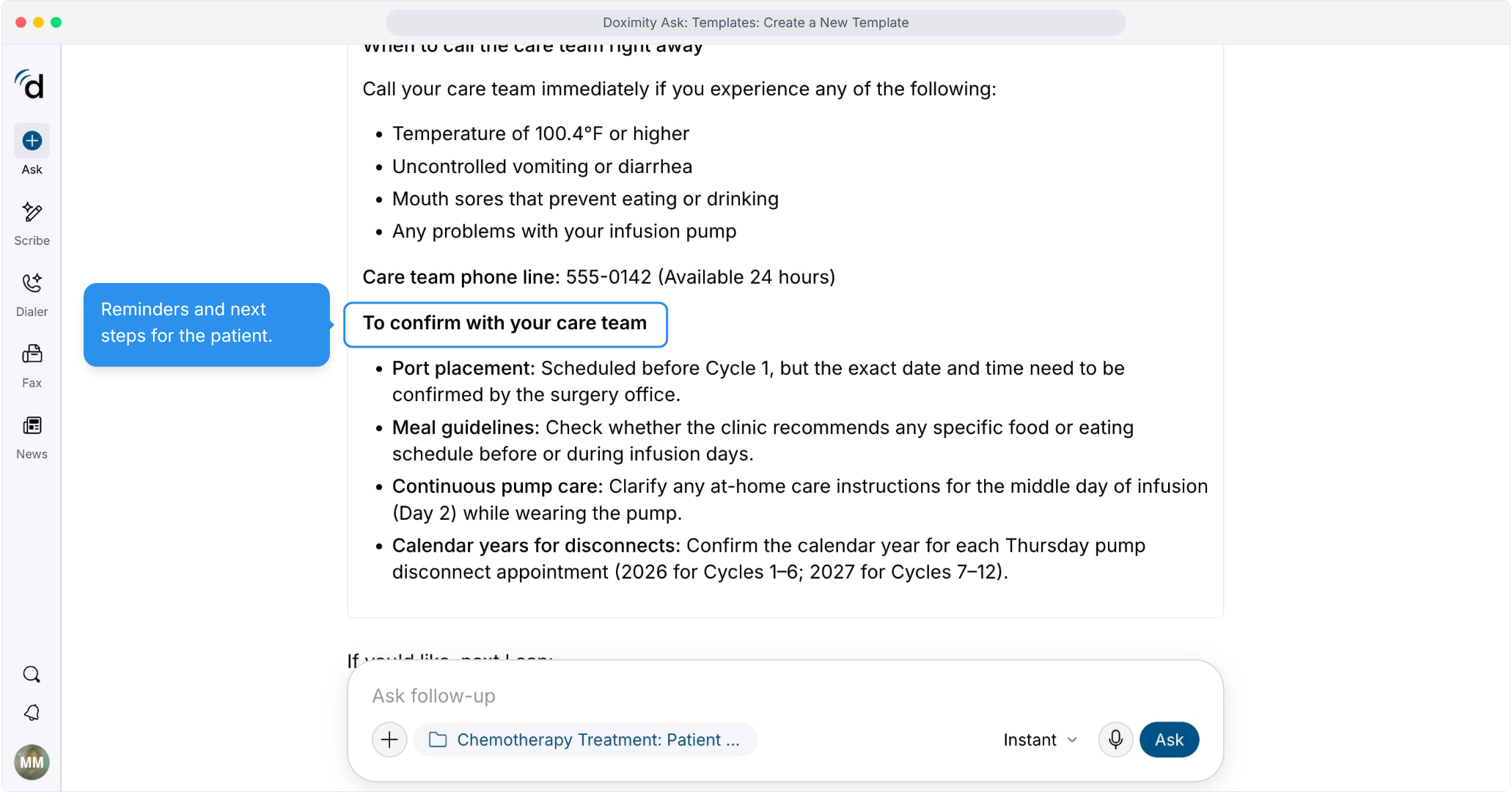
- Review items to confirm
Anything missing or unclear is flagged for follow-up with the care team.
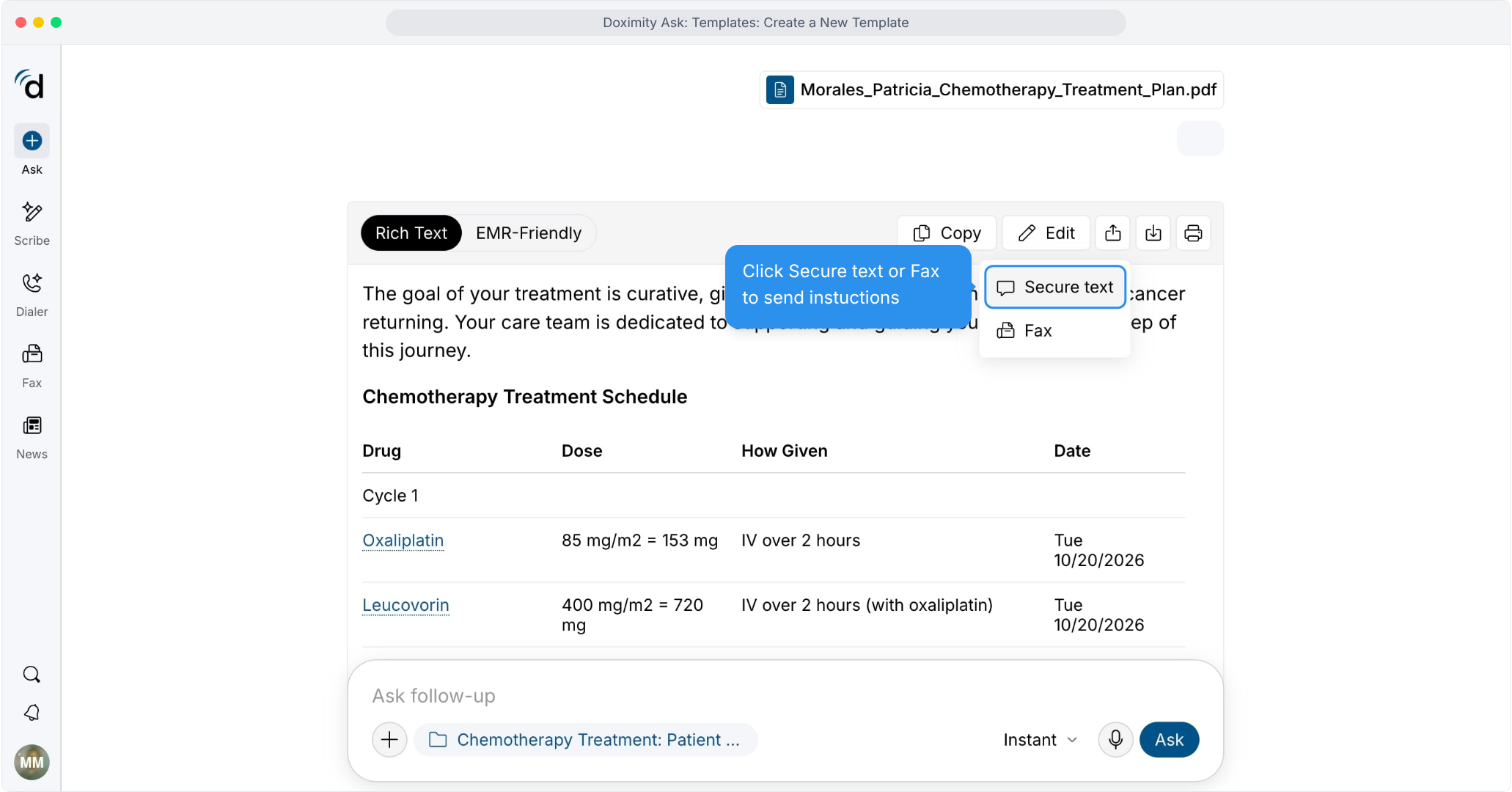
- Share with your patient
Send the document by secure text or fax.
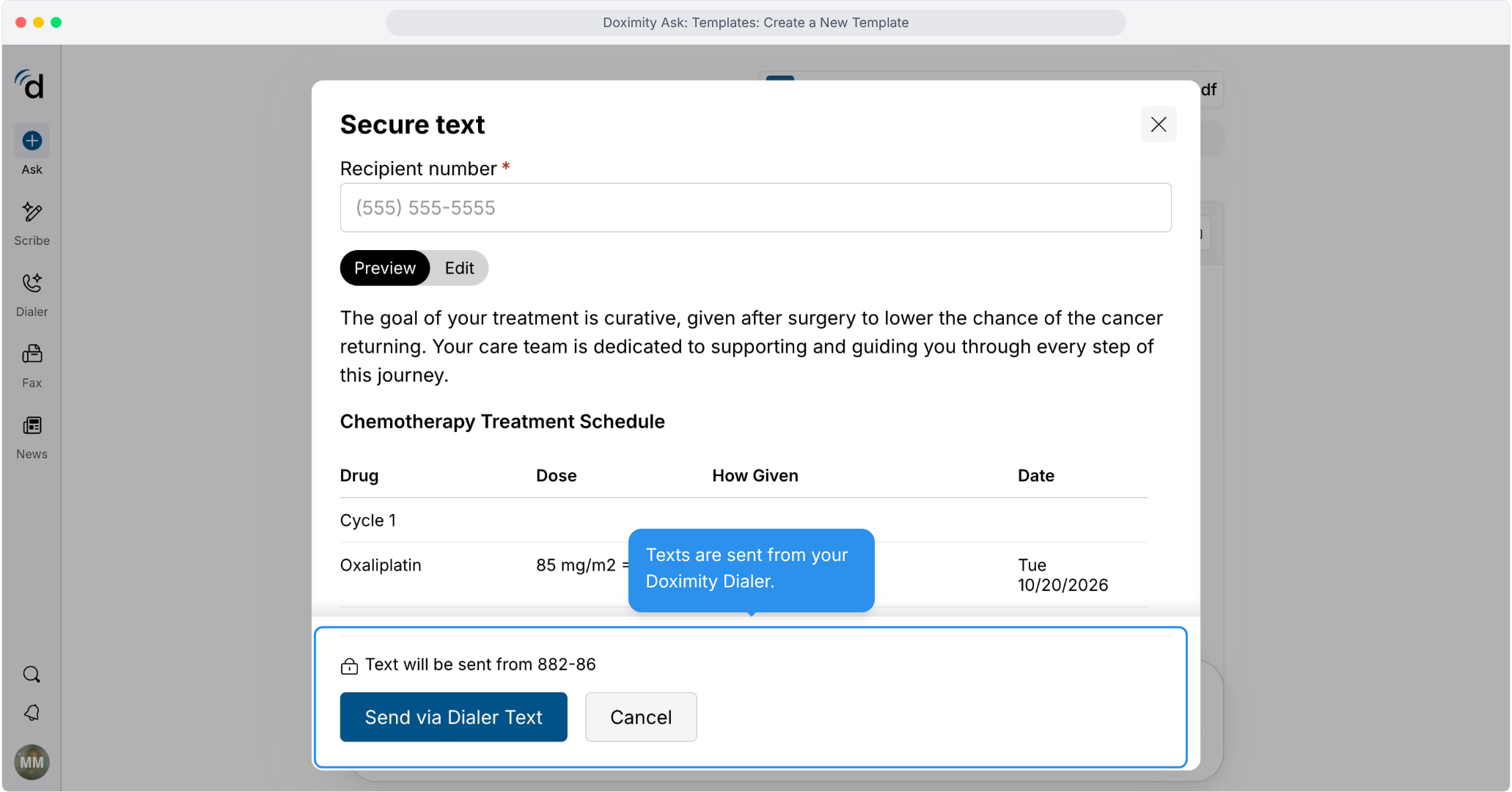
- Send by secure text
Enter the recipient’s number, preview the message, and send through Doximity Dialer.
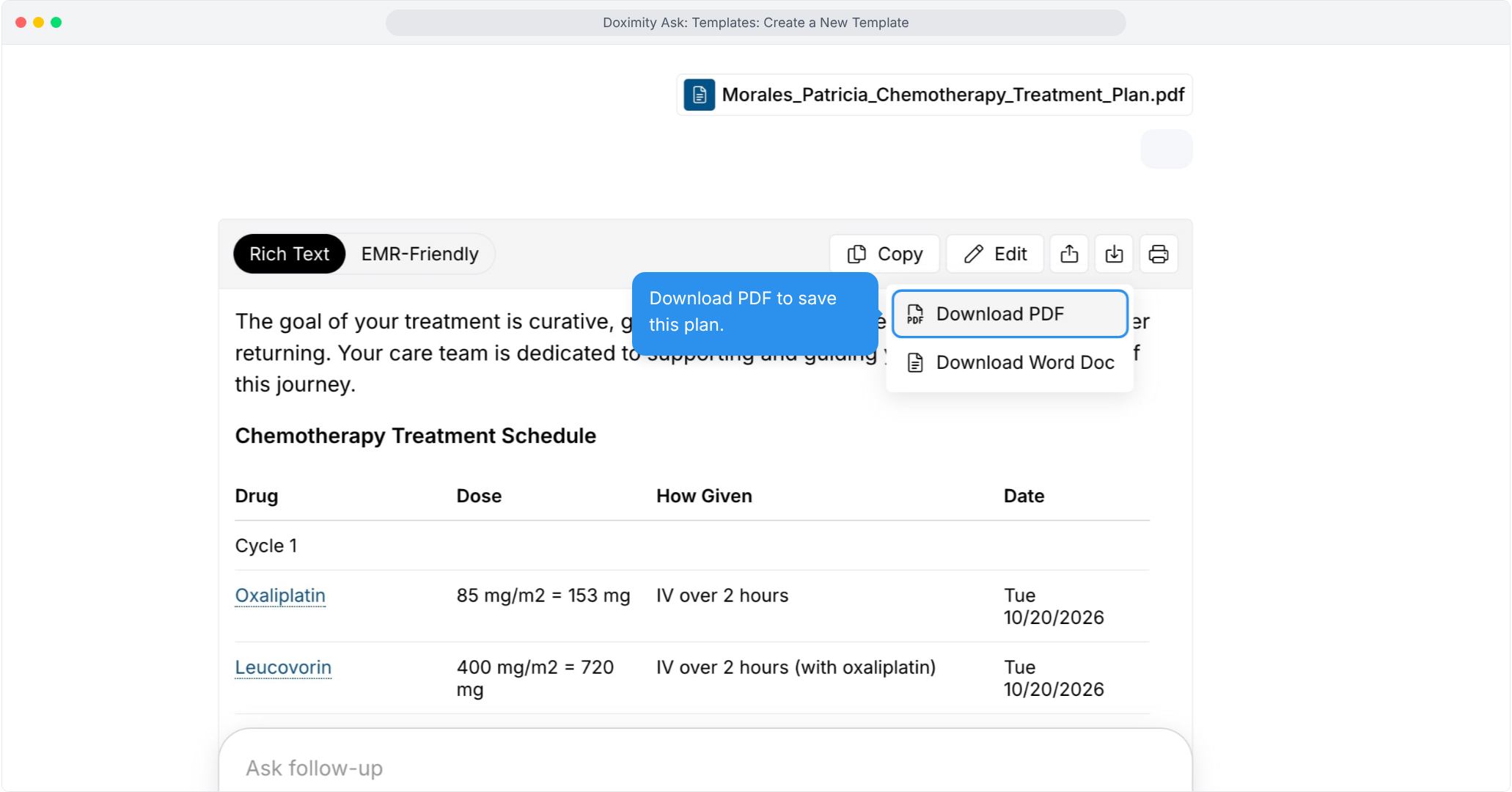
- Download a copy
Save it as a PDF or Word document.
Features
Templates: Create New Templates
Create customizable templates for your daily workflow—reducing repetitive work and freeing up more time for patient care.